Zume/FTT - Public Heatmaps WP Registry grade A-. Low-severity findings · 1 findingWP RegistryLow-severity findings · 1 findingOpen the reportA-
Install
Upload it under Plugins → Add New Plugin → Upload Plugin, then activate.
Install straight from GitHub with WP-CLI:
wp plugin install https://github.com/zumeproject/ftt-public-heatmap/releases/download/0.3/zume-public-heatmaps.zipZúme - Public Heatmap
Add public & private saturation heat maps for Activity, Practitioners, Trainings, and new Churches, as well as add a reporting portal to every contact so that they can self report on status and church planting progress.
Purpose
Expand Disciple Tools' ability to communicate progress and collect progress from key contacts.
Usage
Will Do
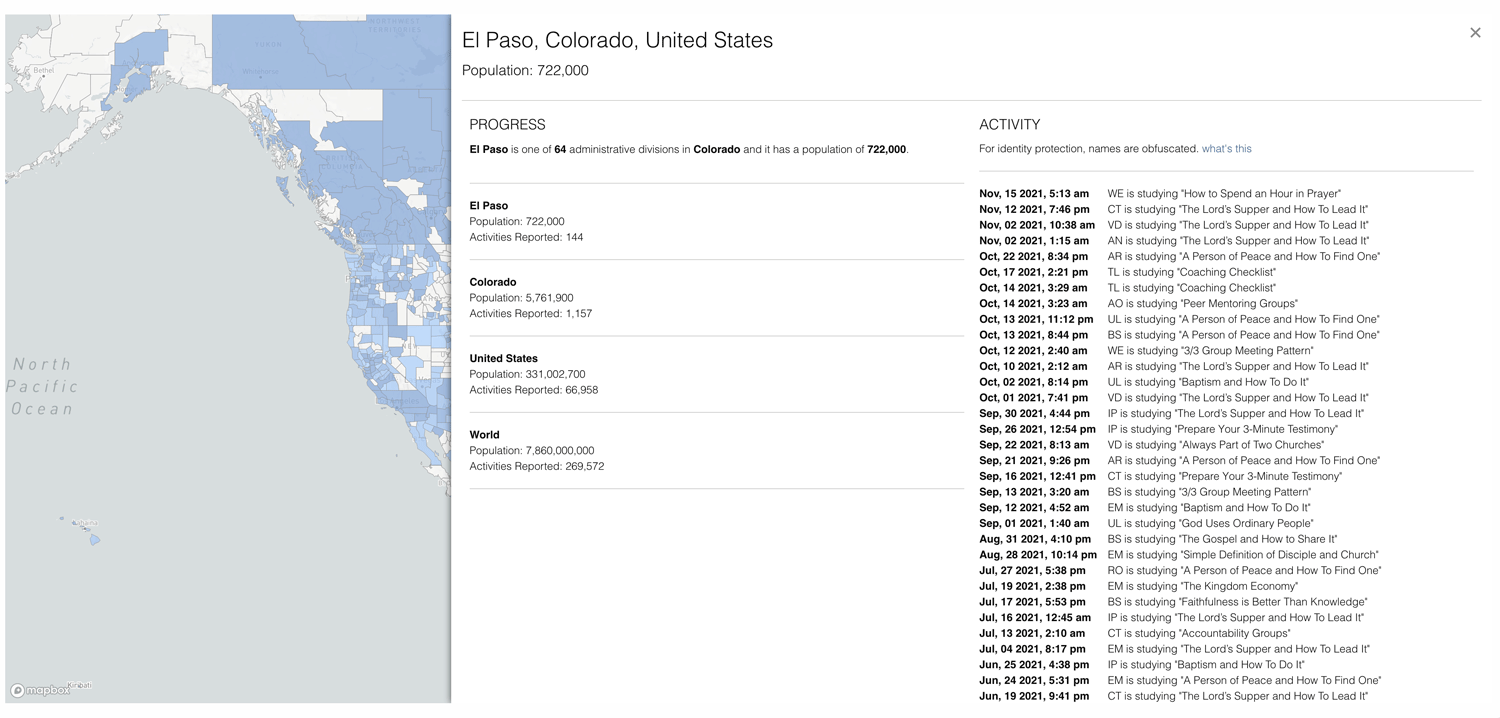
- The measurement for the saturation statistics is 1 practitioner and 2 churches for every 5,000 in the US and 50k for the world.
- Adds magic links for public map display
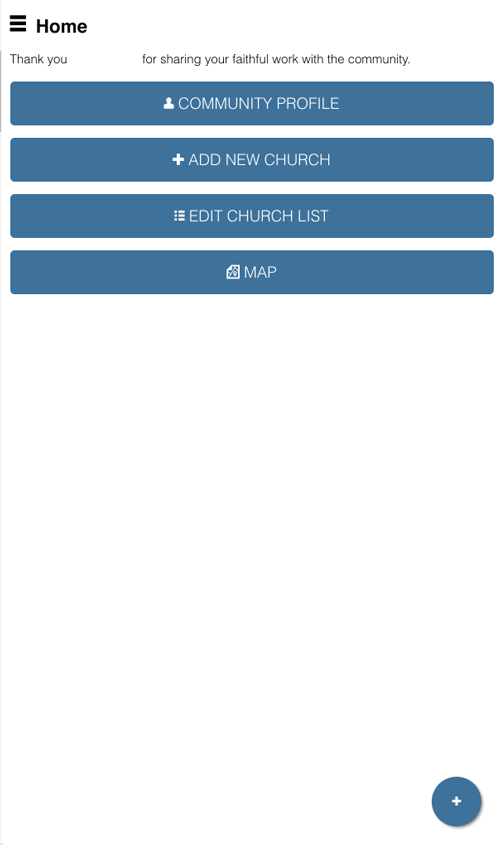
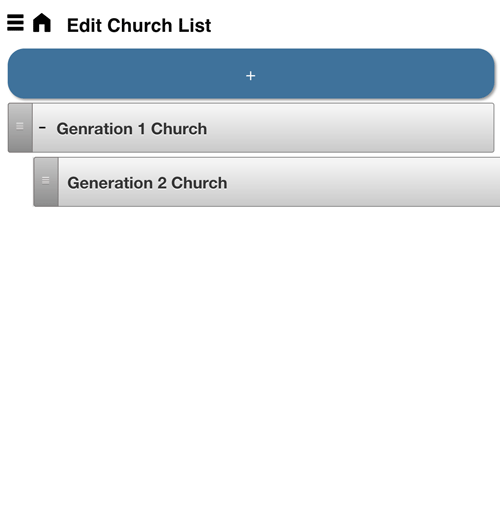
- Adds a reporting portal that allows a contact to edit the contact's personal details and report churches generationally.
Requirements
- Disciple.Tools Theme installed on a Wordpress Server
Installing
- Install as a standard Disciple.Tools/Wordpress plugin in the system Admin/Plugins area.
- Requires the user role of Administrator.
Contribution
Contributions welcome. You can report issues and bugs in the Issues section of the repo. You can present ideas in the Discussions section of the repo. And code contributions are welcome using the Pull Request system for git. For a more details on contribution see the contribution guidelines.
Screenshots
Saturation Map Screen
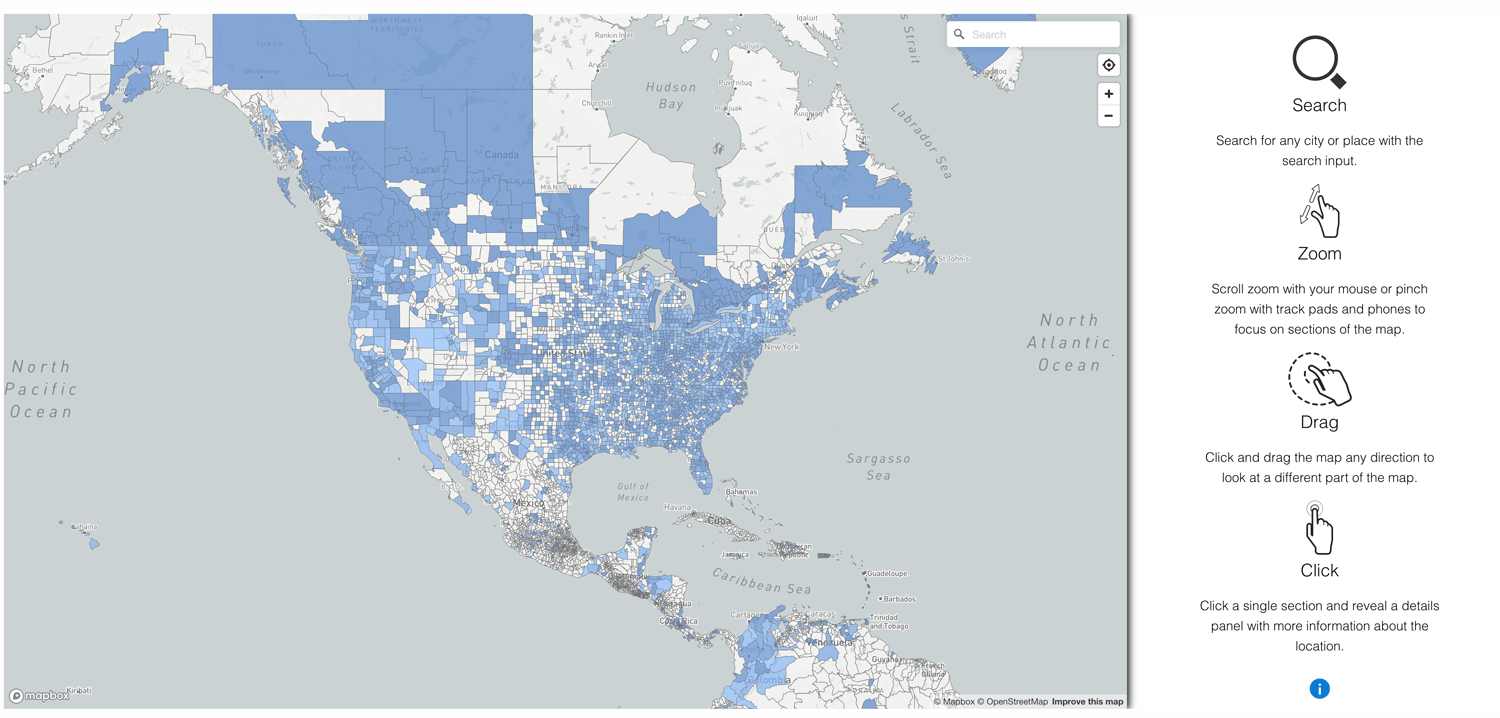 Saturation Map - Saturation Measurement Panel
 Report Home (mobile first, magic link)
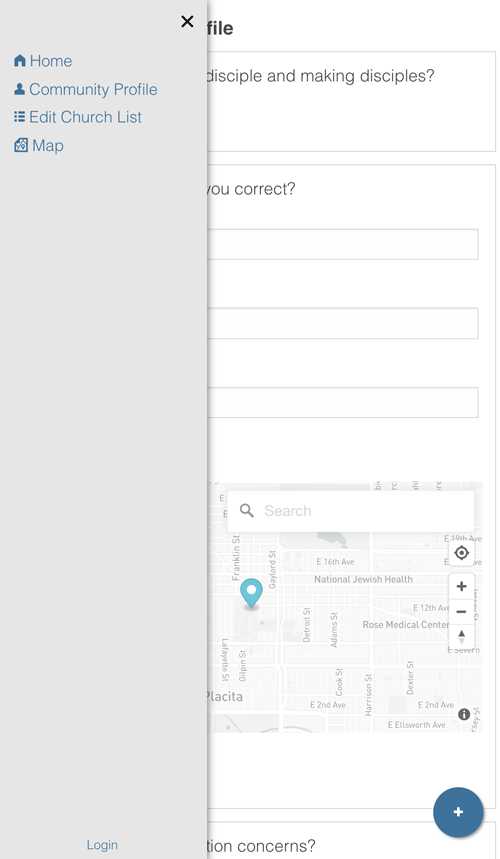
 Report Menu (mobile first, magic link)
 Report New Church Editor
Releases
3 releases. Each count is every asset in that release; expand a row for the breakdown.
Active-site estimate ≈10 comes from the median of recent superseded releases. Method.