Quickbooks Online Connect UI
Provides UI for connecting to Quickbooks Online over OAuth.
Install
This is the repository archive. It installs, but the folder name will carry the branch suffix and updates will not flow.
Install straight from GitHub with WP-CLI:
wp plugin install https://github.com/zao-web/quickbooks-online-connect-ui/archive/refs/heads/master.zipOn Packagist as zao-web/qbo-connect-ui:
composer require zao-web/qbo-connect-uiDescription
Provides UI for connecting to Quickbooks Online over OAuth. This plugin is a UI wrapper for Quickbooks Online Connect (which is a WordPress wrapper for the QuickBooks API PHP SDK).
Once the connection is initated, you can use the underlying connect library. View this plugin's example file or the connect library's example file.
Installation
Manual Installation
- Upload the entire
/quickbooks-online-connect-uidirectory or clone this repository to the/wp-content/plugins/directory. - Run
composer installinside the/wp-content/plugins/quickbooks-online-connect-uidirectory. - Activate Quickbooks Online Connect UI through the 'Plugins' menu in WordPress.
- Update the connection settings.
Screenshots
-
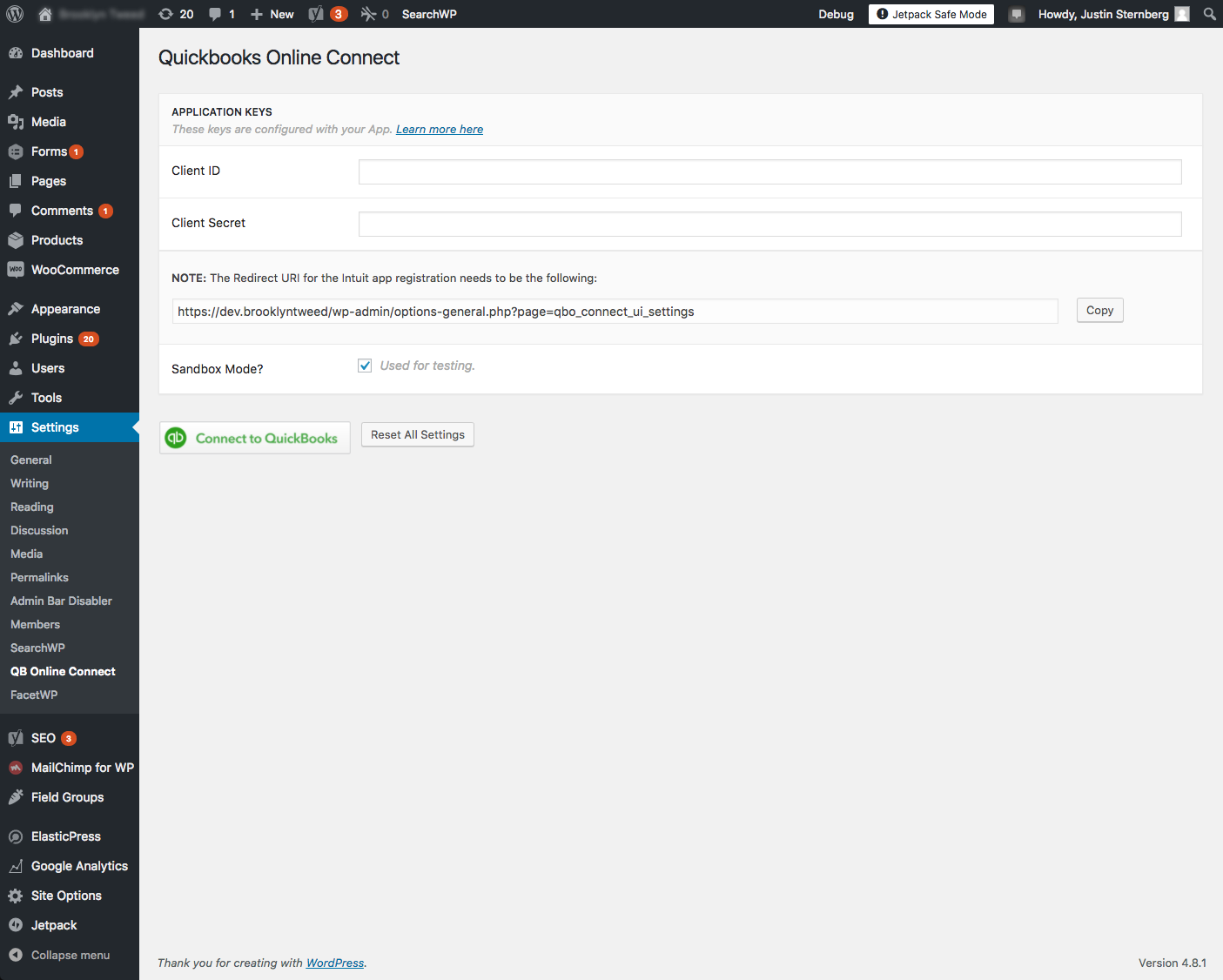
Settings Page - Waiting for Client ID/Secret for connection
-
After settings are saved, OAuth authorization begins with the QuickBooks server.

-
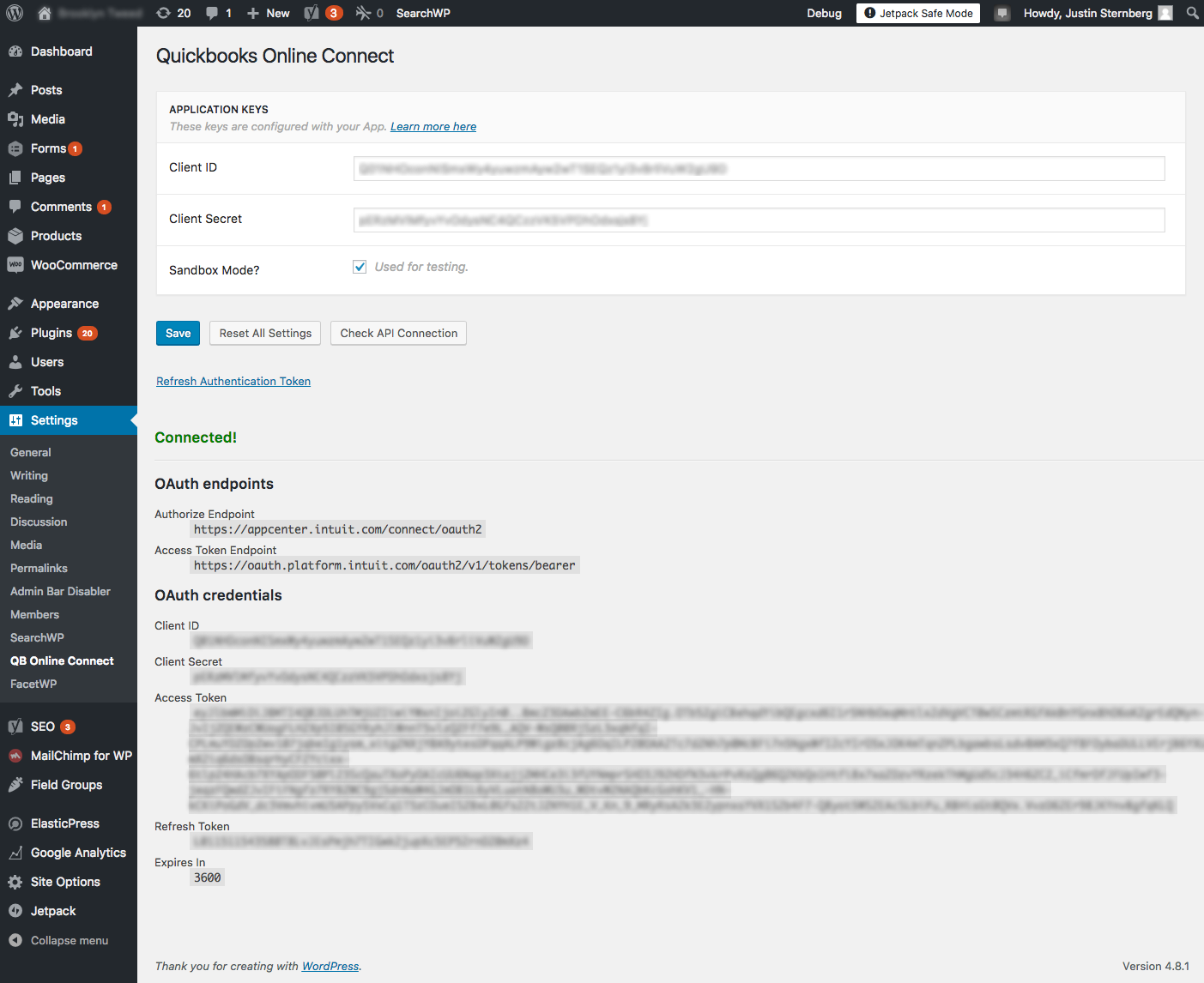
Settings page after successful authentication
-
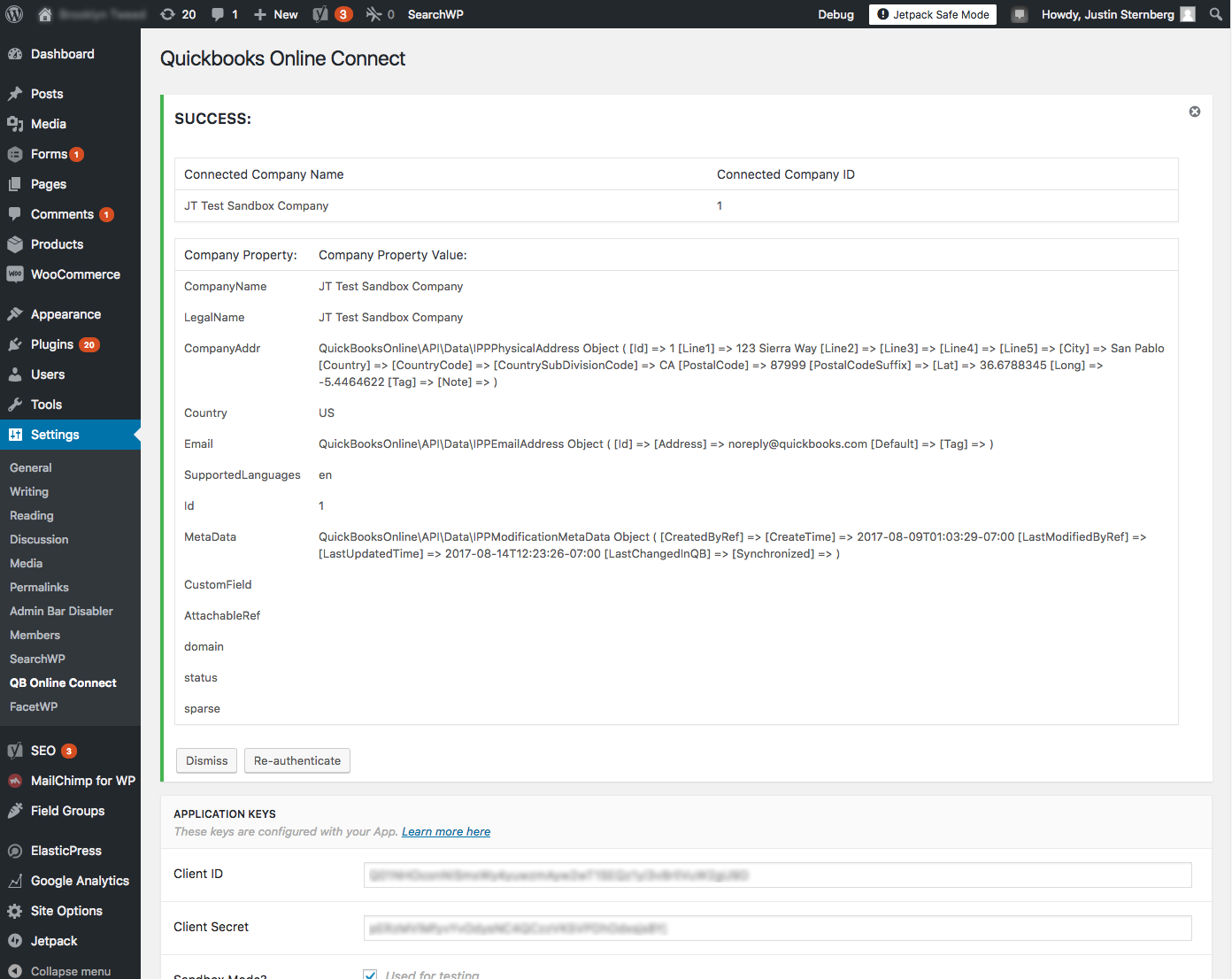
Clicking "Check API Connection" fetches your QuickBooks company information to demonstrate a successful connection