WP Ingresso
WP Ingresso is a custom WordPress plugin designed to integrate with the Ingresso.com API
Install
No release zip yet. The repository archive installs, but the folder name will carry the branch suffix and updates will not flow:
wp plugin install https://github.com/yeremi/wp-ingresso/archive/refs/heads/main.zip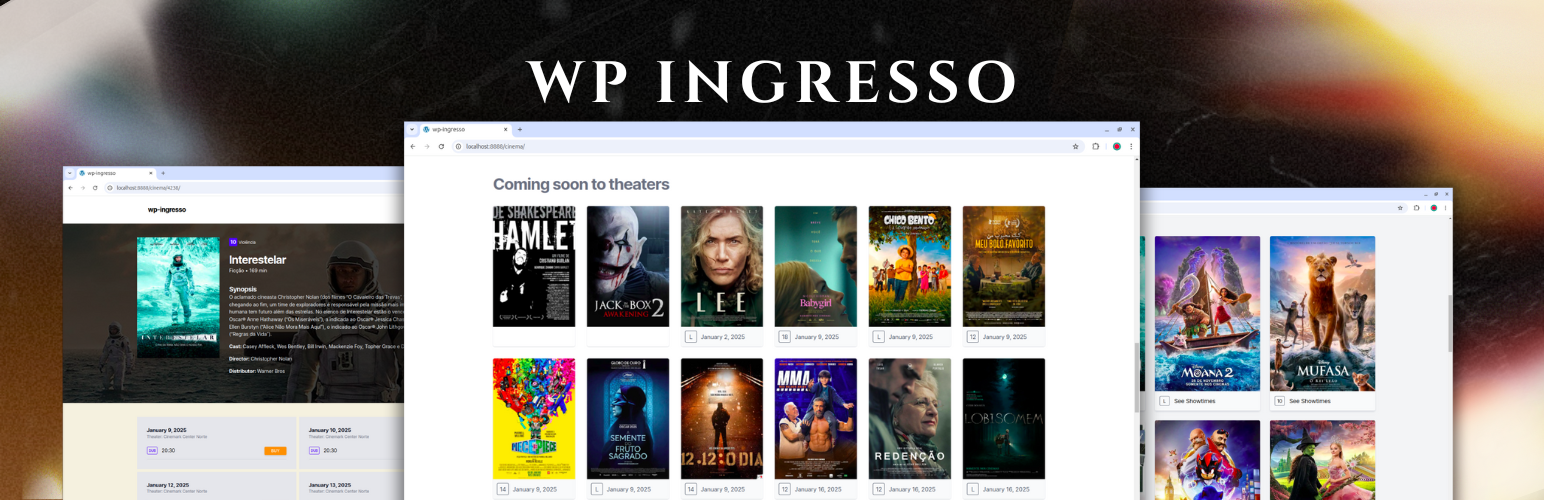
WP Ingresso
WP Ingresso is a custom WordPress plugin designed to integrate with the Ingresso API, fetching movie data and dynamically displaying it on your WordPress site.
Installation
The plugin uses the Ingresso API to fetch movie information:
Install via WordPress Dashboard
- Download the plugin
.zipfile from the plugin repository. - Navigate to
Plugins > Add New > Upload Plugin. - Click
Choose File, select the.zipfile, and clickInstall Now. - After installation, click
Activateto enable the plugin. - Go to
Settings -> Ingressoand fill the fields accordingly.
Install via Composer
If you use Composer for managing dependencies:
composer require wpackagist-plugin/wp-ingressoAfter that, make sure to activate the plugin from your WordPress dashboard.
Requirements
- WordPress Version: ^6.5.2.
- PHP Version: 8.1 or higher.
FAQ
-
How do I customize the frontend output? Copy the files, example
template/template-ingresso-event.phpand paste it into your theme likemy-custom-theme/wp-ingresso/template-ingresso-evento.phpfolder, then you can customize the HTML as needed. -
Can I use this plugin on multisite installations?
Yes, this plugin is compatible with WordPress multisite. -
Does it support caching?
No, caching is not built-in. We suggest to address this topic with your hosting provider. -
Can I extend the plugin for more external APIs?
No, the plugin works only with Ingresso.com API client.
License
This plugin is licensed under the GPL 2.0 or later.