Install
Upload it under Plugins → Add New Plugin → Upload Plugin, then activate.
Install straight from GitHub with WP-CLI:
wp plugin install https://github.com/wppompey/uploads-bar-chart/releases/download/v0.0.0/uploads-bar-chart.v0.0.0.zipNo built-in updater. New versions won't appear under Dashboard → Updates. Install new releases yourself, or let Git Updater track the repository.
- Contributors: AndrewLeonard, bobbingwide
- Tags: uploads, bar, chart
- Requires at least: 5.5.1
- Tested up to: 5.5.1
- Stable tag: 0.0.0
- Requires PHP: 7.2.0
- License: GPL-2.0-or-later
- License URI: https://www.gnu.org/licenses/gpl-2.0.html
Displays disk usage for wp-content uploads folders
Description
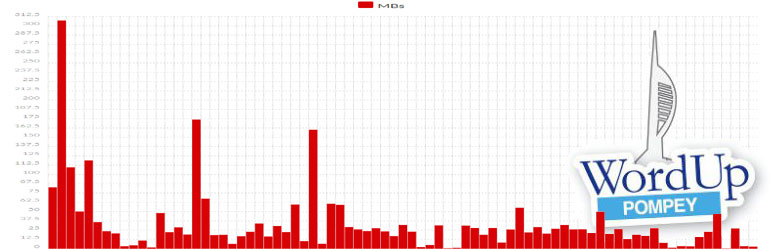
The Uploads bar chart plugin displays a bar chart of the disk usage of files in your WordPress Uploads folder. It's implemented as a shortcode called [upload_stats]
Installation
- Upload the plugin files to the
/wp-content/plugins/uploads-bar-chartdirectory, or install the plugin through the WordPress plugins screen directly. - Activate the plugin through the 'Plugins' screen in WordPress
- Use the shortcode in a private post.
OR ( not yet available as the plugin is not in the Block Directory )
With WordPress 5.5 or Gutenberg 9.0.0 or higher, and the authority to install plugins:
- In the block editor, open the block inserter.
- Search for the block by typing 'toolicons'.
- Click on the 'Add block' button for the SB Toolicons block.
- The SB Toolicons block plugin will be installed and activated.
- And the block will be inserted into your content.
Screenshots
Upgrade Notice
0.0.0
First version as a plugin.
Changelog
0.0.0
- Added: Added plugin to deliver [upload_stats] shortcode.
- Tested: With WordPress 5.5.1
- Tested: With PHP 7.3 and PHP 7.4
Releases
1 release. Each count is every asset in that release; expand a row for the breakdown.
Tag
Published
Assets
Downloads