Install
This is the repository archive. It installs, but the folder name will carry the branch suffix and updates will not flow.
Install straight from GitHub with WP-CLI:
wp plugin install https://github.com/wppack-io/disable-comments-plugin/archive/refs/heads/1.x.zipOn Packagist as wppack/disable-comments-plugin:
composer require wppack/disable-comments-pluginNo built-in updater. New versions won't appear under Dashboard → Updates. Install new releases yourself, or let Git Updater track the repository.
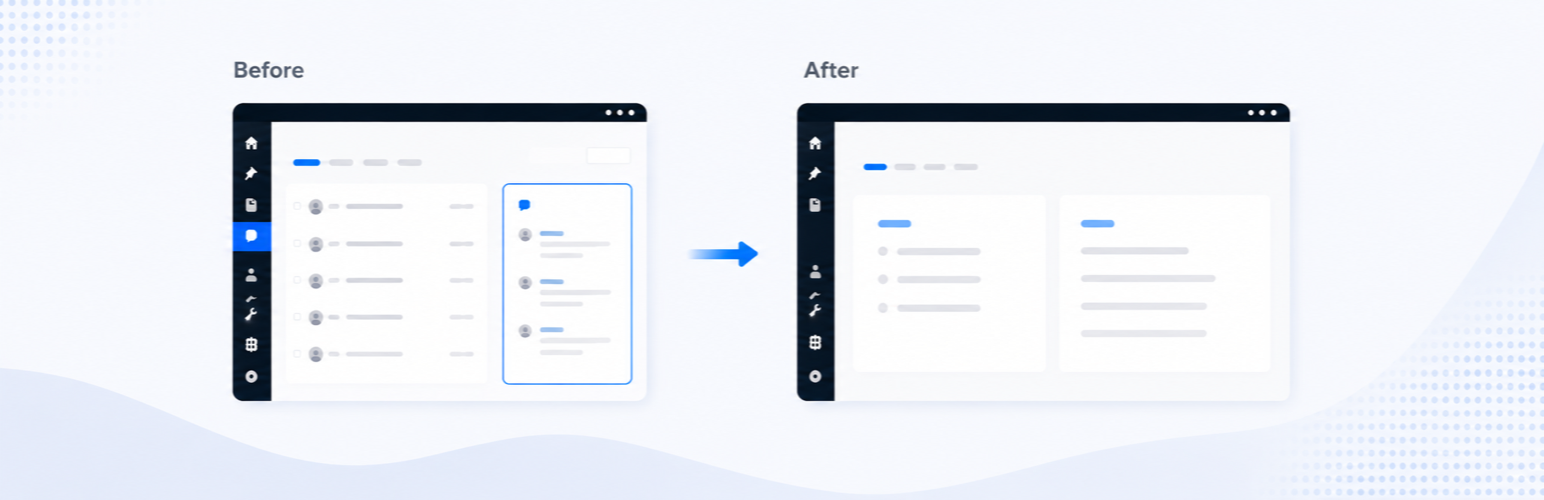
Completely disable comments in WordPress. Activate it and the comment system is gone; deactivate it and everything comes back. No settings screen, no options in the database.
What it does
Discussion
- Closes comments and pingbacks on every post type, at a priority no theme or plugin can override.
- Existing comments never render: templates receive an empty thread and a zero count, so themes show neither comment lists nor "N Comments" links.
- Comment queries for discussion types short-circuit before reaching the
database — the Latest Comments block, the classic Recent Comments widget
and direct
WP_Comment_Querycalls all come back empty.
Block editor
- Comment-related blocks — Comments and its inner blocks, Comment Form, Latest Comments, comment counts and links — are hidden from the inserter and render nothing on the front end. Blocks already placed in content or templates stay intact (no "unavailable block" warnings) and come back on deactivation.
- The site editor's "Discussion" row on the Home and Index templates, which edits the site-wide default comment status, is hidden.
wp-admin
- Removes the Comments menu, Settings › Discussion, the toolbar comments bubble and the classic Recent Comments widget; the dashboard's "At a Glance" and Activity widgets show no comments. Comment and trackback support is dropped from every post type, which also removes the Discussion metaboxes, the block editor's discussion panel and the comment columns on list tables.
- Direct hits on
edit-comments.php,comment.phporoptions-discussion.phpbounce to the dashboard.
Feeds and machine surfaces
- Comment feed URLs return 404 and their
<link>tags disappear from the document head. - The
X-Pingbackheader, RSD link and pingback URL are gone; the/wp/v2/commentsREST routes and every comment/pingback XML-RPC method are unregistered, and post/page REST responses stop advertising areplieslink.
What it deliberately leaves alone
- Existing comments stay in the database. Nothing is deleted or rewritten; deactivating the plugin restores them exactly as they were.
- Non-discussion comment types keep working. Plugins that store their own records as comments (WooCommerce order notes, action logs, …) query them by their own type and pass through untouched.
Requirements
PHP 8.2+, WordPress 6.7+.
License
MIT