Install
Upload it under Plugins → Add New Plugin → Upload Plugin, then activate.
Install straight from GitHub with WP-CLI:
wp plugin install https://github.com/wpgaurav/gt-deepseek-for-ai/releases/download/v0.1.0/gt-deepseek-for-ai-0.1.0.zip
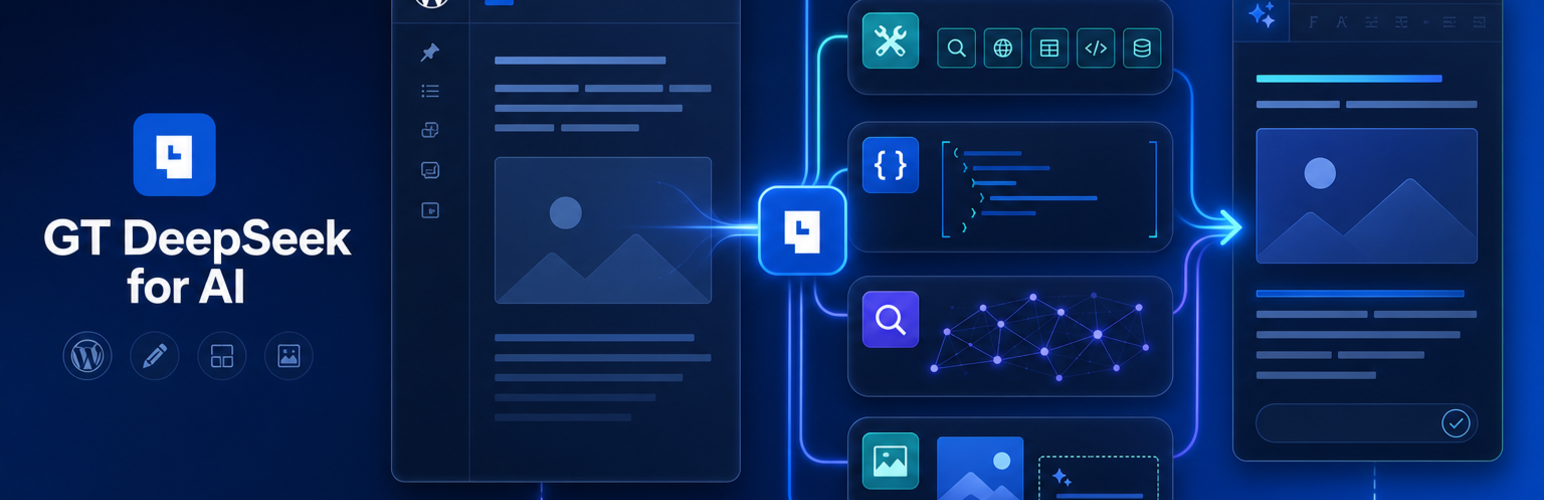
GT DeepSeek for AI
GT DeepSeek for AI is an independent DeepSeek provider for the native WordPress AI Client in WordPress 7.0+. It registers the isolated provider ID gt-deepseek, so it can run beside another connector registered as deepseek during migration.
The plugin supports DeepSeek text generation, reasoning, tools, structured output, server-side web search, and seven WordPress editorial abilities. It does not advertise capabilities the DeepSeek API does not provide.
Feature coverage
| Feature | DeepSeek route | Status |
|---|---|---|
| Text generation and chat history | V4 Pro Chat Completions, V4 Flash Responses | Supported |
| Thinking mode and reasoning effort | Both adapters | Supported |
| Dynamic model discovery | GET /models |
Supported |
| Function declarations and tool calls | Both adapters | Supported |
| JSON output | Both adapters | Supported |
| JSON Schema structured output | V4 Flash Responses | Supported |
| Server-side web search | V4 Flash Responses | Supported |
| Usage, reasoning-token, and cache-hit metadata | Both API responses | Preserved |
| Image generation | No compatible DeepSeek endpoint | Not advertised |
| Image or file input | DeepSeek is text-only in this integration | Rejected explicitly |
| Text to speech or embeddings | No compatible DeepSeek endpoint | Not advertised |
The V4 Flash adapter combines reasoning, final text, and function calls into one WordPress AI Client candidate. This keeps toText() correct while preserving reasoning in the thought channel. Search citations and search actions remain available in the result's additional data.
Honest image ALT text
DeepSeek cannot inspect image pixels. The gt-deepseek/generate-alt-text ability writes ALT text only from textual evidence WordPress already has:
- attachment filename, title, caption, and description
- existing ALT text
- parent post title, excerpt, and body context
- optional context supplied by the editor
Every evidence value is treated as untrusted data. The ability returns vision_based: false, a confidence level, the evidence labels used, and a warning. With save: true, it updates _wp_attachment_image_alt only when the result is non-empty and confidence is medium or high. Weak, conflicting, or decorative-image context produces an empty ALT value.
Included abilities
gt-deepseek/stop-slop-scangt-deepseek/rewrite-for-voicegt-deepseek/suggest-internal-linksgt-deepseek/generate-faqs-accordiongt-deepseek/generate-alt-textgt-deepseek/research-with-web-searchgt-deepseek/rankmath-meta-sync
Abilities that read or modify stored content check the current user's permission for the exact post or attachment.
Requirements
- WordPress 7.0 or later with the WordPress AI Client
- PHP 7.4 or later
- A DeepSeek API key
ACF Blocks and Rank Math are optional. The related abilities report their integration state or return portable output when those plugins are unavailable.
Installation
GitHub release
- Download
gt-deepseek-for-ai-<version>.zipfrom GitHub Releases. - In WordPress, open Plugins → Add Plugin → Upload Plugin.
- Upload the release ZIP and activate it.
The source and release ZIP are public under the GPL. Manual GitHub installs do not require a product license, but they must be updated manually.
Free checkout with protected updates
Complete the free FluentCart checkout to receive the same plugin plus a lifetime license key for protected WordPress updates. Enter that key under Settings → GT DeepSeek → License and updates.
The FluentCart license controls update delivery only. It does not change the GPL license and is separate from your DeepSeek API key.
Configuration
- Open Settings → Connectors and add the key for GT DeepSeek.
- Open Settings → GT DeepSeek to choose default models and reasoning behavior.
The connector uses the WordPress-managed option connectors_ai_gt_deepseek_api_key. For managed deployments, GT_DEEPSEEK_API_KEY can be supplied as an environment variable or constant. GT_DEEPSEEK_BASE_URL can override the API base URL.
Defaults:
- text:
deepseek-v4-pro - structured output and web search:
deepseek-v4-flash - base URL:
https://api.deepseek.com/v1
Development
composer install
composer lint
composer phpcs
node --check assets/editor-sidebar.js
./bin/build-zip.sh
bin/build-zip.sh produces a reproducible package in dist/. Runtime changes should be tested by installing that ZIP, not the source directory, into a disposable WordPress site.
See TESTING.md for the current verification record and CONTRIBUTING.md before opening a pull request.
Filters
gt_deepseek_default_text_modelgt_deepseek_default_meta_modelgt_deepseek_responses_api_modelsgt_deepseek_request_defaultsgt_deepseek_responses_request_paramsgt_deepseek_default_voicegt_deepseek_stop_slop_phrasesgt_deepseek_internal_link_post_typesgt_deepseek_internal_link_ranker
Security
Do not post API keys, license keys, activation hashes, signed download URLs, or private WordPress content in issues. Report vulnerabilities through the process in SECURITY.md.
License and independence
GT DeepSeek for AI is GPL-2.0-or-later. It is independent of DeepSeek and is not an official DeepSeek product. See NOTICE for upstream acknowledgements.
Releases
1 release. Each count is every asset in that release; expand a row for the breakdown.