William Research Admin Agent
Privacy-conscious AI assistant for safe WordPress administration and draft workflows
by William Duong · github.com/williamduong/wp-admin-agent · website
Install
No release zip yet. The repository archive installs, but the folder name will carry the branch suffix and updates will not flow:
wp plugin install https://github.com/williamduong/wp-admin-agent/archive/refs/heads/main.zipWilliam Research Admin Agent is a privacy-conscious AI assistant inside WordPress Admin. It connects to an administrator-selected Anthropic, Google Gemini, or Ollama model and exposes a controlled set of WordPress tools for inspection, navigation, and safe draft workflows.
This repository contains the GPL-licensed Free edition. A separate Pro add-on provides higher-risk operational tools, advanced WooCommerce workflows, policy controls, and commercial support.
Free edition
- Chat assistant embedded in
wp-admin - Anthropic, Google Gemini, and self-hosted Ollama providers
- Streaming responses over Server-Sent Events
- Read-only inspection of posts, plugins, themes, users, WooCommerce, and Wordfence state
- WordPress draft creation that never publishes automatically
- Conversation history and audit metadata
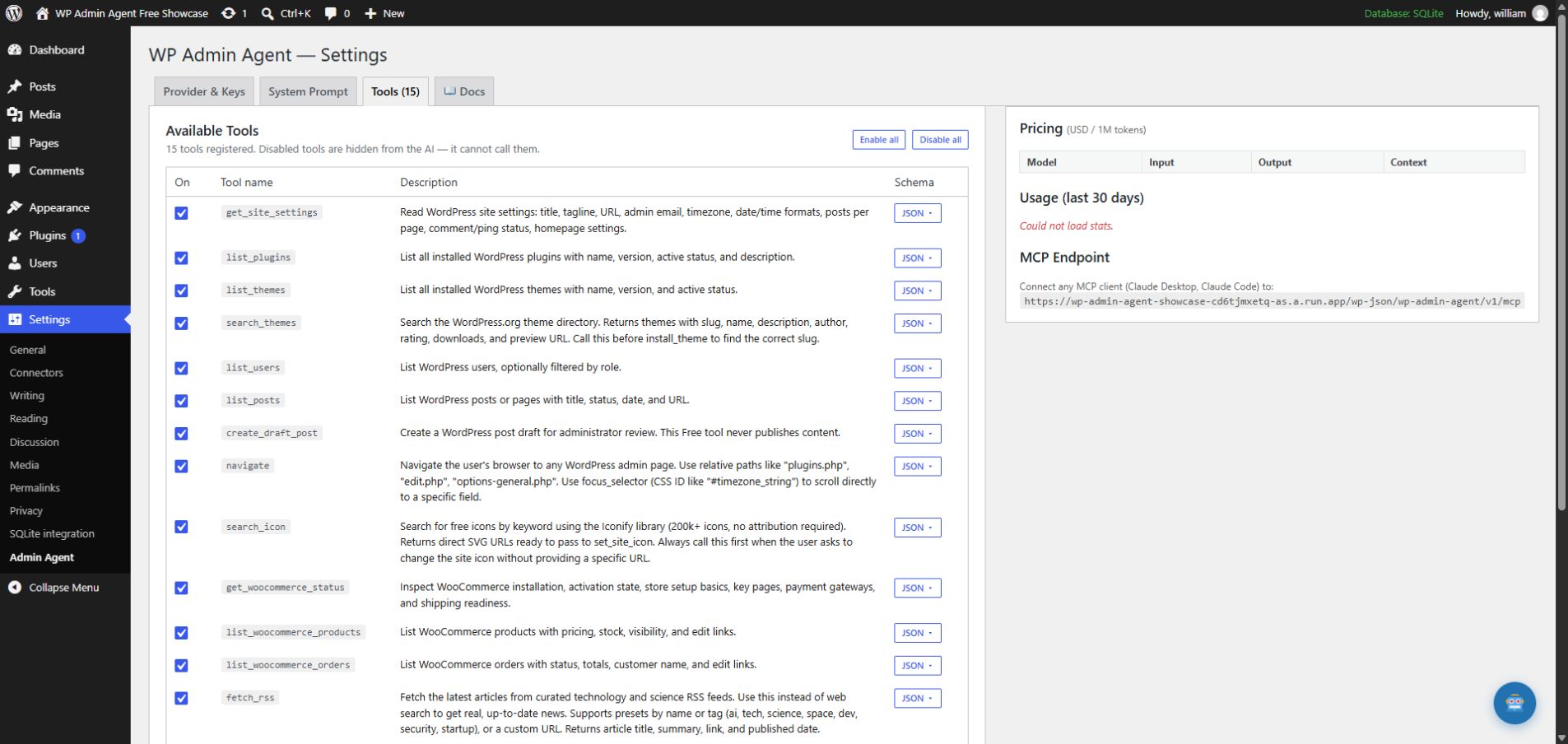
- Configurable tool allow-list
- Encrypted provider credentials using WordPress security keys
- Authenticated MCP-compatible JSON-RPC endpoint
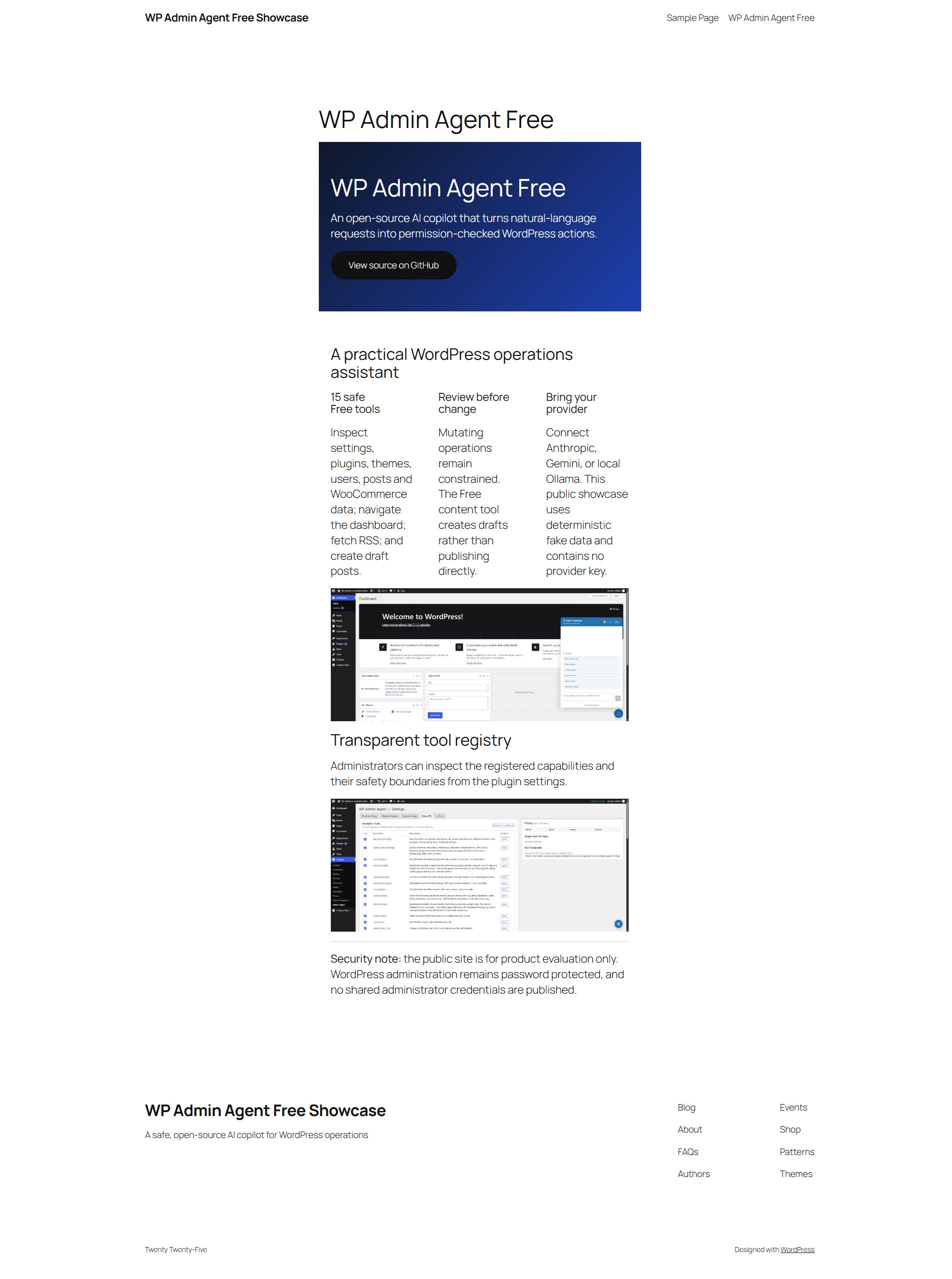
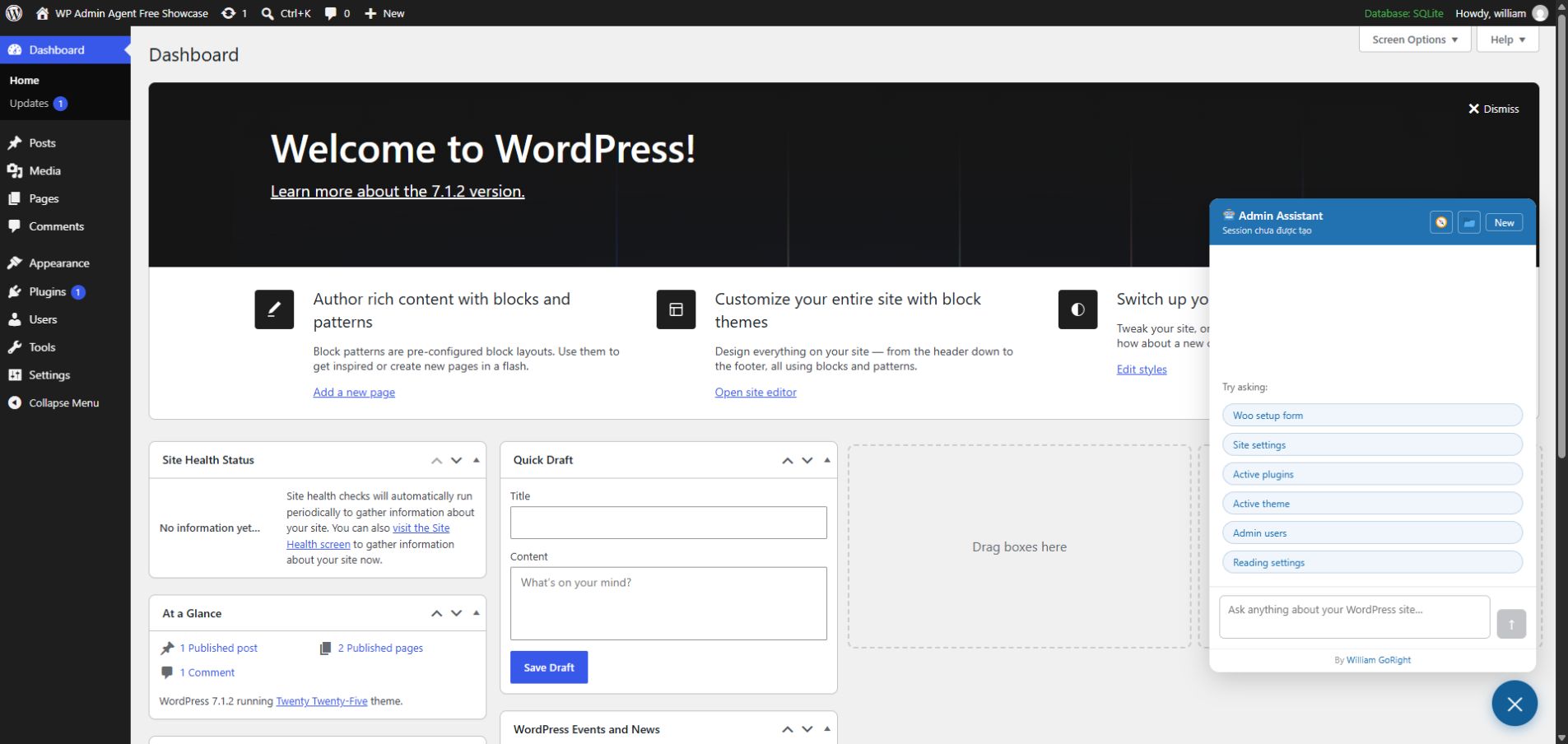
Product tour
Try the public, fake-data showcase at wp-admin-agent-showcase-cd6tjmxetq-as.a.run.app. The showcase does not publish administrator credentials or contain an AI-provider key.
Requirements
- WordPress 6.5 or newer
- PHP 8.2 or newer with OpenSSL
- A WordPress administrator account with
manage_options - HTTPS on internet-accessible sites
- Anthropic or Gemini credentials, or a reachable Ollama server
Install from GitHub
cd /path/to/wordpress/wp-content/plugins
git clone https://github.com/williamduong/wp-admin-agent.git william-research-admin-agent
wp plugin activate william-research-admin-agent
Compiled frontend assets are included in tagged releases. Pin a reviewed release instead of tracking main on production sites.
Configure
- Open Settings → William Research Admin Agent.
- Select Anthropic, Gemini, or Ollama.
- Enter the provider configuration and test the connection.
- Review enabled tools and disable anything the site does not need.
- Start with a read-only request such as “Show active plugins and explain their purpose.”
See Getting Started and the illustrated User Guide.
Free and Pro architecture
flowchart LR
    UI[React admin UI] --> API[WordPress REST API]
    API --> AGENT[Agent orchestrator]
    AGENT --> PROVIDER[Anthropic / Gemini / Ollama]
    AGENT --> FREE[Free safe-tool registry]
    PRO[Optional Pro add-on] -->|WordPress filter| FREE
    FREE --> WP[WordPress APIs]
The Free plugin owns the provider, orchestration, storage, UI, and extension hook. Pro registers additional tool instances through waa_admin_agent_tool_instances; premium implementation code is not required by the Free package.
Development
npm ci
npm run build
npm run lint
npm run test:js
PHP development, package creation, and contribution guidance are in Development.
External services and privacy
The plugin contacts an AI provider only after an administrator selects and configures it. Prompts, conversation context, tool schemas, and relevant WordPress information can be sent to that provider to fulfill administrator requests. Optional user-initiated tools may contact Iconify or selected RSS publishers. Full disclosures and service policy links are in readme.txt.
Do not submit secrets, regulated data, or unnecessary personal data in prompts. Review the Security Guide before production use.
Documentation
License
William Research Admin Agent Free is licensed under GPL-2.0-or-later. See LICENSE.