Course Locations
A learning project covering the four building blocks of custom WordPress development
★ 0stars
0forks
Install
No release zip yet. The repository archive installs, but the folder name will carry the branch suffix and updates will not flow:
wp plugin install https://github.com/wdverse/course-locations/archive/refs/heads/main.zipCourse Locations — a WordPress plugin
A learning project covering the four building blocks of custom WordPress development:

| Feature | File | WordPress APIs used |
|---|---|---|
| Custom post type + custom fields | includes/post-type.php |
register_post_type, register_post_meta, add_meta_box, nonces |
| Shortcode | includes/shortcode.php |
add_shortcode, shortcode_atts, WP_Query |
| Actions & filters | includes/hooks.php |
wp_enqueue_scripts, the_content, admin column hooks |
| Custom REST endpoint | includes/rest-api.php |
register_rest_route, WP_REST_Request, WP_Error |
What it does
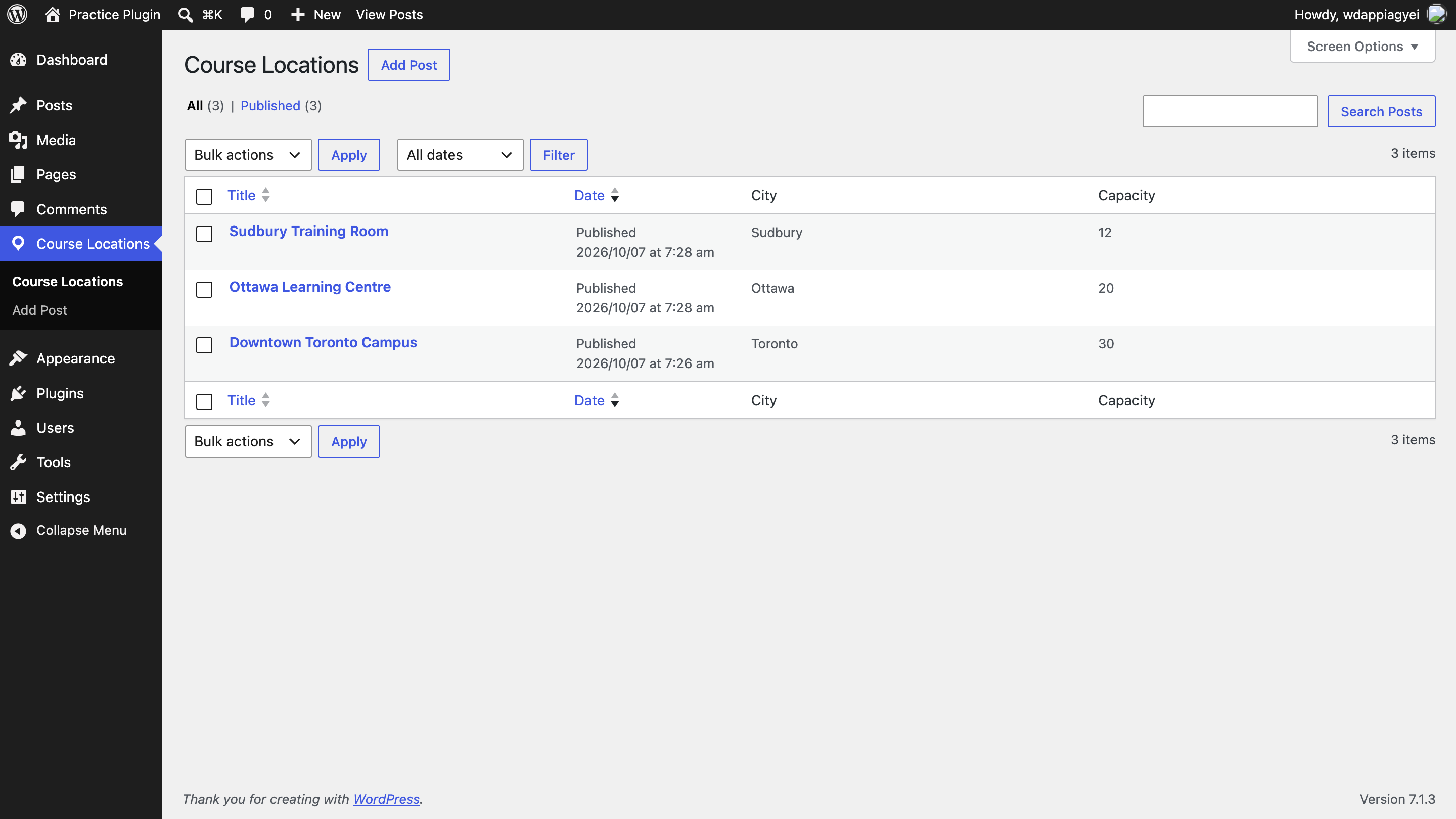
- Adds a Course Locations menu in wp-admin with Address, City and Capacity fields.
[course_locations]shortcode lists locations on any page. Options:city="Toronto",limit="5".- Single location pages automatically show the address and capacity below the content.
- Admin list shows City and Capacity columns.
- JSON API:
GET /wp-json/course-locations/v1/locationsGET /wp-json/course-locations/v1/locations?city=Toronto&per_page=5GET /wp-json/course-locations/v1/locations/{id}(returns 404 if not found)
Install locally
- Install LocalWP (free) and create a new site.
- Copy this
course-locationsfolder intowp-content/plugins/. - In wp-admin go to Plugins and activate Course Locations.
- Go to Settings → Permalinks and make sure it's not set to "Plain" (the REST URLs and pretty location URLs need this).
Try it
- Course Locations → Add New. Create 3 locations with different cities.
- Create a page containing
[course_locations]and view it. - Change it to
[course_locations city="Toronto"]and check the filter works. - Open
http://your-site.local/wp-json/course-locations/v1/locationsin the browser. - Try
/locations/99999and confirm you get a 404 JSON error.
Decisions I made
- Plugin, not theme: the locations are content. If the code lived in a theme, switching themes would make them disappear from the admin.
- Prefixed function names (
cl_): all WordPress plugins share one global space, so prefixes prevent name clashes with other plugins. - Security: form saves are protected with a nonce and a permission check. Input is sanitized when saved (
sanitize_text_field,absint), and output is escaped when printed (esc_html,esc_attr,esc_url). - Rewrite rules flushed only on activation: this makes location URLs work immediately without slowing down every page load.
- Custom REST endpoint: returns only the fields an app needs, in a stable shape, and is versioned (
v1) so it can change later without breaking existing apps.
What I'd add next
- A
POSTendpoint to create locations, restricted to logged-in editors. - A Gutenberg block as an alternative to the shortcode.
- Automated tests with PHPUnit.