Install
This is the repository archive. It installs, but the folder name will carry the branch suffix and updates will not flow.
Install straight from GitHub with WP-CLI:
wp plugin install https://github.com/vishavjeet-in/linkguardian/archive/refs/heads/main.zipLinkGuardian – Advanced Broken Link Scanner for WordPress
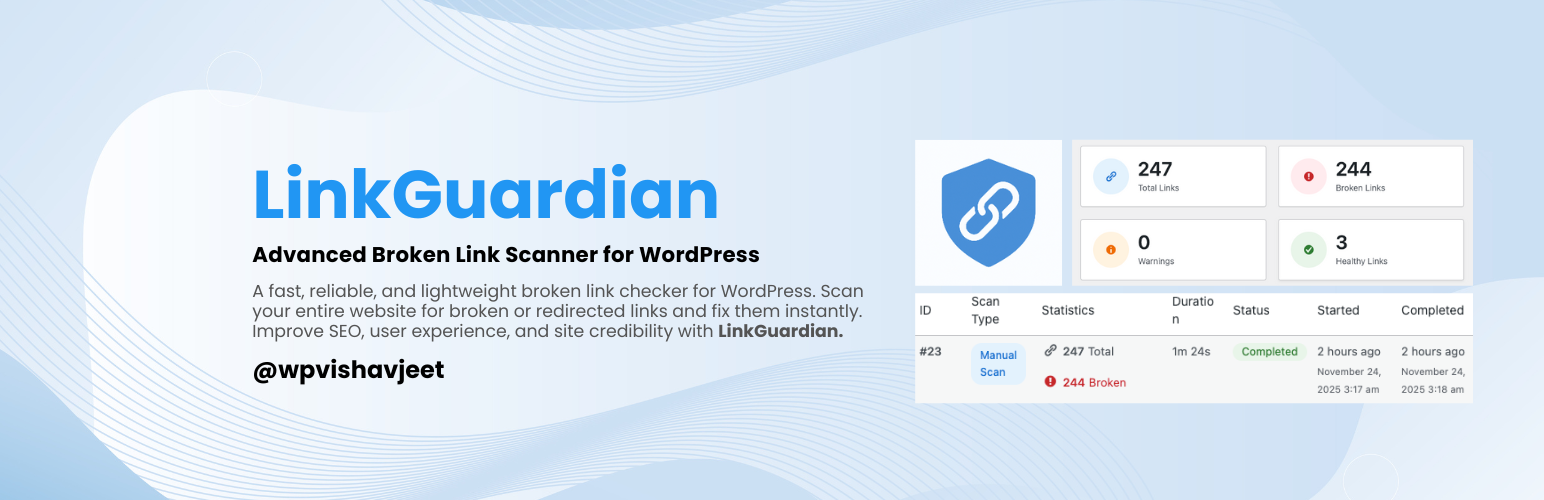
A fast, reliable, and lightweight broken link checker for WordPress. Scan your entire website for broken or redirected links and fix them instantly. Improve SEO, user experience, and site credibility with LinkGuardian.
📌 Table of Contents
- Overview
- Key Features
- Why Choose LinkGuardian?
- How It Works
- Roadmap
- Installation
- Configuration
- FAQ
- Screenshots
- Changelog
- Privacy Policy
- Support
- Credits
🧩 Overview
LinkGuardian is an advanced, performance-optimized WordPress plugin that scans your entire website for:
- Broken links
- Redirects
- Invalid URLs
- Timeout or unreachable resources
Broken links hurt your SEO, decrease user trust, and can impact conversions. LinkGuardian helps maintain a clean, healthy, and error-free website.
Whether you run a blog, business website, membership platform, LMS, or WooCommerce store, LinkGuardian ensures your link structure stays optimized.
🔍 Key Features
✔ Full-Site Link Scanning — posts, pages, custom post types, menus ✔ Internal & External Link Checking ✔ 404, Timeout & Invalid URL Detection ✔ Redirect Tracking (301, 302, 403, 500, etc.) ✔ Real-Time AJAX Scanning ✔ Detailed Reports of All Links ✔ Recheck Links Anytime ✔ Database Cleanup Options ✔ Zero Frontend Performance Impact ✔ Developer-Friendly Codebase ✔ Modern & Clean WordPress Admin UI
🚀 Why Choose LinkGuardian?
Broken links affect your website:
- SEO Rankings – Search engines penalize sites with link errors
- User Experience – Dead links frustrate visitors
- Brand Trust – Affects credibility and professionalism
- Conversion Rates – Broken CTAs and buttons reduce sales
LinkGuardian helps you avoid these issues with accurate detection and easy management screens.
🛠️ How It Works
-
Install and activate the plugin
-
Select post types and scan settings
-
Start scanning
-
View reports for:
- Broken links
- Redirected links
- Valid links
-
Fix issues directly in your content editor
🧭 Roadmap (Coming Soon)
- 🔄 Automated daily/weekly scans
- 📩 Email notifications
- ☁️ Cloud-based scanning
- ✏️ Bulk link editor
- 🔁 Automatic link replacement tool
- 📤 CSV export for scan results
📦 Installation
Automatic Installation
- Go to Plugins → Add New
- Search for LinkGuardian
- Click Install Now, then Activate
Manual Installation
- Download the plugin ZIP
- Visit Plugins → Add New → Upload Plugin
- Upload the ZIP
- Click Install Now and activate the plugin
⚙️ Configuration
Go to:
LinkGuardian → SettingsFrom here, you can:
- Select which post types to scan
- Enable/disable internal/external link checking
- Configure cleanup options
- Save preferences
❓ FAQ
Will LinkGuardian slow down my site?
No. Scans run only when initiated and use optimized background tasks.
Does it support scheduled scans?
Not yet. It is coming soon.
Which types of links are scanned?
<a>links- Images (
<img>) - Iframes (`