Install
This is the repository archive. It installs, but the folder name will carry the branch suffix and updates will not flow.
Install straight from GitHub with WP-CLI:
wp plugin install https://github.com/vagu3s0ul/wordpress-ad-manager-plugin/archive/refs/heads/main.zip📢 Baichdo Ad Manager
A WordPress plugin to manage Google AdSense, Meta Audience Network, and custom HTML ads across your site — paste your platform head code once, then place ad units anywhere via shortcodes, widgets, or Elementor.
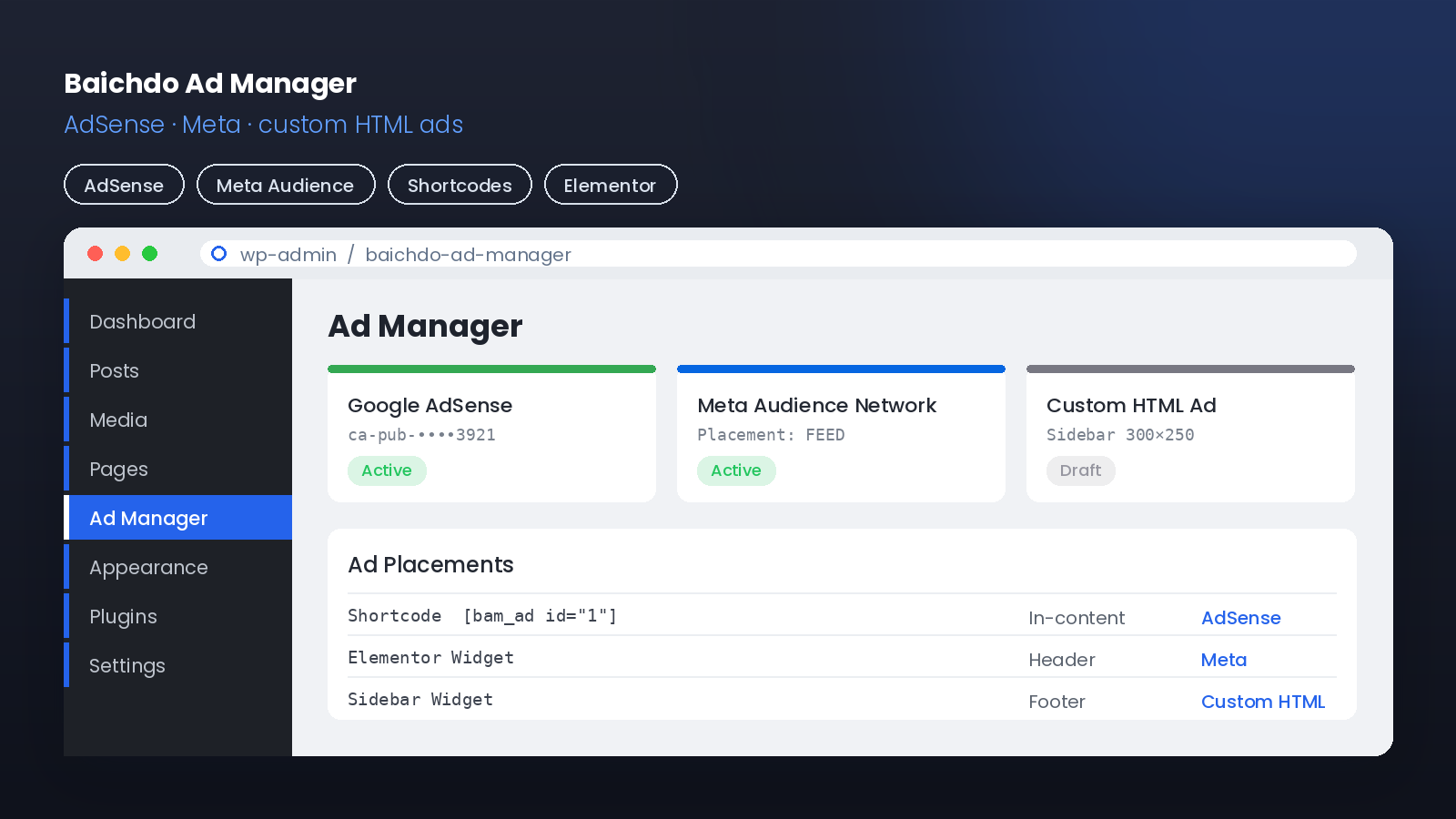
📸 Screenshots
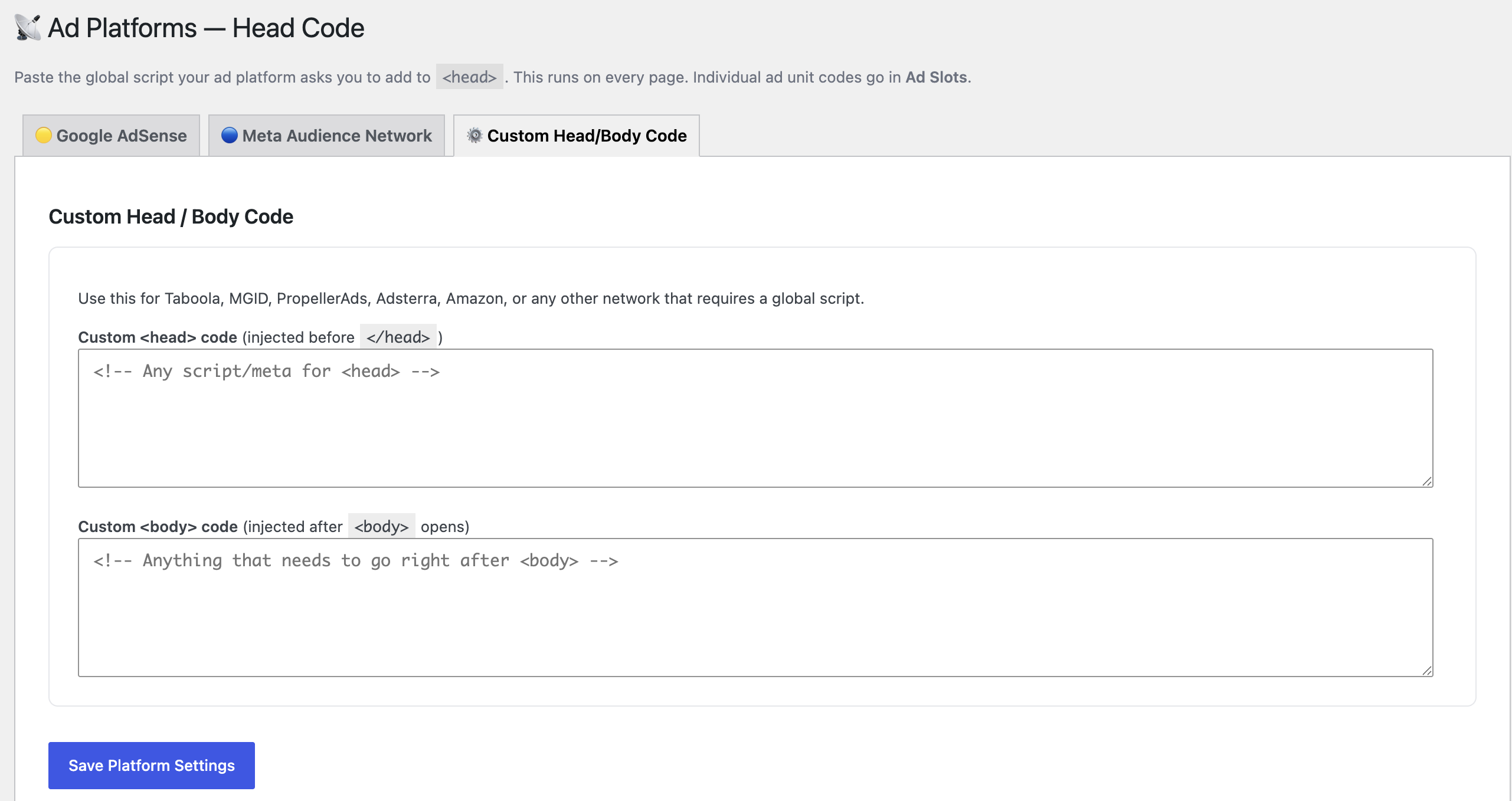
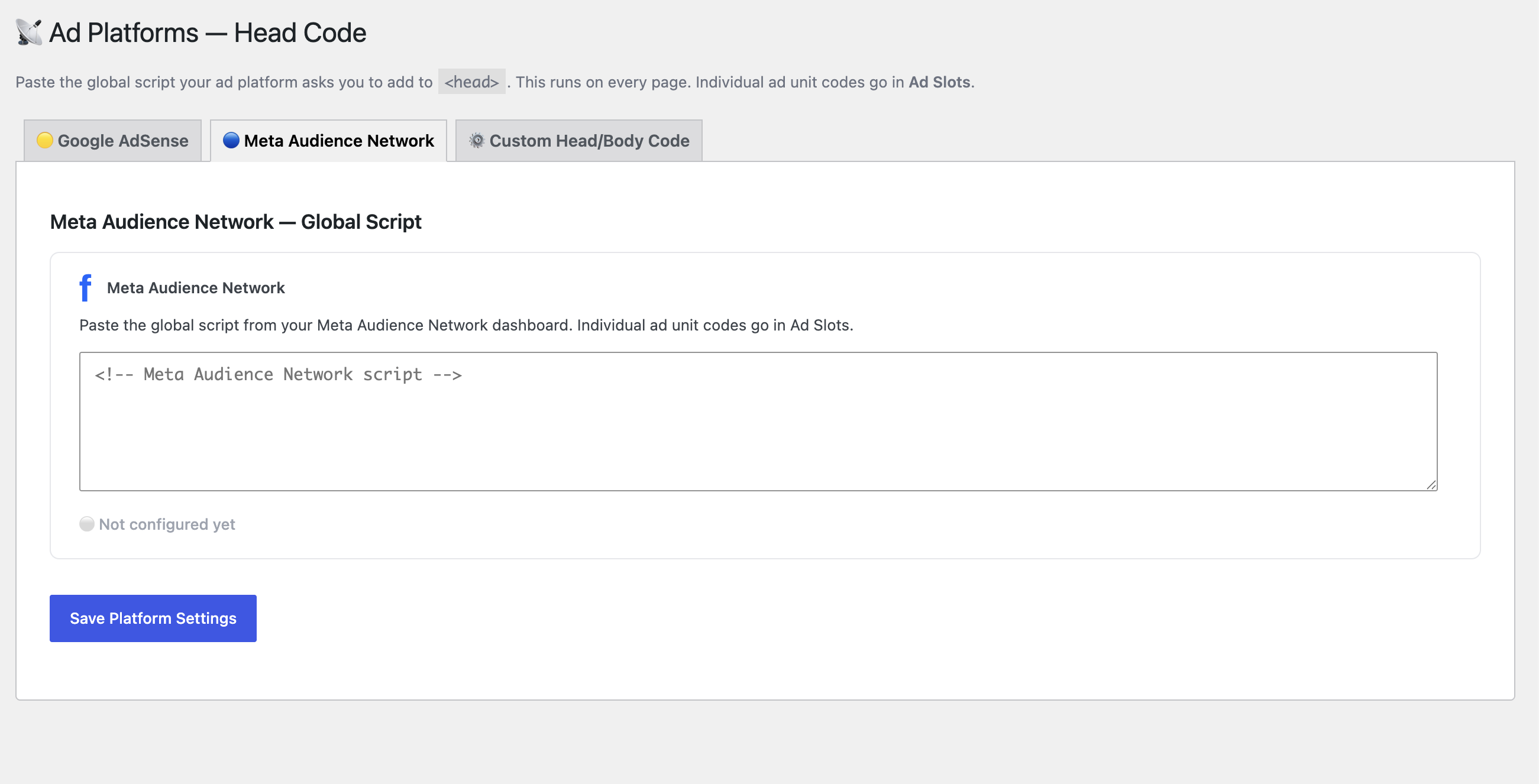
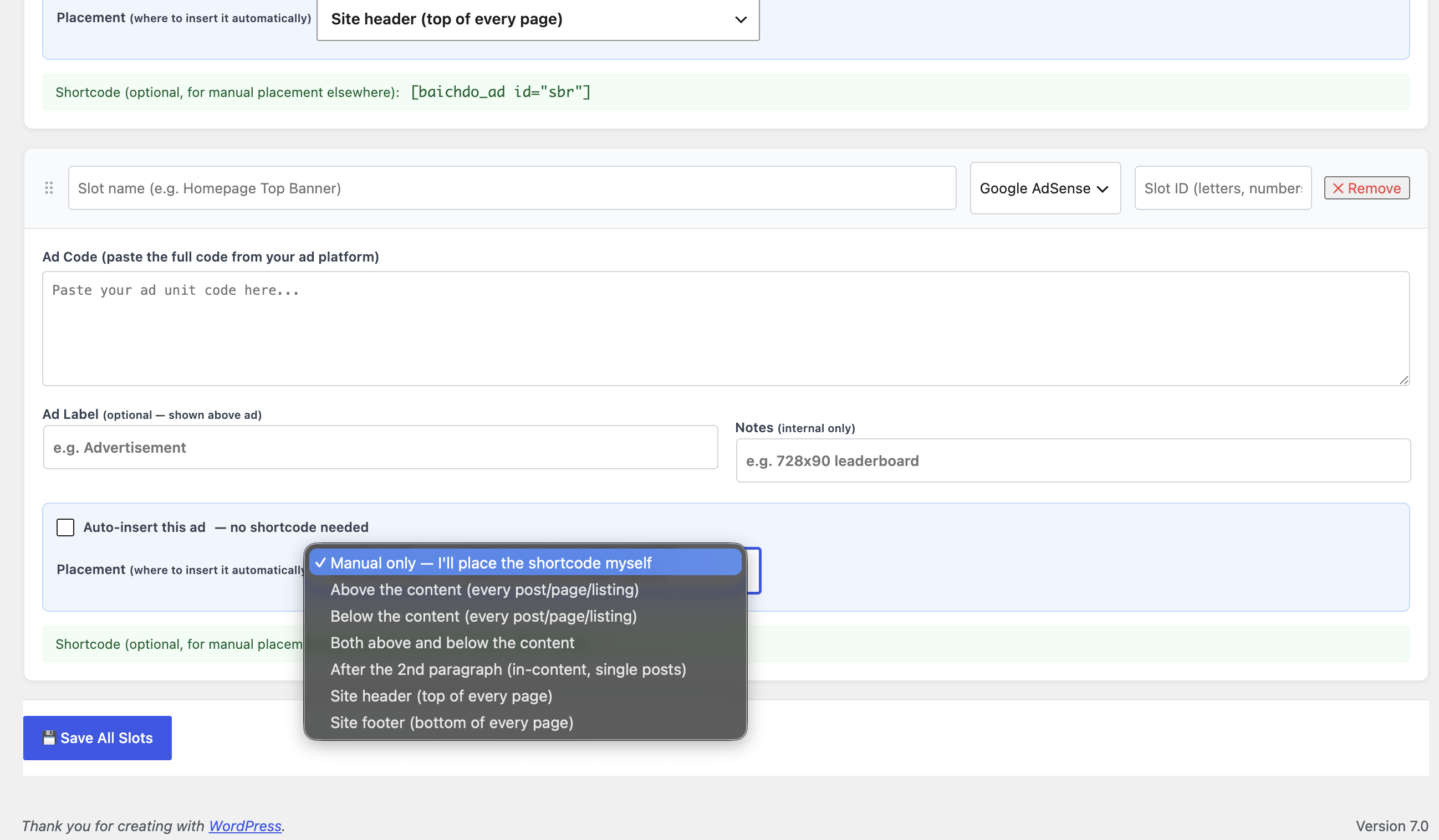
📖 Overview
Baichdo Ad Manager centralizes ad management for a WordPress site. Add your ad platform's head/verification code once in the settings, then place individual ad units wherever you want using shortcodes, classic widgets, or an Elementor widget — no theme editing, no repeated script pasting.
💡 Supports Google AdSense, Meta Audience Network, and arbitrary custom HTML ad blocks.
✨ Features
| Feature | Description |
|---|---|
| 🌐 Platform Head Code | Paste AdSense / Meta verification code once, site-wide |
| 🧩 Multiple Placements | Shortcode, classic widget, and Elementor widget |
| 🎨 Custom HTML Ads | Drop in any custom ad markup |
| 🔁 Reusable Ad Units | Define units once, place them anywhere |
| ⚙️ Central Settings | One admin page for all ad configuration |
🔄 How It Works
flowchart TD
    A[⚙️ Admin pastes platform head code once] --> B[Plugin injects it into site <head>]
    A --> C[Admin defines ad units<br/>AdSense / Meta / custom HTML]
    C --> D{Placement method}
    D -->|Shortcode| E[Insert in post/page]
    D -->|Widget| F[Add to sidebar/footer]
    D -->|Elementor| G[Drop into any section]
    E & F & G --> H[📢 Ad renders to visitor]
🧩 Structure
flowchart LR
Core["baichdo-ad-manager.php<br/>settings · head code · shortcodes · widget"] --> EW["includes/elementor-widget.php<br/>Elementor ad widget"]
Core --> Head["<head> injection"]
Core --> SC["Shortcodes"]
Core --> WG["Classic widget"]🚀 Installation
- Copy the
baichdo-ad-managerfolder to/wp-content/plugins/. - Activate Baichdo Ad Manager under Plugins.
- Open the plugin's settings page and paste your AdSense / Meta head code.
- Define your ad units and place them via shortcode, widget, or Elementor.
📁 Project Structure
baichdo-ad-manager/
├── baichdo-ad-manager.php     # Settings, head code, shortcodes, widget
└── includes/
    └── elementor-widget.php   # Elementor ad widget
📝 License
Released under the GPL-2.0-or-later license.
By Ahmed Faran · baichdo.pk