Install
This is the repository archive. It installs, but the folder name will carry the branch suffix and updates will not flow.
Install straight from GitHub with WP-CLI:
wp plugin install https://github.com/vagu3s0ul/rest-api-to-android-app-notification-plugin/archive/refs/heads/main.zip🔔 Baichdo Notify
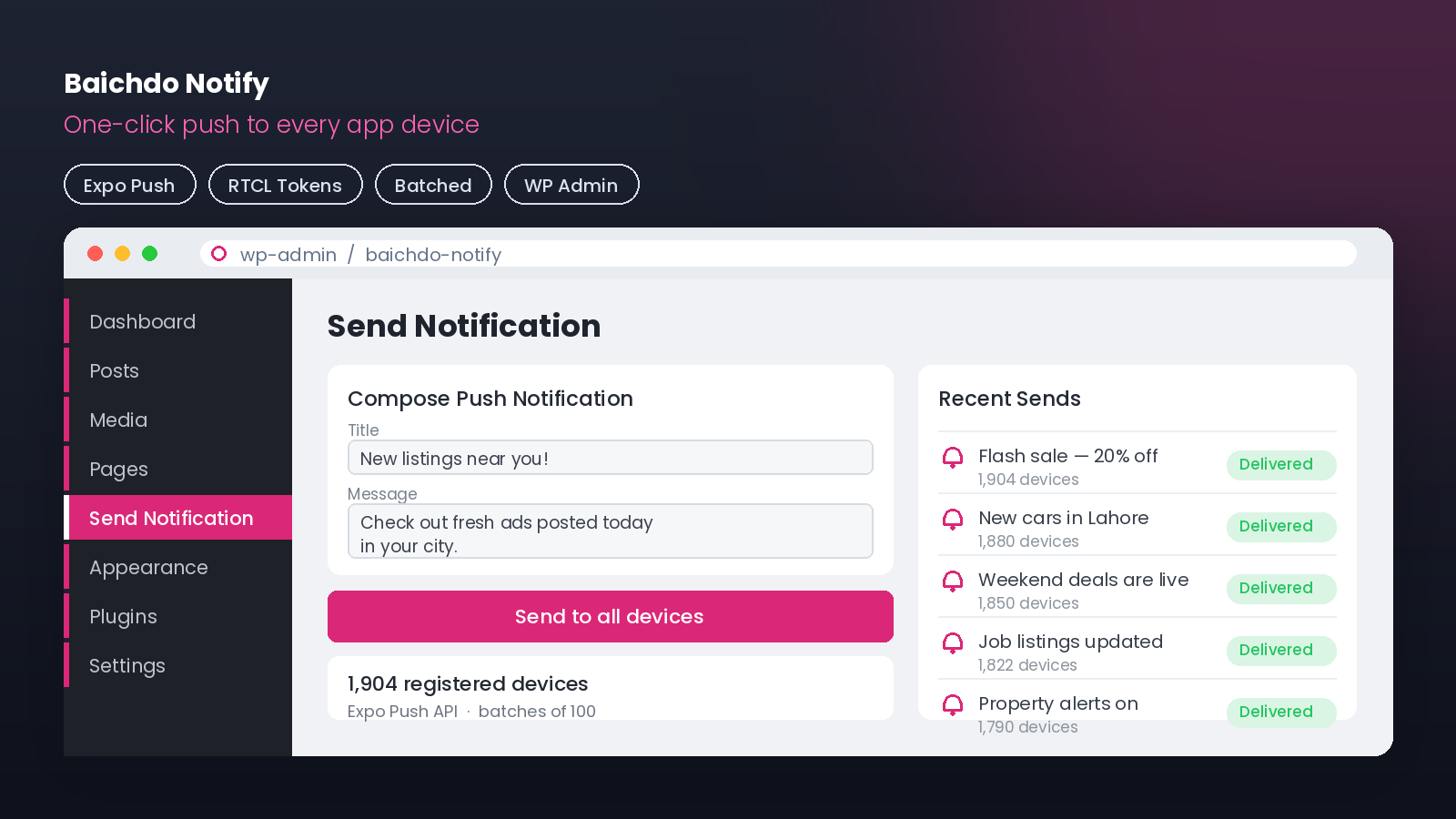
A lightweight WordPress admin plugin that adds a "Send Notification" menu to push a message to every registered app device — reading RTCL's existing Expo push-token table.
📸 Screenshots
📖 Overview
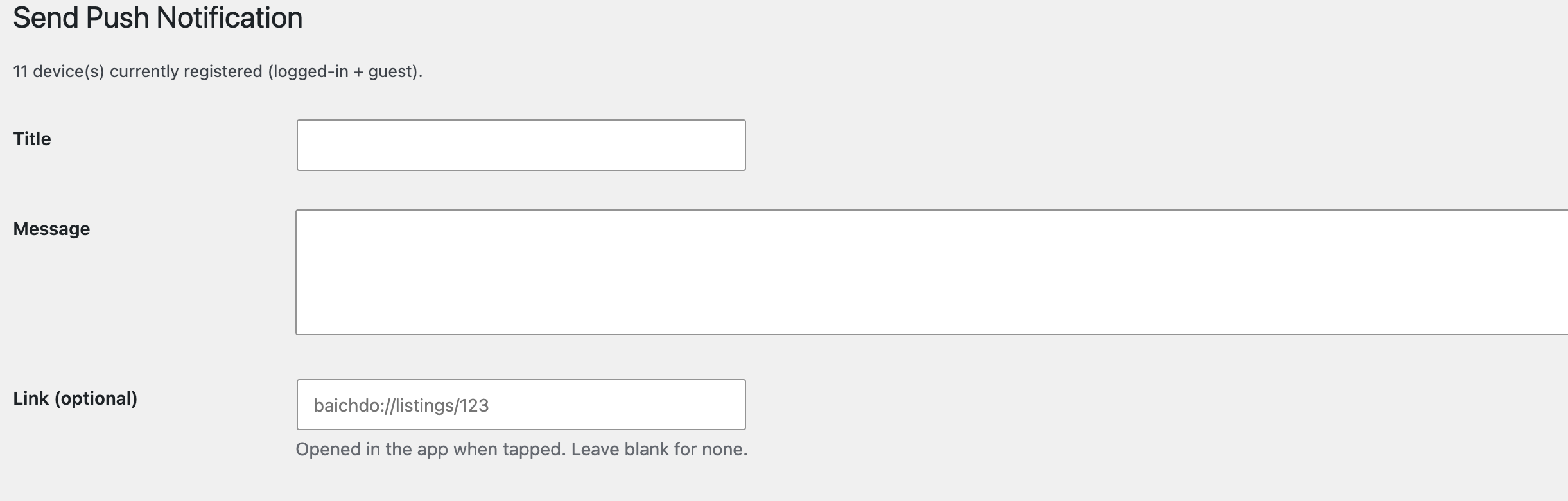
Baichdo Notify adds a simple "Send Notification" page to the WordPress admin. From it you can broadcast an Expo push notification to every device registered in your app — the plugin reads the existing rtcl_push_notifications token table (populated by the RTCL-based mobile app) and sends messages in batches through the Expo Push API.
💡 Purpose-built companion for the Baichdo mobile app — no separate dashboard or service required.
✨ Features
| Feature | Description |
|---|---|
| 📣 One-Click Broadcast | Admin menu page to send a push to all devices |
| 🗂️ Reads Existing Tokens | Uses RTCL's rtcl_push_notifications table |
| 📦 Batched Sending | Sends in batches of 100 via the Expo Push API |
| 🔐 Secure Admin Action | Nonce-verified, manage_options capability gated |
🔄 How It Works
flowchart TD
A[👨💼 Admin opens 'Send Notification'] --> B[Types title & message]
B --> C{Nonce + capability<br/>verified?}
C -- No --> X[🚫 Reject]
C -- Yes --> D[Read tokens from<br/>rtcl_push_notifications]
D --> E[Chunk into batches of 100]
E --> F[POST to Expo Push API]
F --> G[📲 Devices receive push]🚀 Installation
- Copy the
baichdo-notify-menufolder to/wp-content/plugins/. - Activate Baichdo Notify under Plugins.
- A Send Notification item (megaphone icon) appears in the admin menu.
- Enter a title and message, then send — it reaches every registered device.
ℹ️ Requires the RTCL push-token table (
{prefix}_rtcl_push_notifications) to be populated by your app.
📁 Project Structure
baichdo-notify-menu/
└── baichdo-notify.php     # Admin menu page + Expo push sender
⚙️ Technical Notes
- Expo endpoint:
https://exp.host/--/api/v2/push/send - Batch size: 100 tokens per request
- Security: WordPress nonce verification +
manage_optionscapability check
📝 License
Released under the GPL-2.0-or-later license.
By Ahmed Faran · Companion plugin for the Baichdo app