Install
This is the repository archive. It installs, but the folder name will carry the branch suffix and updates will not flow.
Install straight from GitHub with WP-CLI:
wp plugin install https://github.com/vagu3s0ul/pk-payment-gateways-for-wordpress-plugin/archive/refs/heads/main.zip🇵🇰 PK Payment Gateways — JazzCash & EasyPaisa
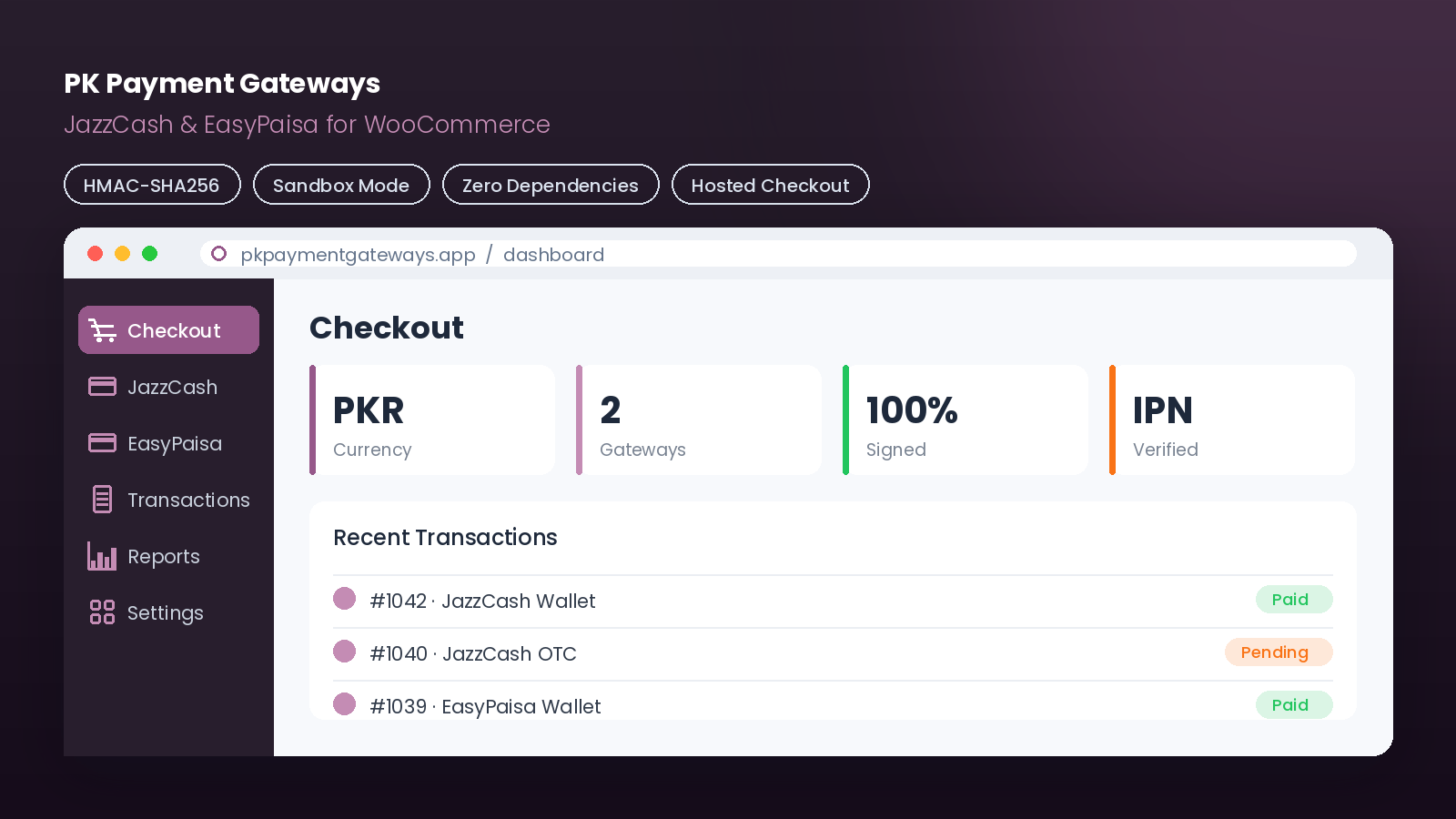
A zero-dependency WooCommerce plugin adding native JazzCash and EasyPaisa hosted-checkout payments — no third-party plugins, no external SDKs, pure WordPress/WooCommerce APIs.
📖 Overview
PK Payment Gateways adds two of Pakistan's most-used payment methods to WooCommerce checkout:
- JazzCash — Hosted Checkout v2.0 (wallet, card, OTC)
- EasyPaisa — Order API Hosted Checkout (wallet, card, OTC)
Both are implemented directly against the providers' APIs with HMAC/SHA-256 signed requests and server-to-server IPN verification — no bloated dependencies, just clean WooCommerce gateway classes.
✨ Features
| Feature | Description |
|---|---|
| 💳 Two Gateways | JazzCash & EasyPaisa, each toggle-able independently |
| 🔐 Signed Requests | HMAC-SHA256 (JazzCash) / SHA-256 (EasyPaisa) integrity hashing |
| 🔁 Server-to-Server IPN | Payment confirmed via provider callback, not just browser return |
| 🧪 Sandbox Mode | Full test-mode toggle per gateway |
| 🧾 Order Notes & Logs | WooCommerce logger integration, filterable by pk-payment-gateways |
| 🪝 Wallet / Card / OTC | Supports all hosted payment methods |
| 🧩 Zero Dependencies | No external SDKs or third-party plugins |
🔄 Payment Flow
flowchart TD
    A[🛒 Customer picks JazzCash / EasyPaisa at checkout] --> B[Plugin builds signed request<br/>HMAC-SHA256 / SHA-256]
    B --> C[Redirect to provider hosted page]
    C --> D[💰 Customer pays<br/>wallet / card / OTC]
    D --> E[Provider POSTs to IPN<br/>server-to-server]
    E --> F{Hash verified?}
    F -- Yes --> G[✅ Mark order Paid]
    F -- No --> H[❌ Reject / log]
    G --> I[Redirect to Order Complete page]
🧩 Architecture
flowchart LR
    Main["pk-payment-gateways.php<br/>bootstrap + WC check"] --> JC["class-pkpg-gateway-jazzcash.php"]
    Main --> EP["class-pkpg-gateway-easypaisa.php"]
    JC --> Helper["class-pkpg-helper.php<br/>hashing & utilities"]
    EP --> Helper
    JC --> Log["class-pkpg-logger.php<br/>WC logger wrapper"]
    EP --> Log
    JC & EP --> Assets["assets/<br/>checkout.css · checkout.js · logos"]
🚀 Installation
- Copy the
pk-payment-gatewaysfolder to/wp-content/plugins/. - Activate it under Plugins → Installed Plugins.
- Go to WooCommerce → Settings → Payments.
- Configure JazzCash and/or EasyPaisa (see below).
💱 Set your WooCommerce currency to PKR — both gateways only accept Pakistani Rupee.
⚙️ JazzCash Setup
- Apply at merchant.jazzcash.com.pk; once approved, open My Account → Integration Settings and note your Merchant ID, Merchant Password, and Integrity Salt.
- Set the portal Return URL to:
https://yoursite.com/?wc-api=jazzcash_return - In WooCommerce → Settings → Payments → JazzCash, enter Merchant ID, Password, Integrity Salt, toggle Sandbox for testing, and enable Debug Log while testing.
⚙️ EasyPaisa Setup
- Apply at easypaisa.com.pk/business or a Telenor franchise; you'll receive a Store ID, Store Password, and Hash Key.
- Set the portal Post-Back (IPN) URL and Return URL:
https://yoursite.com/?wc-api=easypaisa_ipn https://yoursite.com/?wc-api=easypaisa_return - In WooCommerce → Settings → Payments → EasyPaisa, enter Store ID, Store Password, Hash Key, choose the default method (MA=Wallet, DC=Card, OTC=Cash), and toggle Sandbox/Debug as needed.
🧪 Testing (Sandbox)
| Gateway | Sandbox URL | Test credential |
|---|---|---|
| JazzCash | https://sandbox.jazzcash.com.pk |
Sandbox account test card |
| EasyPaisa | https://easypaystg.easypaisa.com.pk |
Test wallet +923001234567 |
📁 Project Structure
pk-payment-gateways/
├── pk-payment-gateways.php              # Main plugin bootstrap
├── readme.txt                            # WordPress-format readme
├── includes/
│   ├── class-pkpg-logger.php             # WC Logger wrapper
│   ├── class-pkpg-helper.php             # Hash / utility functions
│   ├── class-pkpg-gateway-jazzcash.php   # JazzCash gateway
│   └── class-pkpg-gateway-easypaisa.php  # EasyPaisa gateway
└── assets/
    ├── css/checkout.css
    ├── js/checkout.js
    └── images/                            # jazzcash-logo.png, easypaisa-logo.png
⚠️ Important Notes
- HTTPS required in production — providers need reachable, secure IPN URLs (no localhost).
- PKR only — ensure WooCommerce currency is set accordingly.
- Refunds are processed manually via each provider's merchant portal; the plugin adds an order note when a refund is initiated.
- Logs live at WooCommerce → Status → Logs, filtered by
pk-payment-gateways(enable Debug Log first). - Add your own gateway logos (≈200×60px PNG) at
assets/images/jazzcash-logo.pngandassets/images/easypaisa-logo.png.
📝 License
Released under the GPL-2.0-or-later license, consistent with WordPress and WooCommerce.
Built with 🐘 PHP · WooCommerce APIs · No third-party SDKs