Install
This is the repository archive. It installs, but the folder name will carry the branch suffix and updates will not flow.
Install straight from GitHub with WP-CLI:
wp plugin install https://github.com/vagu3s0ul/location-radius-wordpress-plugin/archive/refs/heads/main.zip📍 Baichdo Location Radius
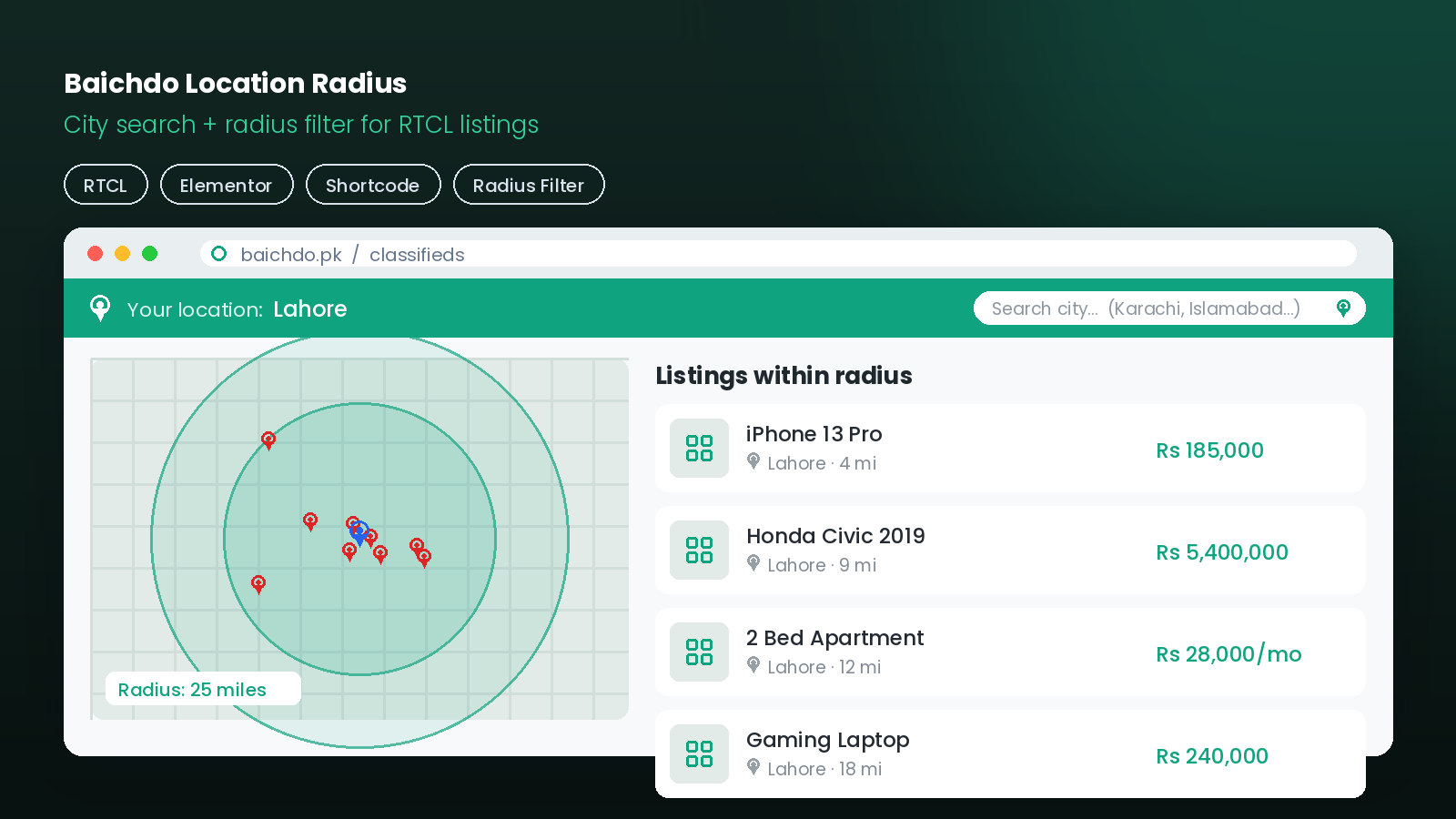
A WordPress plugin that adds a "your location" top bar with Pakistani-city search and filters RTCL classified listings to a configurable radius around the visitor's chosen city.
📸 Screenshots
📖 Overview
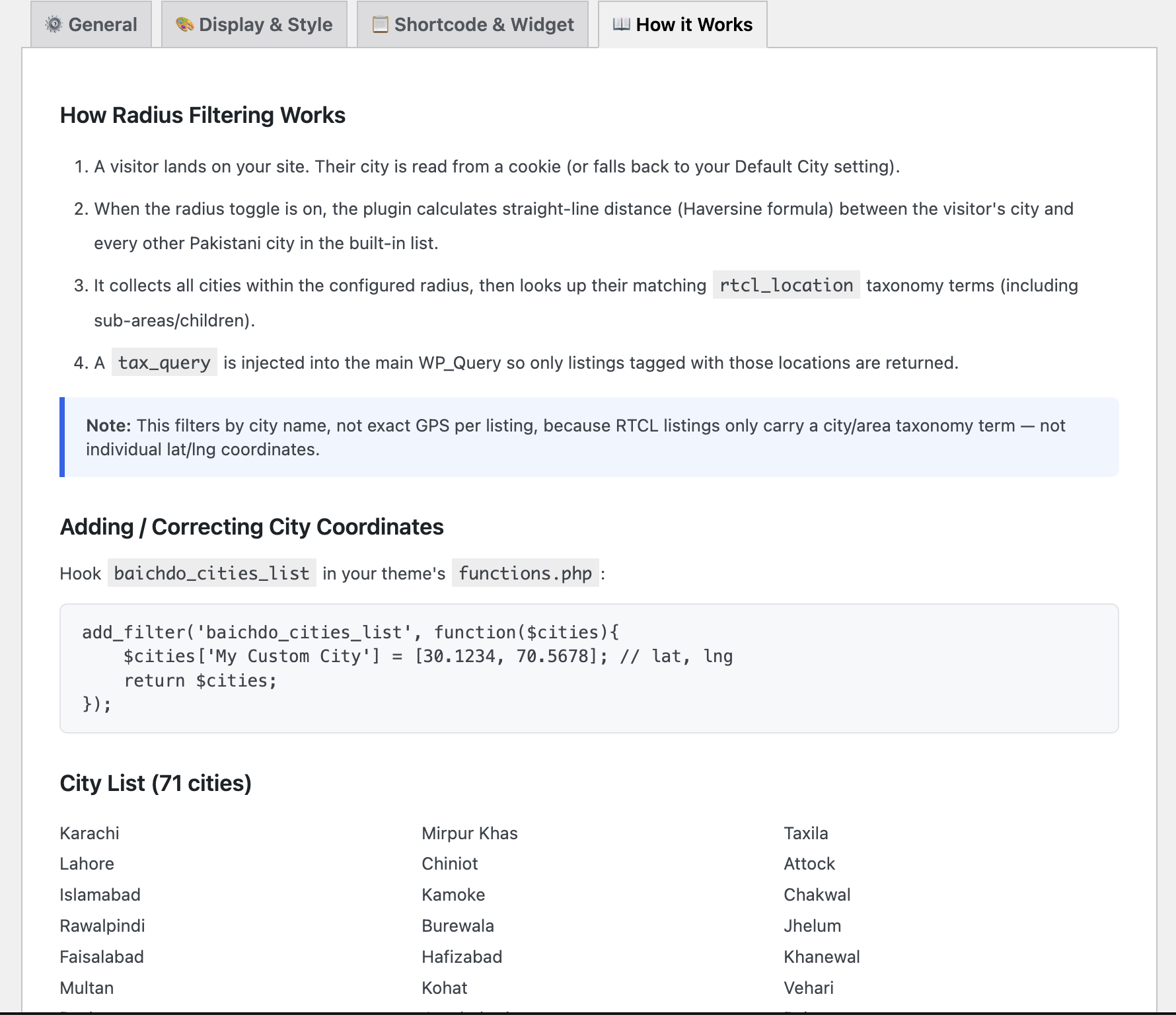
Baichdo Location Radius lets visitors of an RTCL Classified Listing site pick their city and see only listings within a chosen distance. It renders a location top bar with a Pakistani-city search box, then filters the listings query by city-to-city distance — because RTCL listings carry a city/area name (rtcl_location taxonomy), not per-listing GPS coordinates.
💡 Ships with an Elementor widget, a classic widget, a shortcode, and a full settings page — drop it in wherever it fits.
✨ Features
| Feature | Description |
|---|---|
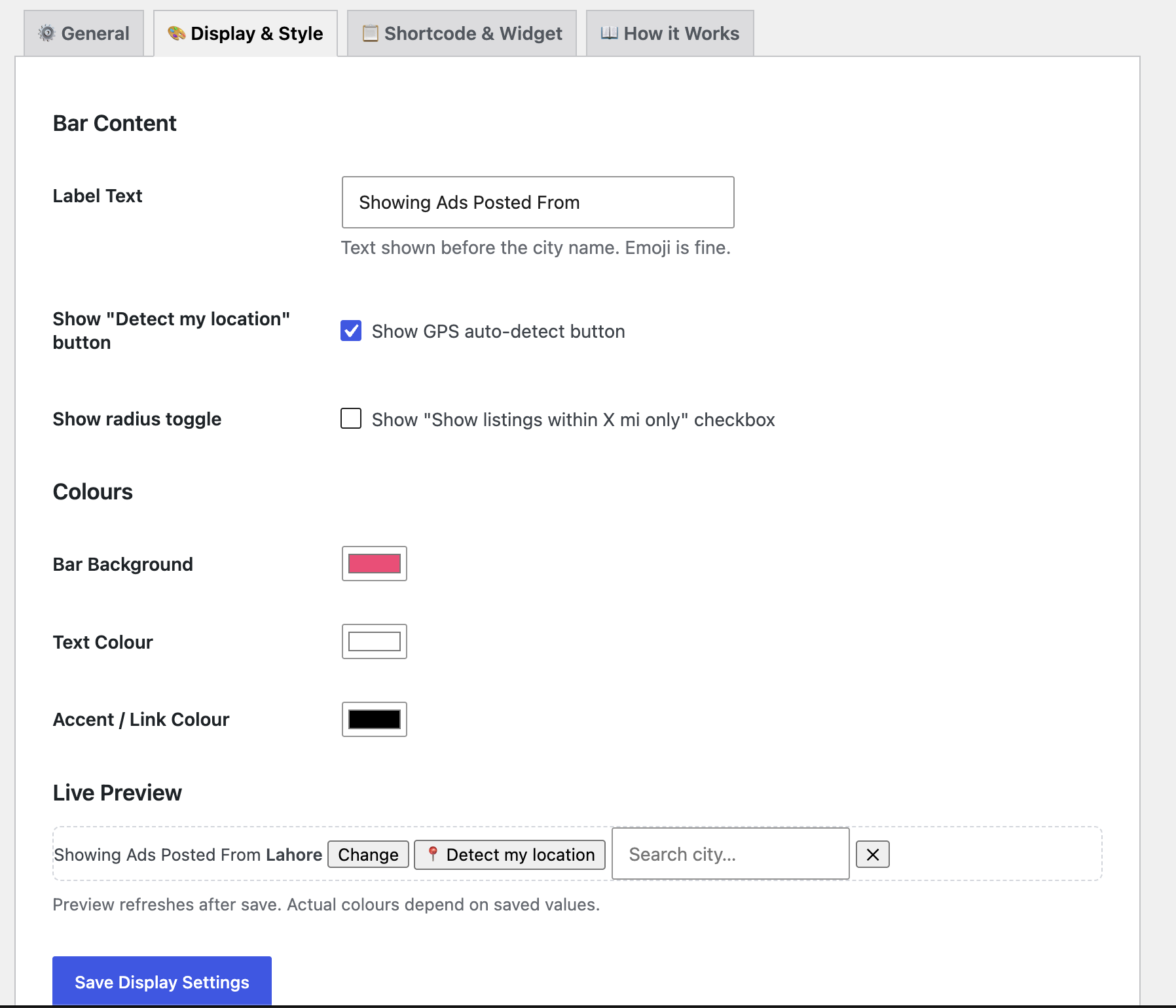
| 🗺️ Location Top Bar | "Your location" bar with Pakistani-city search box |
| 🎯 Radius Filtering | Filters RTCL listings to a configurable radius (miles) |
| 🏙️ City-to-City Distance | Works off city names — no per-listing GPS needed |
| 🧩 Elementor Widget | Native Elementor integration |
| 🧱 Classic Widget & Shortcode | Multiple placement options |
| ⚙️ Settings Page | Configure radius, defaults, and behavior |
🔄 How It Works
flowchart TD
    A[👤 Visitor opens site] --> B[Location top bar renders]
    B --> C[Visitor searches & selects a Pakistani city]
    C --> D[Plugin stores selected city]
    D --> E[Compute city-to-city distances]
    E --> F{Listing city within<br/>configured radius?}
    F -- Yes --> G[✅ Show listing]
    F -- No --> H[🚫 Hide listing]
🧩 Integration Points
flowchart LR
    Core["baichdo-location-radius.php<br/>core logic + query filter"] --> EW["includes/elementor-widget.php"]
    Core --> Shortcode["[shortcode]"]
    Core --> Widget["Classic widget"]
    Core --> Settings["⚙️ Settings page"]
    Core --> RTCL[("RTCL listings<br/>rtcl_location taxonomy")]
🚀 Installation
- Copy the
baichdo-location-radiusfolder to/wp-content/plugins/. - Ensure the RTCL Classified Listing plugin is installed and active.
- Activate Baichdo Location Radius under Plugins.
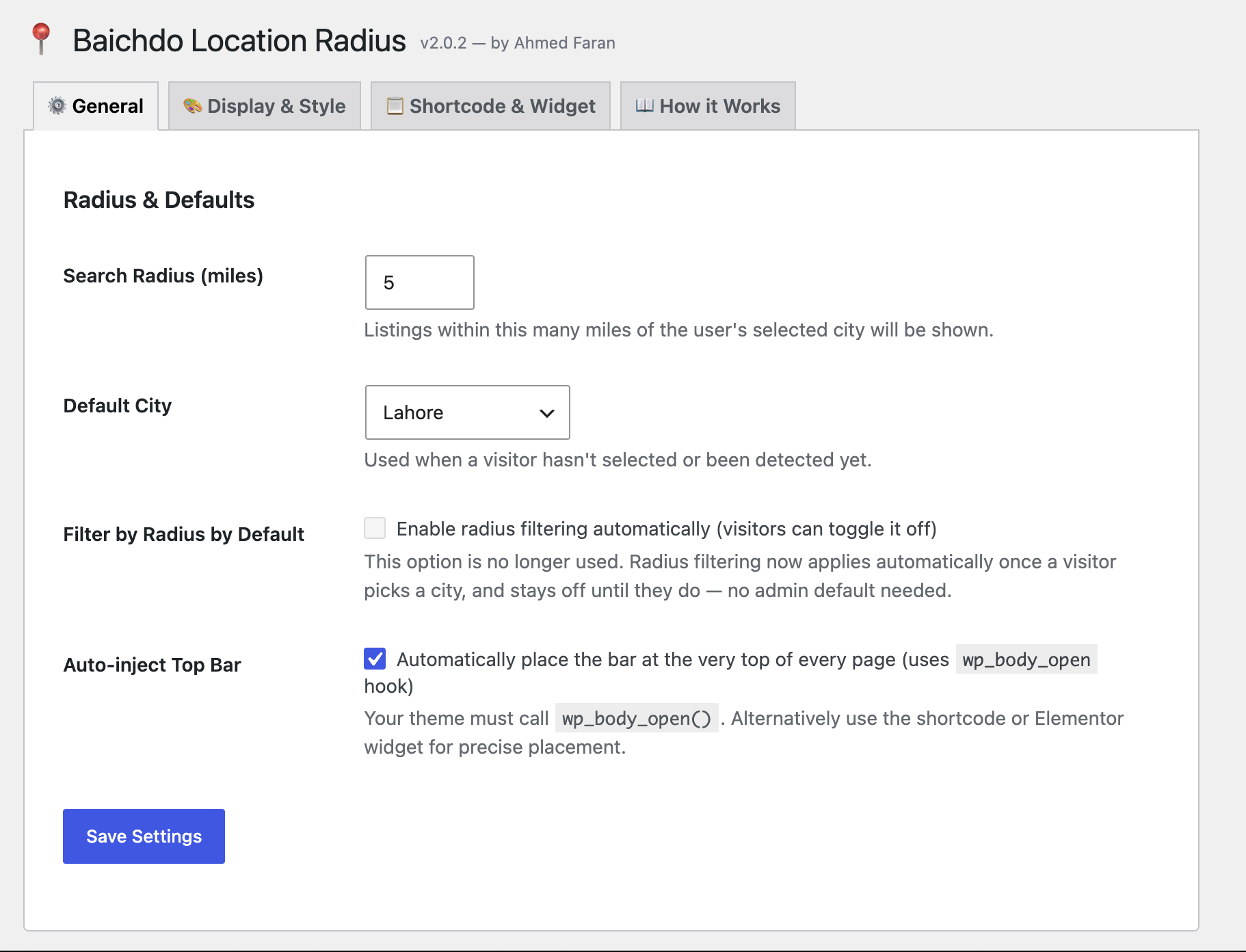
- Open the plugin's settings page to set the default radius and options.
Placement options
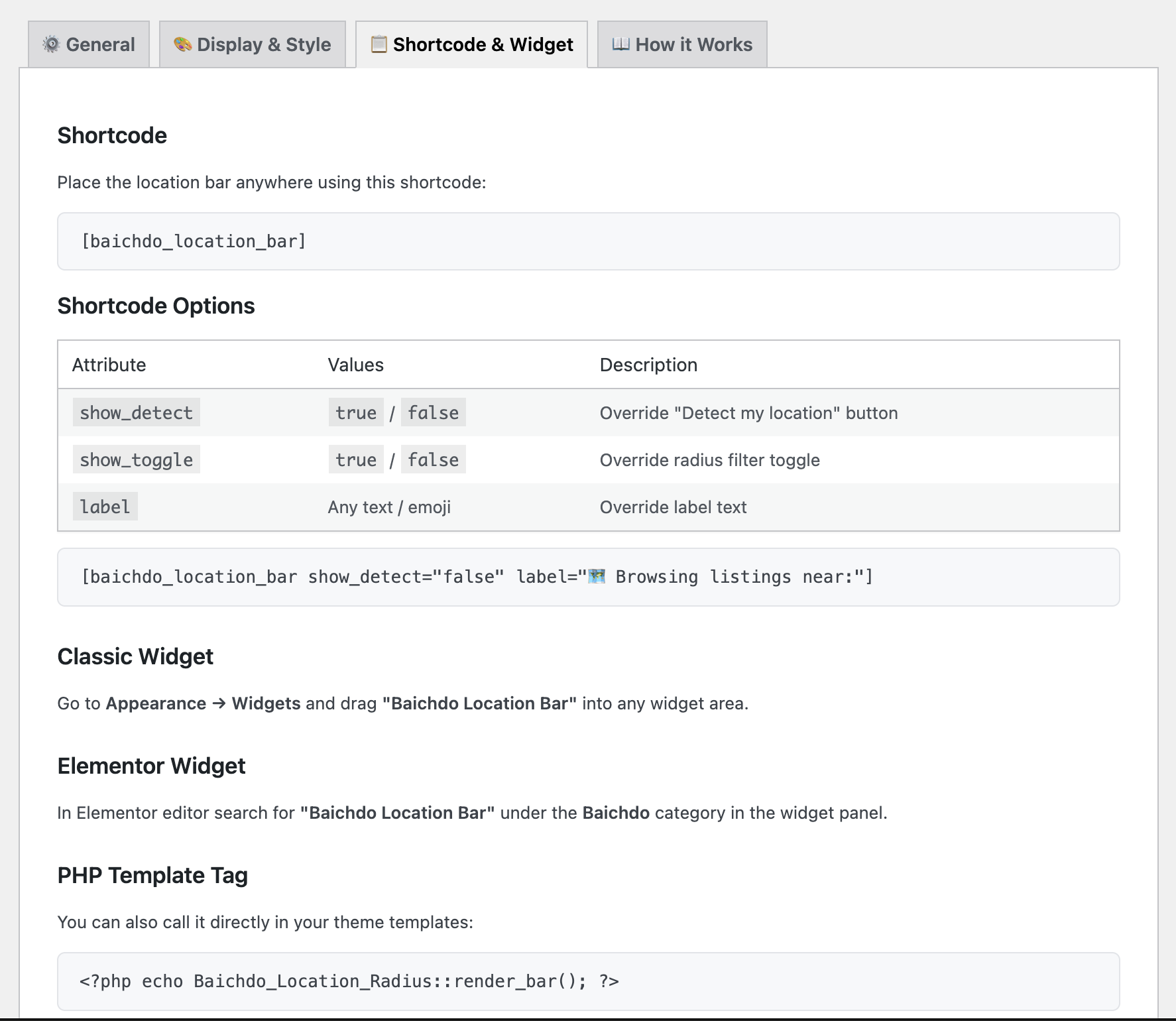
- Elementor: search for the "Location Radius" widget and drop it into any section.
- Classic widget: add it via Appearance → Widgets.
- Shortcode: embed the location bar in any post/page.
📁 Project Structure
baichdo-location-radius/
├── baichdo-location-radius.php    # Core plugin: bar, filtering, settings
└── includes/
    └── elementor-widget.php       # Elementor widget integration
⚠️ Notes
- Filtering is city-to-city, not exact GPS per listing — RTCL listings only store a city/area name via the
rtcl_locationtaxonomy. - Requires the RTCL Classified Listing plugin to be active.
- Radius is configured in miles.
📝 License
Released under the GPL-2.0-or-later license.
By Ahmed Faran · Built for RTCL on WordPress