Install
This is the repository archive. It installs, but the folder name will carry the branch suffix and updates will not flow.
Install straight from GitHub with WP-CLI:
wp plugin install https://github.com/troychaplin/tidbits/archive/refs/heads/main.zip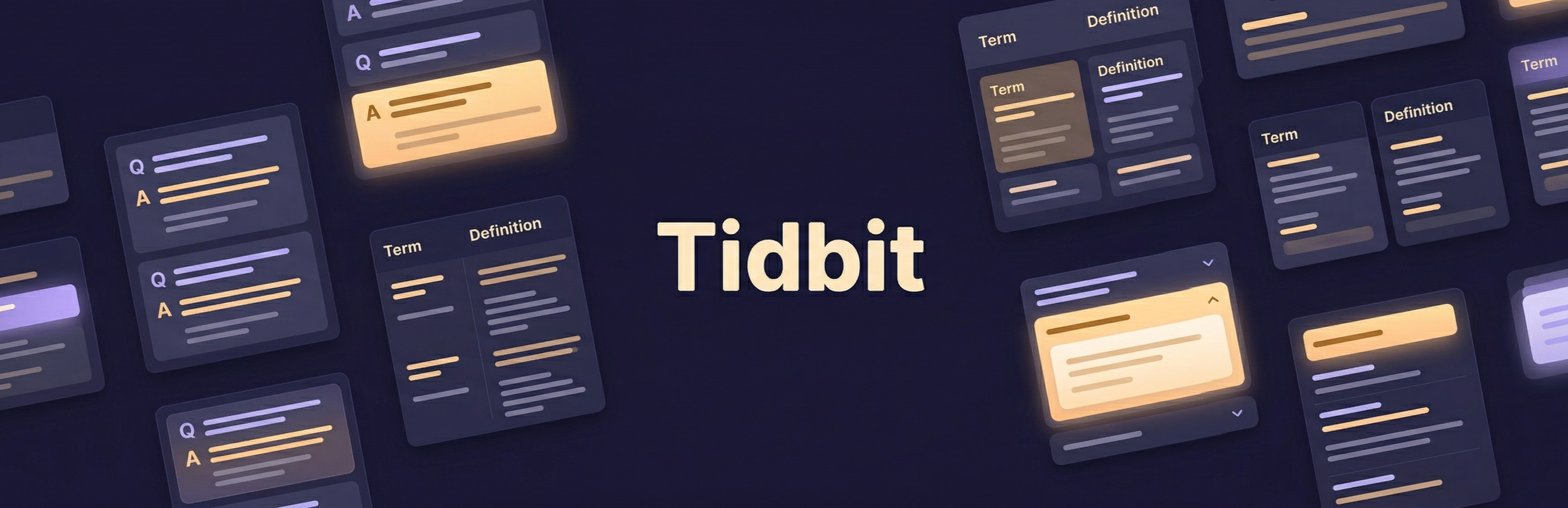
Tidbits
Flexible blocks for organizing and displaying bite-sized paired content in WordPress.
Tidbits gives editors a dedicated space to create short, paired content -- FAQs, glossary terms, quick tips, fun facts -- and display them anywhere on the site using a block with three layout options.
Features
- Three display modes -- Accordion (collapsible), Stacked (vertical list), and Columns (two-column grid) -- selected at the block level and applied consistently to all items
- Dedicated Tidbit post type -- Content lives in its own post type, separate from pages and posts, so editors can manage it independently
- Flavour taxonomy -- Organize tidbits into categories for easy management in the admin
- Hand-pick content -- Search and select individual tidbit posts from a combobox in the editor. No shortcodes, no query blocks, just direct selection
- Duplicate prevention -- The editor automatically filters out tidbits already used by sibling blocks, preventing accidental repeats
- Live editor preview -- The block editor shows a real preview of each layout mode, including a working accordion toggle
- Animated accordion -- Smooth CSS-only expand/collapse animation using
grid-template-rowswith no JavaScript layout thrashing - WordPress Interactivity API -- Accordion state is managed declaratively using the standard WordPress Interactivity API, not custom DOM manipulation
- Themeable with CSS tokens -- All visual properties (colors, spacing, font weights, column widths, animation speed) are exposed as CSS custom properties that themes can override
- Accessible by default -- Semantic
<dl>markup,<button>triggers,aria-expanded,aria-controls,role="region", and keyboard-navigable - Wide and full-width alignment -- Supports WordPress block alignment options with proper layout integration
Requirements
- WordPress 6.6 or later
- PHP 7.0 or later
Quick Start
- Install the plugin -- Upload to
wp-content/plugins/tidbitsand activate - Create some Tidbits -- Go to Tidbits in the admin sidebar and add posts. Each post is a term (title) and definition (content)
- Organize with Flavours -- Optionally assign Flavour taxonomy terms to group related tidbits
- Add the block -- In the block editor, insert the Tidbits block
- Pick a layout -- Choose Accordion, Stacked, or Columns from the block sidebar under Display Settings
- Select posts -- Each Morsel child block lets you search and select a Tidbit post
- Add more -- Click the block appender to add additional Morsel blocks
Display Modes
Accordion -- Each tidbit is a collapsible item with a chevron indicator. Content is hidden by default and expands with a smooth animation on click. Best for FAQs and content where users scan titles before reading.
Stacked -- A simple vertical list showing both the term and content. Every item is always visible. Best for glossary terms, definitions, or short reference content.
Columns -- A two-column grid with the term on the left and content on the right. Responsive: collapses to a single column on small screens. Best for metadata, specifications, or key-value style content.
Documentation
Detailed documentation is available in the docs/ directory:
- Getting Started -- Installation and first steps
- Blocks -- Parent and child block architecture
- Display Modes -- Layout options and markup output
- Custom Post Type -- Tidbit posts and Flavour taxonomy
- Theming -- CSS custom properties and theme overrides
- Interactivity API -- How the accordion works
- Accessibility -- ARIA attributes and semantic markup
- Development -- Build commands and project structure
License
GPL-2.0-or-later