Install
This is the repository archive. It installs, but the folder name will carry the branch suffix and updates will not flow.
Install straight from GitHub with WP-CLI:
wp plugin install https://github.com/tradicije/dimipress-local-avatar/archive/refs/heads/main.zip
DimiPress Local Avatar
Choose a WordPress Media Library image as a user's profile avatar, with an easy switch back to Gravatar whenever wanted.
Features
- Select an existing image or upload a new one through the standard WordPress Media Library.
- Choose between a local avatar and Gravatar directly in WordPress's built-in Profile Picture section.
- Keep a selected local image while temporarily switching back to Gravatar.
- Remove the avatar setting without deleting the original Media Library attachment.
- Use local avatars anywhere WordPress uses the standard
get_avatar()API, including REST APIavatar_urls. - Accessible avatar controls with keyboard support and screen-reader feedback.
- No theme, host, remote service, or site-specific dependency.
Screenshots
| Full wp-admin — Gravatar selected | Full wp-admin — Local selected |
|---|---|
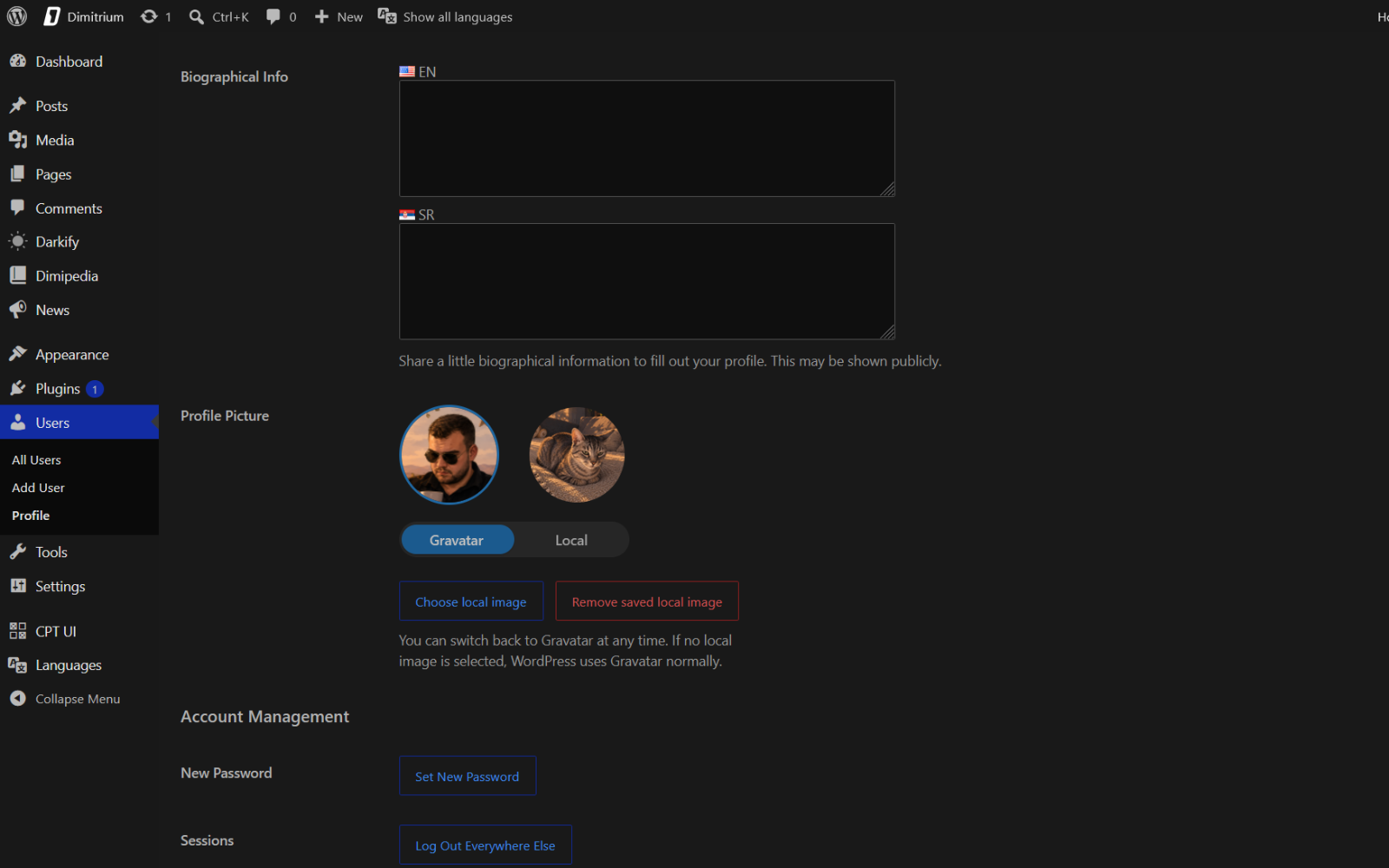 |
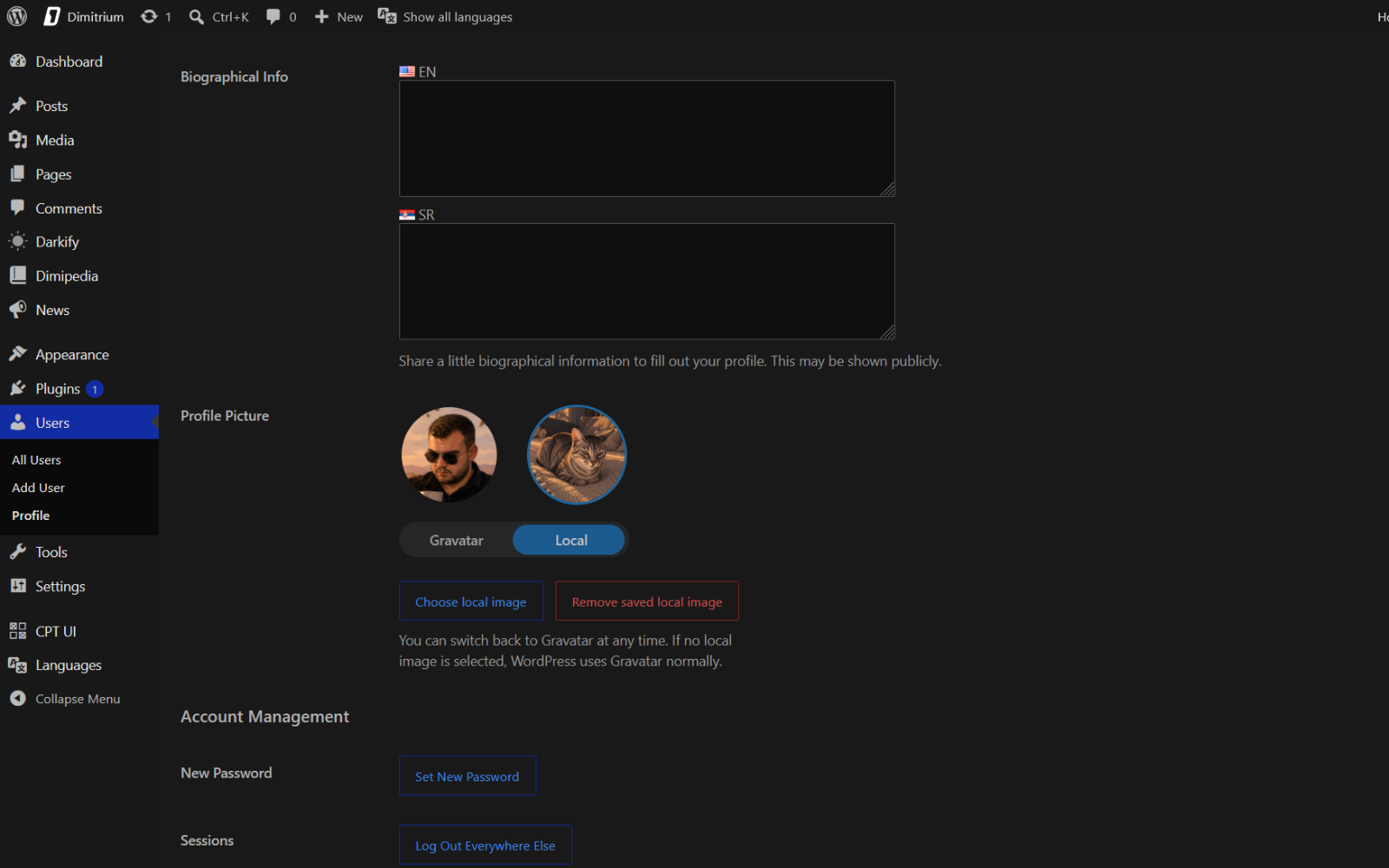 |
| Control detail — Gravatar selected | Control detail — Local selected |
|---|---|
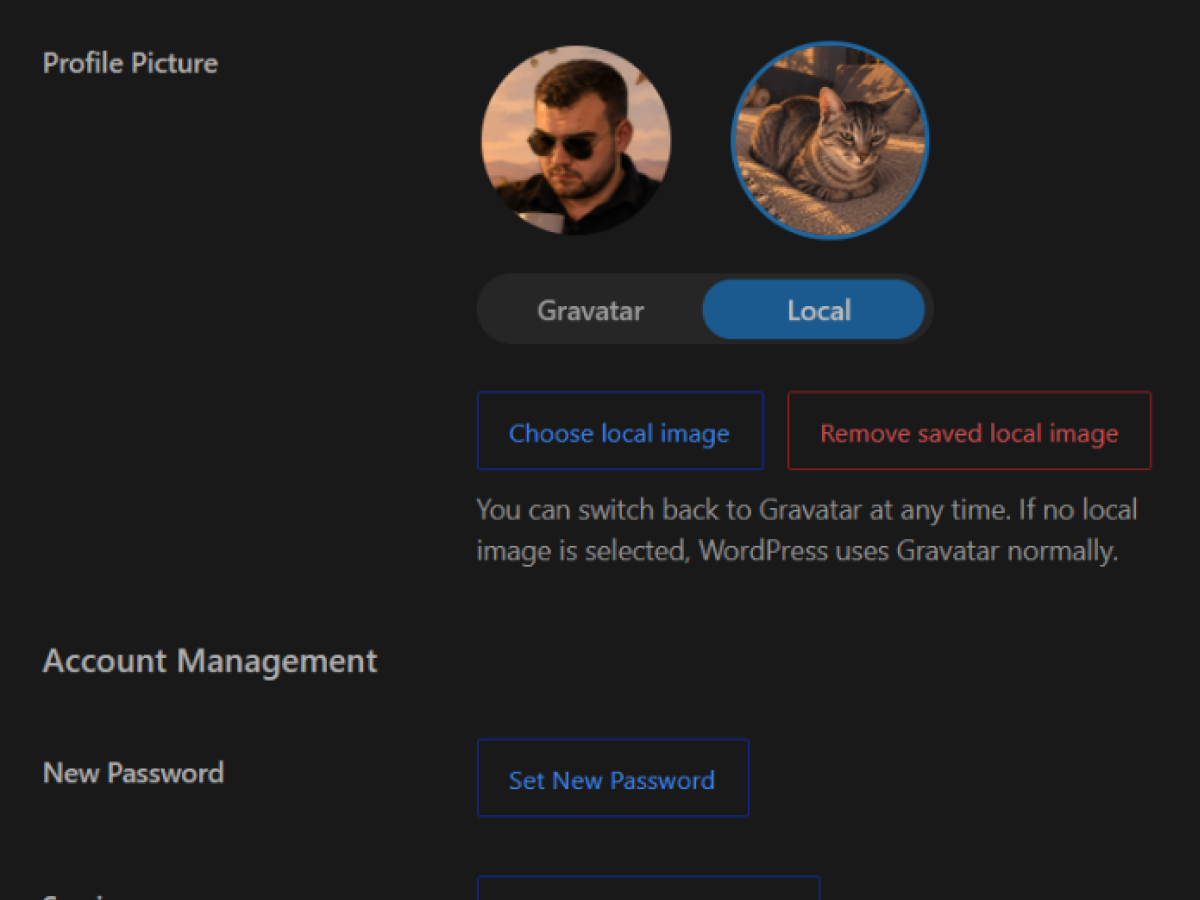 |
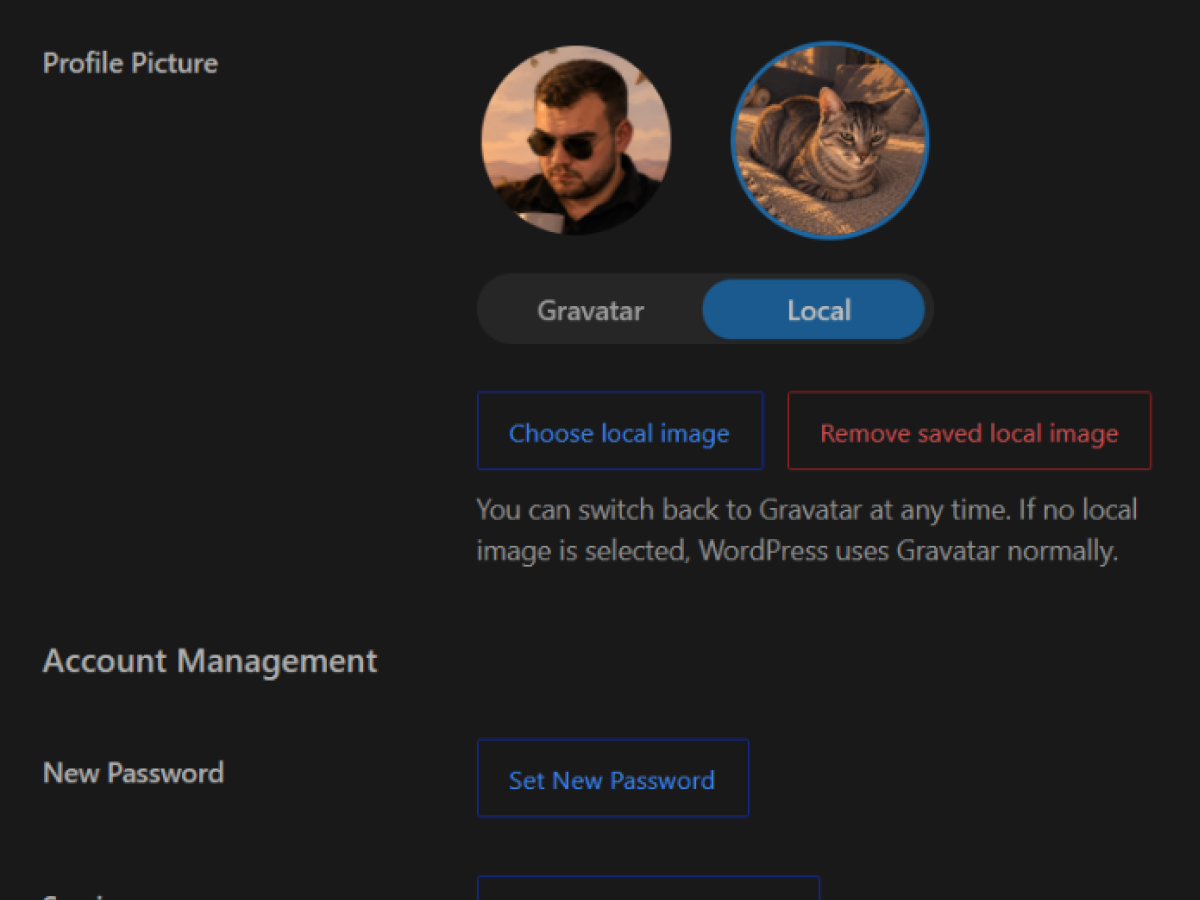 |
Installation
- Download or clone this repository.
- Upload the
dimipress-local-avatardirectory to/wp-content/plugins/, or create a ZIP archive of that directory and upload it in Plugins → Add New → Upload Plugin. - Activate DimiPress Local Avatar.
Usage
- Open Users → Profile, or edit a user you are allowed to manage.
- In Profile Picture, click Choose local image.
- Select or upload an image in the Media Library.
- The control switches to Local automatically. Use the segmented Gravatar / Local switch to select the avatar source.
- Click Update Profile to save.
Switching to Gravatar preserves the chosen local image for later. Remove saved local image clears only the avatar setting; the Media Library file is never deleted.
If a saved local image has been deleted, trashed, or is no longer a valid image, the profile screen falls back to Gravatar. The stale avatar setting is cleared the next time the profile is saved.
Requirements
- WordPress 6.4 or newer
- PHP 7.4 or newer
Development and security
Contact
For questions, feedback, and contributions, contact Aleksa Dimitrijević on GitHub or email aleksa@linux.com. For security reports, please follow the security policy.
Releases
4 releases.
These releases are tags only. The author does not attach a packaged zip, so there are no download counts to report.