Install
This is the repository archive. It installs, but the folder name will carry the branch suffix and updates will not flow.
Install straight from GitHub with WP-CLI:
wp plugin install https://github.com/tiptinker/easy-custom-branding/archive/refs/heads/main.zipNo built-in updater. New versions won't appear under Dashboard → Updates. Install new releases yourself, or let Git Updater track the repository.
Easy Custom Branding (WordPress Plugin)
A complete solution to customize your WordPress branding in the admin area and on the login page. Perfect for developers and agencies looking to provide a white-label experience for their clients.
✨ Features
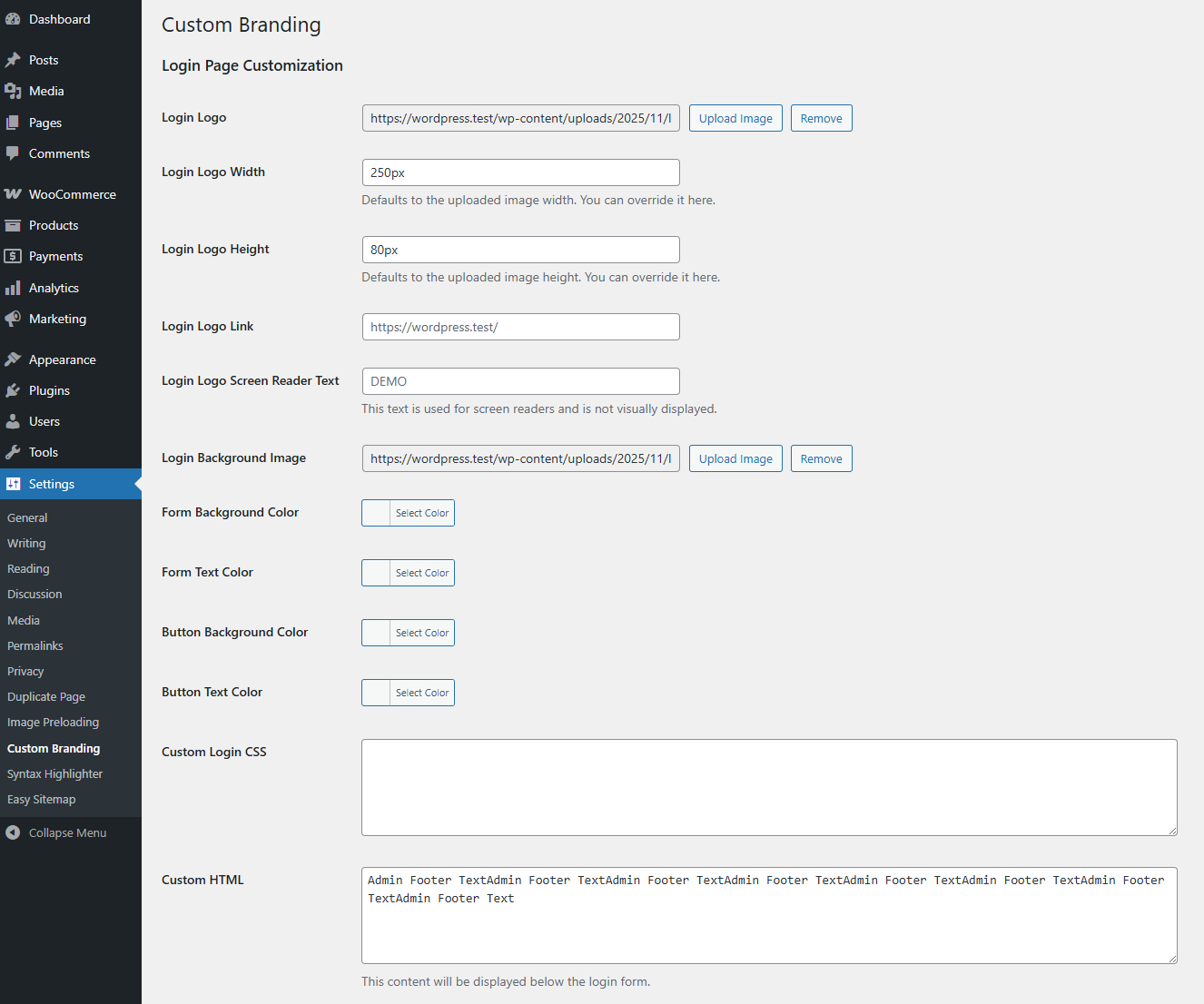
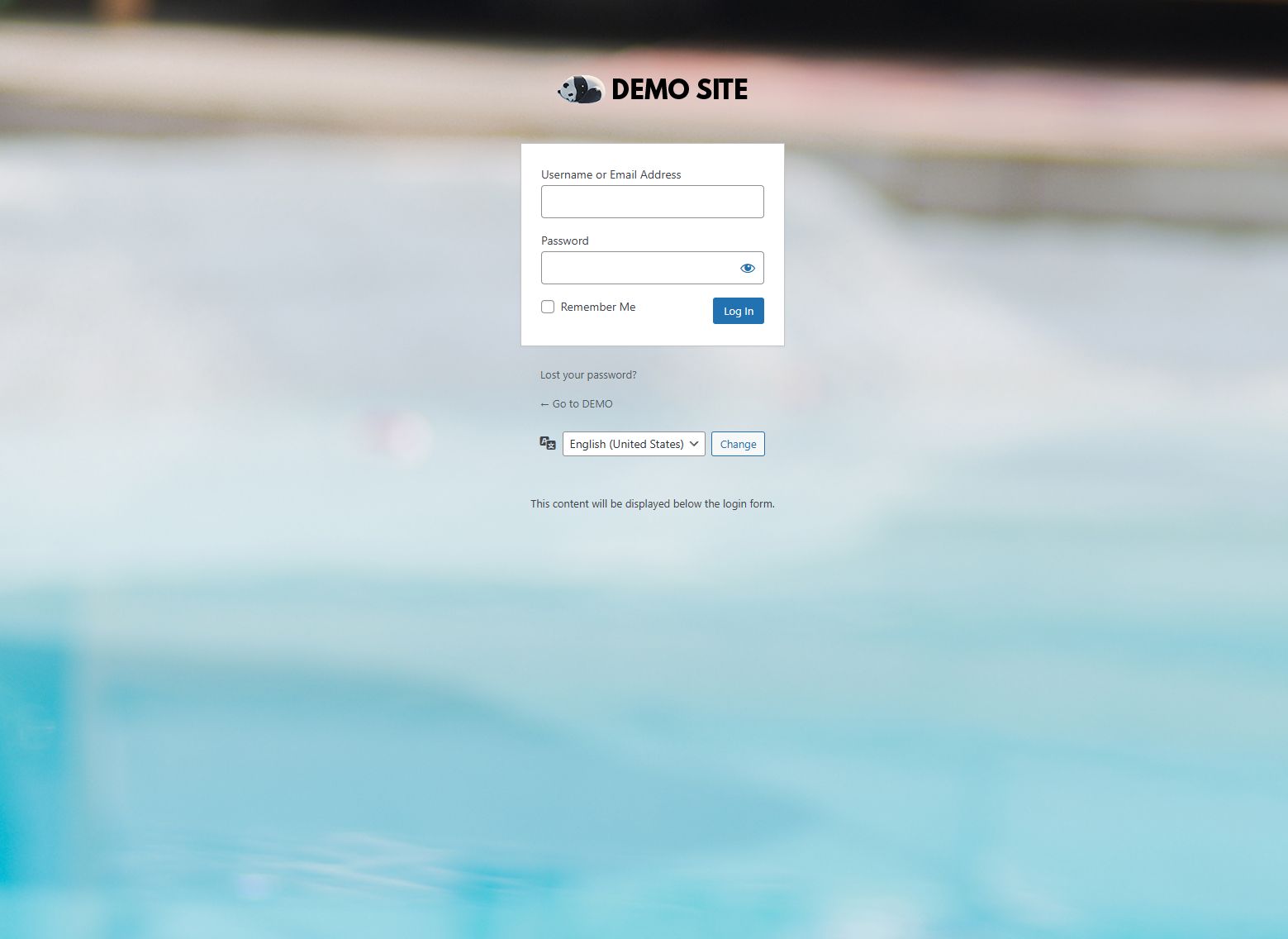
🎨 Login Page Customization
- Custom Logo: Upload your own logo, set its dimensions, link, and screen reader text.
- Background Image: Set a custom background image for the login page.
- Color Customization: Change colors for the login form background, text, button background, and button text.
- Custom CSS: Add your own CSS to fully style the login page.
- Custom HTML: Add custom content below the login form.
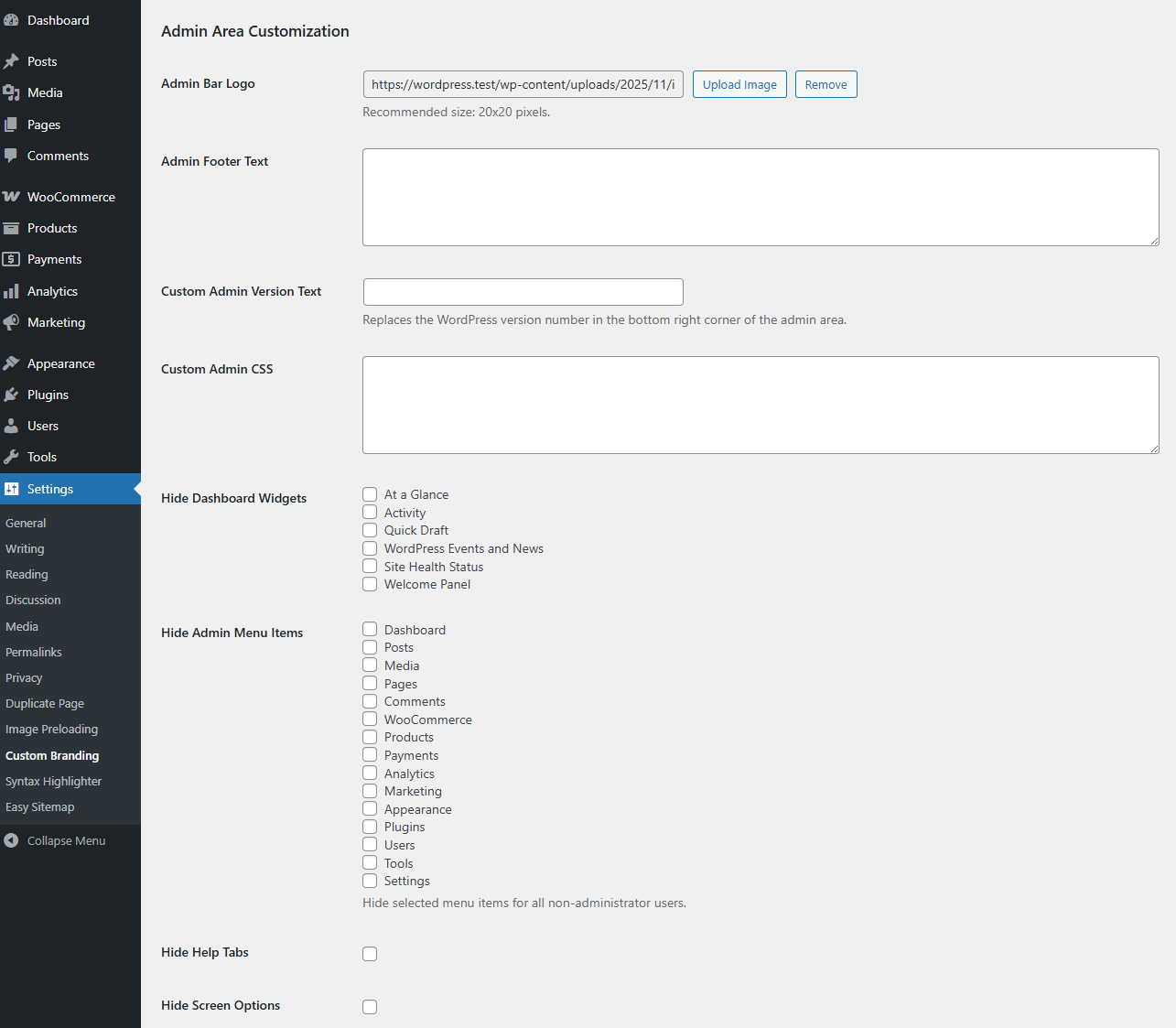
⚙️ Admin Area Customization
- Admin Bar Logo: Replace the WordPress logo in the admin bar with your own.
- Custom Footer: Change the footer text in the admin dashboard.
- Hide WordPress Version: Replace the WordPress version number with your own text.
- Custom CSS: Apply custom CSS to the entire admin area.
- Dashboard Widgets: Hide default dashboard widgets like 'At a Glance', 'Activity', 'Quick Draft', and more.
- Admin Menu Items: Hide specific admin menu items for non-administrator users.
- UI Elements: Hide the 'Help' and 'Screen Options' tabs.
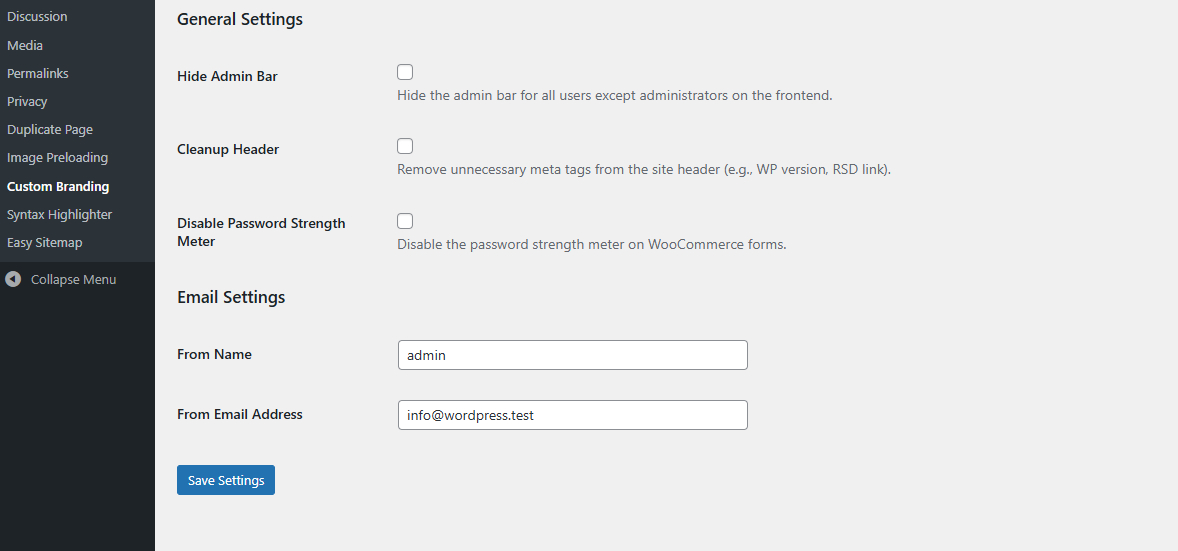
✉️ Email Settings
- Custom Sender Name: Set the "From Name" for all outgoing WordPress emails.
- Custom Sender Email: Set the "From Email Address" for all outgoing emails.
🛠️ General Settings
- Hide Admin Bar: Hide the admin bar on the frontend for all users except administrators.
- Header Cleanup: Remove unnecessary meta tags from the site header (e.g., WP version, RSD link).
- Disable Password Strength Meter: Option to disable the password strength meter on forms.
🚀 Installation
- Download the plugin
.zipfile. - In your WordPress admin, go to Plugins → Add New.
- Click Upload Plugin and select the
.zipfile you downloaded. - Activate the plugin.
- Go to Settings → Easy Custom Branding to configure the options.
📖 Usage
After installation, navigate to the settings page at Settings → Easy Custom Branding. The settings are organized into four tabs:
- Login Page: All options related to the
/wp-login.phppage. - Admin Area: Options for customizing the WordPress dashboard and admin pages.
- Email Settings: Configure the sender information for emails sent by WordPress.
- General Settings: Miscellaneous settings for the admin bar, frontend header, etc.
Fill in the desired fields, upload your images, and click "Save Settings". The changes will be applied immediately.
📸 Screenshots
| Login Page | Admin Area |
|---|---|
 |
 |
| Email Settings | General Settings |
|---|---|
 |
 |
📄 License
Licensed under the GNU General Public License v2.0 or later.