Install
Upload it under Plugins → Add New Plugin → Upload Plugin, then activate.
Install straight from GitHub with WP-CLI:
wp plugin install https://github.com/theumair07/design-tokens-importer-for-elementor/releases/download/v1.0.0/design-tokens-importer-for-elementor.zip




🎨 Design Tokens Importer for Elementor
Seamlessly import your CSS design system into Elementor's global styling system
Transform your CSS classes and variables into Elementor's native global classes and variables with just a few clicks. Perfect for designers and developers who want to maintain design consistency across their Elementor projects.
✨ Features
| Feature | Status |
|---|---|
| CSS Classes → Elementor Global Classes | ✅ Working |
| Color Variables → Global Colors | ✅ Working |
| Font Variables → Global Fonts | ⚠️ Partial |
| Size Variables → Global Sizes | 🚧 In Progress |
Pseudo-states (:hover, :focus, :active) |
✅ Working |
| Box-shadow Support | ✅ Working |
| Linear-gradient Backgrounds | ✅ Working |
| JSON Validation | ✅ Working |
| Detailed Conversion Logs | ✅ Working |
🚀 How It Works
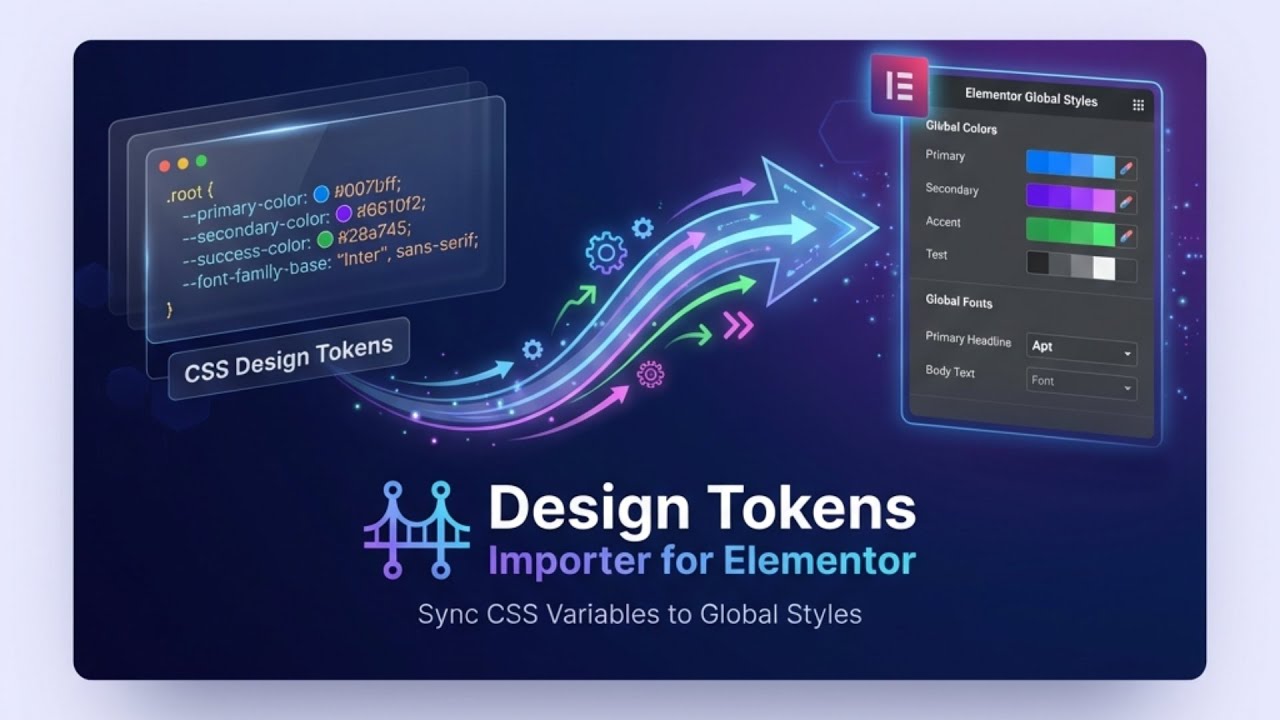
▶️ Click to watch the full tutorial on YouTube
The plugin has two main sections: Variables (for CSS custom properties) and CSS Classes.
For Variables (Colors, Fonts, Sizes)
Step 1: Select Variable Type
Choose the type of variable you want to import:
- Color - For color variables (✅ Working perfectly)
- Font - For font family variables (⚠️ Partial support)
- Size - For spacing/sizing variables (🚧 Not working yet)
Step 2: Enter Your CSS Variables
Paste your CSS variables in the input field (one per line):
--primary-color: #3b82f6;
--secondary-color: #10b981;
--text-dark: #1f2937;
Step 3: Generate & Validate
- Click "Generate JSON" to convert your CSS variables to Elementor's JSON format
- Click "Validate" to check if the JSON structure is correct
- Click "Update Elementor" to apply the variables to your site
For CSS Classes
Step 1: Enter Your CSS Classes
Paste your CSS class definitions:
.btn-primary {
  background-color: var(--primary-color);
  color: white;
  padding: 12px 24px;
  border-radius: 8px;
}

.btn-primary:hover {
  background-color: #2563eb;
}
Step 2: Generate & Apply
- Click "Generate JSON" to convert CSS classes to Elementor format
- Click "Validate" to verify the JSON structure
- Click "Update Elementor" to apply the classes globally
⚠️ Warning: Updating will overwrite existing global classes. Always backup your database first!
After Import
Your CSS is now converted to:
- Global Classes - Apply to any element via the class dropdown in Elementor
- Global Colors - Available in all color pickers site-wide
- Global Fonts - Access from typography controls
The Conversion Log panel shows detailed parsing information, warnings, and any error messages.
📥 Installation
From GitHub
- Download the latest release ZIP file
- Go to Plugins → Add New → Upload Plugin
- Upload the ZIP file and activate
Manual Installation
cd wp-content/plugins/
git clone https://github.com/theumair07/design-tokens-importer-for-elementor.git
Then activate the plugin from your WordPress admin.
⚠️ Known Issues & Limitations
🔴 Size Variables (Not Working)
Currently, size variables don't import correctly due to Elementor's specific JSON structure requirements for sizes. We're actively researching the correct format.
Example of what doesn't work yet:
:root {
  --spacing-sm: 8px;
  --spacing-md: 16px;
  --font-size-lg: 1.25rem;
}
🔴 CSS Functions (Not Supported)
CSS functions are not yet parsed correctly:
clamp()- Not supportedmin()/max()- Not supportedcalc()- Not supported
This will NOT work:
:root {
  --fluid-text: clamp(1rem, 2vw + 1rem, 2rem);
}
🟡 CSS Not Supported
- Nested selectors (
.parent .child {}) - ID selectors (
#myid) - Element selectors (
body,h1, etc.) - Pseudo-elements (
::before,::after) - Media queries
@keyframesanimations
🟢 What Works Perfectly
- Color variables - Full support, imports correctly
- CSS classes - Converted to Elementor global classes
- Pseudo-states -
:hover,:focus,:activeall work - Backgrounds - Gradients and box-shadows parse correctly
🛣️ Roadmap
- [ ] Fix size variable imports
- [ ] Add support for CSS functions (
clamp,calc, etc.) - [ ] Add import preview before applying
- [ ] Add export functionality (Elementor → CSS)
- [ ] Add backup/restore feature
- [ ] Add batch undo support
🤝 Contributing
Contributions are welcome! If you've figured out how Elementor structures size variables, please open an issue or PR.
- Fork the repository
- Create your feature branch (
git checkout -b feature/amazing-feature) - Commit your changes (
git commit -m 'Add some amazing feature') - Push to the branch (
git push origin feature/amazing-feature) - Open a Pull Request
📋 Requirements
- WordPress 5.8 or higher
- PHP 7.4 or higher
- Elementor with Editor V4 enabled
📄 License
This project is licensed under the GPL v2 or later - see the LICENSE file for details.
👤 Author
Umair Khan
- Website: umairyousafzai.com
- GitHub: @theumair07
- WordPress Profile: @theumair07
Made with ❤️ for the WordPress and Elementor community
Releases
1 release. Each count is every asset in that release; expand a row for the breakdown.