Install
This is the repository archive. It installs, but the folder name will carry the branch suffix and updates will not flow.
Install straight from GitHub with WP-CLI:
wp plugin install https://github.com/tharsheblows/mjj-why/archive/refs/heads/master.zipBlocks of little weird layouty bits
For when clients want weird little designs in their site.
The blocks are in src/blocks. (There's currently only one, it might stay this way forever.) Each has the following files:
- index.js: registers the block
- index.php: registers the block in php and handles server side rendering
- [component].jsx: usually the component used in edit when registering the block in index.js and also, when possible, used as a template for the server side render (after a bit of regex)
- editor.scss: editor specific scss that gets magically transformed by the wonderful Create Guten Block script
- style.scss: styles loaded on front and back end, same magic as above
You shouldn't need to run npm install to make this work, I've included all the necessary scripts.
NB: This isn't for production use at all, it's not responsive for one thing and there are many others. This is mainly
- to show how Gutenberg will make editing easier compared to metaboxes
- for me to try out a certain way of making blocks (server side render with React Component used in both editor and, with a bit of regex, in php render function)
Blocks
circle-text
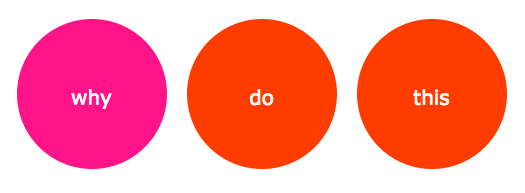
For when your client wants to put three red circles with text and links on random pages as callouts. The hover should be pink.
code-highlighting
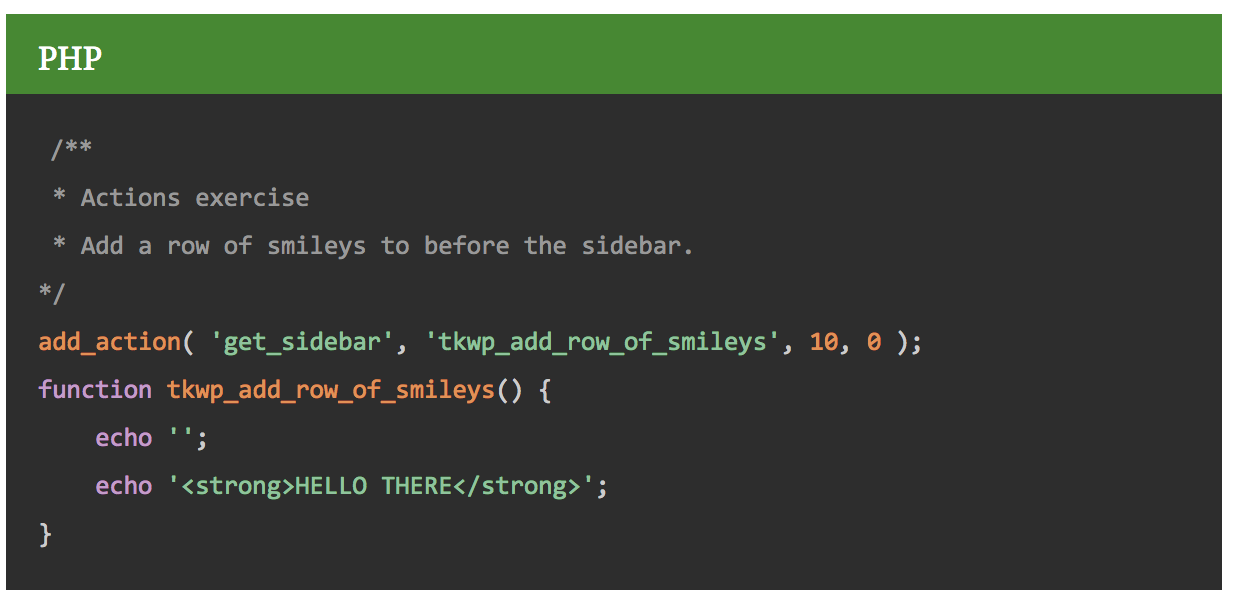
This is not a code editor. It's a very simple code highlighting plugin which gives you the ability to post syntax highlighted code like they do over at css-tricks.com. It's built on prism.js and there's a lot more that could be done with it if someone should so desire.
github-gist
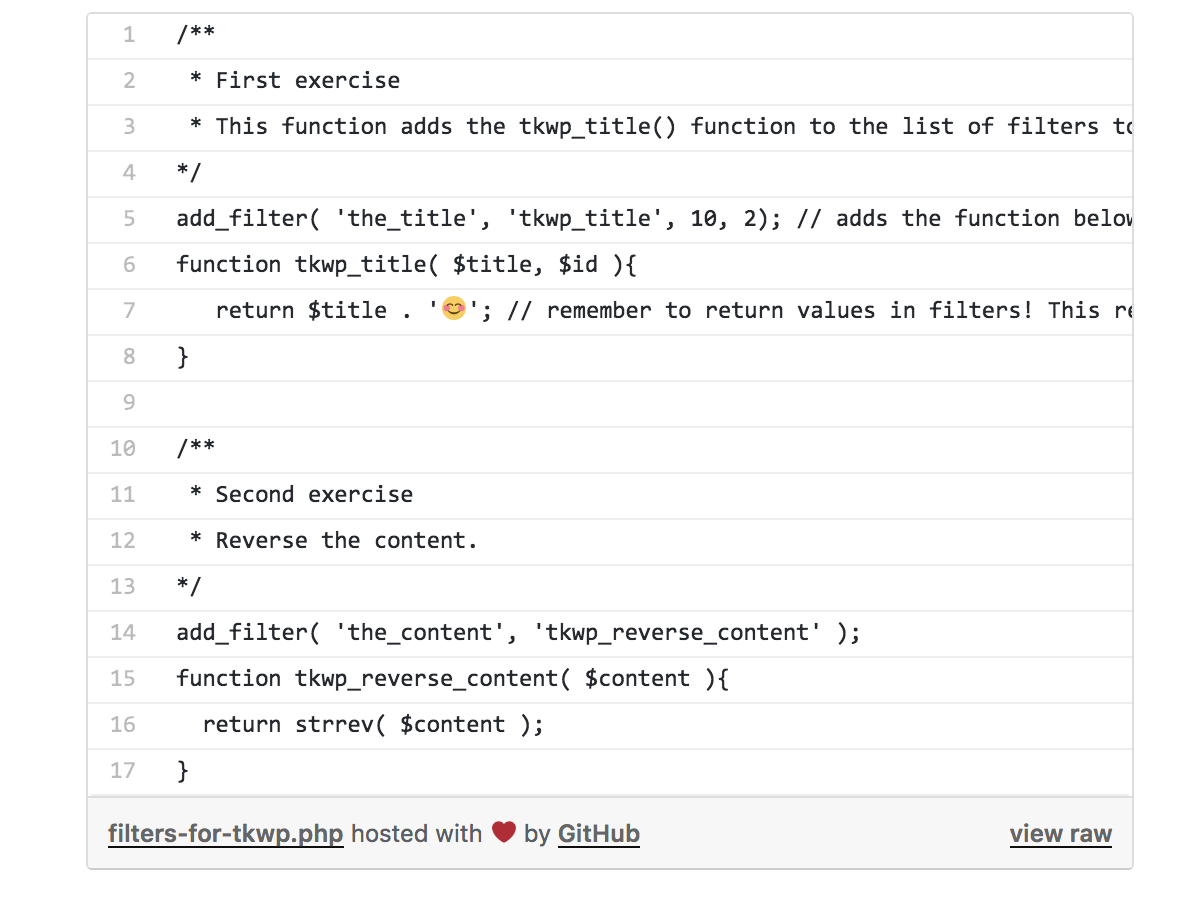
This is Daniel Bachhuber's Github Gist block, almost. I rewrote it in ES6 and it doesn't work as well. It doesn't update except when the block is unselected — you type in the url of a gist then have to unselect it for the gist to show up) whereas Daniel's does this as soon as the url is entered. I'm assuming I've missed out something basic, who knows? Not me. Is it still better than using a metabox or shortcode though? I'm going with yes. (But if you are thinking "No, no it is not" then it's still ok, this gives you a shortcode you can use to do the same thing.)
edit a bit later: I ended up fixing the issues I was having. This by Igor Benić was super helpful in getting my head around how to handle state. I also needed to use the setState callback to set the attributes properly — they were one step behind. This was helpful in understanding that. And, stupidly, I had forgotten that I needed to call componentDidUpdate to, y'know, keep it updated.
All in all, I highly recommend doing something similar to learn bits and pieces of anything. I asked Daniel if it was ok if I just copied and pasted some of his code and he was lovely about it. It helped to know where I wanted to go when figuring out how to get there. :)
keiths-polygon
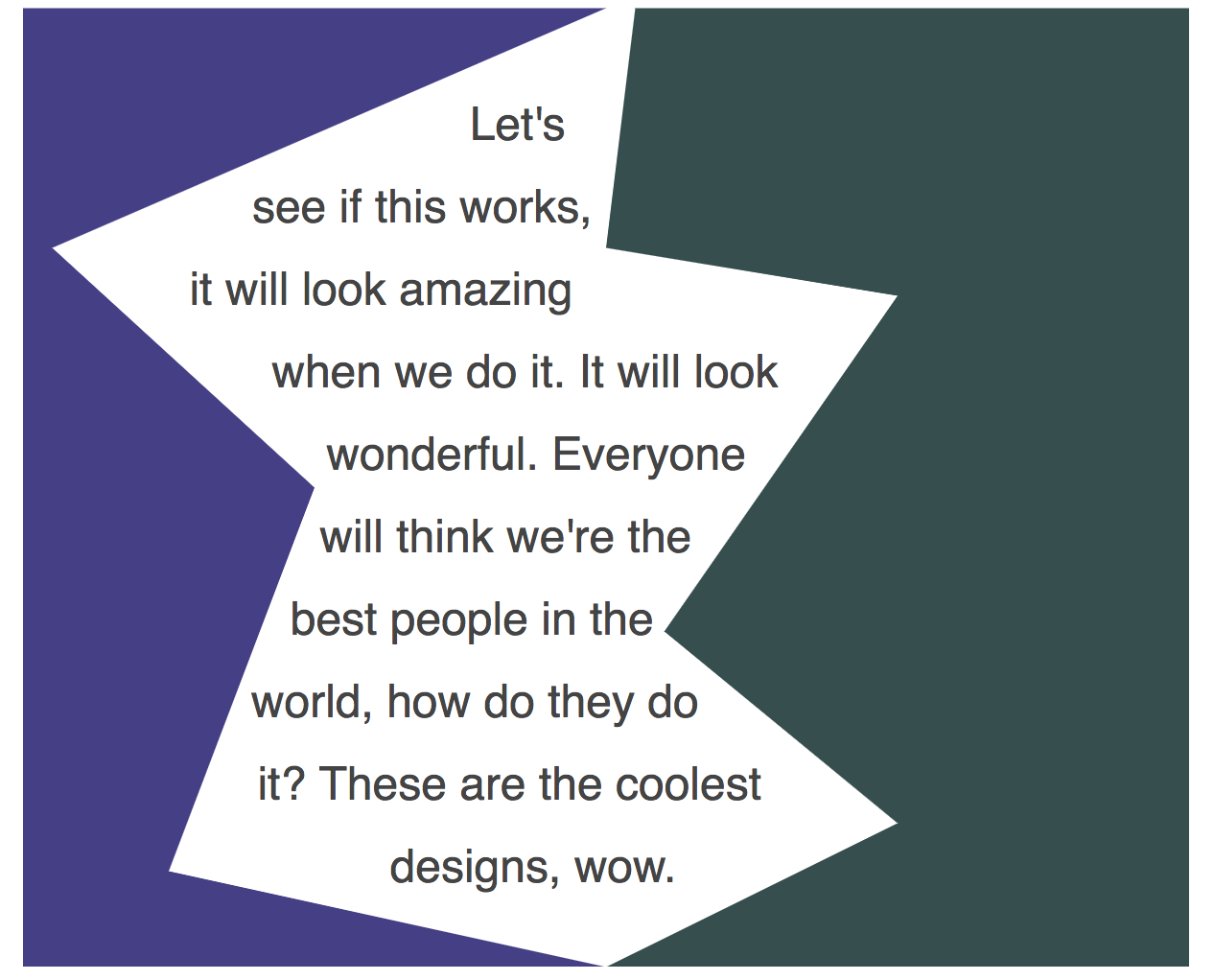
So named because I wanted to try out some stuff Keith Devon talked about at WordCamp London in his talk "future.css". His stuff looks waaaaay better of course. And this — the css bits of this — won't work in all browsers, it's not been completely adopted yet.
FWIW, the css bits of this easily took the longest time of all this. The entire reason for this repo is so that I figure out what development process works for me with Gutenberg blocks. With this one I felt like I'm there, at least with the basic stuff. (Now to see if it works with more difficult functionality.... :) )
i-object
A proof of concept for arbitrarily registered fields.
This project was bootstrapped with Create Guten Block.
Below you will find some information on how to run scripts.
You can find the most recent version of this guide here.
👉 npm start
- Use to compile and run the block in development mode.
- Watches for any changes and reports back any errors in your code.
👉 npm run build
note: at the moment, this is breaking the css a little bit. It's probably something I'm not doing quite right but if you are using this, please realise that at the moment, with create-guten-block ejected, npm run build will leave out some styles.
- Use to build production code for your block inside
distfolder. - Runs once and reports back the gzip file sizes of the produced code.
👉 npm run eject
- Use to eject your plugin out of
create-guten-block. - Provides all the configurations so you can customize the project as you want.
- It's a one-way street,
ejectand you have to maintain everything yourself. - You don't normally have to
ejecta project because by ejecting you lose the connection withcreate-guten-blockand from there onwards you have to update and maintain all the dependencies on your own.
Create Guten Block is by @MrAhmadAwais and I really recommend it. :)