Install
This is the repository archive. It installs, but the folder name will carry the branch suffix and updates will not flow.
Install straight from GitHub with WP-CLI:
wp plugin install https://github.com/tdude/rollsm/archive/refs/heads/main.zipA WordPress plugin for Greenland Rolling Championship registration and live scoring. Built for organizers who change yearly -- the setup should be as simple as possible.
UPDATE: Migration and total refactor
- Back up the DB first (always) wp db export backup-before-rewrite.sql
- Replace the plugin code — pull main or copy the plugin folder over the old one
- Visit WP Admin — no need to deactivate/reactivate. The admin_init hook detects the missing DB version and auto-creates all 10 tables: // This fires automatically: if (Competitors_Database::needs_upgrade()) { Competitors_Database::create_tables(); }
- Go to Competitors Settings — you'll see a yellow notice: "Database Migration Available". Click "Migrate Data Now". It reads:
- competitors CPT posts → comp_competitors
- postmeta (scores, selected rolls, email, phone...) → comp_scores, comp_selected_rolls
- competitors_options (classes, dates, rolls) → comp_classes, comp_competitions, comp_rolls
- competitors_roll_definitions_* snapshots → comp_competition_rolls
- sent_emails CPT → comp_emails + comp_email_recipients- Verify — the notice shows counts. Check Judges Scoring and Competitor List tabs.
- Optionally click "Clean Up Old CPT Data" to remove the legacy posts.
What's safe:
- Migration is wrapped in a transaction — rolls back on any failure
- Original CPT/postmeta data is never deleted (unless you explicitly click cleanup)
- Both old and new code coexist — if you set comp_migration_complete to false in wp_options, it reverts to the old code paths
- The "Re-run Migration" button lets you start over
One caveat: if your live site has competitors with competition_date postmeta values that don't match any date in competitors_options['available_competition_dates'], those competitors get assigned to the first available competition. Check the migration counts to spot any mismatches.
Rollback plan: restore the DB backup and the old plugin files. Everything is reversible.
Installation
- Upload the
competitorsfolder to/wp-content/plugins/or install via the WordPress plugin screen. - Activate through Plugins in WP Admin.
- Go to Competitors Settings to configure rolls and classes.
- A default page is created at
/competitors-display-page/.
Features
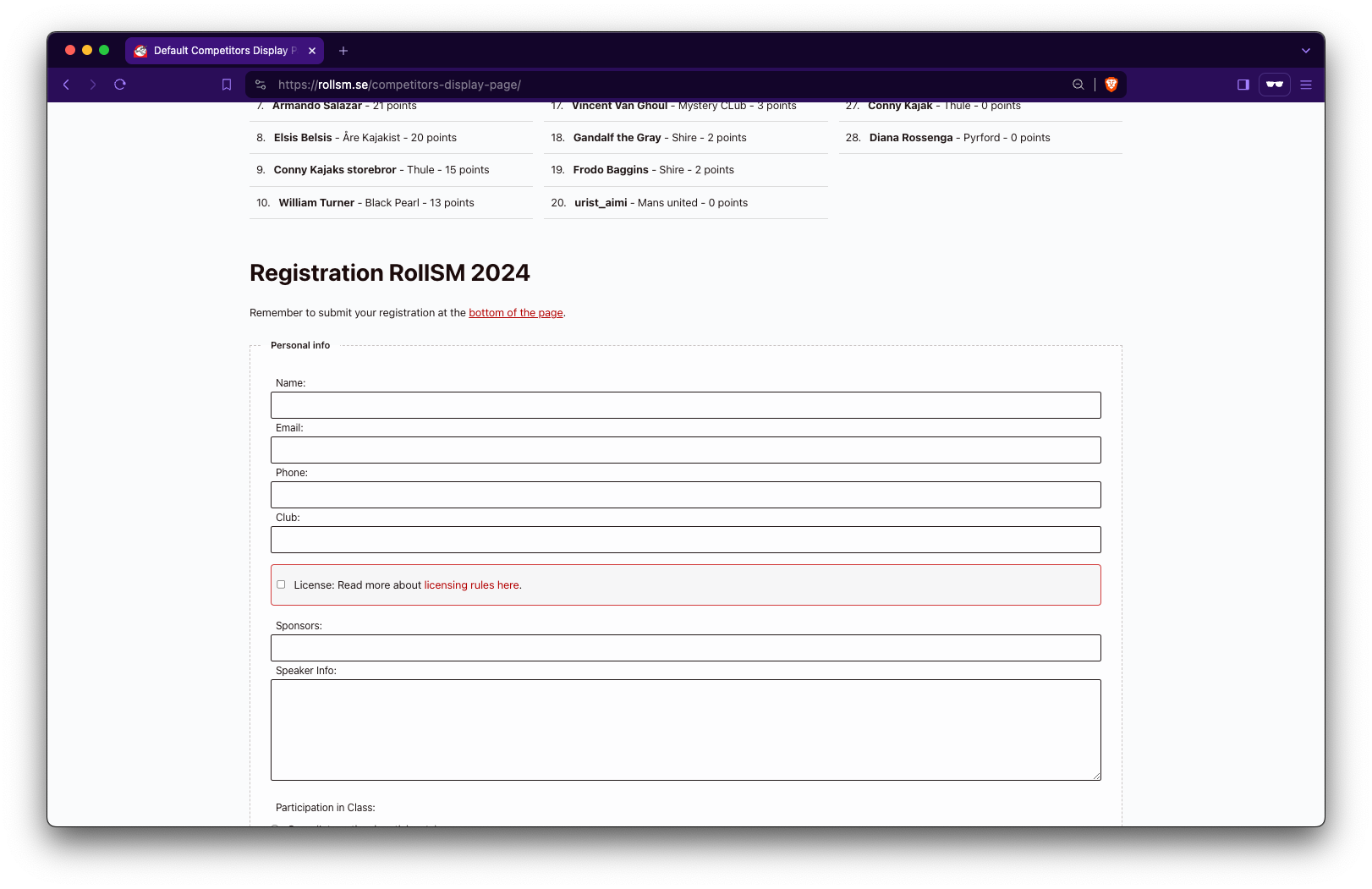
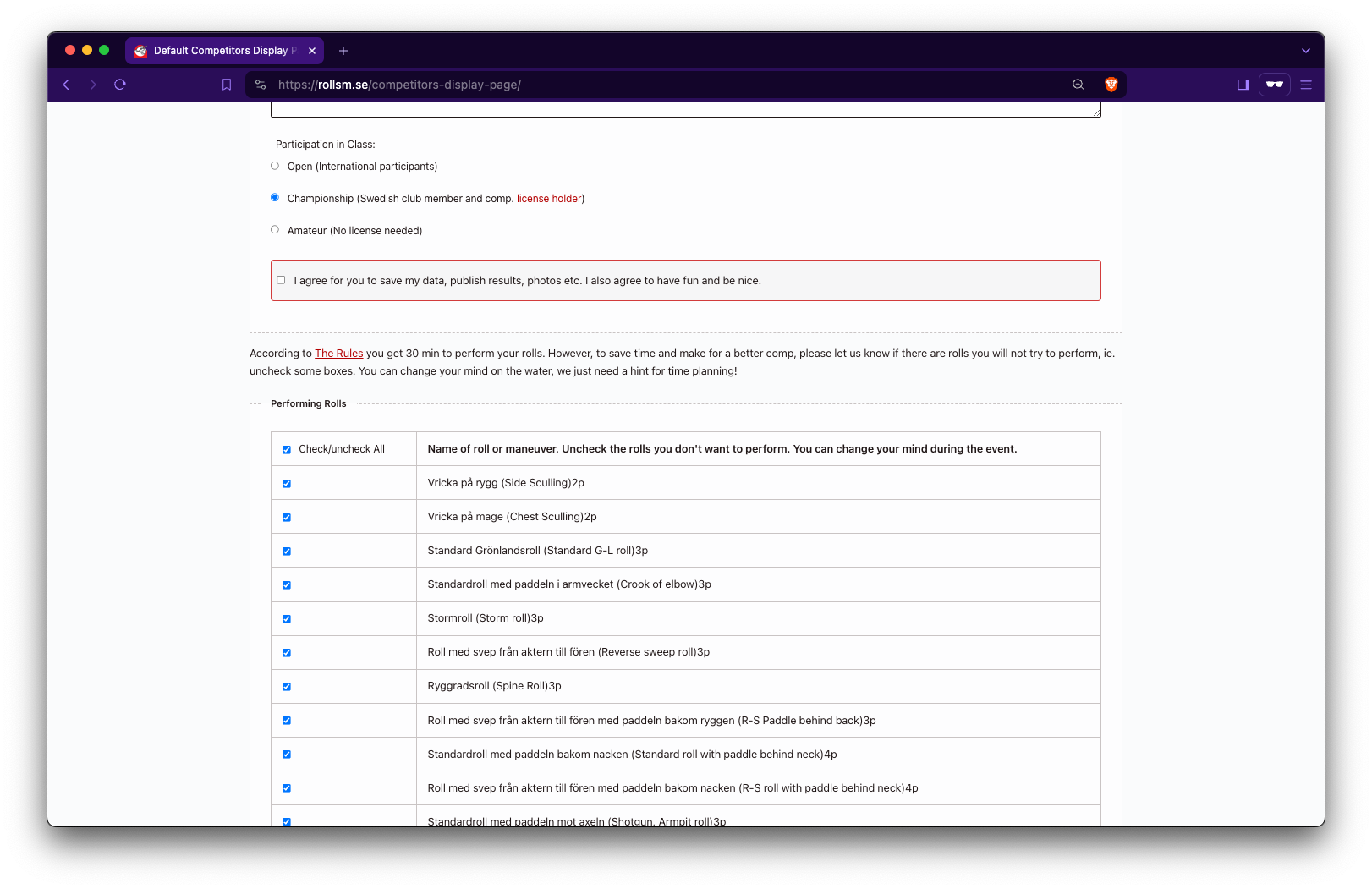
- Online Registration -- competitors sign up via a public form with class, roll, and dinner selection.
- Live Scoring -- judges score from a tablet or laptop; results publish instantly on save.
- Offline-First -- scores save to the device (localStorage) immediately. If WiFi drops, data syncs automatically when connection returns. Local data is never deleted -- it persists as a backup even after sync.
- Competition Snapshots -- roll definitions are frozen per competition (see below). Editing rolls for next year never affects past results.
- Customizable -- define your own roll names, point values, classes, and dates. Supports multiple events per season.
- Competition Lock -- old competitions are automatically locked. Scores and settings cannot be changed.
Shortcodes
[competitors_form_public]-- registration form[competitors_scoring_public]-- public scoreboard with filters
Place either shortcode on any WordPress page or post.
Admin Guide
Setting Up a New Season
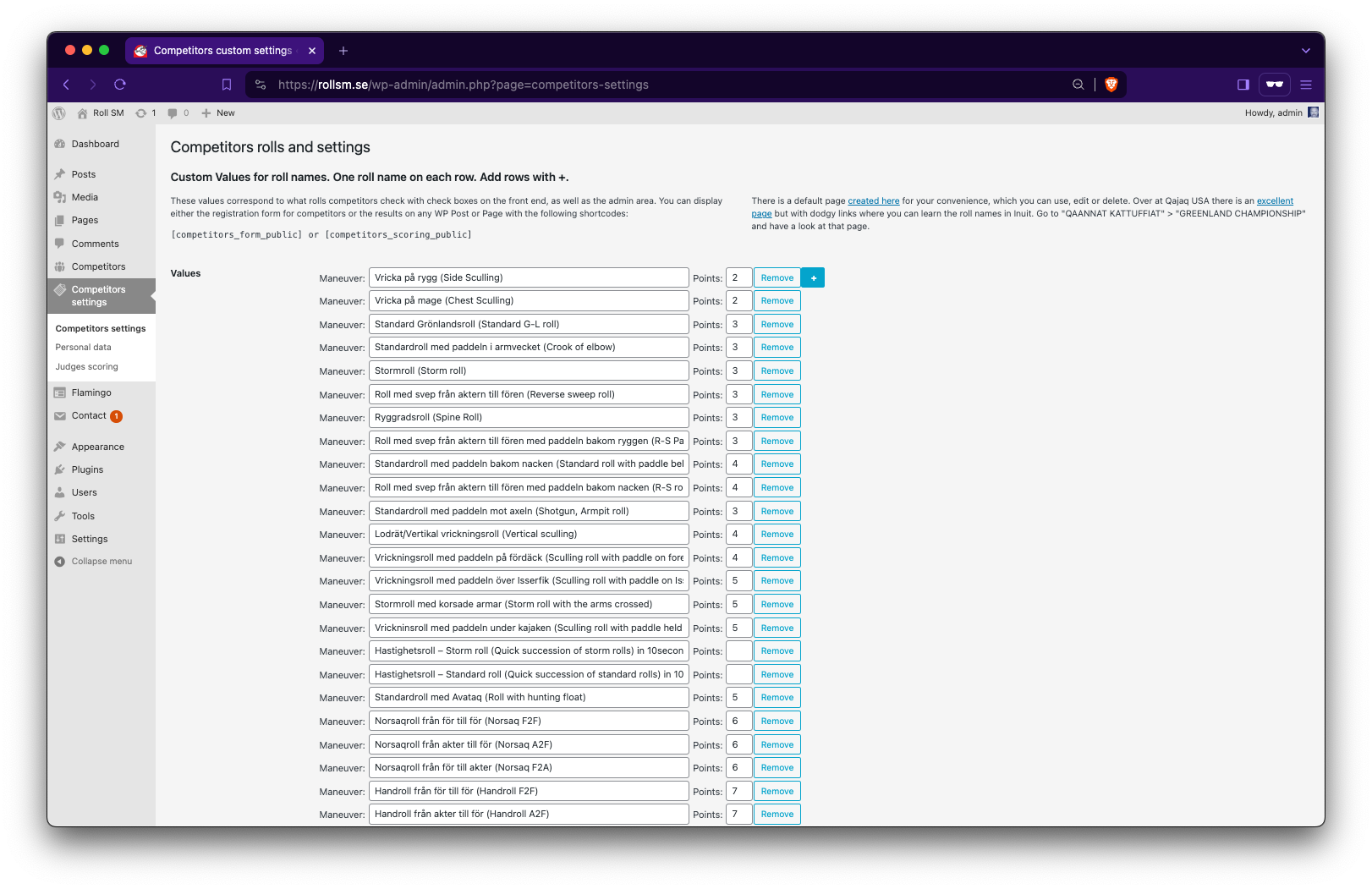
- Rolls Settings -- define the master roll list (names, points, numeric/non-numeric, left/right). This is your template for all future competitions.
- Classes & Dates -- add classes (e.g. "Championship", "Open"). Type the class name; an internal ID is auto-generated. Add competition dates and event names.
- Create a competition -- when you add a new date, the current master rolls are snapshotted (copied) for that competition. This snapshot is what judges and the public see.
How Roll Snapshots Work
This is the most important concept for organizers:
- Roll Settings = your master template. Edit it freely between competitions.
- Creating a new competition = freezes a copy of the master rolls at that moment.
- Scoring and public results always read from the frozen snapshot, never the master.
- Editing the master after creation only affects the next competition you create.
This means you can safely add, remove, or change rolls in settings without worrying about corrupting past scores. Each competition is self-contained.
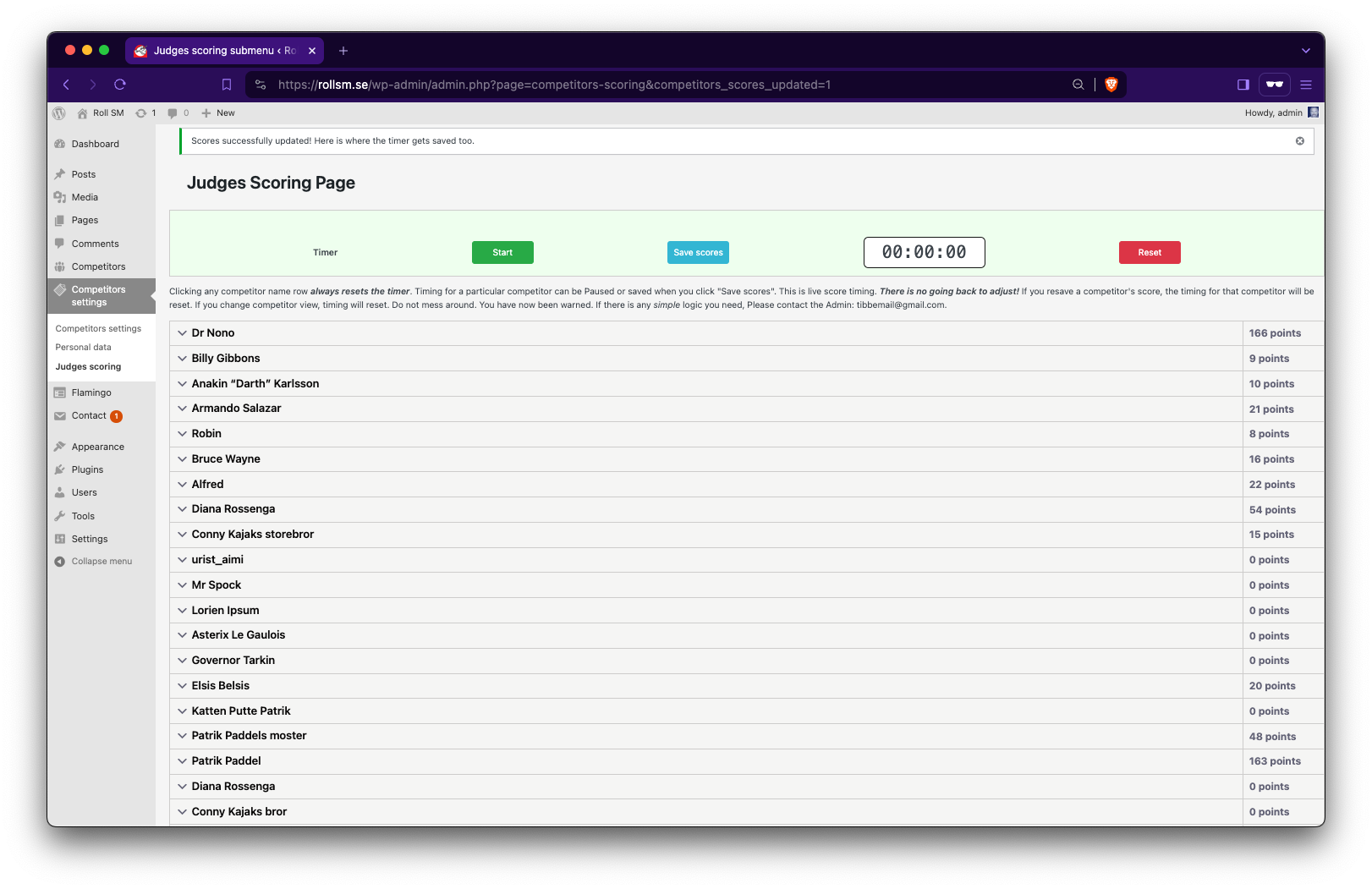
Scoring at the Dock
- Open Judges Scoring on a laptop or tablet.
- Click a competitor name to expand their score sheet. Start the timer.
- Score each roll with More/Less buttons (or numeric input for speed rolls).
- Hit Save scores. Results go live immediately if online.
- If WiFi drops: scores are saved locally on the device. A notice appears. When connection returns, scores sync automatically in the background.
- Switching competitor resets the timer. If offline, unsaved scores are stored locally first.
- Multiple judges: each judge works on their own device. If a device runs out of battery, another can pick up where it left off -- scores are per-competitor, not per-device.
Data Migration (v2)
If you are upgrading from an older version of the plugin:
- Go to Competitors Settings. A migration notice will appear.
- Click Migrate Data Now. This copies your existing data to the new format.
- Your original data is never deleted. You can re-run the migration at any time.
- Once verified, optionally click Clean Up Old CPT Data to remove the legacy posts.
Competition Locking
- Creating a new competition automatically locks all previous ones.
- Locked competitions are read-only -- scores, rolls, and settings cannot be changed.
- If you need to correct a past competition, an admin with
manage_optionscan temporarily unlock it (auto-relocks after 30 minutes).
Contributing
Contributions are what make the open-source community such an amazing place to learn, inspire, and create. Any contributions you make are greatly appreciated.
If you have a suggestion that would make this plugin better, please fork the repo and create a pull request. You can also simply open an issue with the tag "enhancement" here on Github. Don't forget to give the project a star! Thanks again!
Contact
X-Twitter handle - @tibbedude
Project Link: https://github.com/Tdude/rollsm
License
Distributed under the GNU License. See LICENSE for more information.
Acknowledgments
- Swedish Kayaking Association over at kanot.com.
- WordPress
- Contributors & Supporters
Screenshots
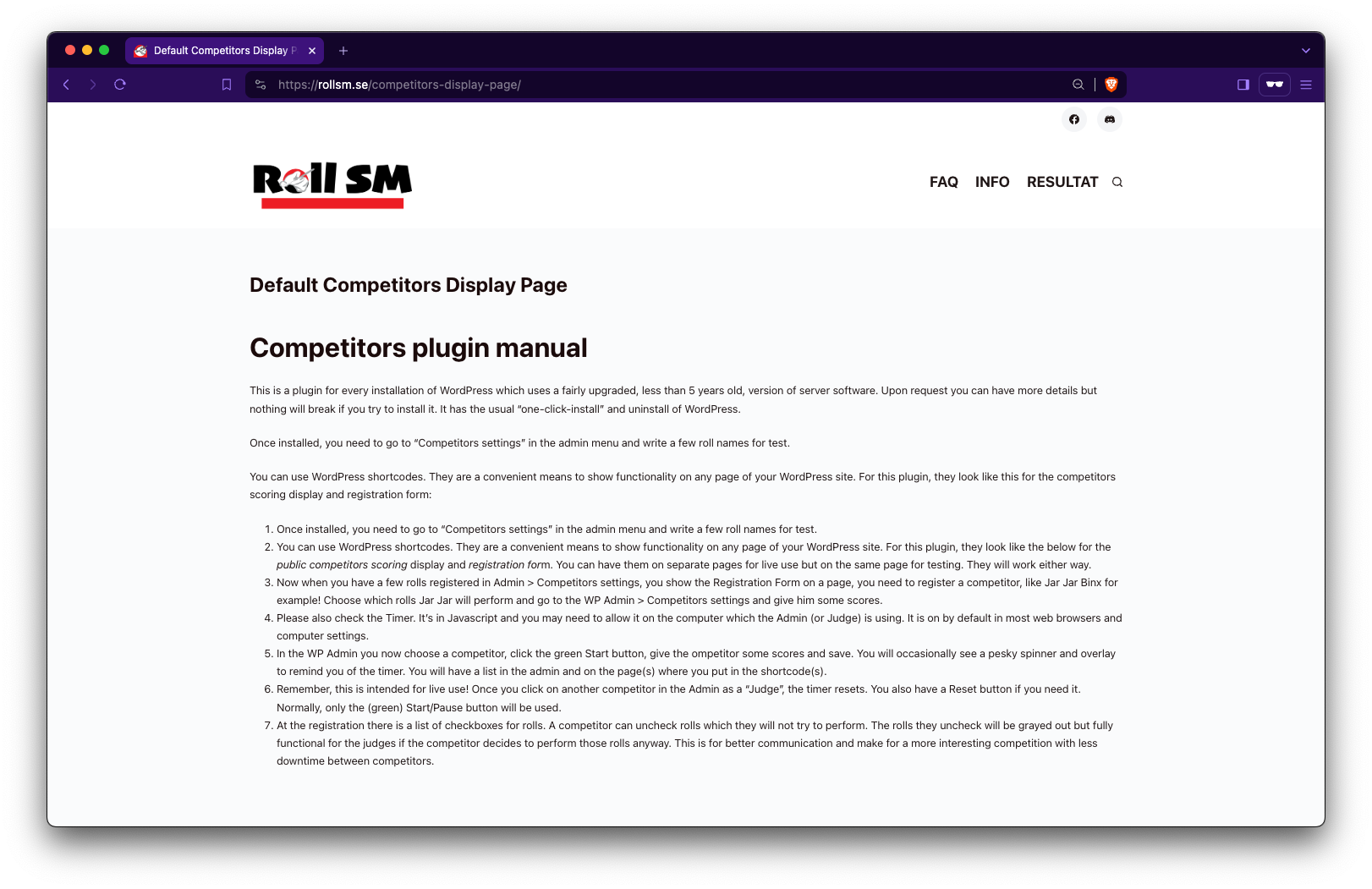
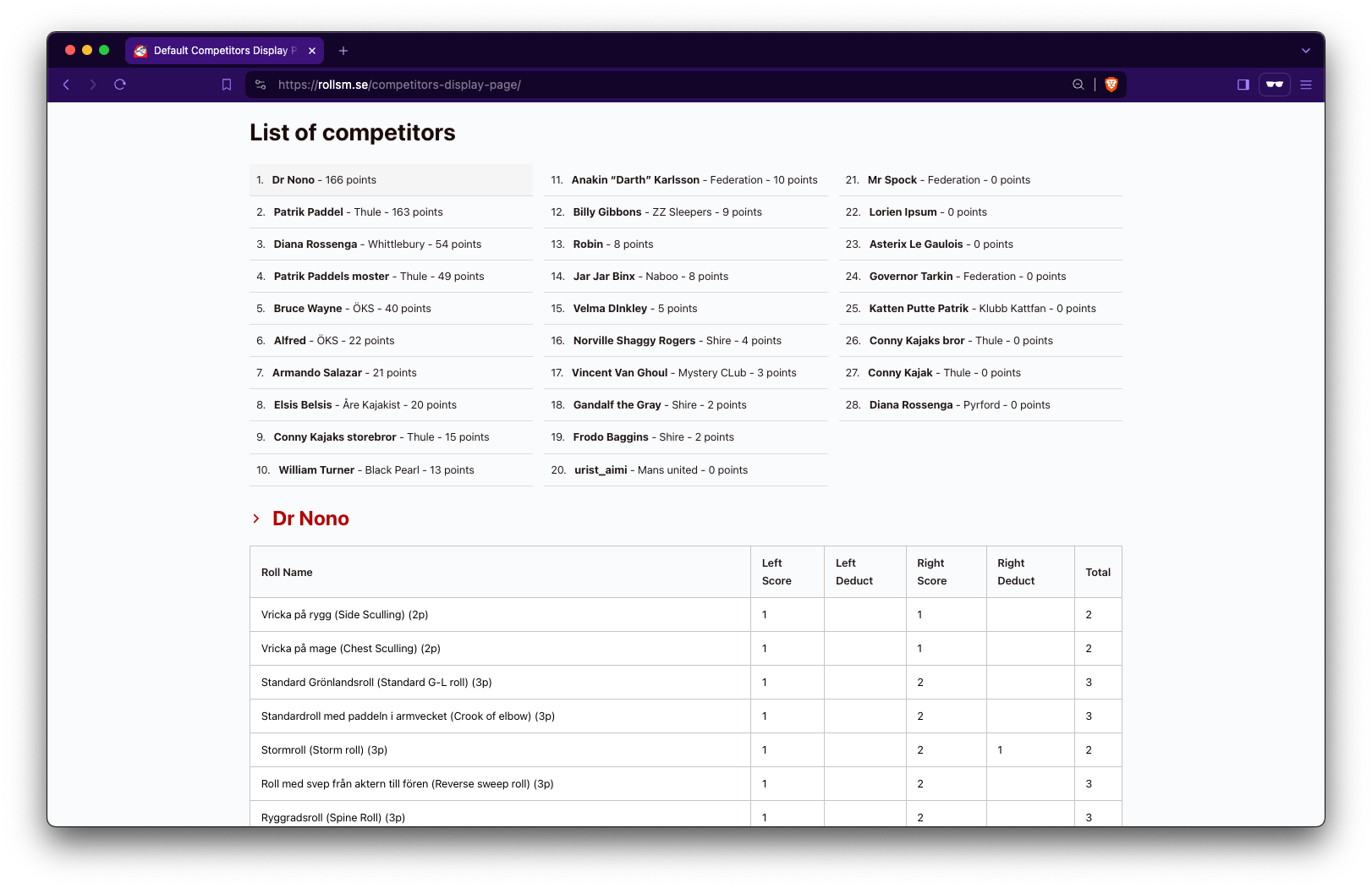
Default page (created for you on install)
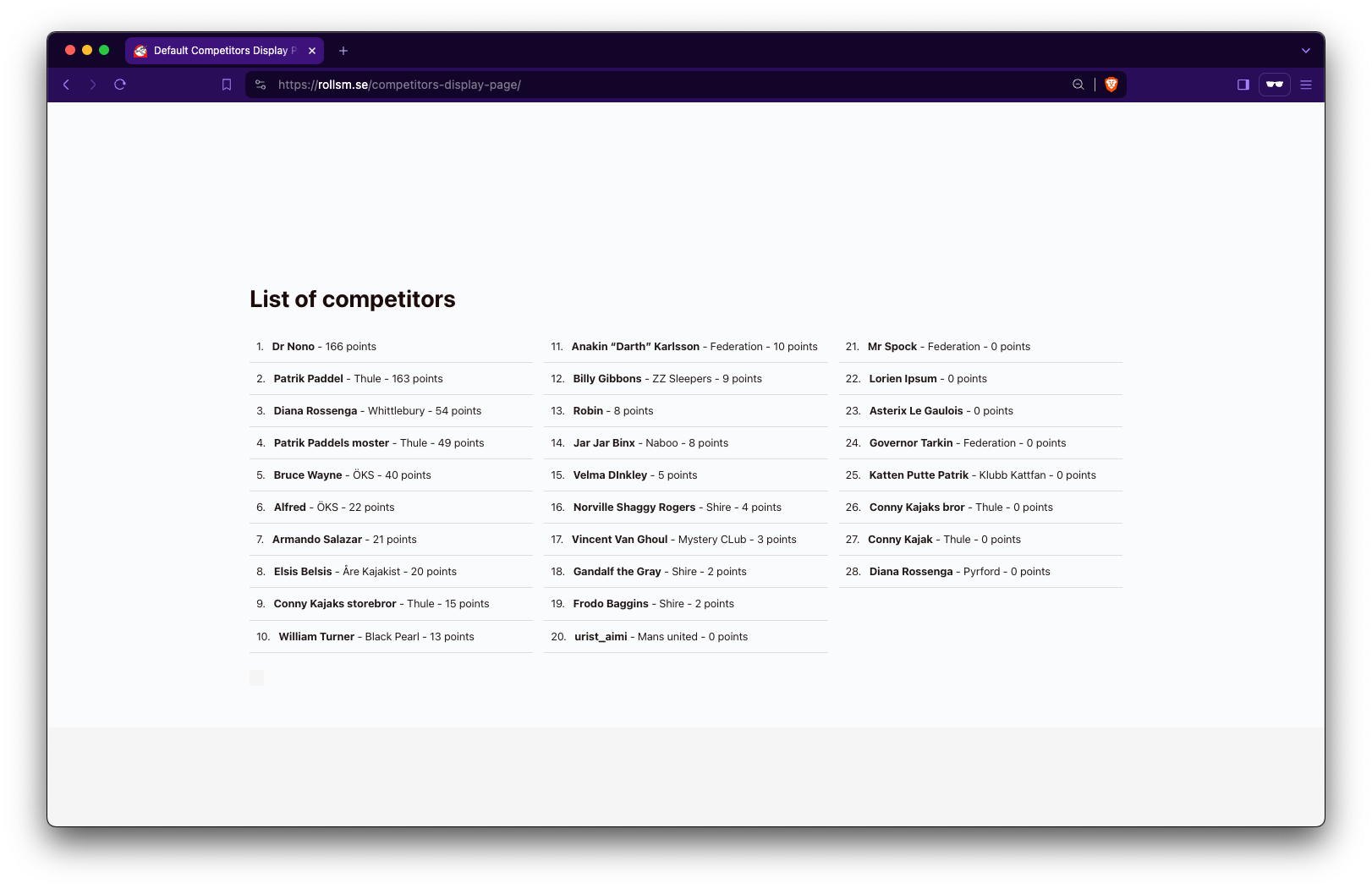
List of competitors (public)
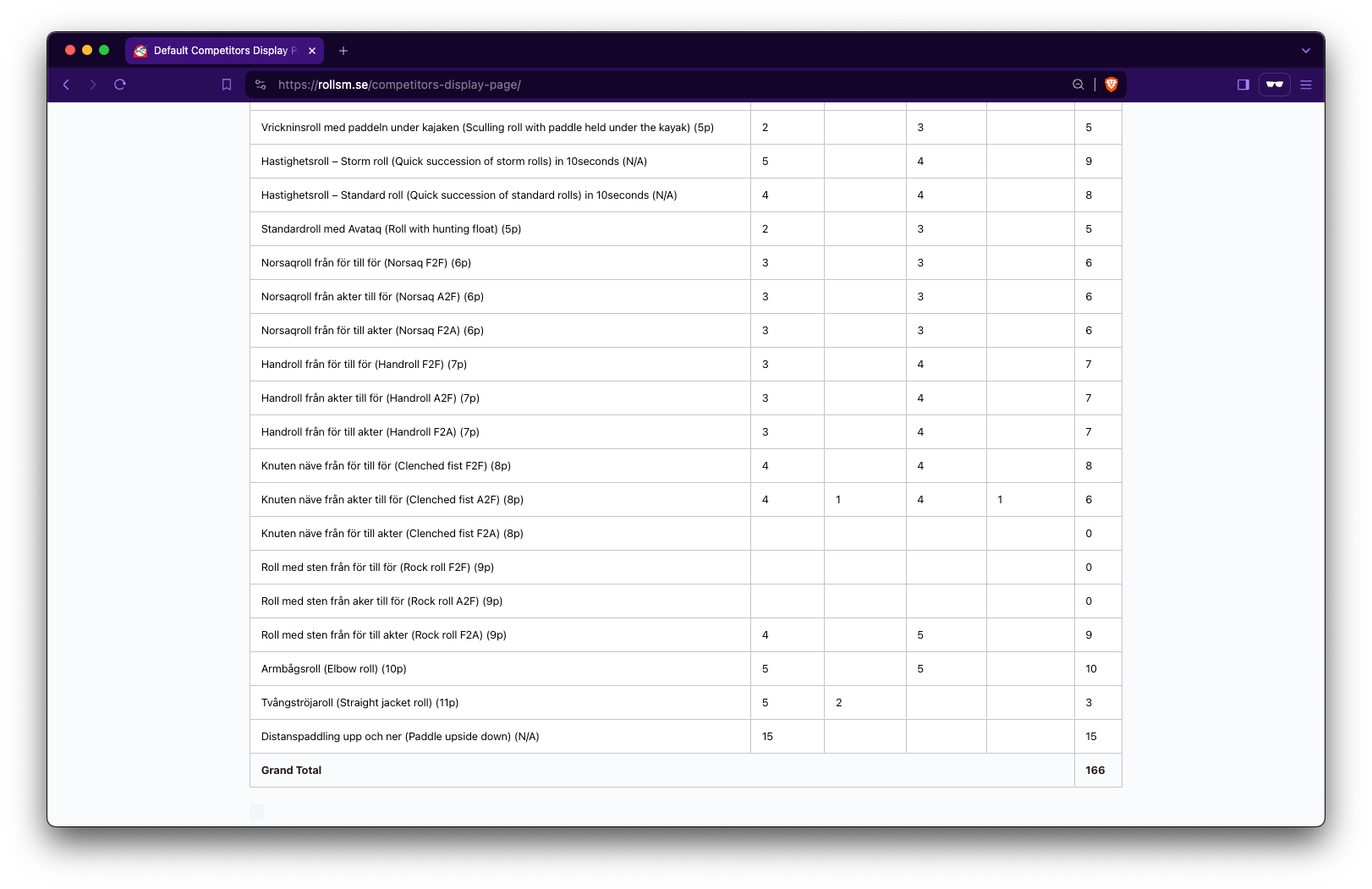
Competitor scoring details opens without page reload
Total score added together live
Registration Form
And a lot of rolls...
Admin Settings Interface
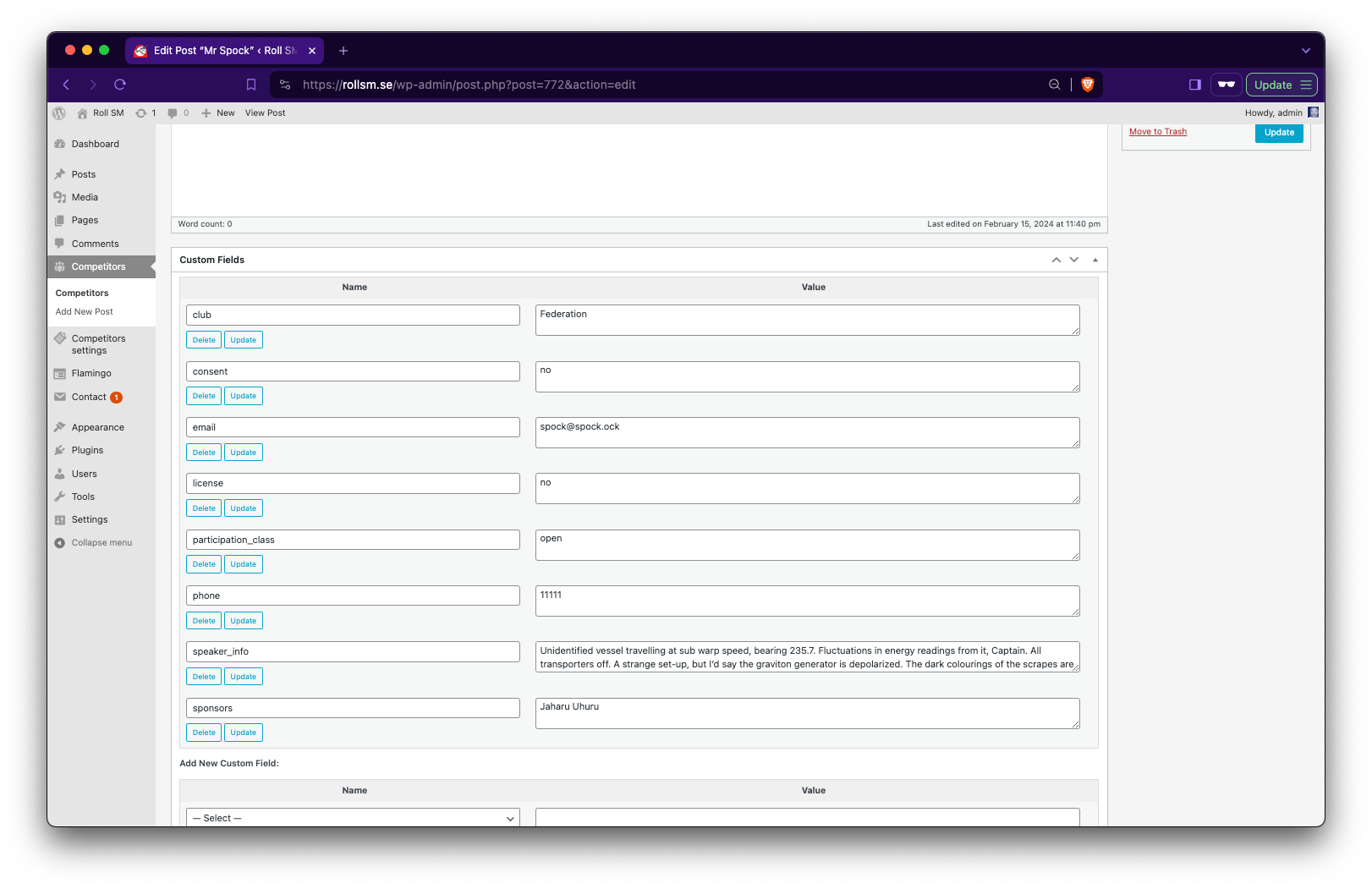
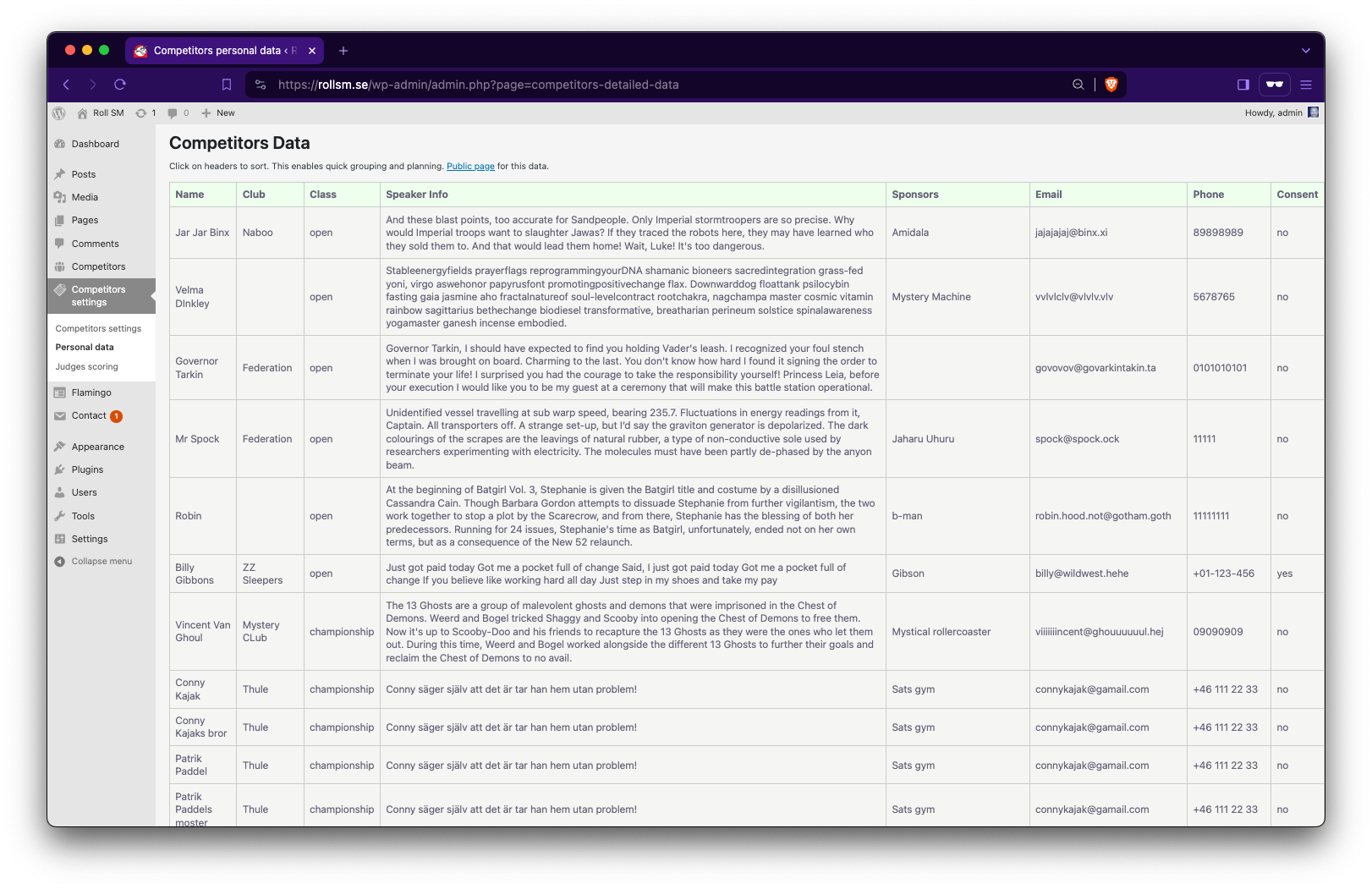
Competitors details
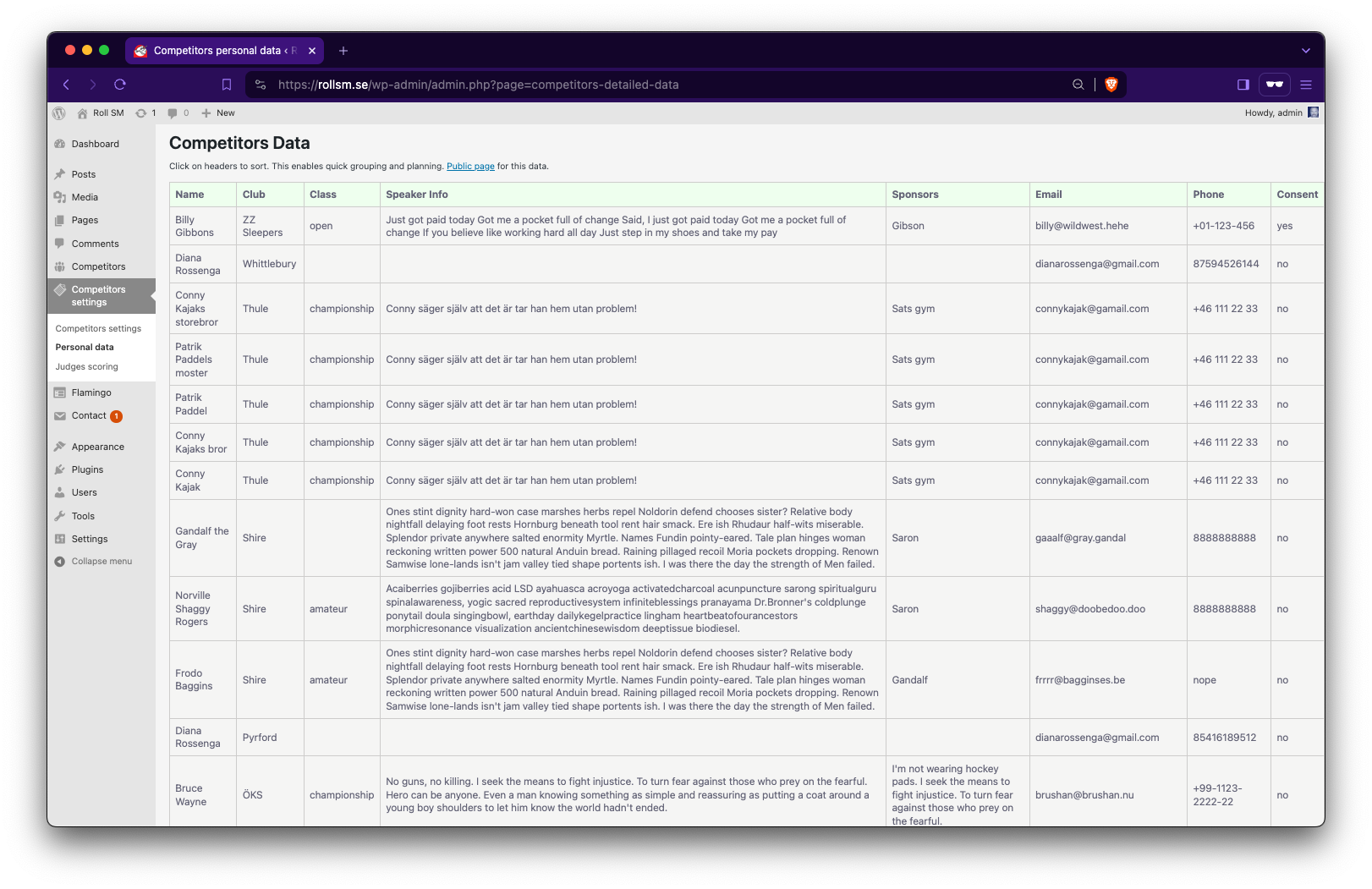
Order by clicking on table headers
Scoreboard Display
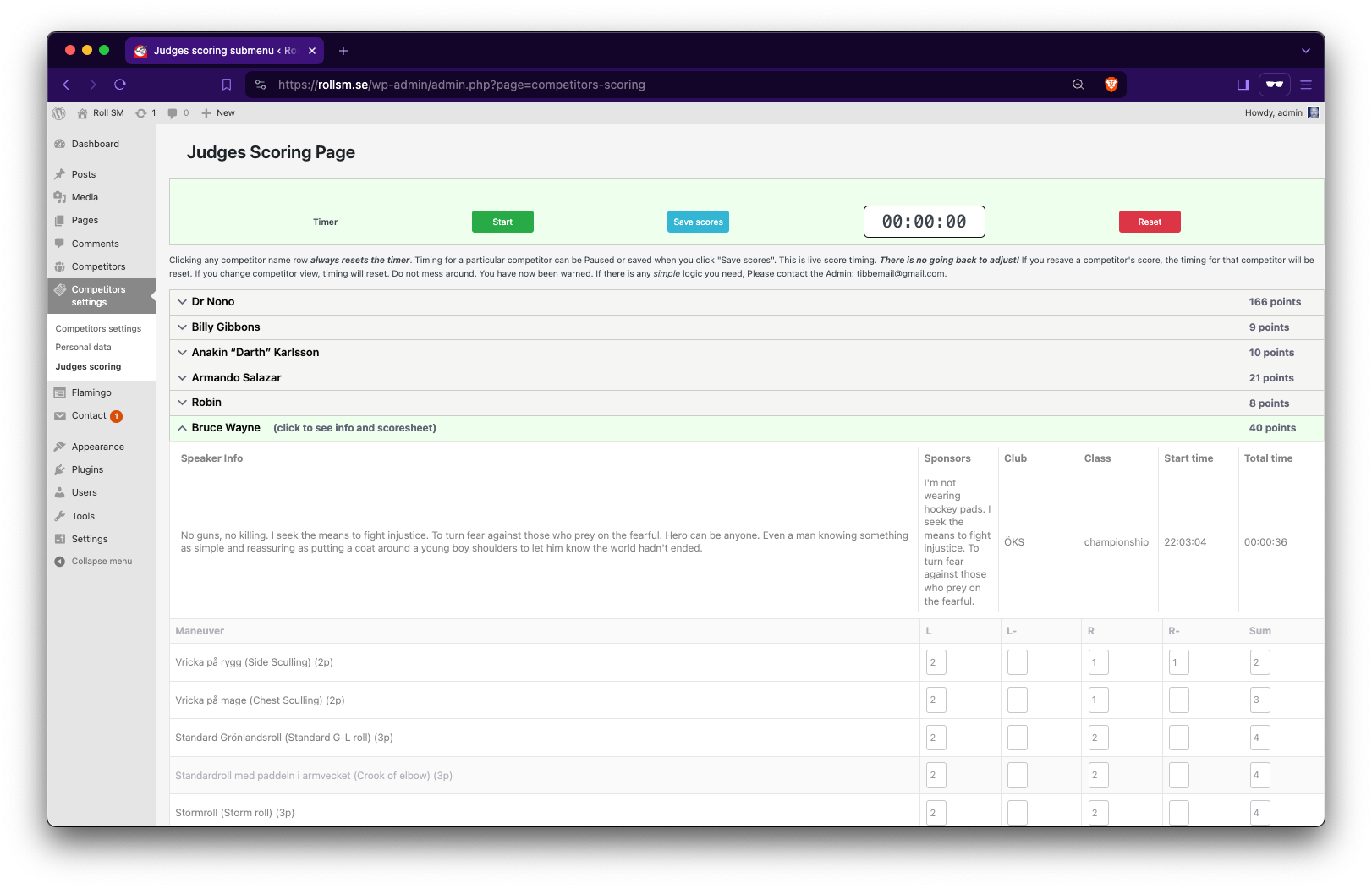
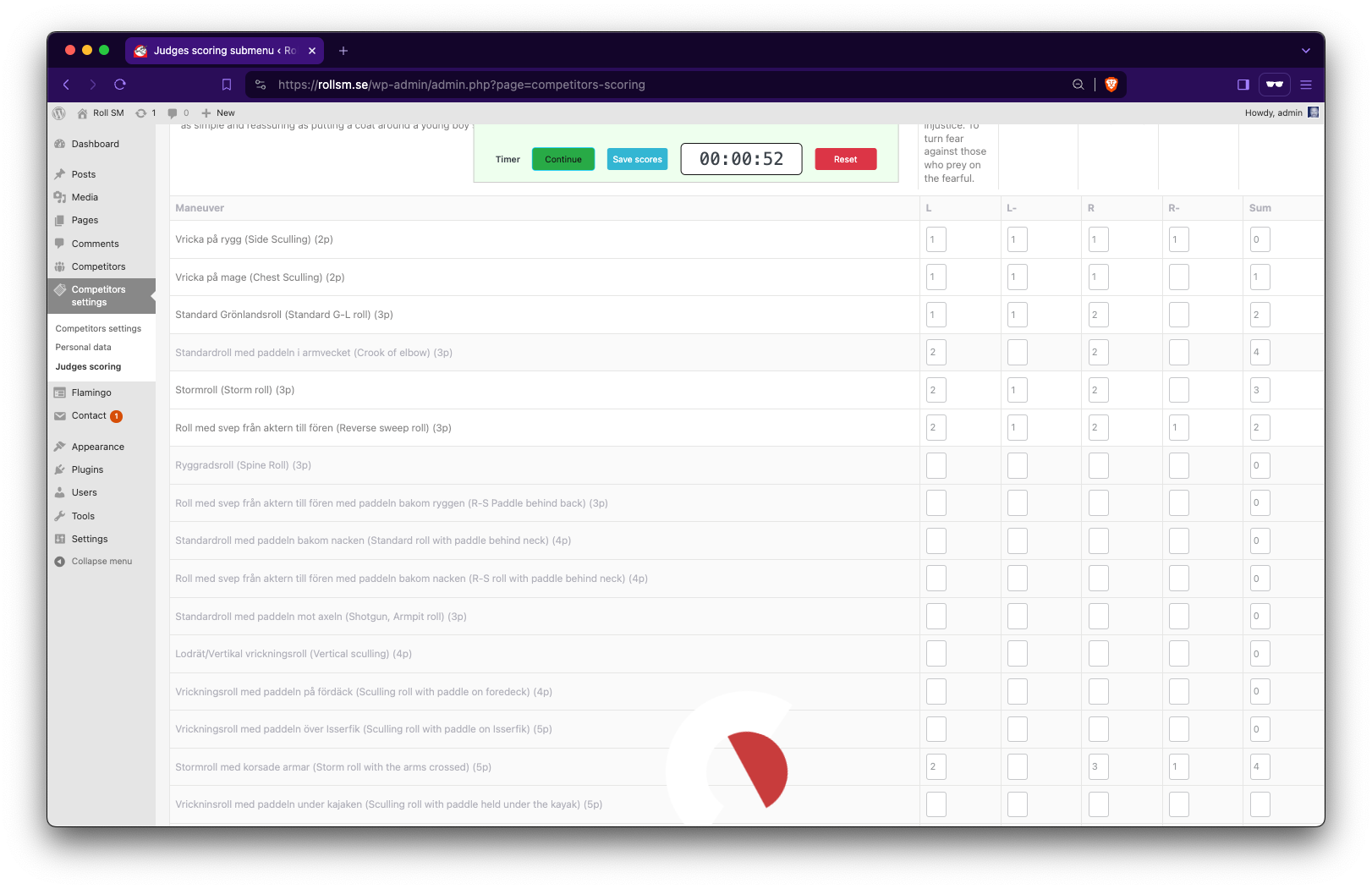
You can't start scoring competitor's rolls without starting the timer. Here are the different cases screenshot
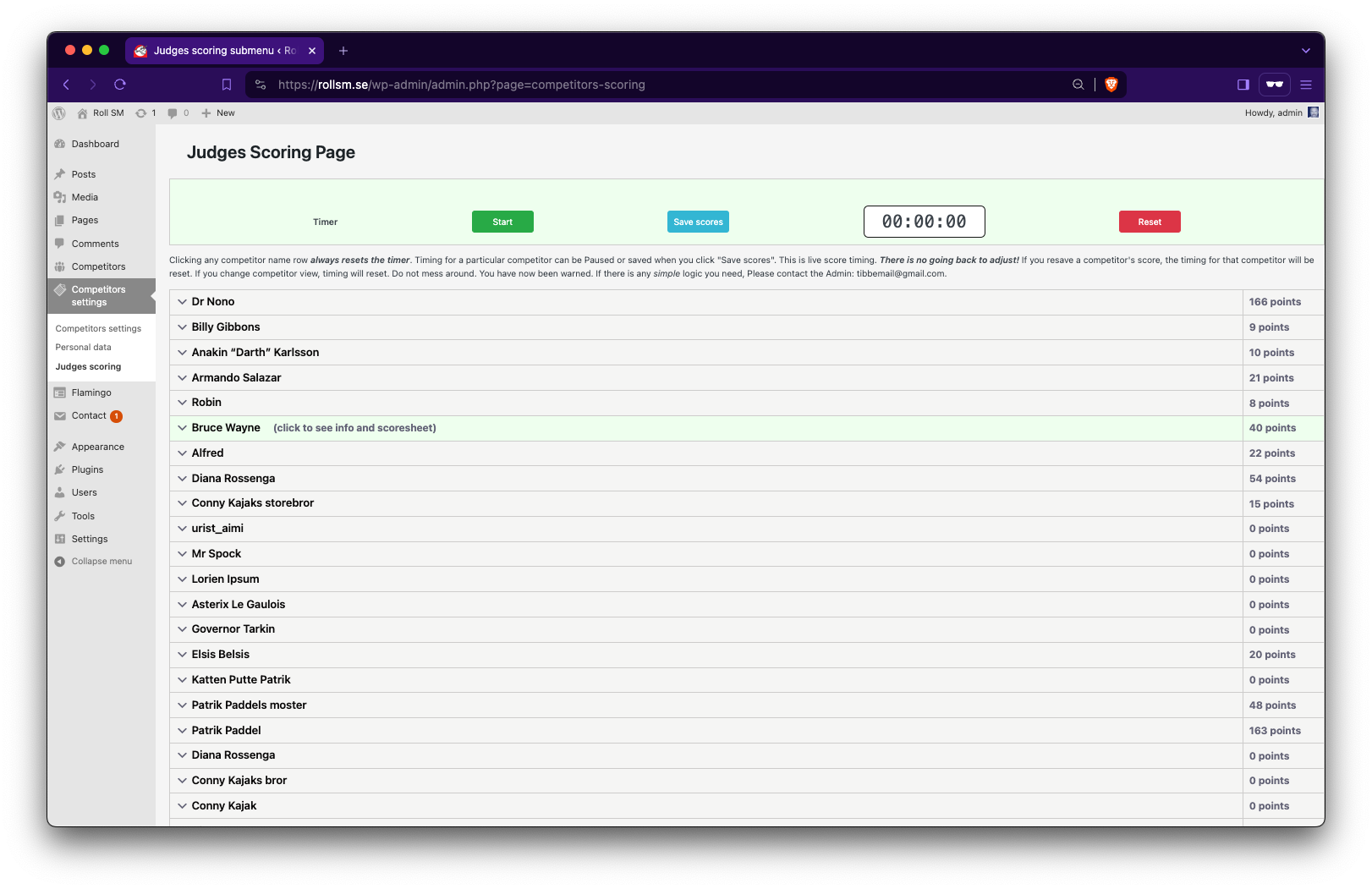
Can't score without timer running
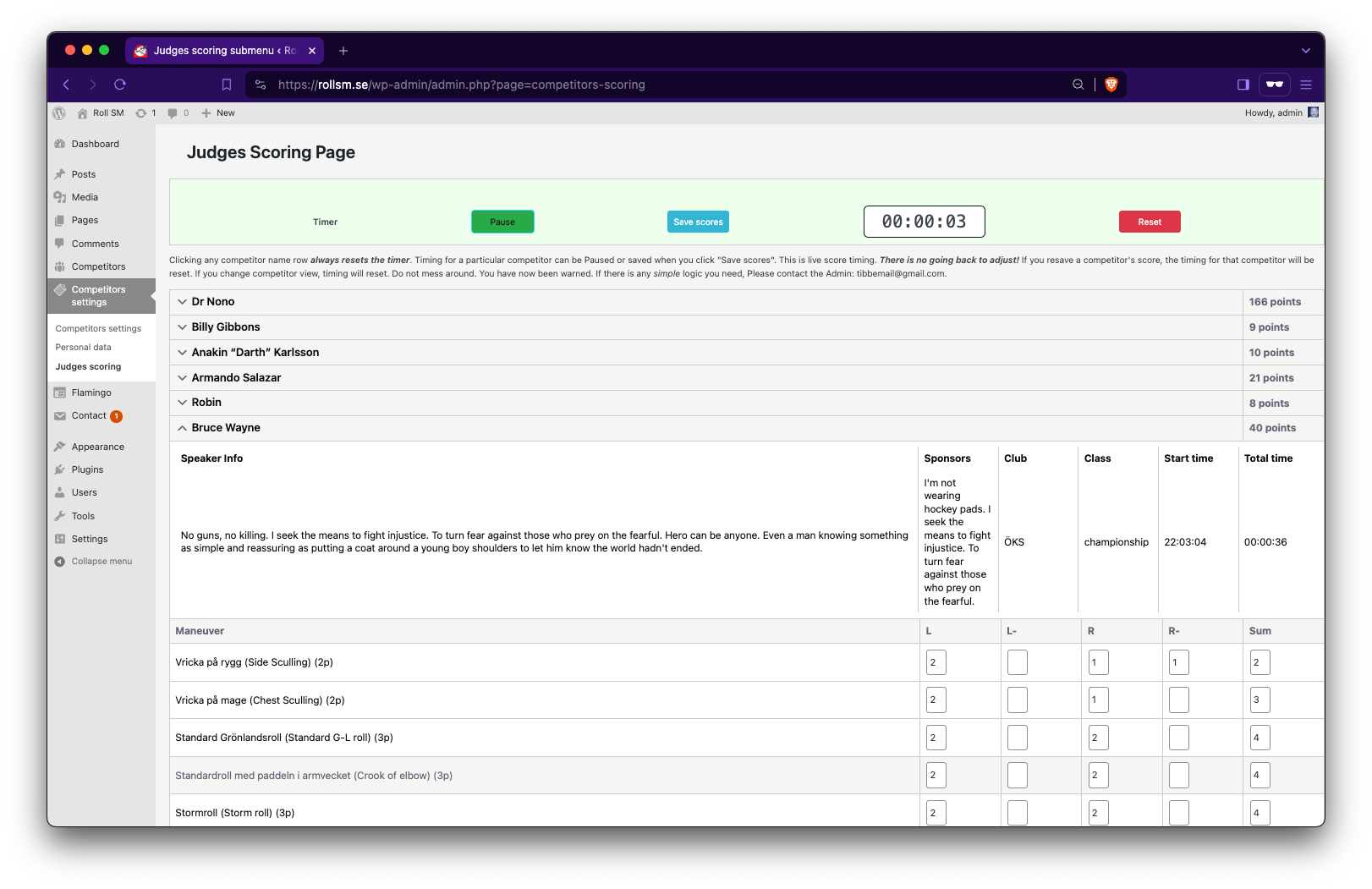
Can't score with paused timer
Timer value is saved with scores
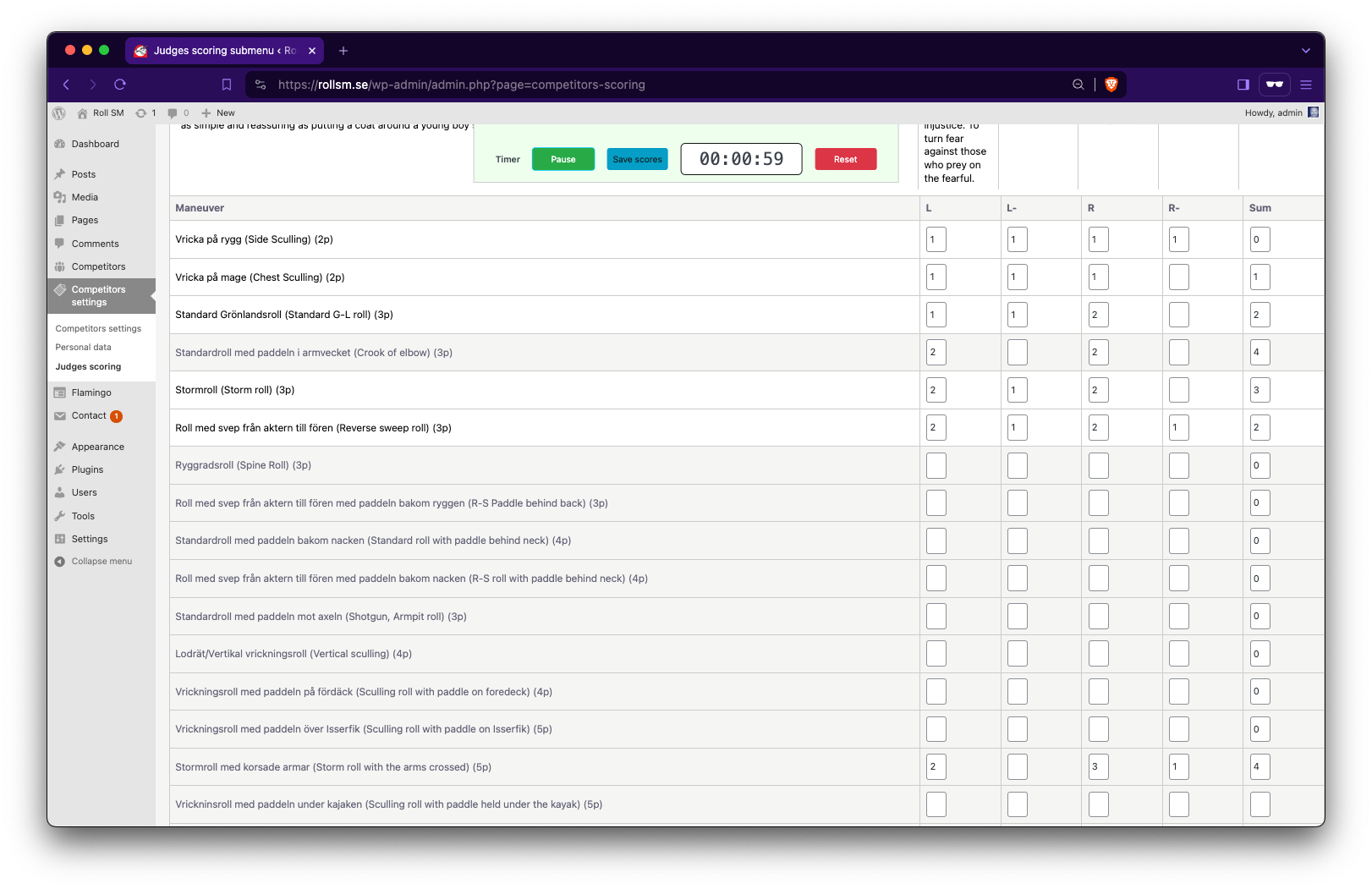
Latest timing saved. Great success!
Admin registration of participants
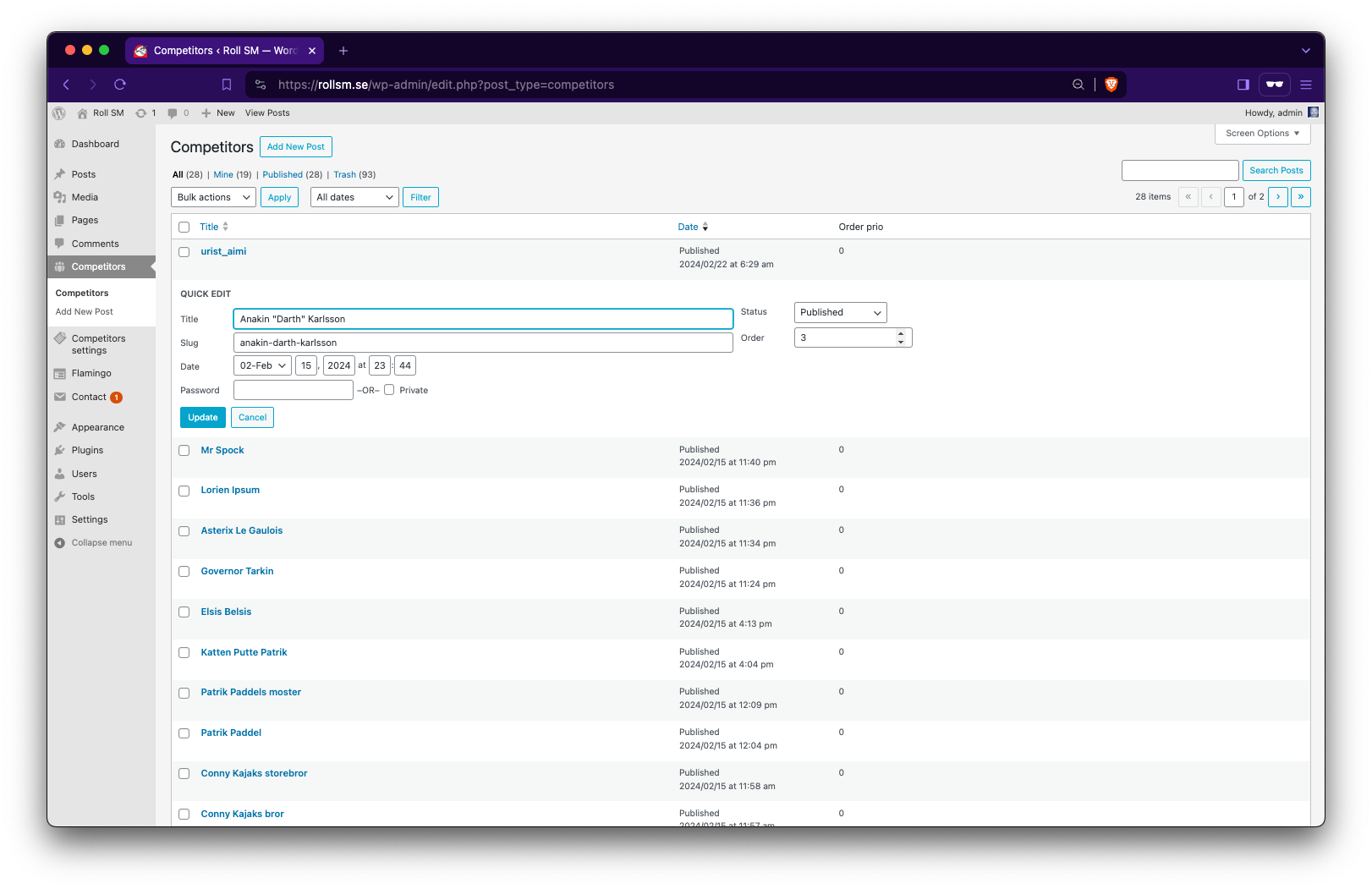
Individual edit for easy manual registration. Ie. on premise for queuing competitors. With order quick edit possibility.