Install
This is the repository archive. It installs, but the folder name will carry the branch suffix and updates will not flow.
Install straight from GitHub with WP-CLI:
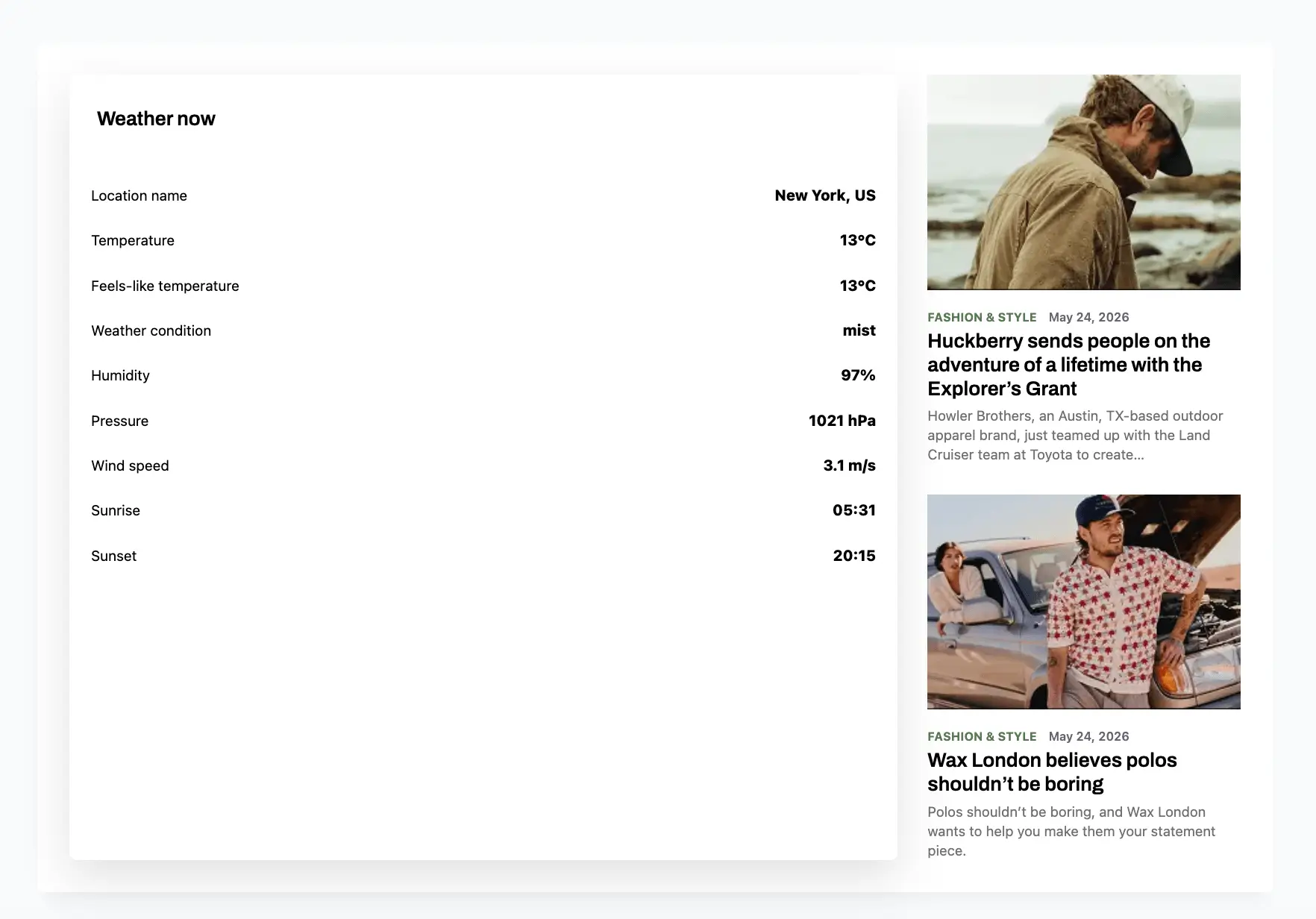
wp plugin install https://github.com/synyuk/weather-post-wp-plugin/archive/refs/heads/main.zipCustom WordPress plugin implementing one dynamic Gutenberg block that combines two selected posts with a cached OpenWeatherMap weather snippet.
Features
- Dynamic Full Site Editing compatible Gutenberg block.
- Editor controls for two posts, latitude, longitude, and individual weather fields.
- Server-side rendering for current post data.
- AJAX endpoint for logged-in and logged-out visitors.
- One-hour weather transients keyed by latitude and longitude.
- Admin settings page for the OpenWeatherMap API key.
- WP-CLI command to invalidate cached weather responses.
- PSR-4 PHP architecture with Composer metadata.
The Figma file linked in the assignment was not publicly inspectable from this environment, so the frontend implements the requested post-card/weather layout with a restrained editorial style, responsive behavior, and accessible markup.
Installation
- Put this directory in
wp-content/plugins/dtmg-weather-posts-block. - Run
composer dump-autoloadif Composer is available. The plugin also includes a small fallback autoloader for local review. - Run
npm install. - Run
npm run build. - Activate DTMG Weather Posts Block in WordPress.
- Go to Settings > Weather Posts Block and save the OpenWeatherMap API key.
Usage
Add the Weather Posts block in the editor. Select two posts, set latitude and longitude, and choose which weather fields should be visible.
WP-CLI
wp dtmg-weather refreshThis deletes cached weather transients. The next frontend AJAX request fetches fresh OpenWeatherMap data.
Development
npm run start
npm run build
composer run lint
The OpenWeatherMap API key is stored in the dtmg_weather_posts_openweather_api_key option and is only used by PHP when calling the weather endpoint.