Install
This is the repository archive. It installs, but the folder name will carry the branch suffix and updates will not flow.
Install straight from GitHub with WP-CLI:
wp plugin install https://github.com/srikat/oxygen-sidebar-toggler/archive/refs/heads/master.zipNo built-in updater. New versions won't appear under Dashboard → Updates. Install new releases yourself, or let Git Updater track the repository.
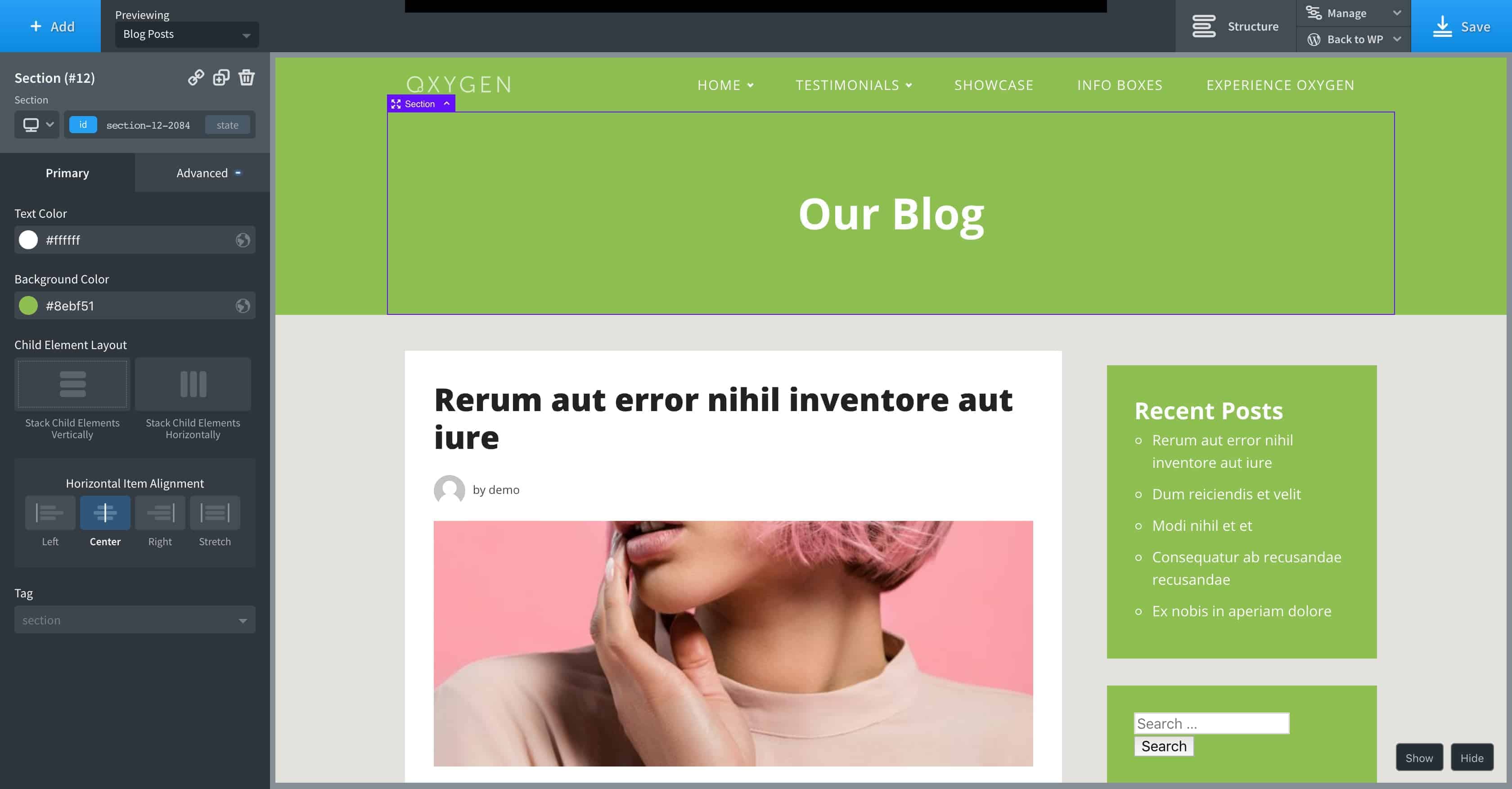
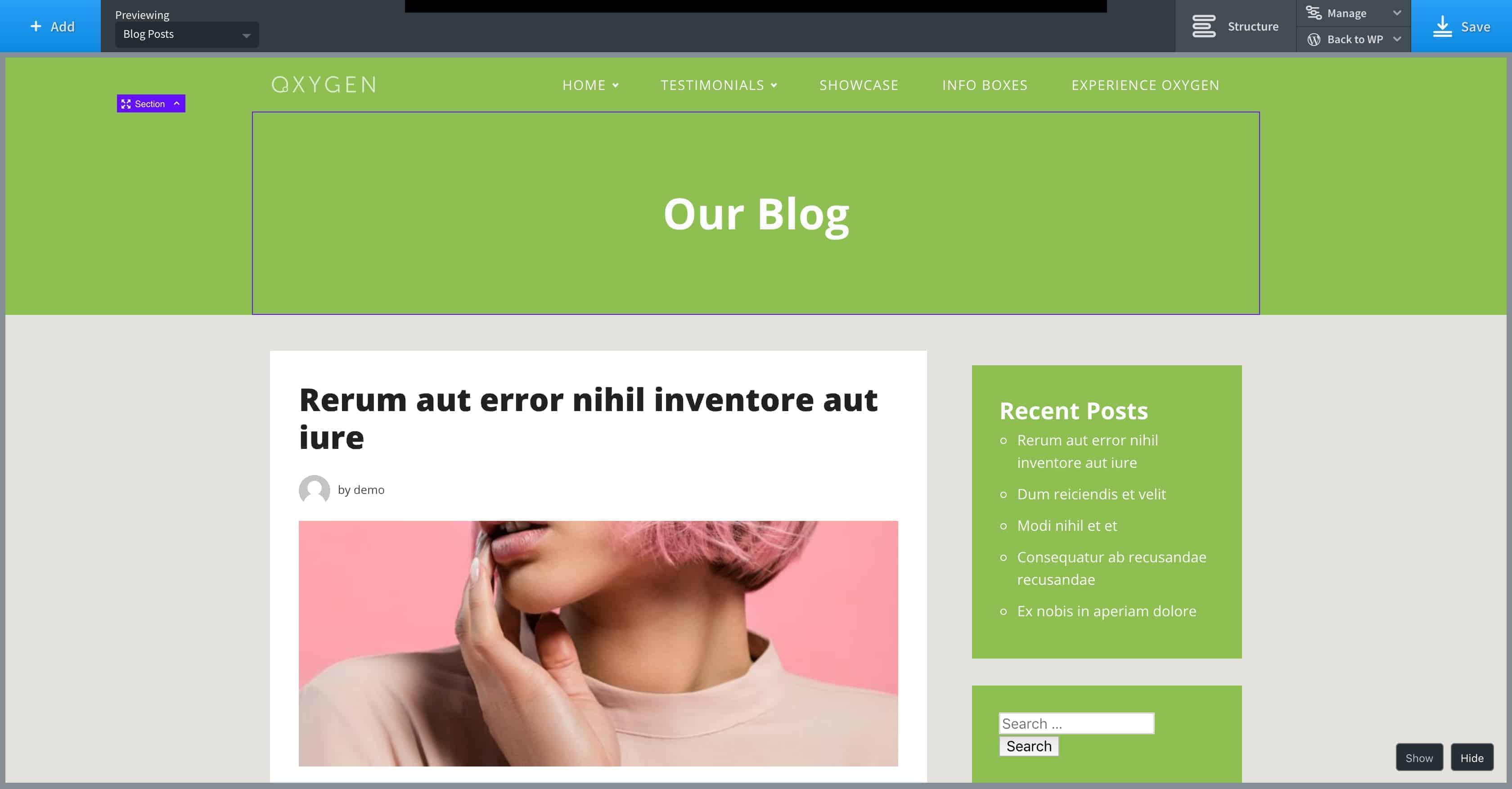
Adds Show, Hide buttons in the Oxygen's editor. Hide button hides the left sidebar. Show button displays the controls.
Tested in Oxygen 2.1 Beta 1.
Default state (open):
Closed state:
Screencast (no audio): https://www.youtube.com/watch?v=3bFWEuaeobk
Blog post: https://wpdevdesign.com/oxygen-sidebar-toggler-plugin/
Installation
- Make sure that Oxygen is installed and active.
- Click on the
Download ZIPbutton at the right to download the plugin. - Go to Plugins > Add New in your WordPress admin. Click on
Upload Pluginand browse for the zip file. - Activate the plugin.
Usage
- Inside the Oxygen's editor, when you want to hide the left sidebar click on the Hide button.
- With the left sidebar hidden, when any element in the preview is clicked or + Add button clicked, the controls do not appear.
- Click on Show button to display the controls.
Changelog
1.0.1 - Sep 16, 2018
- UI/UX Improvements by @lucasbalzer
1.0.0 - Oct 04, 2018
- Initial Release