NMV Data Manager
A WordPress data manager project
Install
This is the repository archive. It installs, but the folder name will carry the branch suffix and updates will not flow.
Install straight from GitHub with WP-CLI:
wp plugin install https://github.com/skaparate/nmv-data-manager/archive/refs/heads/master.zipWordPress Data Manager
A plugin to display data retrieved from a specific REST endpoint.
This plugin was requested for a specific task by Formidable Forms.
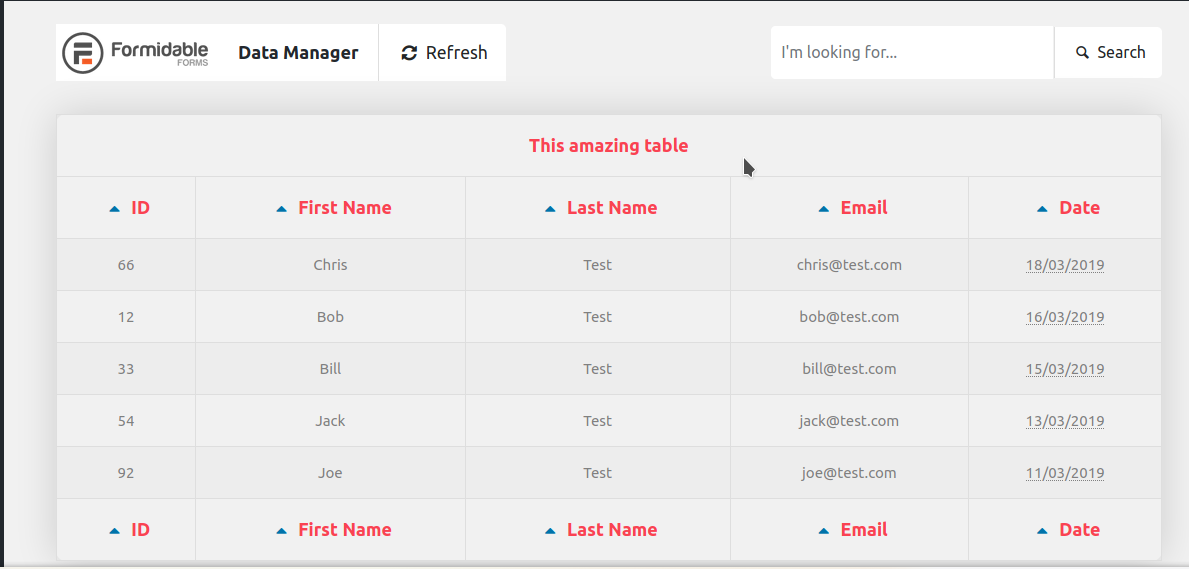
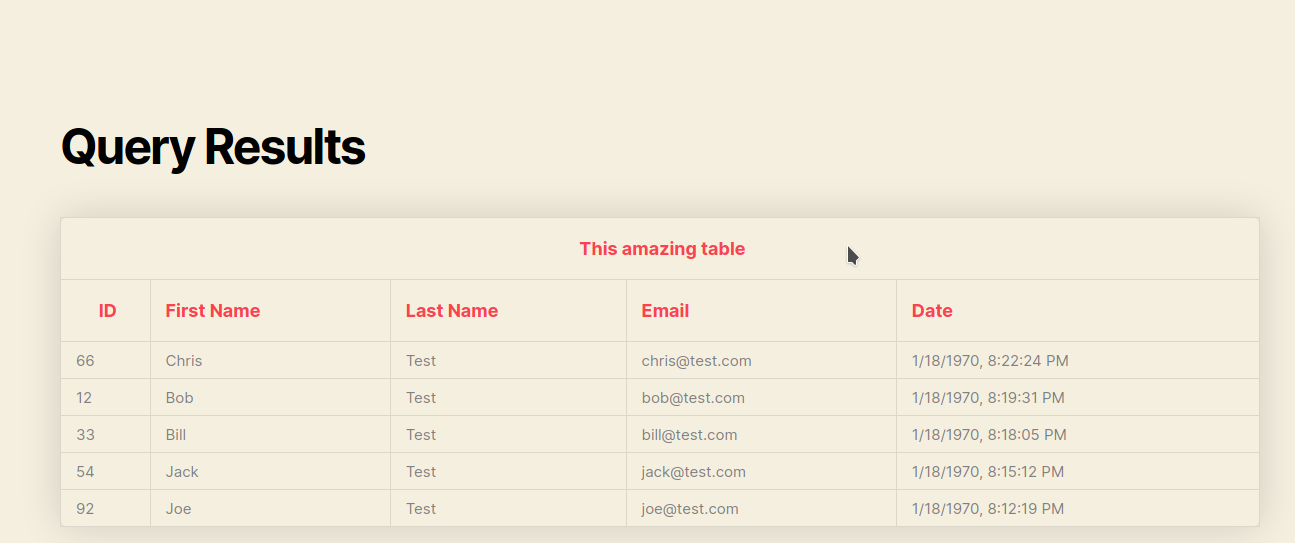
The front end simply shows the requested data in a table.
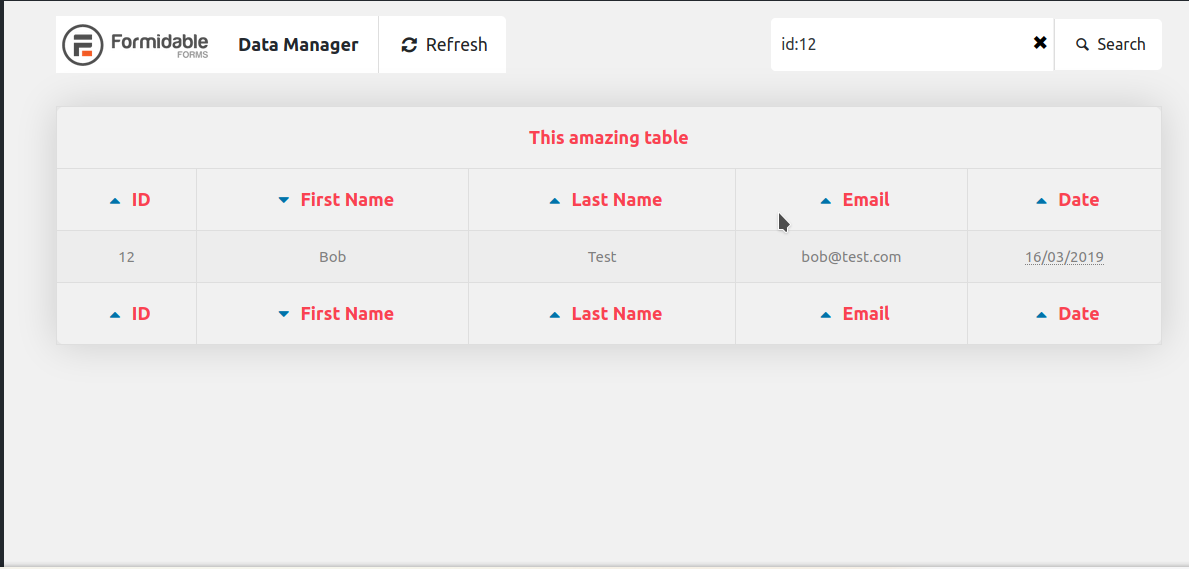
The adminitration page has the following options:
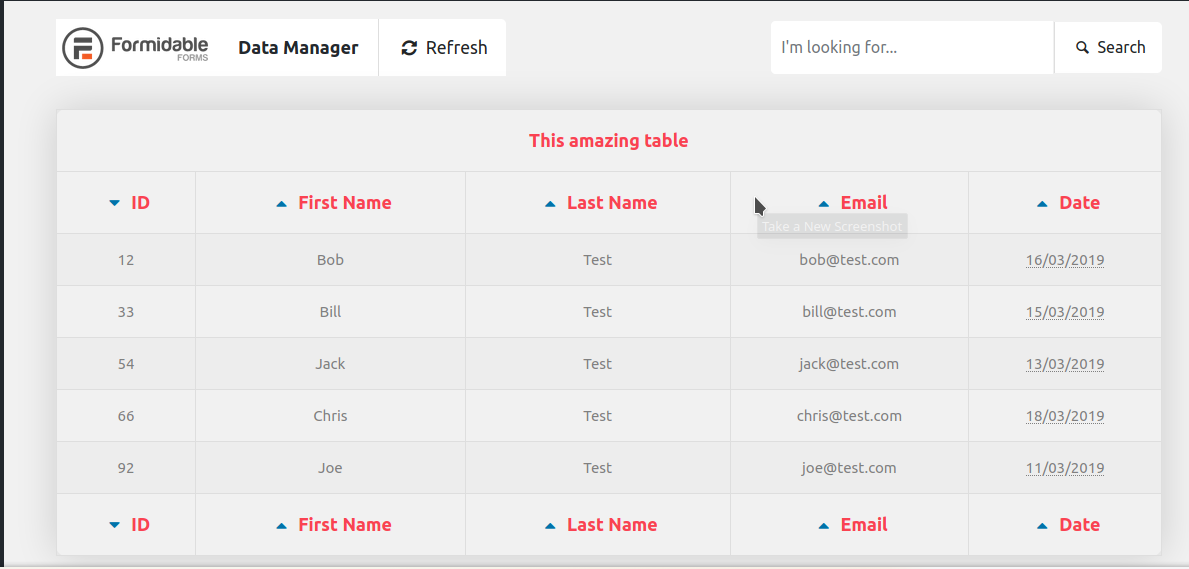
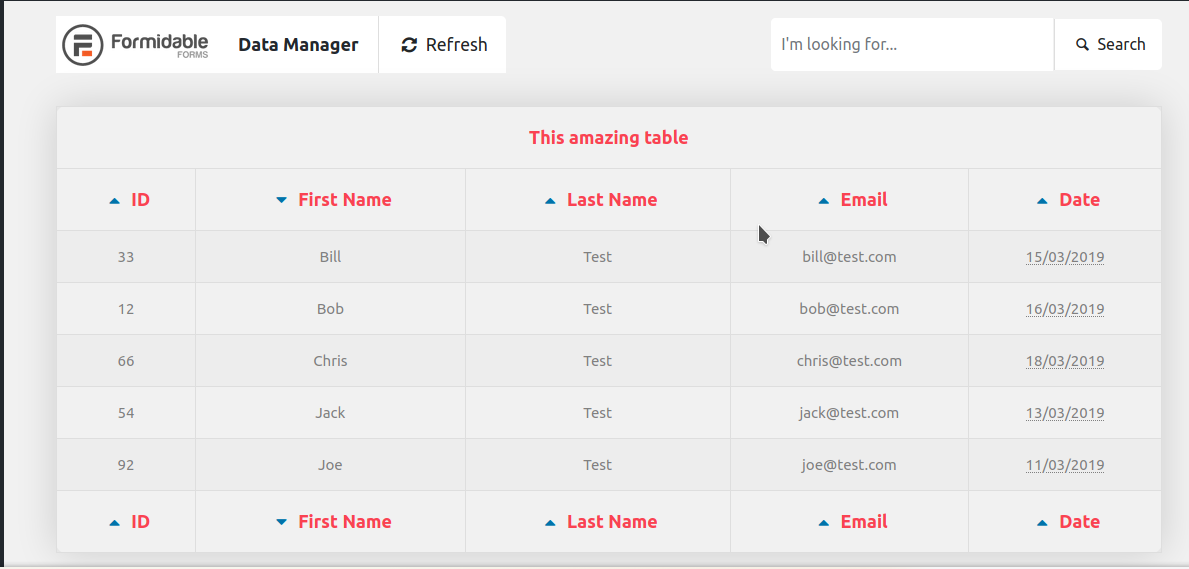
- Sort the results by clicking on the headers.
- Refresh the data without reloading the page.
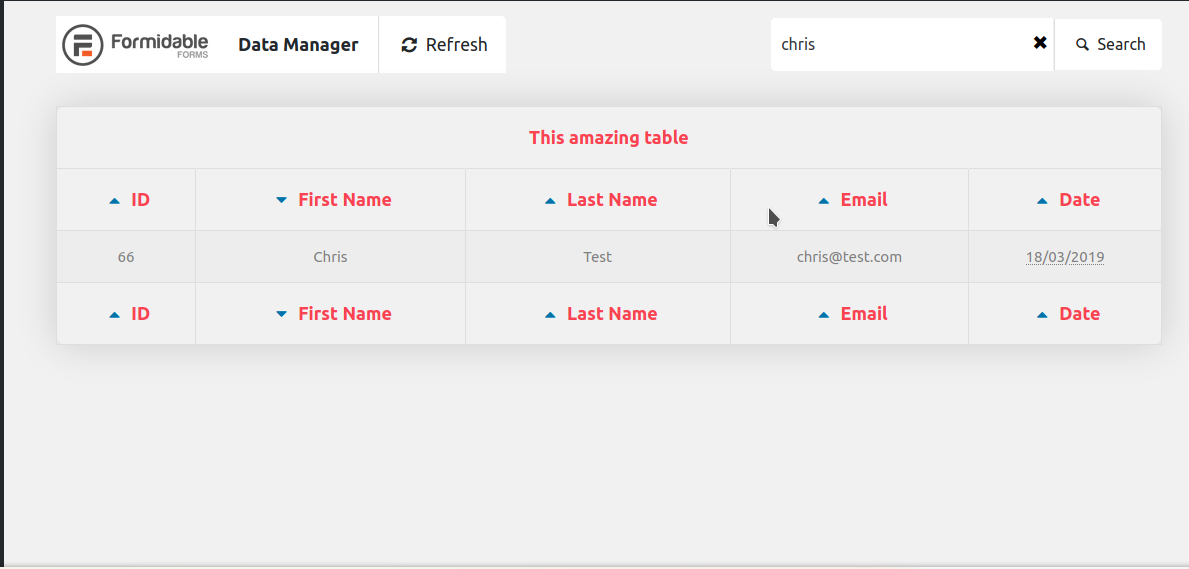
- Filter the results using the search bar. It works like this:
- If the input is an integer, the results are filtered by the id.
- If the input is an email, the results are filtered by the email.
- If the input is a string, then the results are filtered by first name and/or last name.
- Lastly, there's some kind of advanced search, where you can input a string like
id:9and the results will be filtered by theidthat has a 9 as value.
Development
To setup the development environment, please install the following:
- Docker and docker-compose. Refer to their respective pages for installation instructions.
- Install lando.
- Clone this repository:
git clone https://github.com/skaparate/nmv-data-manager/- Copy the file .env.example as
.env. There's should be no need to modify the.envfile. - Start the lando containers:
cd nmv-data-manager
lando start
This can take some time, since it has to download the required containers, plus it also downloads and installs WordPress and the WordPress test libraries required for Integration Tests.
- Install the plugin dependencies with Composer:
lando composer installThis step installs the phpab library, used to generate the autoload script, the WordPress standards libraries and PHPUnit (for unit testing).
Scripts
I've setup lando to provide some additional commands:
-
lando phpunitd: This command runs the xdebug command so you can listen on vscode (the required configuration is provided on the .vscode folder). -
lando purge-cache: Will run the command to purge the cache used by the plugin (will make the plugin contact the REST API directly). -
lando update-autoloader: Will update the autoloader script for the plugin (src/autoloader.php). -
lando test: Runs the project tests. It's basically a shortcut tocomposer test.
For VSCode to work properly, I recommend the plugins:
- PHP Intelephense
- PHP Sniffer & Beatufier
- PHP Debug, for using xdebug.
Running
After installing lando you already have a running WordPress instance, so you can go to nmv-data-manager.lndo.site and see it working.
The administration (wp-admin) credentials are the ones provided on the .env file.
- Go to the plugins and enable the NMV Data Manager plugin (or run
lando wp plugin activate nmv-data-manager). - On any page, add the shortcode
[nmv_data_manager]and preview the results.
Sample
Front End
Back End