KiwiPay Crypto - MetaMask Gateway for WooCommerce
Accept secure MetaMask crypto payments in WooCommerce with automatic on-chain verification, dashboards, and enterprise-grade safety.
by Shovon · github.com/shovon1988/kiwipay-crypto-metamask-woocommerce
Install
No release zip yet. The repository archive installs, but the folder name will carry the branch suffix and updates will not flow:
wp plugin install https://github.com/shovon1988/kiwipay-crypto-metamask-woocommerce/archive/refs/heads/main.zipWeb3pay MetaMask WooCommerce
Web3pay MetaMask WooCommerce
Web3pay MetaMask WooCommerce is a professional Web3 payment gateway that allows WooCommerce stores to accept on-chain cryptocurrency payments directly via MetaMask, with automated verification, dashboards, and enterprise-grade safety checks.
Designed for merchants who want reliable crypto payments without complexity.
Key Features
Secure MetaMask Payments
- Native cryptocurrency payments (ETH, BNB, MATIC, AVAX)
- Direct wallet-to-merchant transactions
- No custodians, no intermediaries
Automatic On-Chain Verification
- Background WP-Cron auto-verification
- Confirms payments even if customers close their browser
- Configurable verification intervals
Smart Order Management
- Auto-cancel stale pending orders
- Manual “Confirm Now” button for admins
- Global anti-replay protection (prevents tx reuse)
Professional Admin Dashboard
- Colorful KPI cards
- Sales overview & recent transactions
- System Status panel (RPC, pricing, cron health)
- Sales trend sparkline (no external libraries)
Explorer Integration
- Etherscan, BscScan, Polygonscan, Snowtrace links
- Available on checkout, thank-you page, admin & dashboard
🧾 Real-Time Pricing with Fallback
- Live fiat → crypto conversion
- Primary & secondary pricing API fallback
- Cached quotes for performance
Payment Safety Features
- Wrong-network detection (blocks payment on incorrect chain)
- Optional fee buffer (%) to protect against volatility
- Underpayment protection
Admin Notifications
- Email alerts on confirmed or failed payments
- Configurable recipient email
Supported Networks
- Ethereum (ETH)
- Binance Smart Chain (BNB)
- Polygon (MATIC)
- Avalanche (AVAX)
-
Any EVM-compatible RPC
Requirements
- WordPress 6.0+
- WooCommerce 7.0+
- PHP 7.4+
-
MetaMask browser extension or mobile wallet
Installation
-
Download the plugin ZIP from Releases
-
WordPress Admin → Plugins → Add New → Upload Plugin
-
Upload ZIP and activate
-
Go to WooCommerce → Settings → Payments → Web3Pay (MetaMask)
-
Enable the gateway and configure:
- Merchant wallet addresses
- Networks JSON
-
Auto-verify & auto-cancel rules
How Payments Work
-
Customer selects Crypto (MetaMask) at checkout
-
Wallet connects & network is validated
-
Real-time crypto quote is generated
-
Customer sends payment on-chain
-
Order is placed as Pending
-
Plugin verifies transaction automatically
-
Order is marked Completed when confirmed
Security & Best Practices
- No private keys stored
- No custodial wallets
- No background blockchain listeners
- Uses direct JSON-RPC calls
- Anti-replay transaction protection
Test Before Going Live
Use testnets (RPC + explorer) to verify:
- Quote accuracy
- Auto-verification
-
Email notifications
📸 Screenshots
Checkout – MetaMask Payment
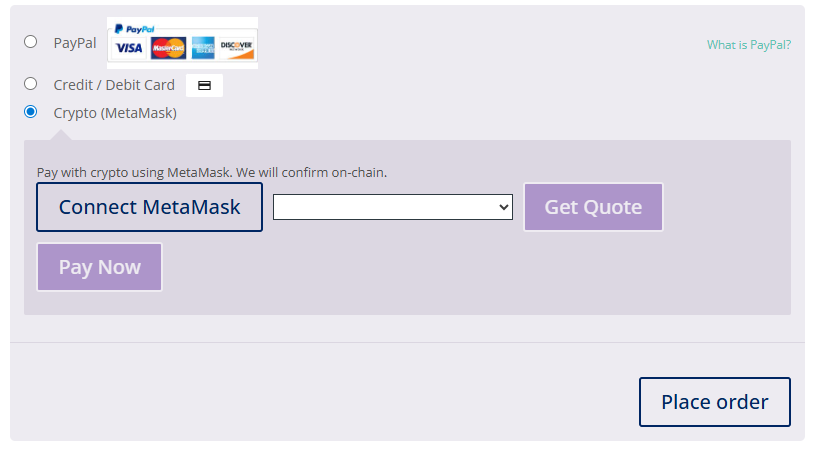 Customers connect MetaMask, receive a real-time crypto quote, and pay directly on-chain.
Admin Dashboard – Overview
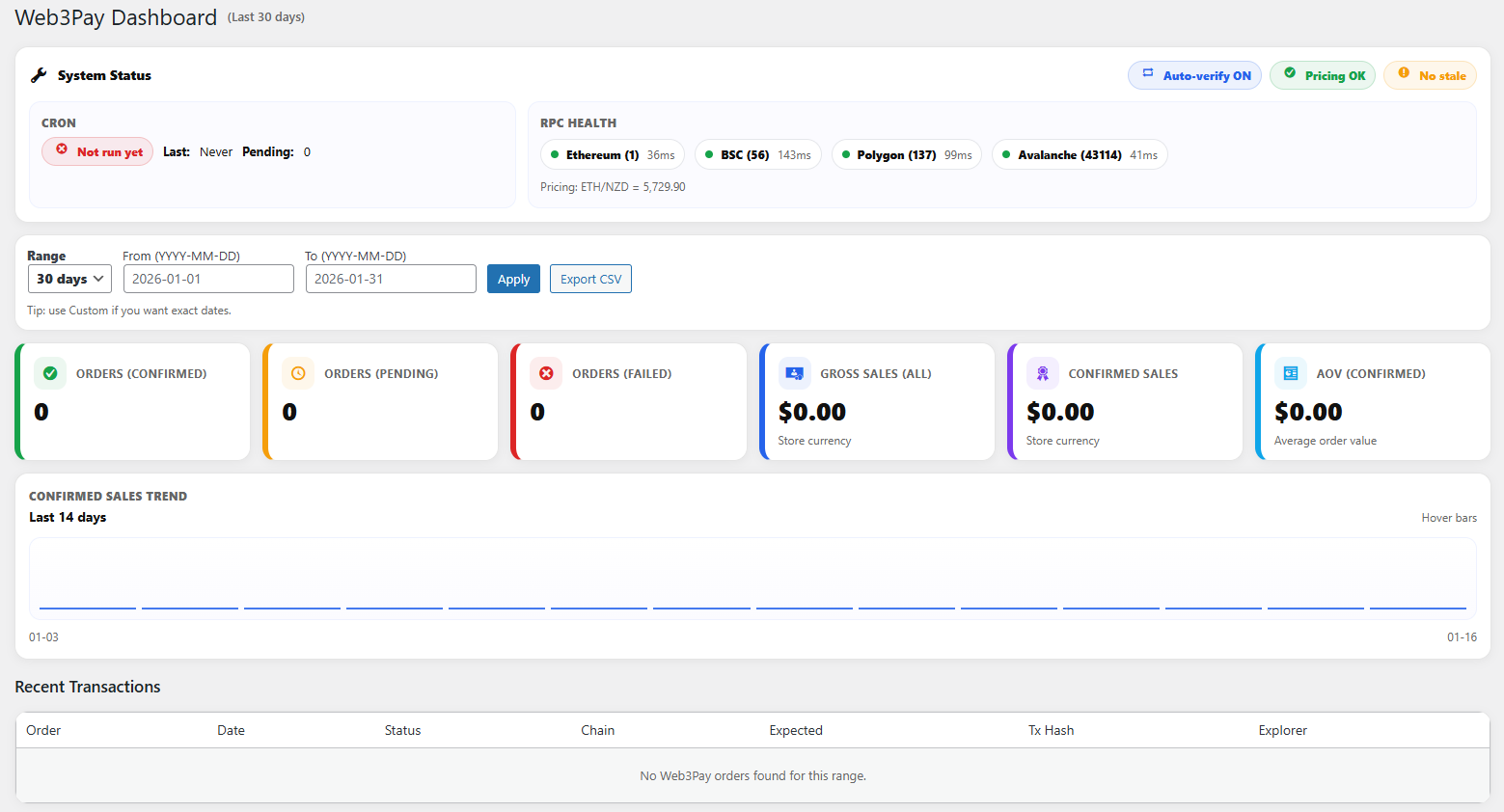 A professional Web3 dashboard showing KPIs, crypto sales, and recent transactions.
Web3Pay Gateway Settings
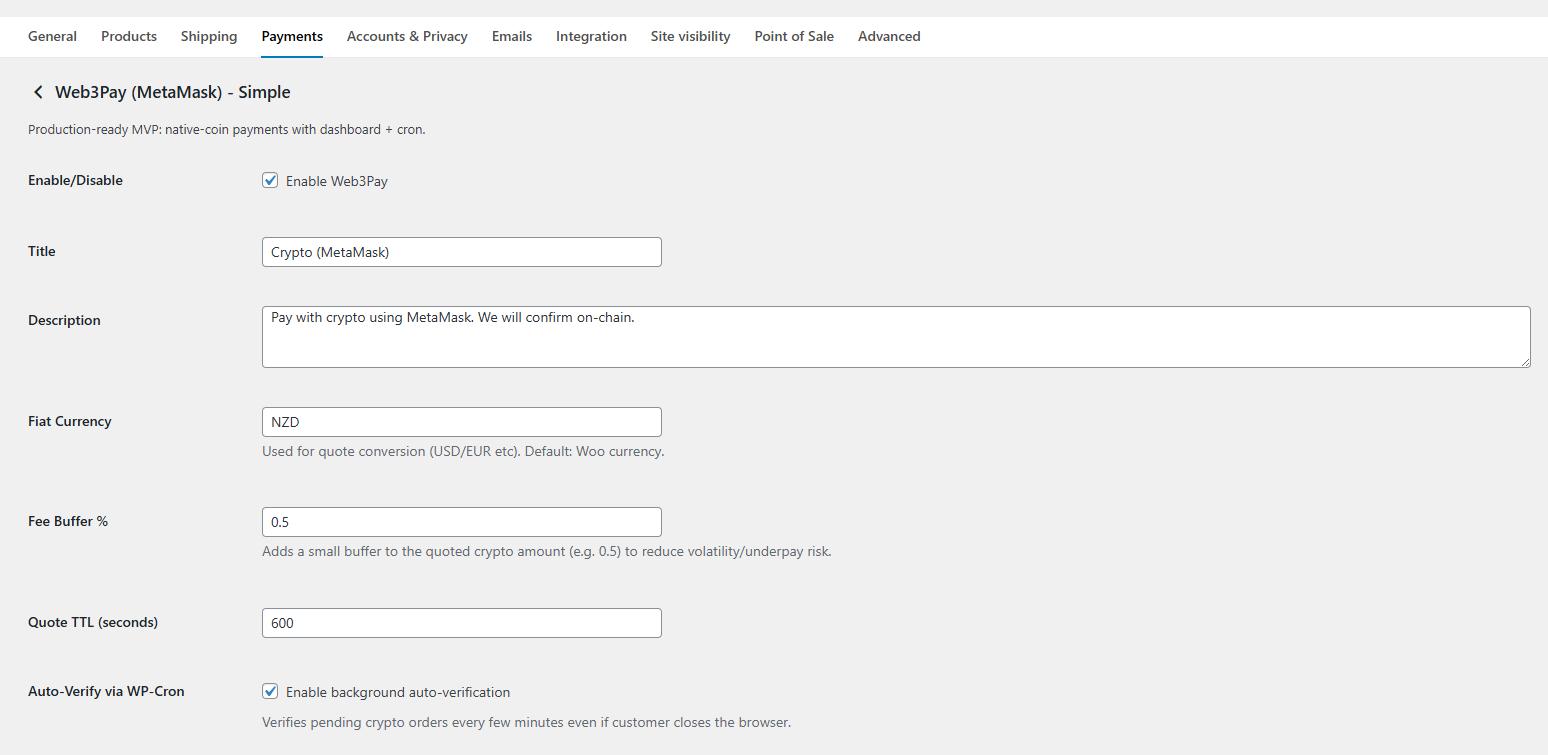 Configure supported networks, merchant wallet addresses, auto-verification, and safety options.
WooCommerce Integration
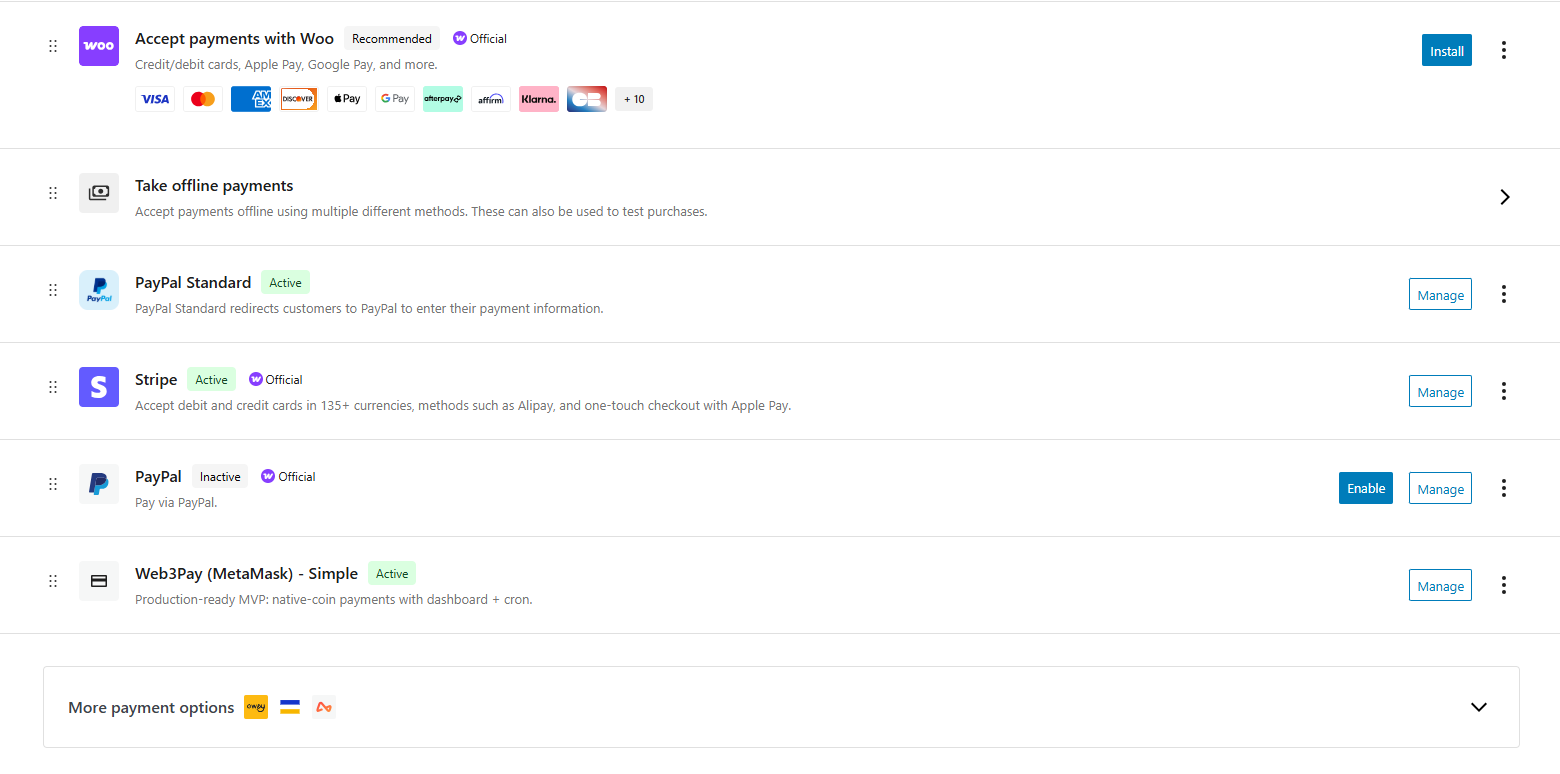 Web3Pay integrates seamlessly with WooCommerce payment settings.
WordPress Admin Integration
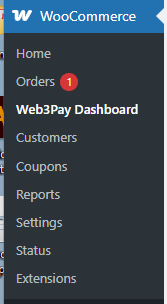 Web3Pay dashboard is accessible directly from the WooCommerce admin menu.
Commercial Use
This plugin is intended for commercial and premium distribution.
For licensing, support, or custom development: Contact the author
📄 License
This project is released under a commercial license.
© 2026 Pixel Art. All rights reserved.
Unauthorized copying, redistribution, or resale is prohibited.
Changelog
See Releases for full version history.
Why Web3pay?
Because merchants deserve crypto payments that feel as reliable as Stripe — without giving up decentralization.