Custom User Fields
Custom User Fields is a lightweight plugin that allows you to add fields to user profiles and registration.
Install
This is the repository archive. It installs, but the folder name will carry the branch suffix and updates will not flow.
Install straight from GitHub with WP-CLI:
wp plugin install https://github.com/shishirraven/custom-user-fields/archive/refs/heads/main.zipCustom User Fields : WordPress Plugin
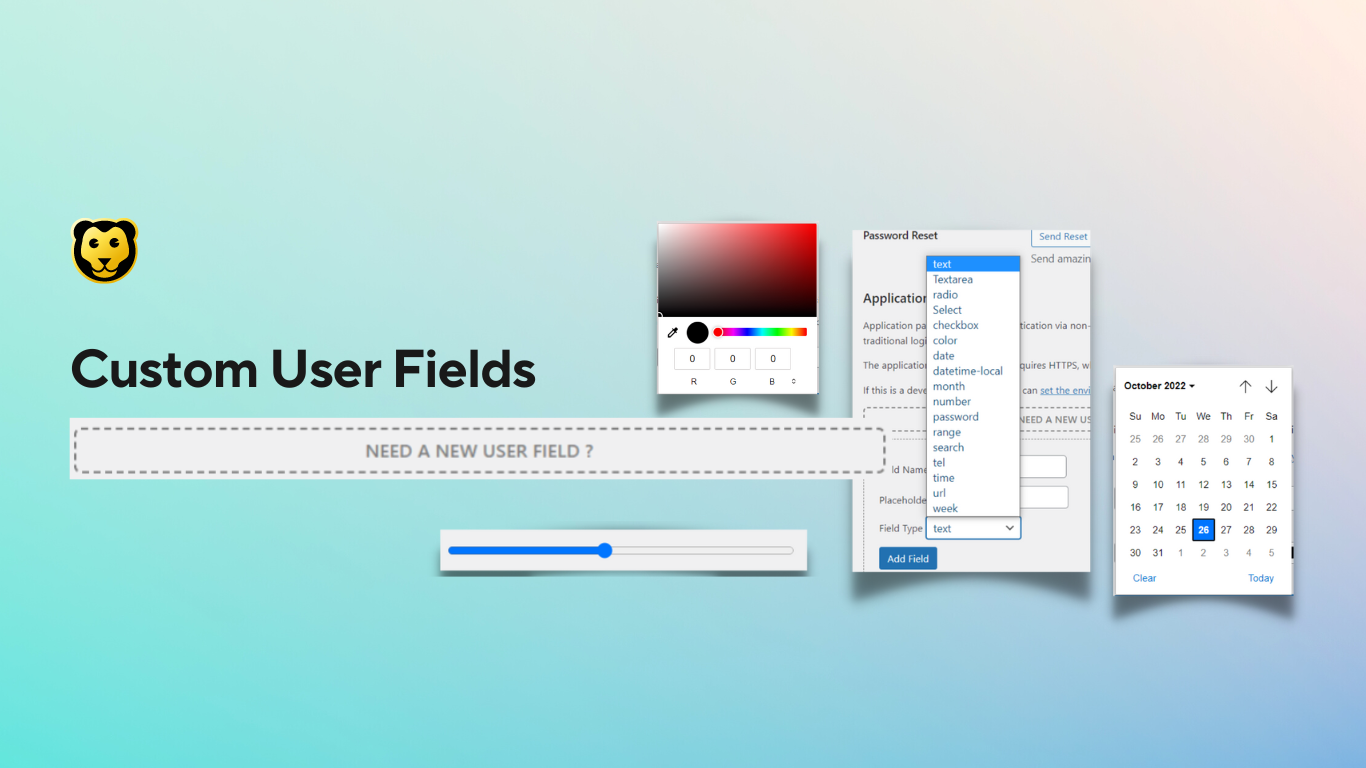
Add fields to User Profile, Registration Form for WordPress.
Description
Custom User Fields is a lightweight plugin that allows you to add fields to user profiles and registration.
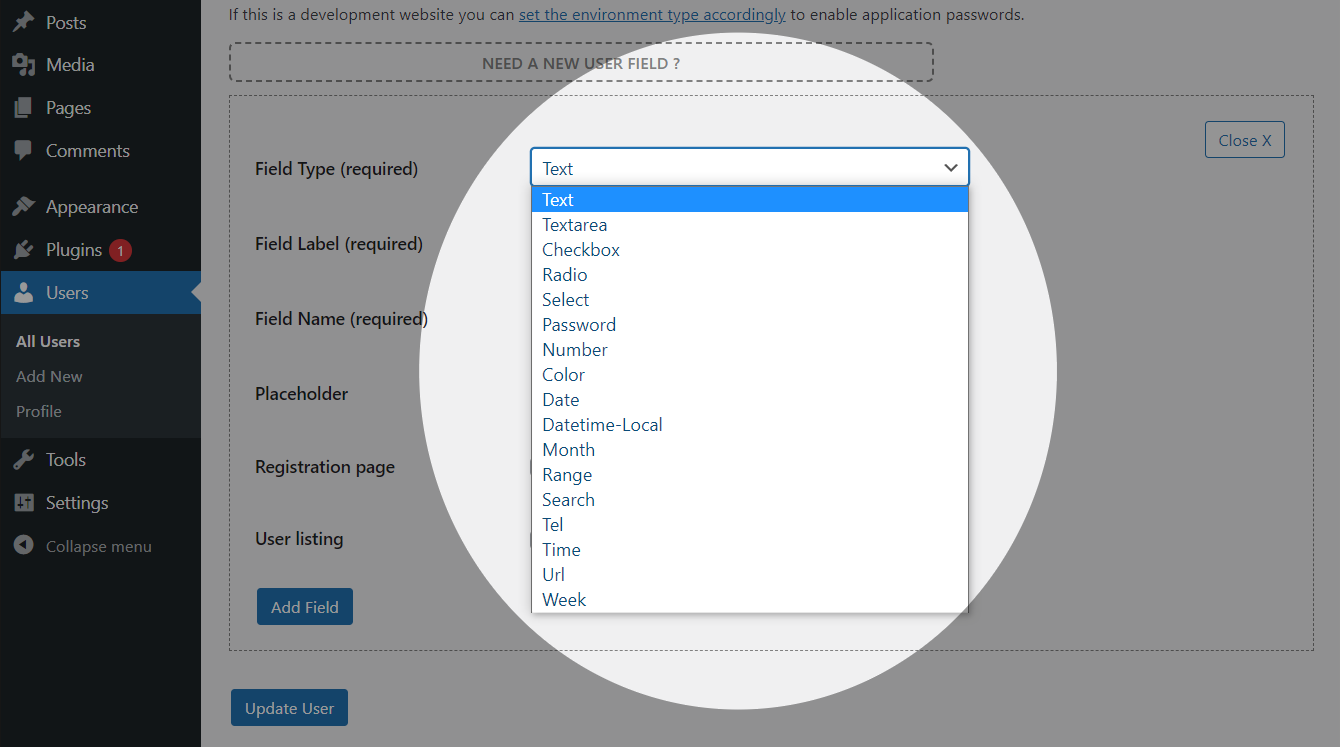
Includes the folllowing inputs. Text (For Small Text), Text Area (For Long Text), Radio, Select, Checkbox, Checkbox, Datetime, Datetime (Local), Month, Number, Password Range, Search, Tel, Time, URL, Week
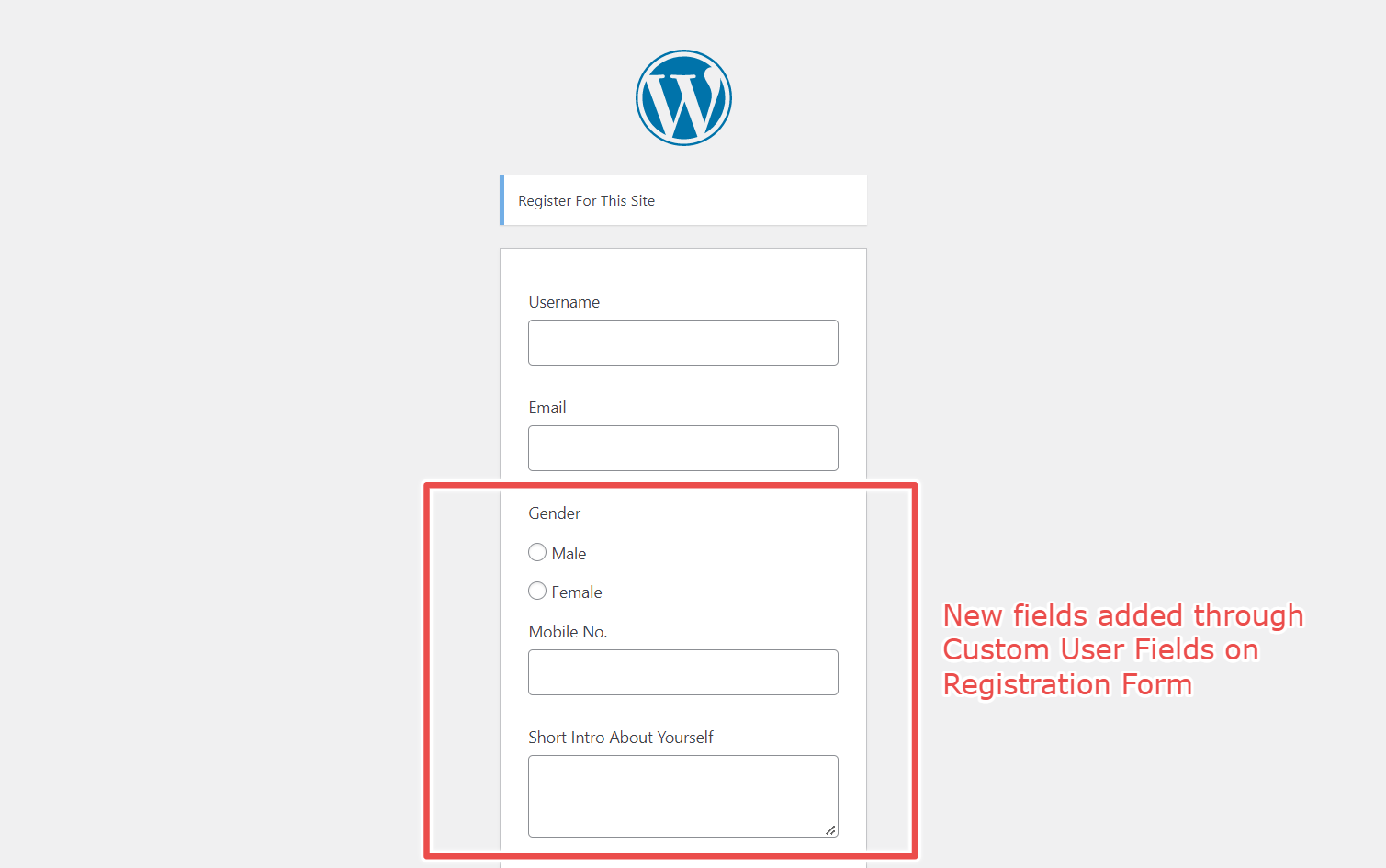
You add fields, order them, pick which fields you want to show on the Registration Form.
Styles of the forms match the default style of WordPress.
CUSTOM USER FIELDS FEATURES.
-
Lightweight and Speed Optimised.
-
17 types of User Inputs Available.
-
No Complex interfaces Easy to use. Add and Preview directly from Input forms.
-
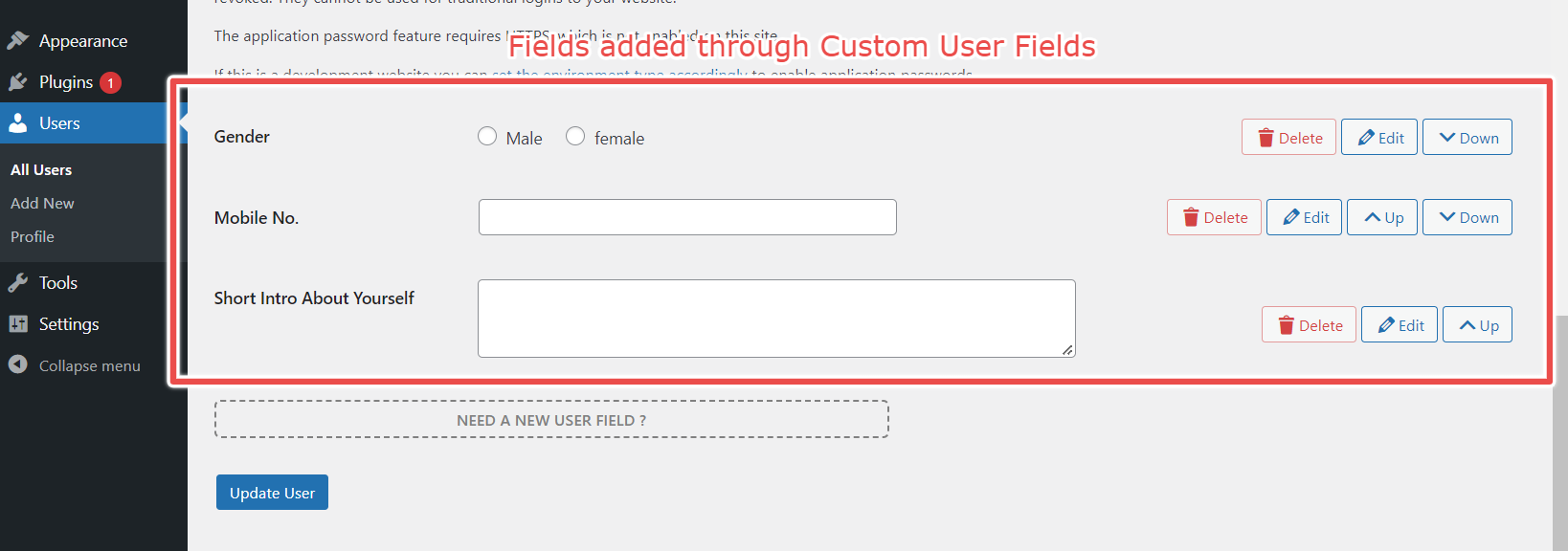
Order & Arrange fields using Sort Buttons.
-
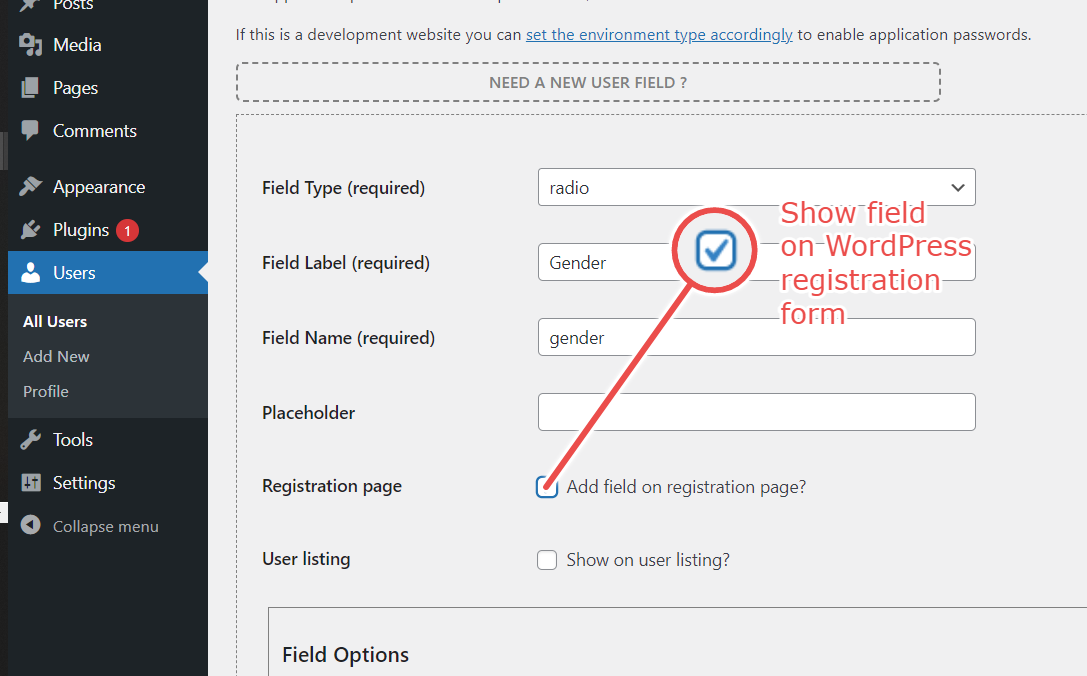
Pick the fields you want to show on Registration Form
-
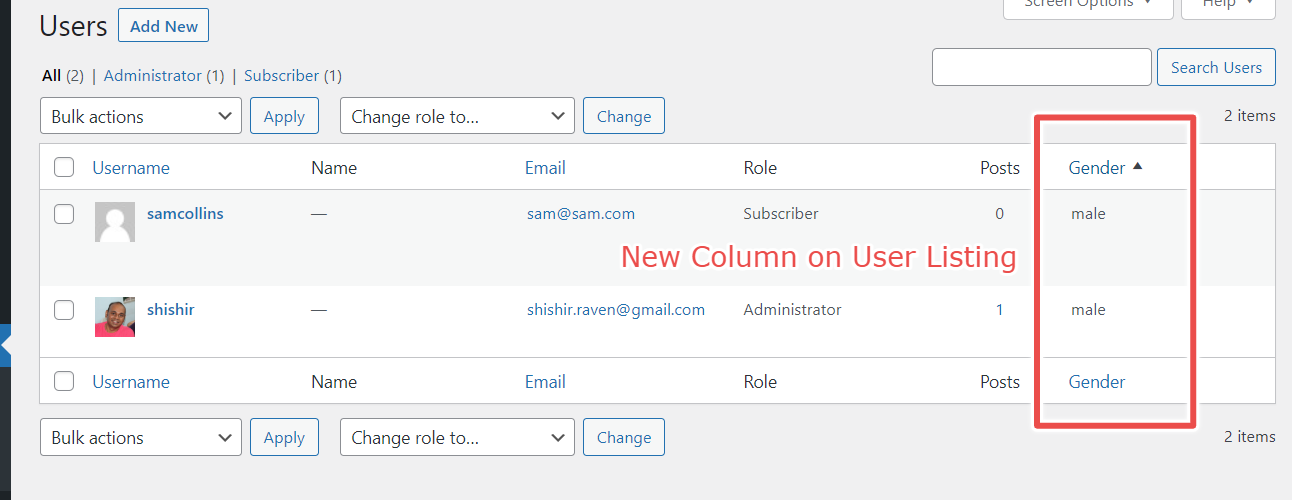
Pick the fields data you want to show on the User Listing Page.
-
Sortable fields are added to User Listing Page
Frequently Asked Questions
How to add an additional field for the user?
Please go to any user from "Users > Add New" or edit any user from default User section on wordpress. You will find "Do you want a new User field" option at the bottom of the Page. Click and follow instructions.
Can I change the order of displaying fields?
Yes, besides each field added you get an Up/Down button when there are 2 or more fields, use these to change order.
How to view the data filled by users?
All the user data can view by opening the form or if you choose tick "Show on User Listing" checkbox the fields will automatically appear on Default User Listing Page.
How to display the data which users submitted on my site?
All the data is saved into user meta, if you want to show it through code you use [get_user_meta function
I have some problems with the plugin's work. What Information should I provide to receive proper support?
You can email me at shishir.raven@gmail.com, please provide the following data along with your problem's description:
- The link to the page where the problem occurs.
- The name of the plugin and its version.
- The version of your WordPress installation.
- Screenshots of the Issue.
- Decribe the issue
How to Request a Feature
If you want to request a new feature for the plugin please post a request on the Plugins Github Page. Github
Installation
- Install the plugin either via the WordPress.org plugin directory, or by uploading the files to your server (in the /wp-content/plugins/ directory).
- Activate the User Registration plugin through the \'Plugins\' menu in WordPress.
- Go to user>add new or edit any user, scroll down to find \"Need a new user field?\".
- Add the fields as required.
Screenshots
- Add New Field Option on Add
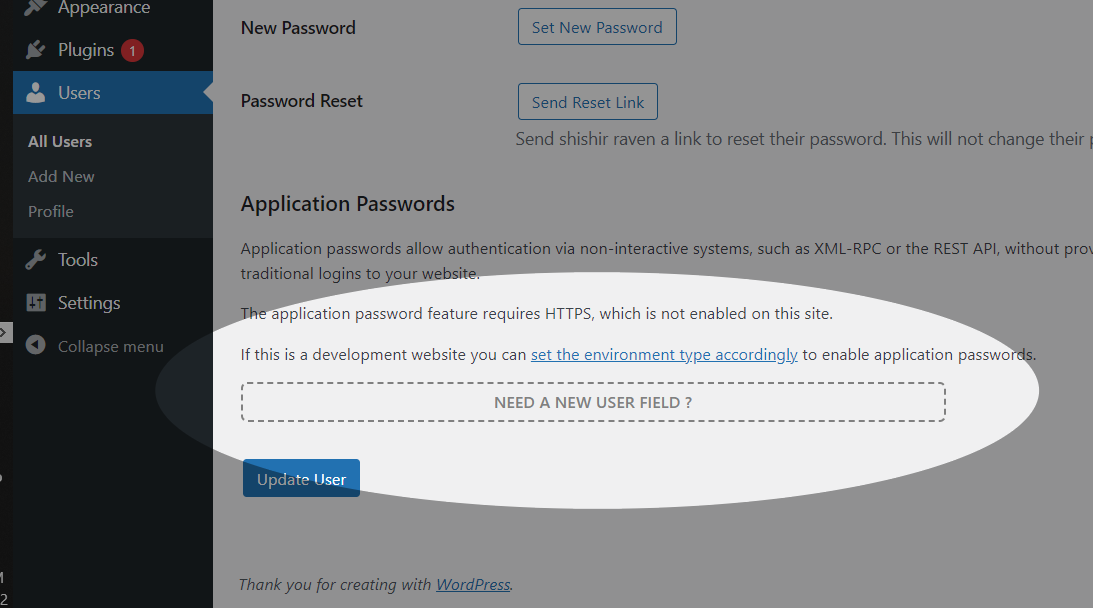
- Add Field Interface
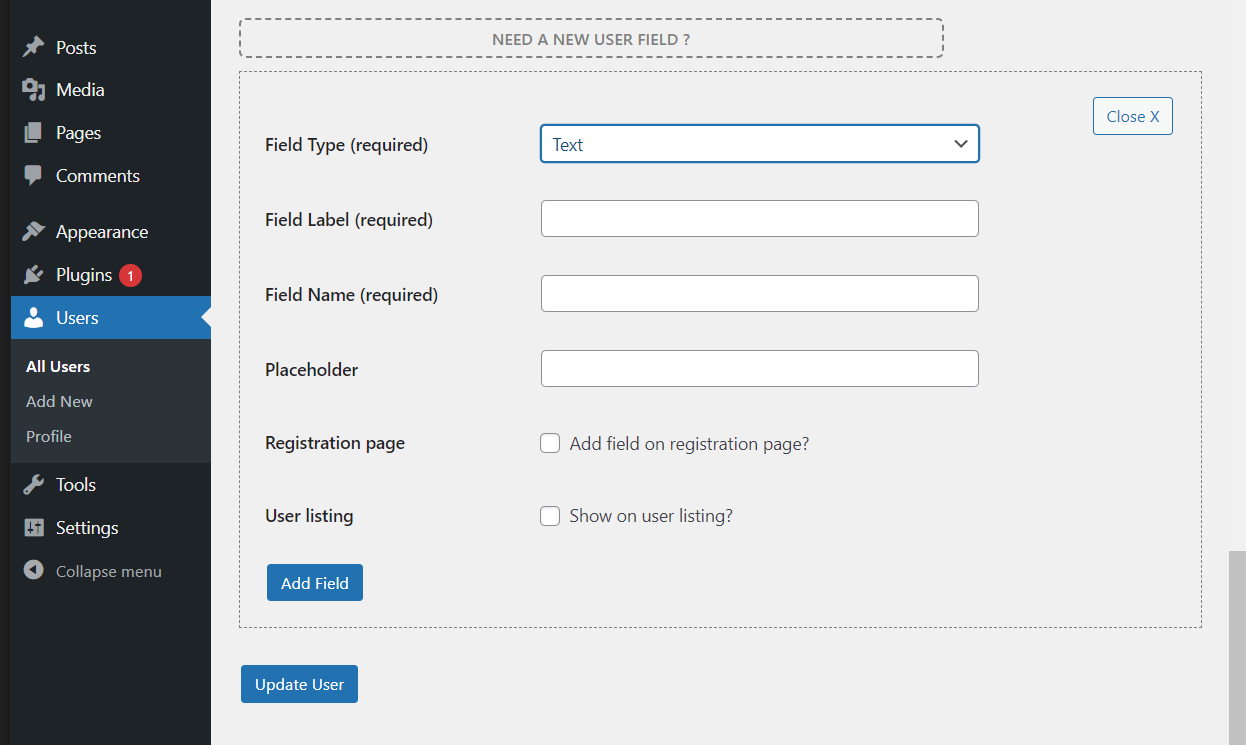
- Field Input Type Selection.
- Marking a field to appear on Registration page.
- How fields appear after adding through Custom User Fields.
- New Fields appearing on Regsistration Form.
- Field added through Custom User field Appearing on User Listing.