Install
This is the repository archive. It installs, but the folder name will carry the branch suffix and updates will not flow.
Install straight from GitHub with WP-CLI:
wp plugin install https://github.com/serhi/letterboxd-movies-block/archive/refs/heads/main.zipNo built-in updater. New versions won't appear under Dashboard → Updates. Install new releases yourself, or let Git Updater track the repository.
A WordPress Gutenberg block that displays your recently watched Letterboxd movies, pulled live from your public RSS feed.
Features
- Live server-side preview in the block editor
- Choose the number of grid columns (1–6)
- Choose how many recent films to display (1–20)
- Toggle poster image, title, and star rating independently
- Movie data cached for 30 minutes
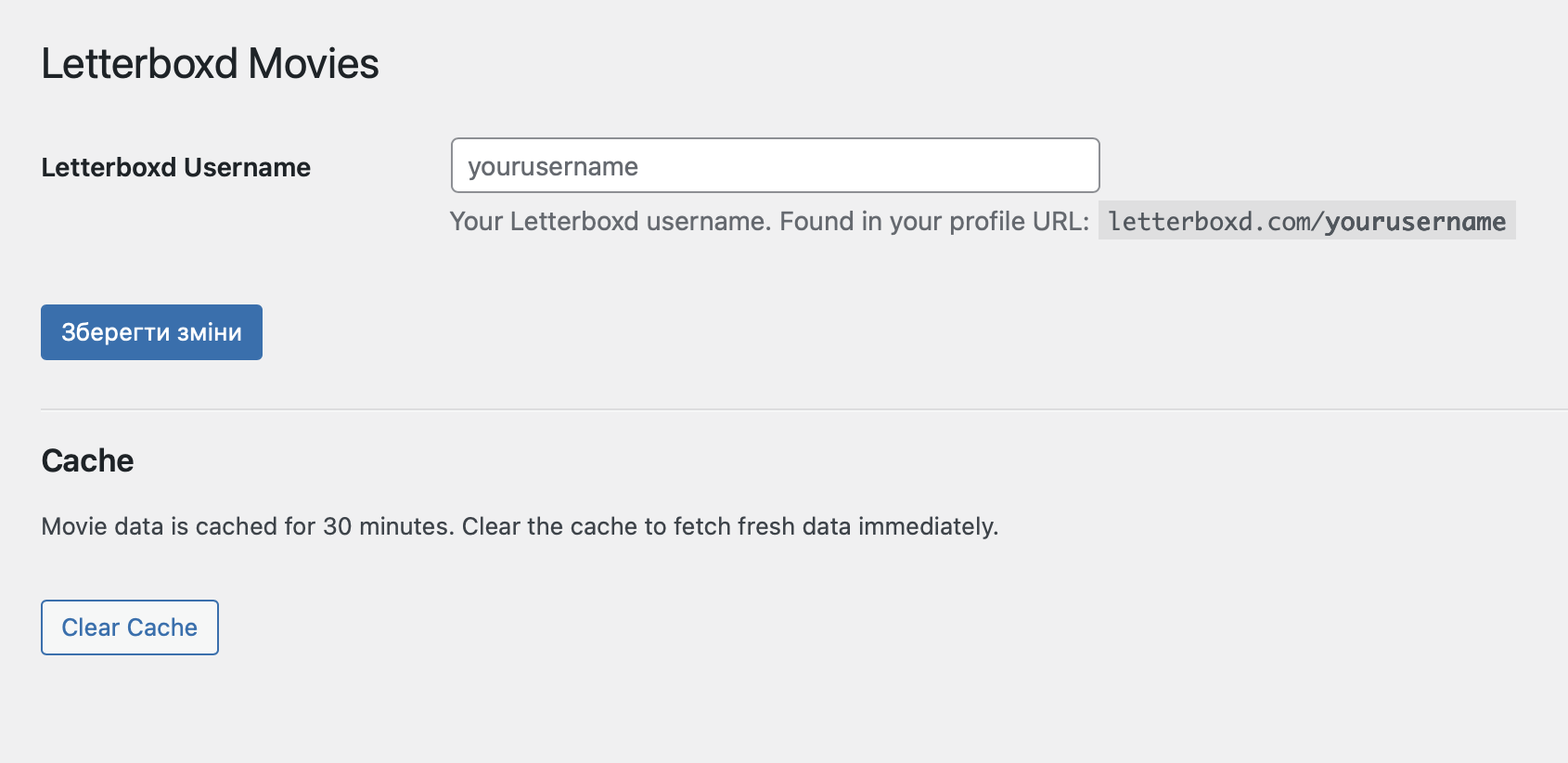
- Cache can be cleared manually from the settings page
Requirements
- WordPress 6.3+
- PHP 7.4+
- A public Letterboxd account
Installation
- Clone or download this repository into
wp-content/plugins/letterboxd-movies-block/ - Activate the plugin in Plugins → Installed Plugins
- Go to Settings → Letterboxd Movies and enter your Letterboxd username
- Insert the Letterboxd Movies block from the block inserter (Widgets category)
Usage
Select the block in the editor and use the Display Settings panel in the sidebar to configure:
| Setting | Default | Description |
|---|---|---|
| Columns | 4 | Number of grid columns (1–6) |
| Number of movies | 4 | How many recent films to show (1–20) |
| Show poster | On | Display the movie poster image |
| Show title | On | Display the movie title |
| Show rating | Off | Display your star rating |
Customisation
The block uses these CSS classes you can override in your theme:
.lbm-grid    /* grid container */
.lbm-card    /* individual movie link */
.lbm-title   /* movie title */
.lbm-rating  /* star rating */
The rating colour uses --wp--preset--color--accent from your active theme, with an orange fallback.