Install
Upload it under Plugins → Add New Plugin → Upload Plugin, then activate.
Install straight from GitHub with WP-CLI:
wp plugin install https://github.com/sergkievcity/master-tools/releases/download/v1.0.0/master-tools-v1.0.0.zipMaster Tools — WordPress Plugin
All-in-one webmaster toolkit: file manager, database manager, code inserts, redirects, robots.txt / .htaccess editor and security hardening.
Screenshots
Why Master Tools?
Most WordPress sites end up installing 5–7 separate plugins to cover the basics: a file manager, a database tool, a redirect manager, a code insert plugin, a security hardener... Each one adds its own menu, its own settings page, its own update to maintain.
Master Tools replaces all of them with a single plugin that covers every day-to-day webmaster need — without the clutter.
Emergency Access — Standalone Mode
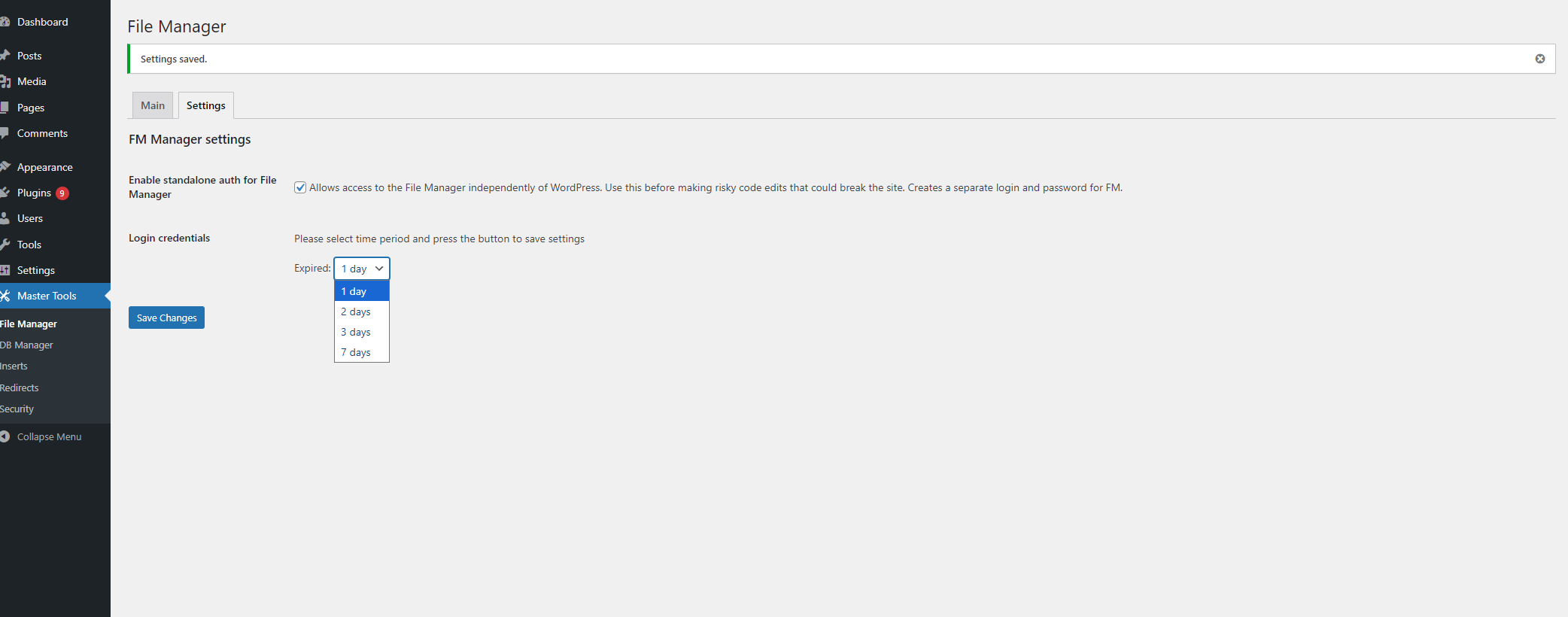
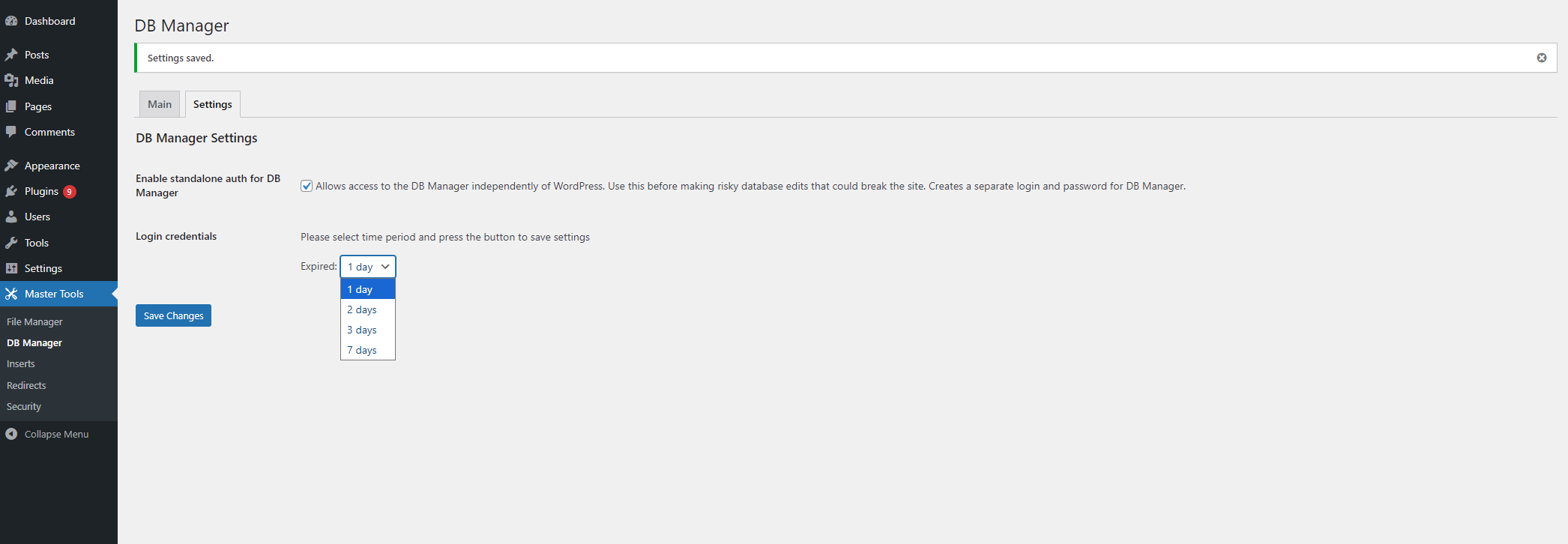
The File Manager and Database Manager include an optional standalone auth mode: a time-limited, token-protected URL that works even when WordPress itself is broken (white screen, login loop, plugin conflict).
- Generates a unique gate file with a secure token
- Token is stored in an
HttpOnly,SameSite=Strictcookie - Automatically expires — enable only when you need it, disable when done
This is the feature that sets Master Tools apart from other all-in-one plugins.
Features
File Manager
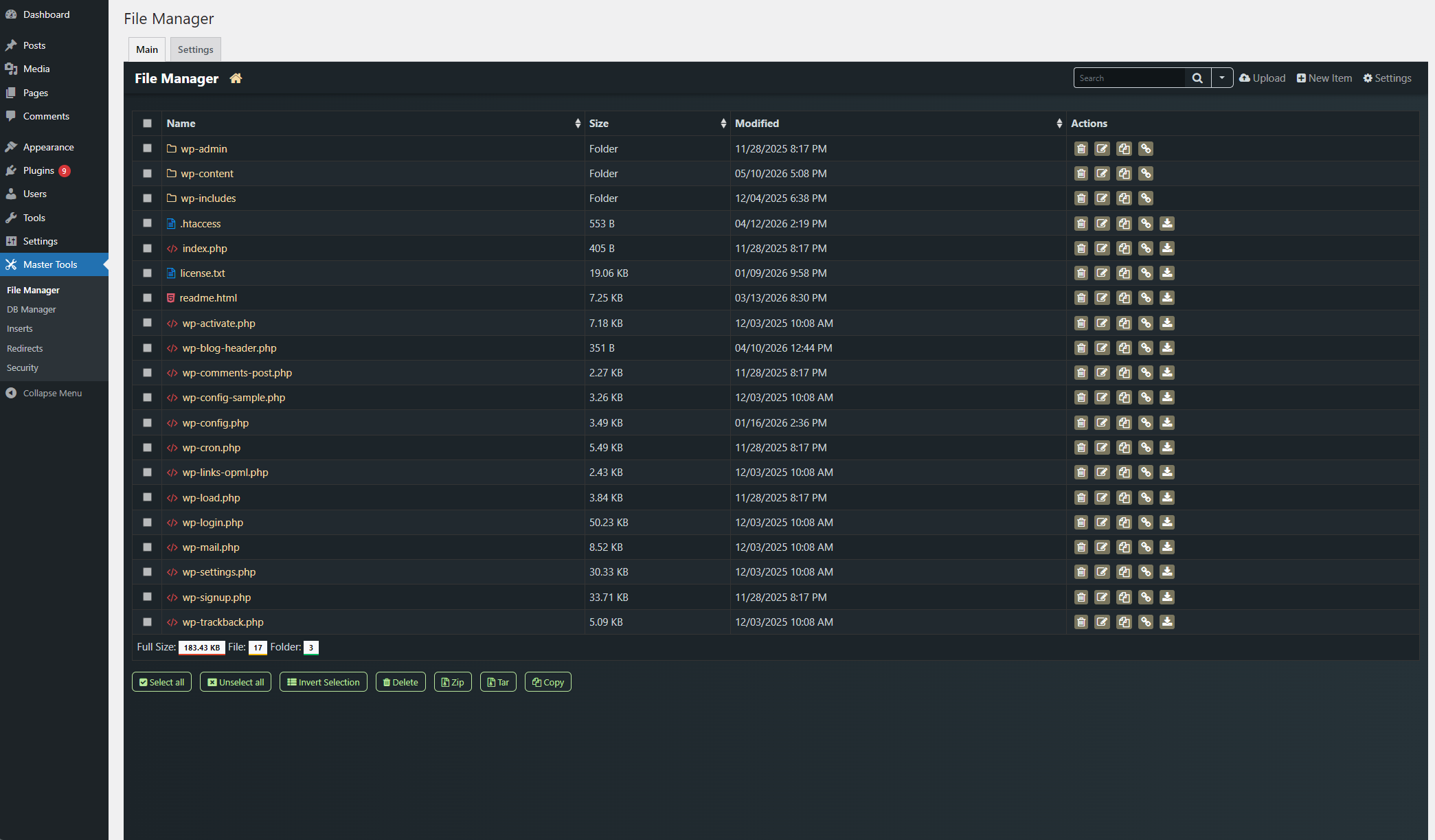
Browse, edit, upload and delete files directly from the WordPress admin. Powered by Tiny File Manager 2.5.3.
Database Manager
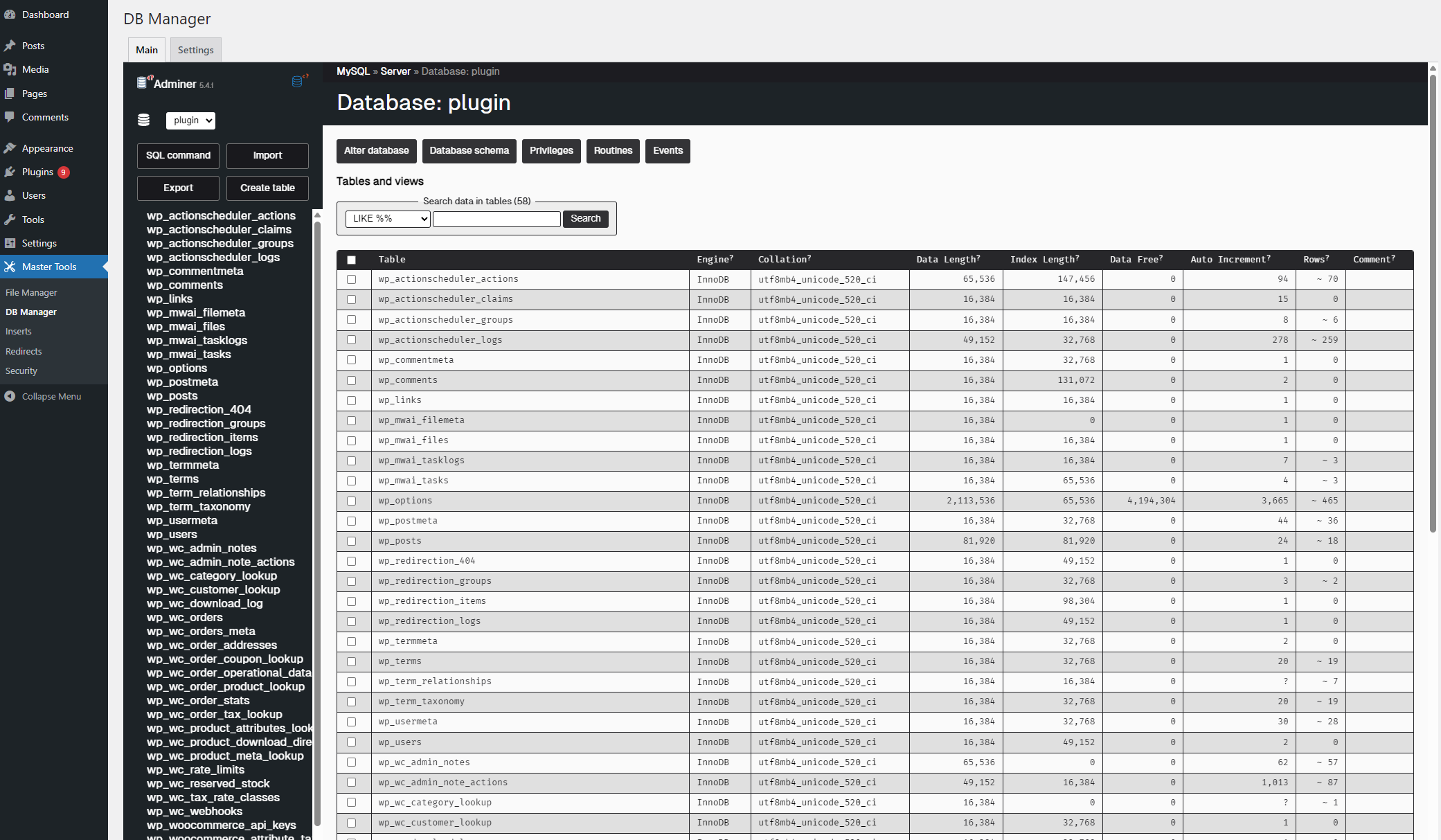
Powered by Adminer 5.4.1. Manage tables, run queries and export data without leaving the admin panel.
Code Inserts
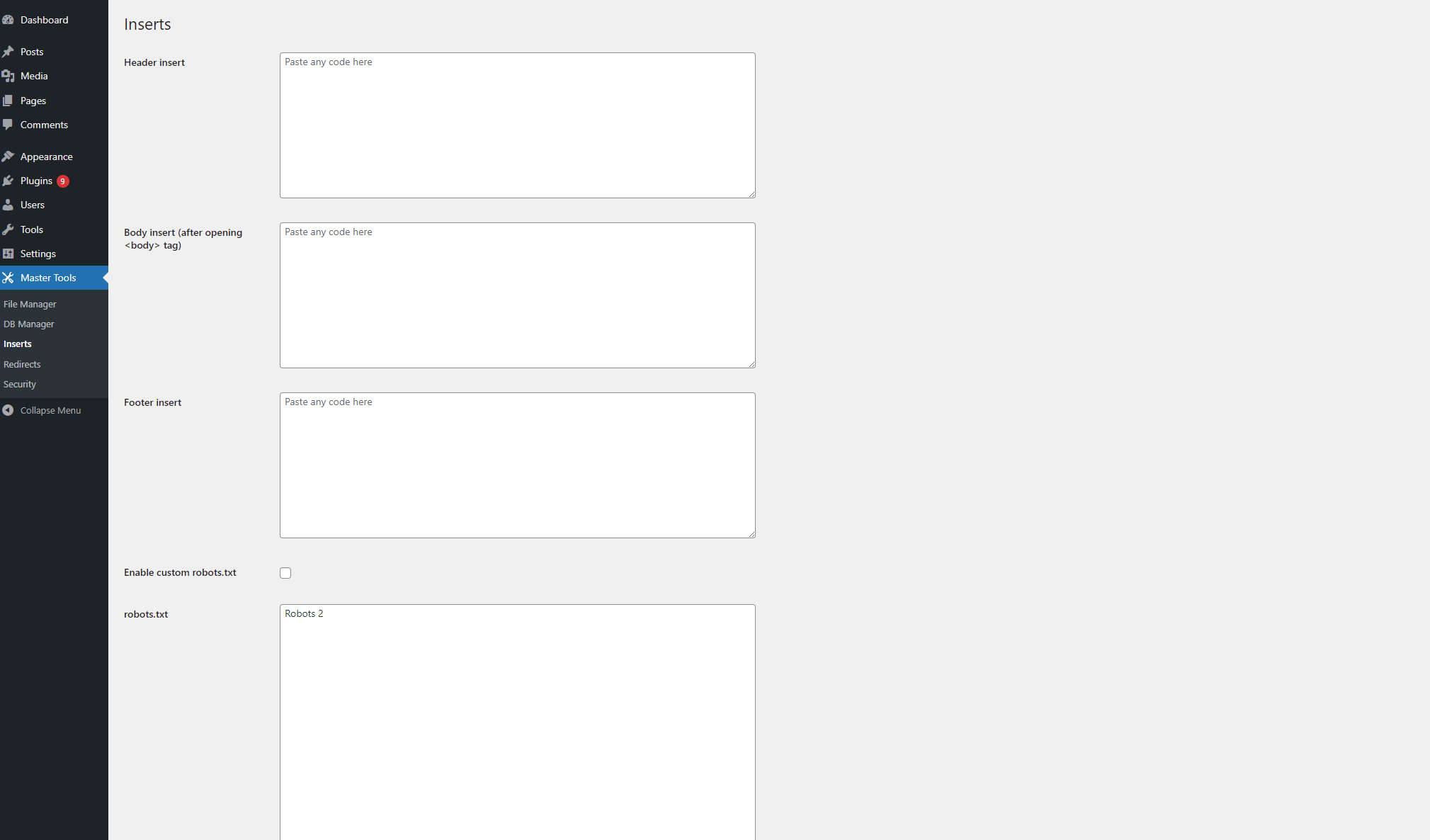
Inject arbitrary code into <head>, <body> (after the opening tag), or the footer of every page — useful for analytics scripts, tag managers, or custom CSS/JS.
Redirects
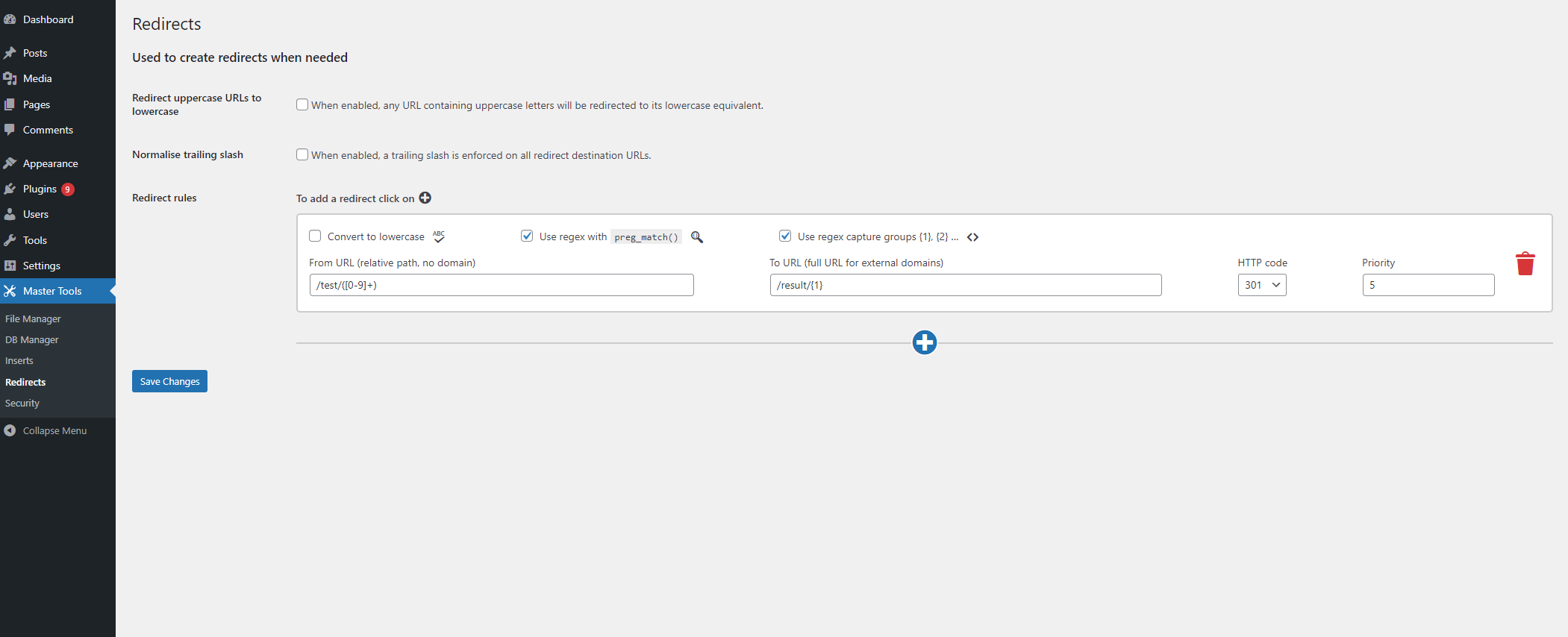
Create URL redirect rules with support for:
- Plain URL matching
- Regular expressions with capture group substitution (
{1},{2}, …) - Per-rule HTTP status codes (301, 302, 303, 307, 308)
- Priority ordering
- Global lowercase URL enforcement
- Global trailing slash normalisation
robots.txt Editor
Override the default WordPress robots.txt with your own custom content.
.htaccess Editor
Edit your .htaccess file directly from the admin without FTP access.
Security Hardening
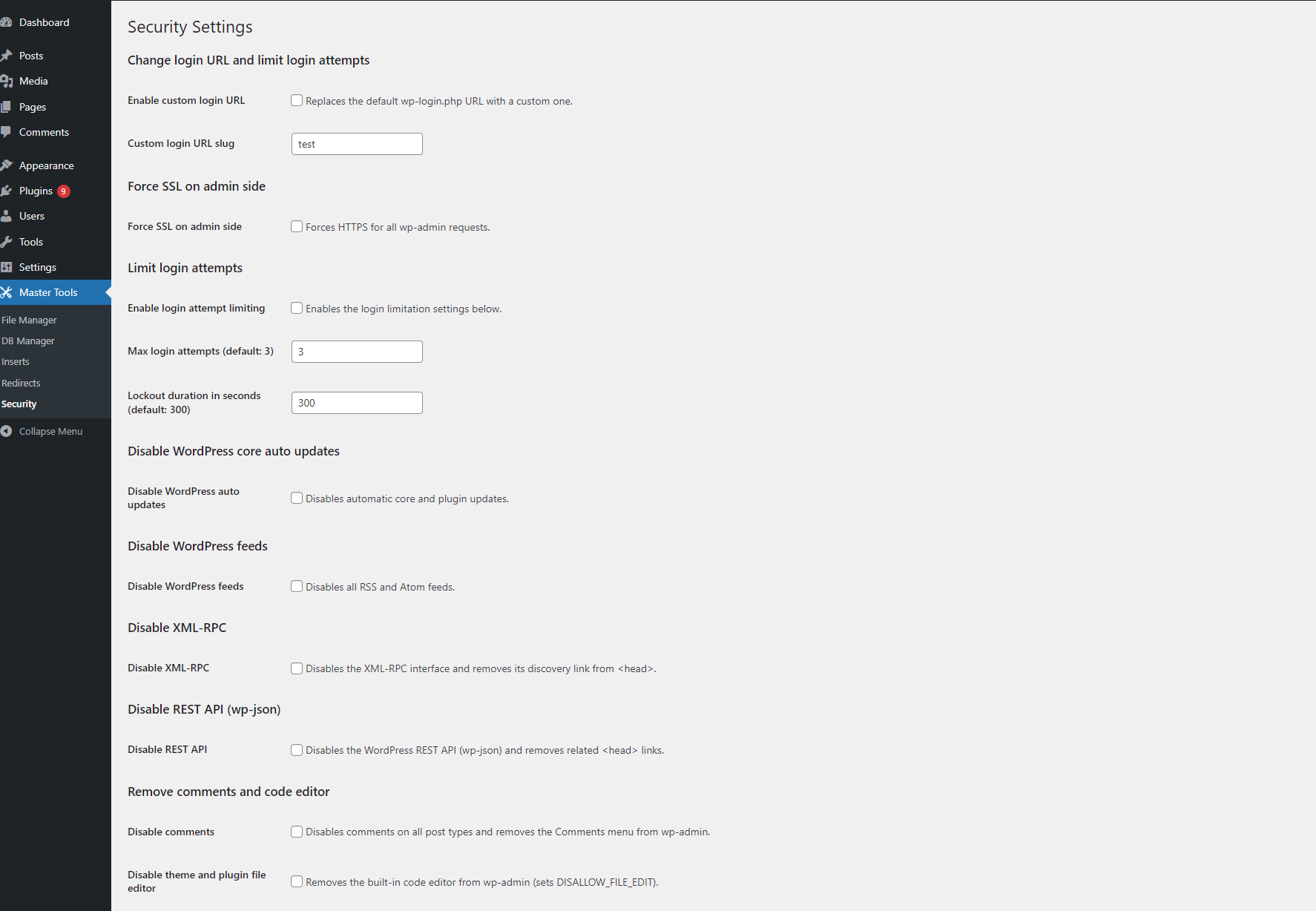
- Custom login URL (replaces
wp-login.php) - Login attempt limiting with configurable lockout duration
- Force SSL for wp-admin
- Disable automatic core, plugin, theme and translation updates
- Disable XML-RPC
- Disable REST API (unauthenticated access)
- Disable RSS and Atom feeds
- Disable comments site-wide
- Disable the theme and plugin file editor
- Removes the WordPress version generator tag from
<head>
Installation
- Download the latest release zip from the Releases page.
- In WordPress admin go to Plugins → Add New → Upload Plugin.
- Upload the zip, then click Activate.
Or manually:
- Extract the zip and upload the
master-toolsfolder to/wp-content/plugins/. - Activate through the Plugins menu.
- Navigate to Master Tools in the admin sidebar.
Requirements
- WordPress 6.0+
- PHP 7.4+
Security
The File Manager and Database Manager are protected by multiple layers:
- WordPress authentication — only administrators (
manage_options) can access these tools. - Nonce verification on every request.
- An optional standalone auth mode — see Emergency Access above.
Third-party libraries
| Library | Version | License |
|---|---|---|
| Adminer | 5.4.1 | Apache 2.0 / GPL 2 |
| Tiny File Manager | 2.5.3 | MIT |
License
GPLv2 or later — see LICENSE
Releases
1 release. Each count is every asset in that release; expand a row for the breakdown.