Install
This is the repository archive. It installs, but the folder name will carry the branch suffix and updates will not flow.
Install straight from GitHub with WP-CLI:
wp plugin install https://github.com/secure-updates/secure-updates-server/archive/refs/heads/main.zipA WordPress plugin that provides secure plugin updates by allowing direct uploads and mirroring from repositories with Media Library integration.
Contributors: Secure Updates Foundation
Tags: updates server, plugin mirror, WordPress, media library, plugin updates, API keys
Requires at least: 5.0
Tested up to: 6.6.2
Stable tag: 4.0
License: GPLv2 or later
License URI: https://www.gnu.org/licenses/gpl-2.0.html
Beta Status
This plugin is in active development and while it's feature-complete and follows security best practices, it hasn't undergone extensive production testing across different environments. Test thoroughly in a staging environment before deploying to production.
Description
Secure Updates Server is a comprehensive WordPress plugin designed to provide secure and controlled plugin updates. It caters to two primary user groups:
-
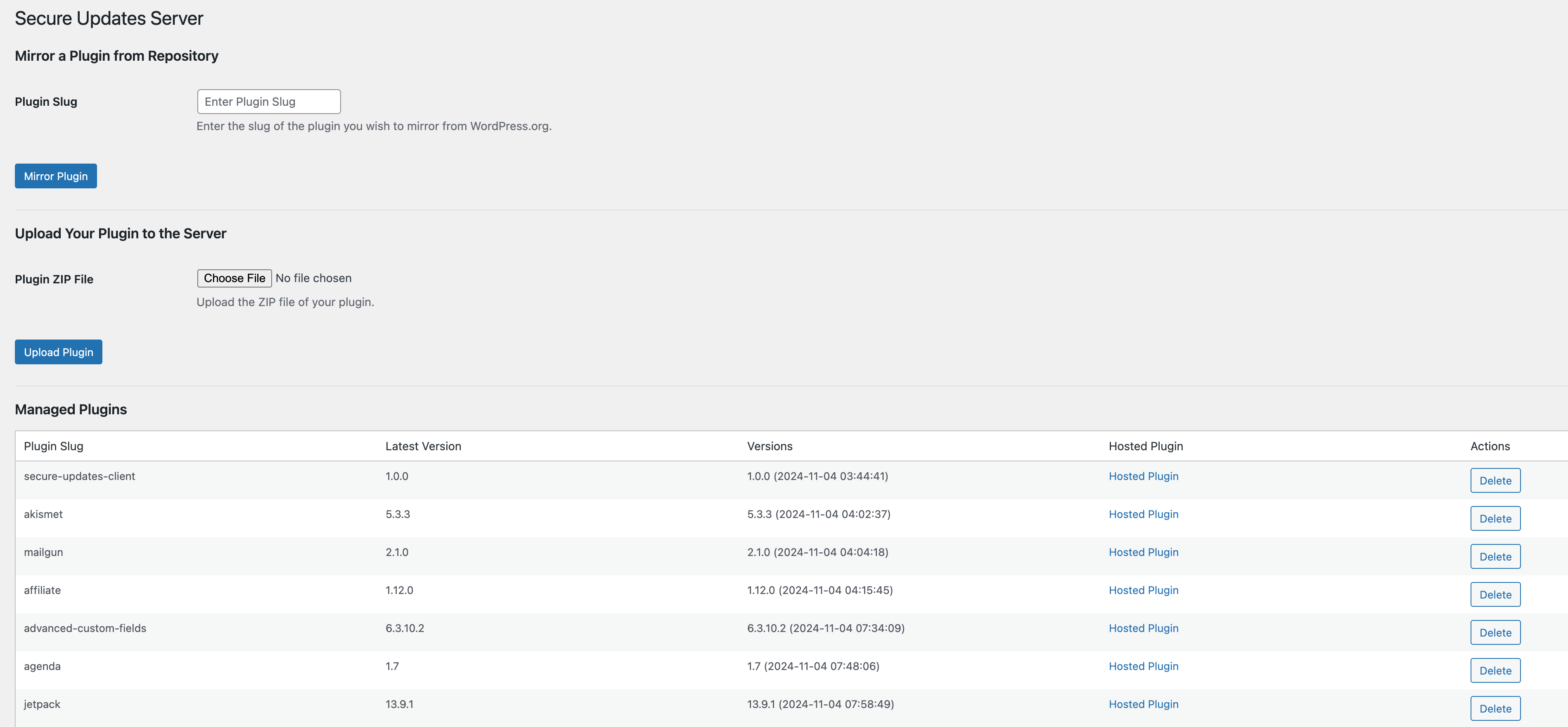
Companies Managing Client Sites: Mirror plugins from centralized repositories like WordPress.org to maintain greater control over plugin updates across multiple client sites.
-
Plugin Authors: Simplify the distribution of updates by directly uploading plugins to the Secure Updates Server.
Features
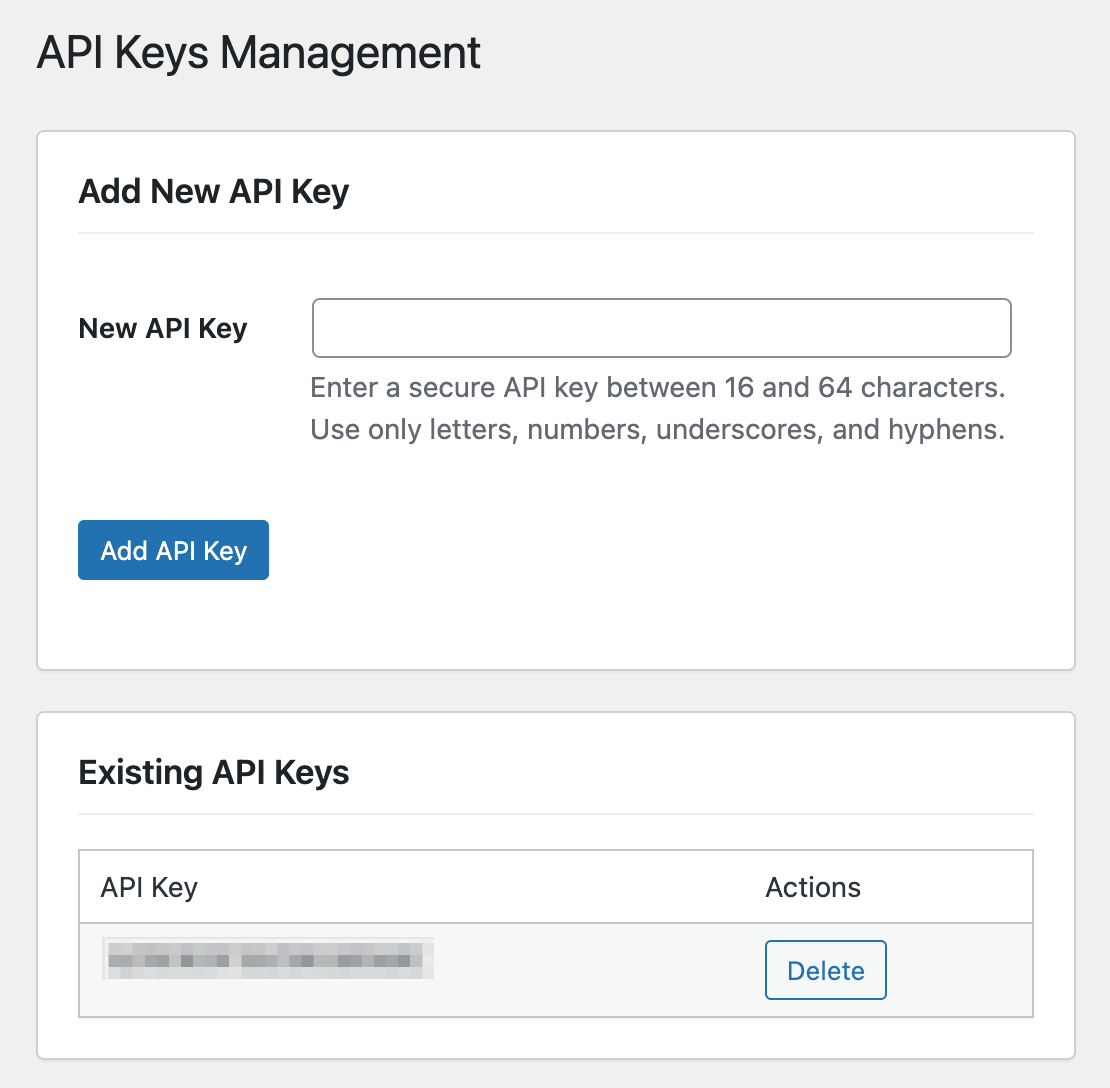
- API Key Integration: Secure client authentication using API keys
- Direct Plugin Uploads & Versioning: Upload and manage plugin versions
- 1-Click Mirroring from WordPress.org: Easy plugin mirroring
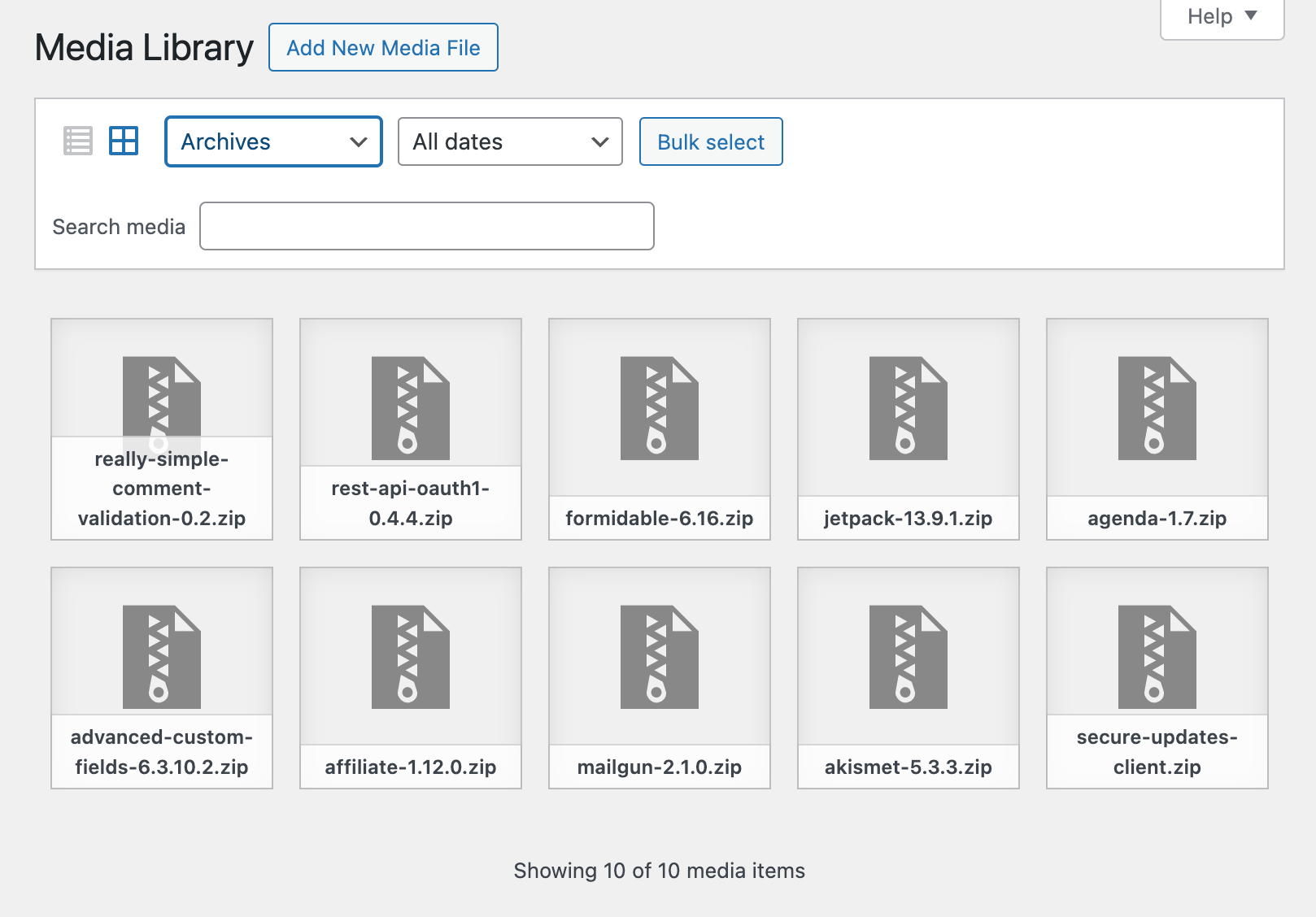
- Media Library Integration: Seamless cloud storage integration
- REST API Endpoints: Secure communication infrastructure
- Automated & Scheduled Updates: Hourly update checks
- Checksum Verification: File integrity verification
- Enhanced Security Measures: Comprehensive security features
Installation
-
Download the Plugin:
- Clone the repository or download the ZIP file
- Install via WordPress Admin > Plugins > Add New > Upload Plugin
- Activate the plugin
-
Configure the Plugin:
- Navigate to Secure Updates Server in admin menu
- Set up API keys
- Configure plugin mirroring or uploads
- Manage plugin versions
For detailed installation and configuration instructions, see INSTALL.md.
Documentation
- Installation Guide - Detailed setup instructions
- API Documentation - REST API endpoints and usage
- Contributing Guide - Development and contribution guidelines
- Changelog - Version history and updates
- Security Policy - Security guidelines and reporting
Related Tools
- Secure Updates Client: Plugin for client sites
- Secure Updates Library: Integration library for plugin authors
Requirements
- WordPress 5.0 or higher
- PHP 7.4 or higher
- ZIP extension enabled
- Write permissions for wp-content/uploads
Support
For bug reports and feature requests, please use the GitHub issue tracker.
License
This project is licensed under the GPL v2 or later - see LICENSE for details.