Woo Rest Headless Connector
WordPress plugin connector for woo-rest-headless
by Ruhul Amin · github.com/ruhul0/woo-rest-headless-plugin · website
Install
The author publishes release zips, so WP-CLI can install straight from GitHub:
wp plugin install https://github.com/ruhul0/woo-rest-headless-plugin/releases/download/1.0.0/woo-rest-headless-connector.zipWoo Rest Headless Connector is an all-in-one WordPress plugin designed to seamlessly connect your WooCommerce store with a Headless frontend (Next.js, React, Vue, etc.).
This plugin is designed to work perfectly with the npm package woo-rest-headless, providing a hassle-free setup for authentication, session management, and data retrieval.
Features
- Zero-Config CORS: Automatically handles Cross-Origin Resource Sharing (CORS) issues for your headless frontend.
- Headless Authentication: Simplified JWT-based authentication for Next.js and other frameworks.
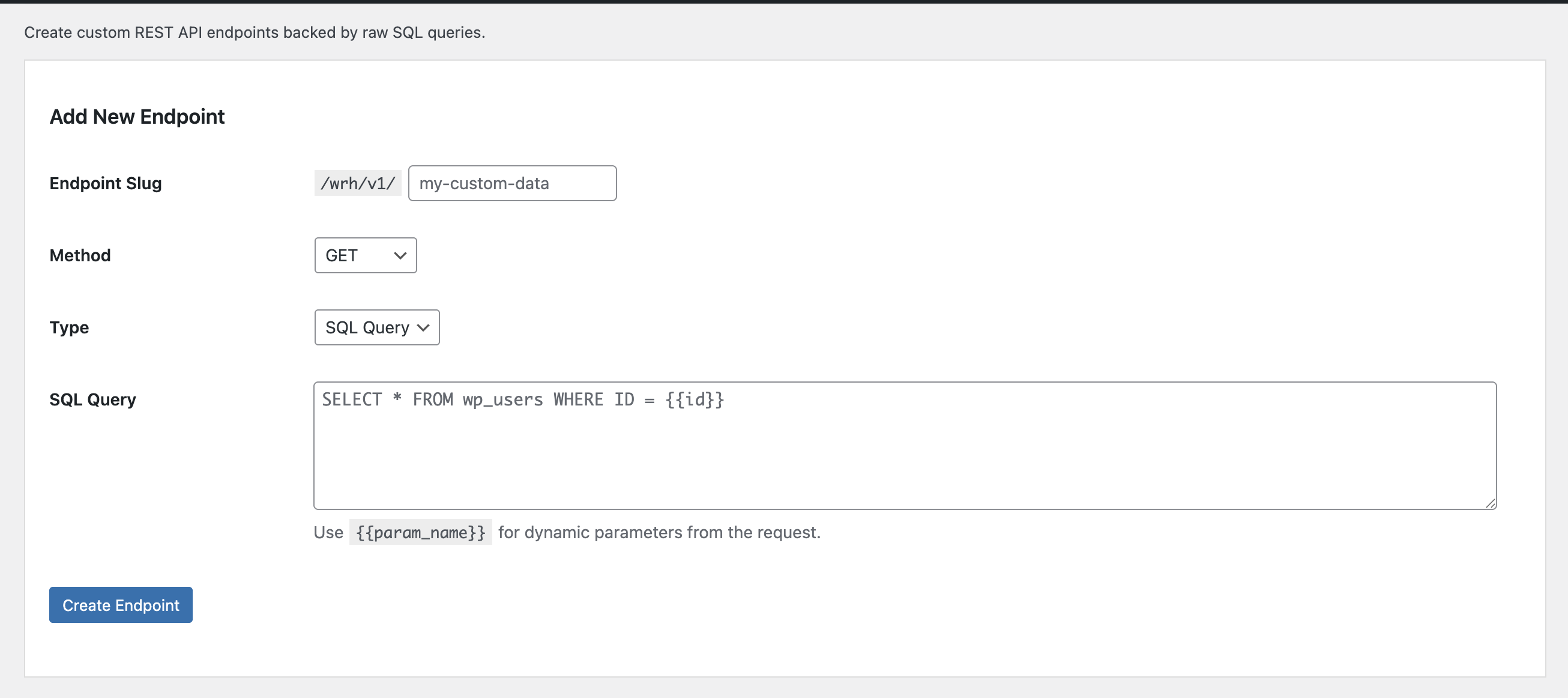
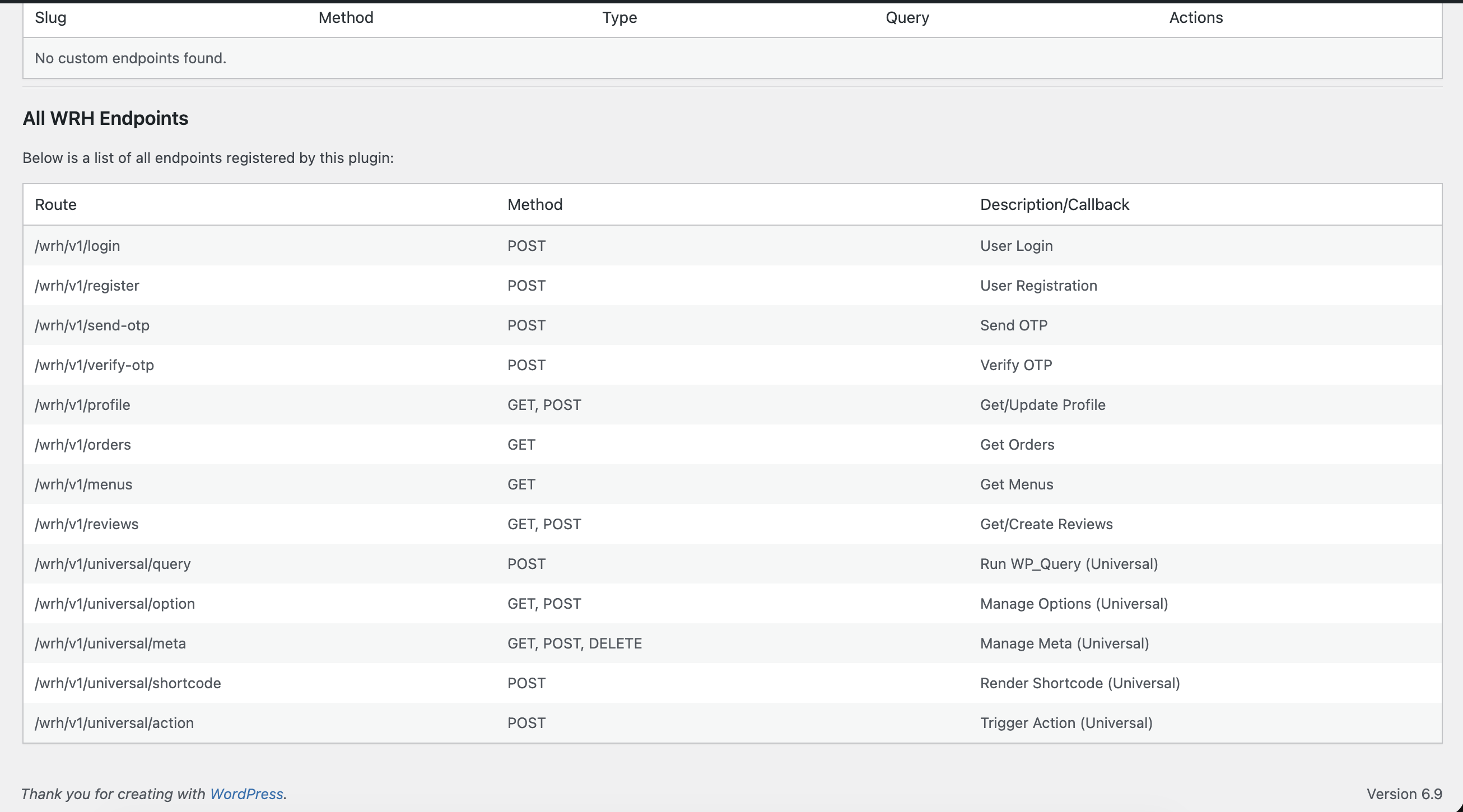
- Custom Endpoint Manager: Create and manage custom REST API endpoints directly from the WordPress Admin dashboard. Run SQL or GraphQL queries to expose custom data.
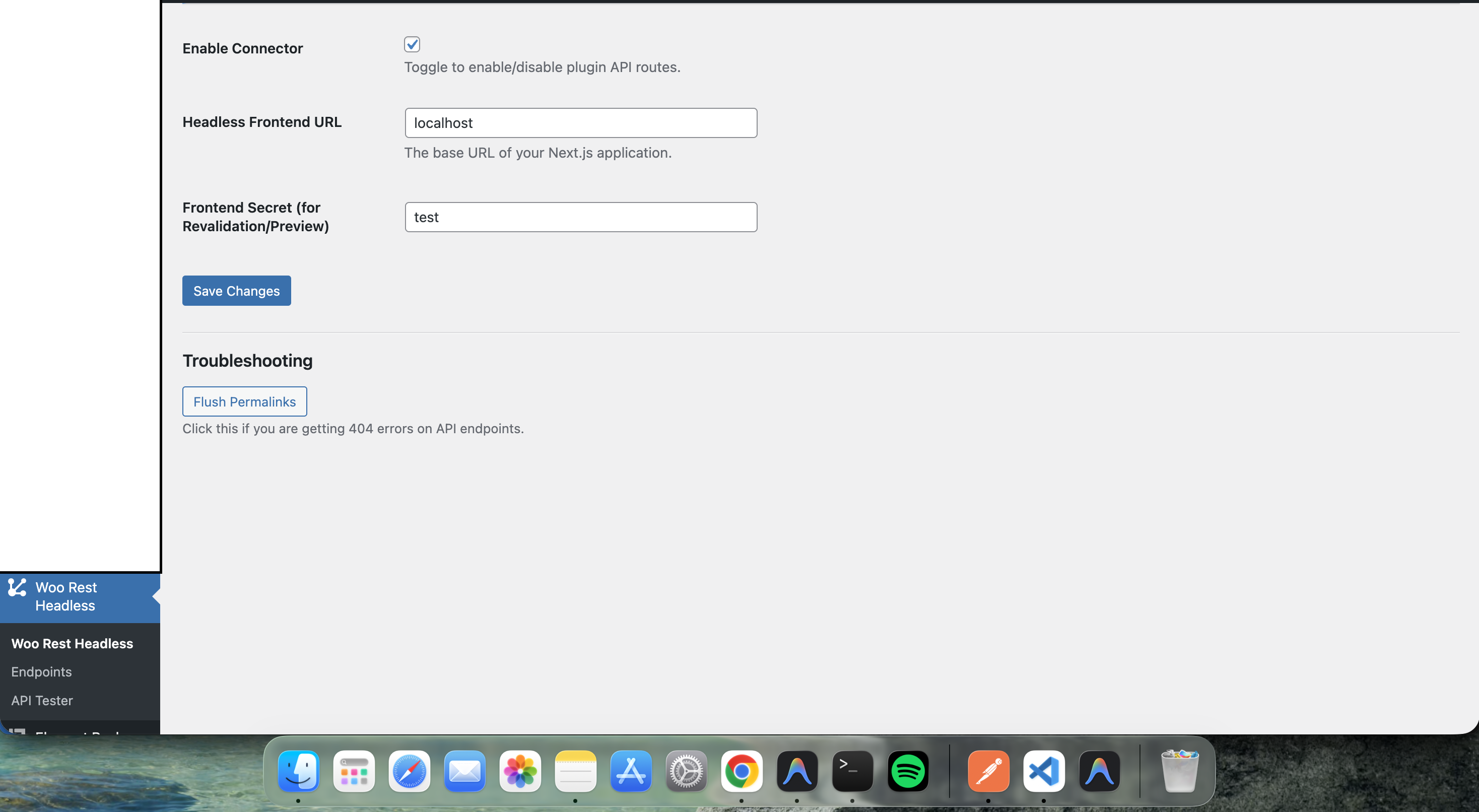
- Headless Settings: Configure your headless frontend URL and other settings easily.
- Menu API: Expose WordPress menus via REST API.
- Banner Management: Manage generic banners for your headless app.
- Loyalty Points System: Built-in loyalty points logic and API.
- Reviews & Profile: Extended APIs for user profiles and product reviews.
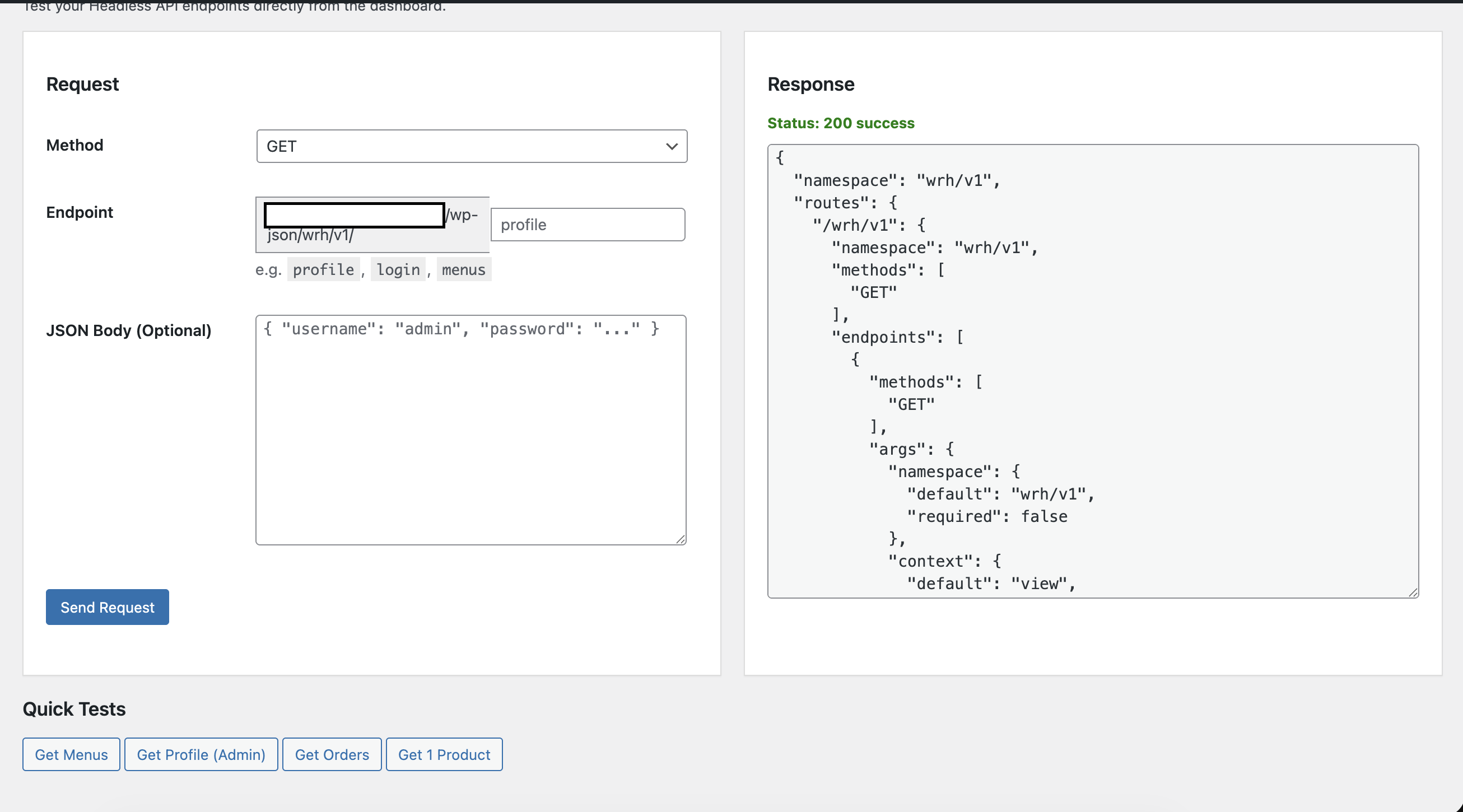
- API Tester: Integrated tool to test your endpoints directly within WordPress.
Installation
- Download the
woo-rest-headless-connectorfolder. - Upload the folder to your WordPress
wp-content/plugins/directory. - Activate the plugin through the 'Plugins' menu in WordPress.
- Navigate to Settings > Woo Rest Headless to configure your headless URL.
Usage with woo-rest-headless
This plugin provides the backend infrastructure required by the woo-rest-headless SDK.
-
Install the SDK in your Next.js project:
npm install woo-rest-headless -
Initialize the client in your frontend code:
import { WooHeadless } from "woo-rest-headless"; const woo = new WooHeadless({ baseUrl: "https://your-wordpress-site.com", consumerKey: "ck_...", consumerSecret: "cs_...", // ... }); -
Enjoy a seamless headless experience!
Screenshots
General Settings
Custom Endpoint Manager
Creating Custom Endpoints
API Tester
Contributing
Contributions are welcome! Please create a pull request or submit an issue on the GitHub repository.
Releases
1 release. Each count is every asset in that release; expand a row for the breakdown.