Install
This is the repository archive. It installs, but the folder name will carry the branch suffix and updates will not flow.
Install straight from GitHub with WP-CLI:
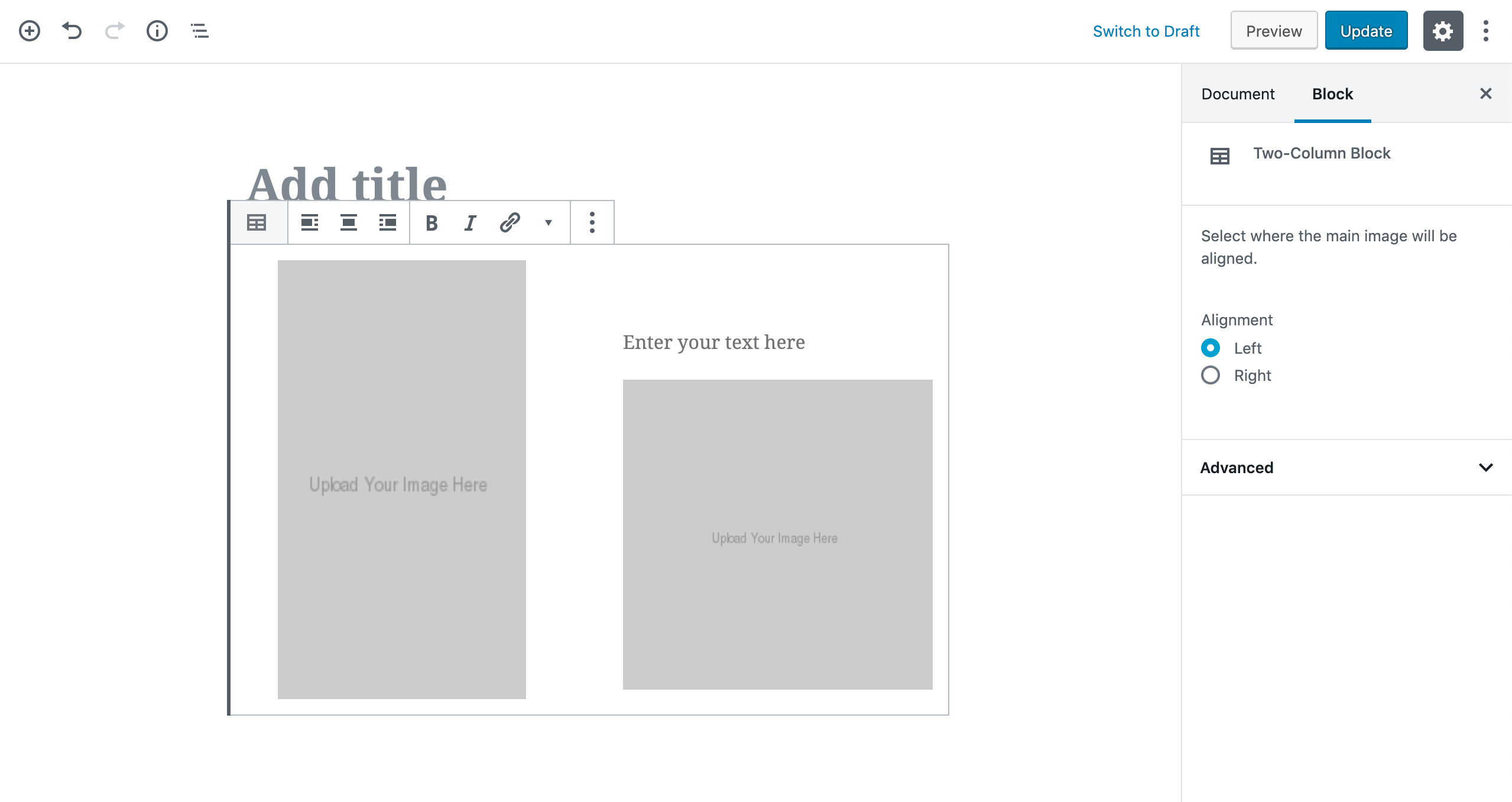
wp plugin install https://github.com/robhyrk/gutenblox/archive/refs/heads/master.zipA simple Gutenberg custom block that lets users display a feature image in one column, and accompanying text with an image in another column. The user is easily able to switch on which side the content will appear.
Motivation
I needed a simple way for the end user to be able to add their own conent using this specific content stack. Could be replicated on other sites so decided to make it a plugin.
Screenshots
Tech Used
Made with Gutenburg components using React and CSS Grid for layout.
Features
- upload and display main image in full column (stacked on mobile)
- input heading and paragraph text
- upload and display supporting image
- toggle left or right aligned view
Installation
To upload for WordPress as a plugin just use the included .zip file.
For development follow the instructions here
Thanks
Thanks to Jim Schofield for an excellent tutorial on creating custom Gutenburg media blocks. Highly reccommend following this guide if you're starting off.
Thanks to Robert a.k.a codeBelt for creating generate-template-files which was a great way to set up block template generation!