Linkable Group Block
A WordPress block editor enhancement that allows you to add a link to any `core/group` block using a toolbar button.
by The WordPress Contributors · github.com/roberiacono/linkable-group-block
★ 0stars
0forks
Install
No release zip yet. The repository archive installs, but the folder name will carry the branch suffix and updates will not flow:
wp plugin install https://github.com/roberiacono/linkable-group-block/archive/refs/heads/main.zip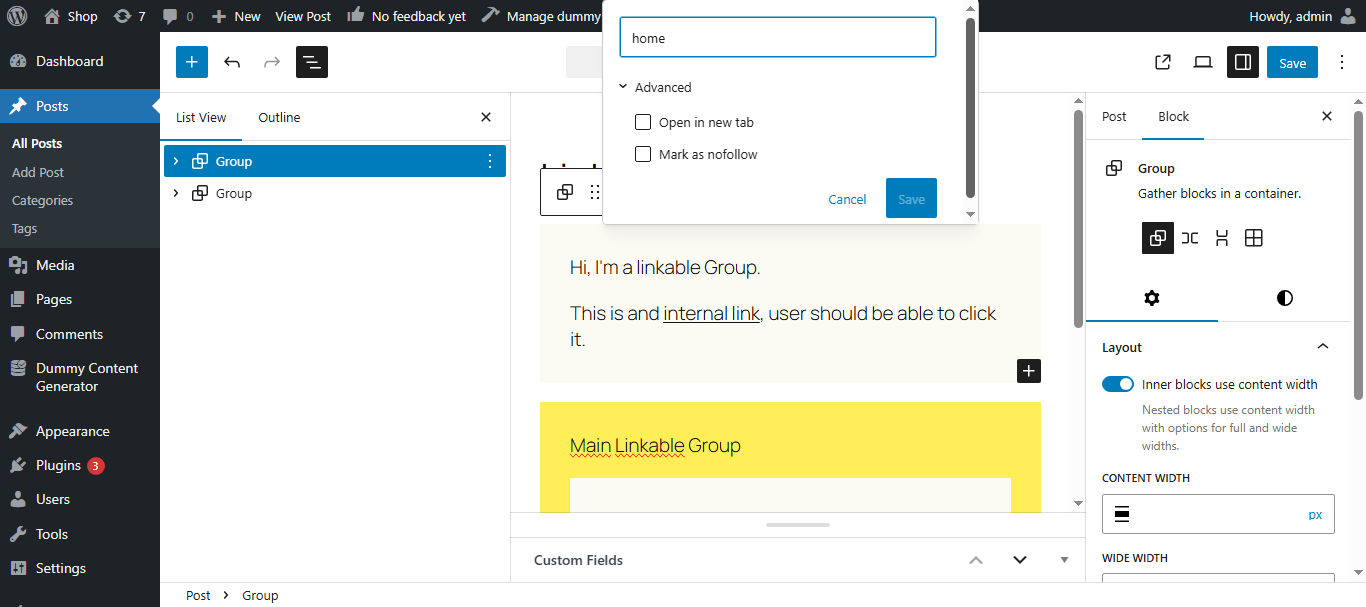
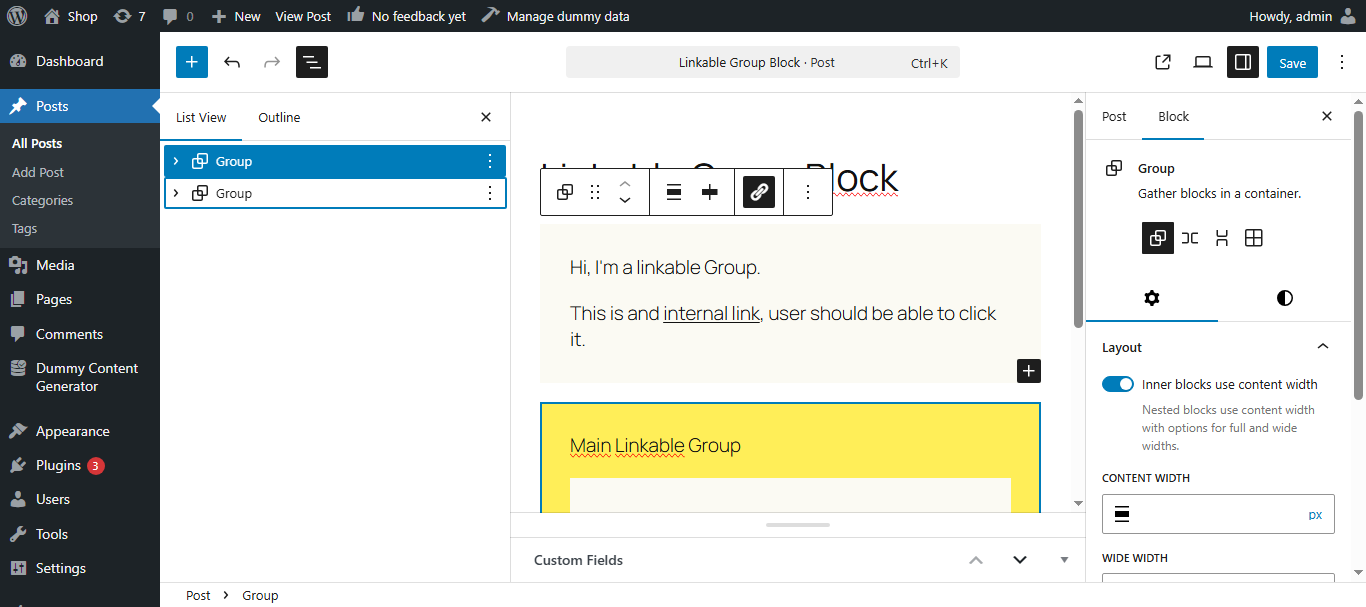
A WordPress block editor enhancement that allows you to add a link to any core/group block using a toolbar button.
Features
- Add a clickable link to any Group block.
- Toggle "Open in new tab".
- Mark the link as
nofollow. - Easily remove, copy, or edit the link from a toolbar popover.
- Uses native WordPress
LinkControlfor a consistent UX.
How It Works
- A toolbar button appears when selecting a Group block.
- Clicking the button opens a link popover using
LinkControl. - Adds a
.stretched-linkoverlay to make the entire group clickable. - Applies a wrapper link at the front-end using
linkUrl,linkTarget,rel, andtitleattributes.
Known Limitation: Nested Linkable Groups
If you nest a Group block with a link inside another linked Group block, the inner block's link may not be clickable due to overlapping stretched-link layers.
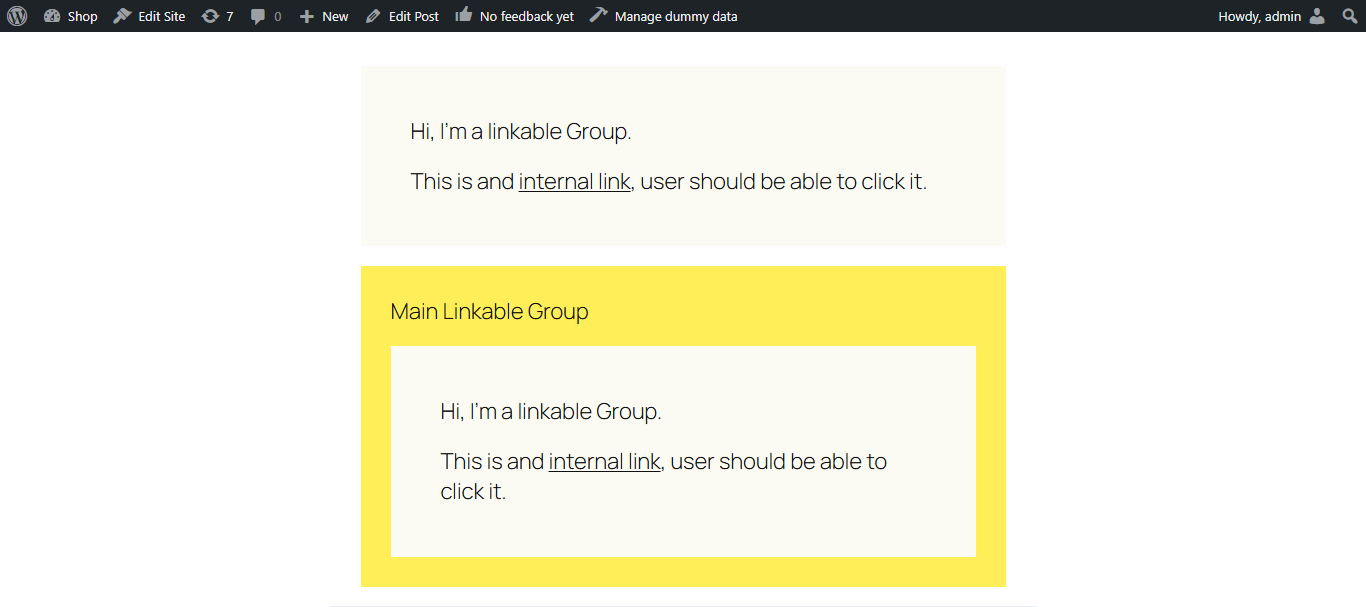
Why this happens:
- The outer
.stretched-link::afterpseudo-element overlaps the inner one. - CSS stacking and
pointer-eventscompete.
Temporary Workarounds:
- Avoid nesting linkable groups if possible.
- Use custom CSS to manage
z-indexor disable the outer link when a nested group is present.