Install
This is the repository archive. It installs, but the folder name will carry the branch suffix and updates will not flow.
Install straight from GitHub with WP-CLI:
wp plugin install https://github.com/rizennews/lifecity-youtube-live-embed/archive/refs/heads/main.zipAutomatically embeds YouTube Live video and chat on your website when live.
Description
Lifecity YouTube Live Embed is a WordPress plugin that allows you to automatically embed your YouTube Live video and chat on your website when you are live. This plugin provides a user-friendly settings page where you can add your YouTube API key, and it uses a shortcode [lifecity-youtube] to embed the live video and chat on any post or page.
Features
- Automatically embeds YouTube Live video and chat.
- User-friendly settings page to add your YouTube API key.
- Requires users to enter their name before they can join the live chat.
- Simple shortcode
[lifecity-youtube]for embedding live video and chat. - Accordion-style instructions for easy usage.
- Support for donations via Buy Me a Coffee.
Installation
- Upload the
lifecity-youtubedirectory to the/wp-content/plugins/directory. - Activate the plugin through the 'Plugins' menu in WordPress.
- Go to Settings -> Lifecity YouTube to enter your YouTube API key.
- Use the
[lifecity-youtube]shortcode in any post or page to embed the live video and chat.
Usage
- Add your YouTube API key in the plugin settings page.
- Use the shortcode
[lifecity-youtube]in any post or page where you want to display the live video and chat.
Screenshots
- Settings Page: Add your YouTube API key.
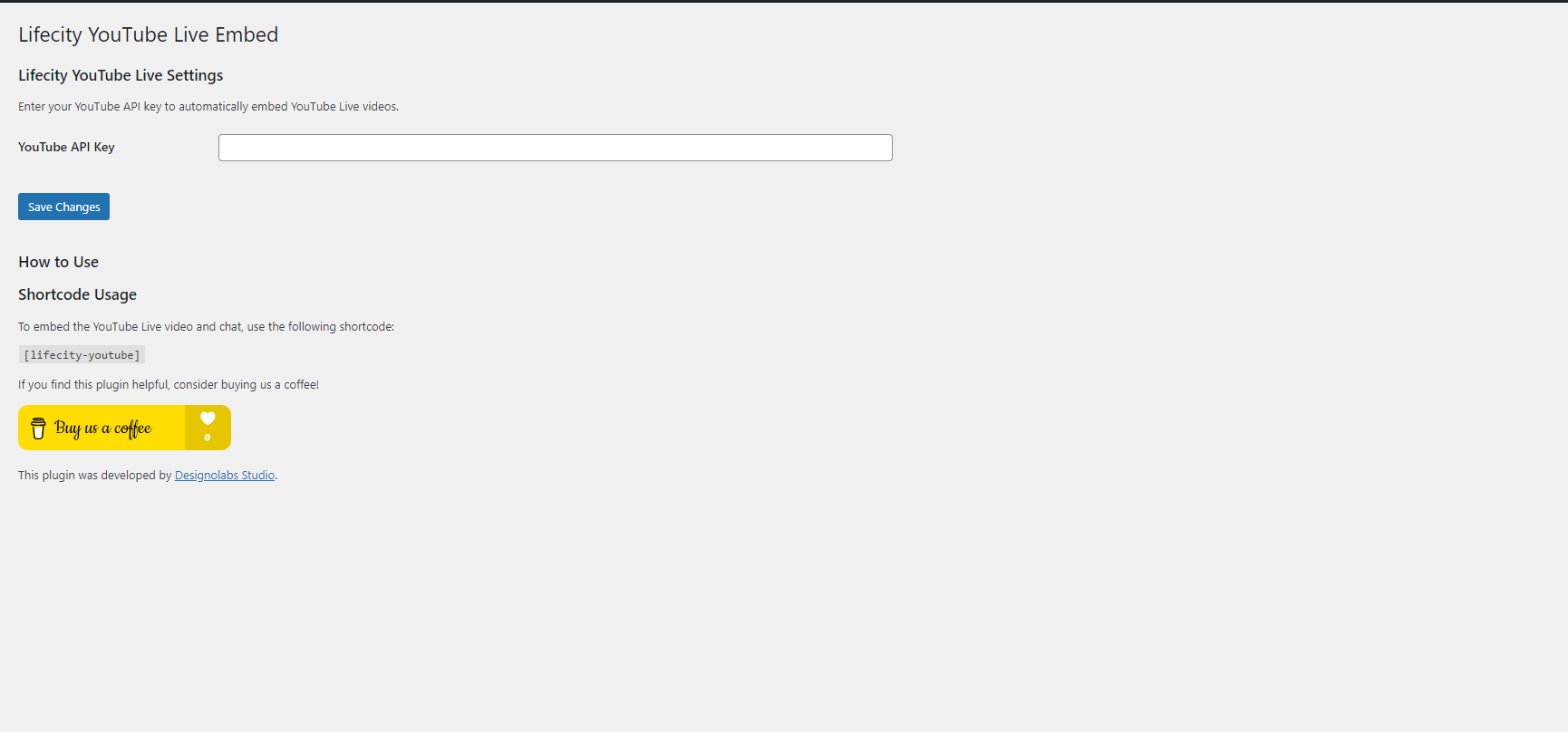
- Live Video: Embed live video on your site.

- Live Chat: Users must enter their name to join the chat.

Frequently Asked Questions
Q: How do I get a YouTube API key? A: You can obtain a YouTube API key from the Google Developers Console.
Q: What if there is no live video currently available? A: The shortcode will display a message saying "No live video is currently available."
Changelog
1.0
- Initial release.
Donations
If you find this plugin helpful, consider buying us a coffee!

Credits
This plugin was developed by Designolabs Studio.
License
This plugin is licensed under the MIT License. See the LICENSE file for more information.