Install
This is the repository archive. It installs, but the folder name will carry the branch suffix and updates will not flow.
Install straight from GitHub with WP-CLI:
wp plugin install https://github.com/reaganm02/himuon-image-metadata-ai/archive/refs/heads/main.zipNo built-in updater. New versions won't appear under Dashboard → Updates. Install new releases yourself, or let Git Updater track the repository.
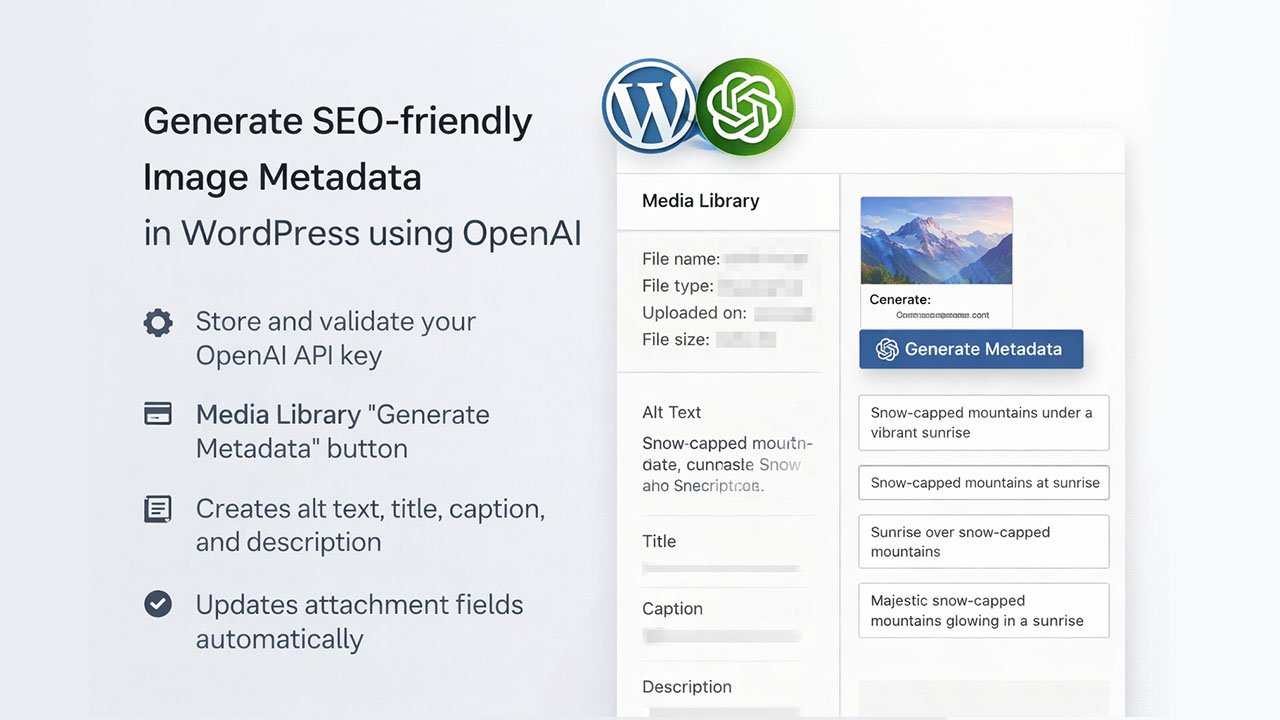
Generate SEO-friendly image metadata in WordPress using OpenAI and apply it directly to media attachments.
Demo
Features
- Adds a Settings page to store and validate your OpenAI API key.
- Adds a “Generate Metadata” button in the Media Library attachment details.
- Creates alt text, title, caption, and description in one request.
- Updates the attachment fields and alt text meta automatically.
Requirements
- WordPress 6.9+
- PHP 7.4+
Installation
- Copy this folder into your WordPress
wp-content/plugins/directory. - Activate Himuon Image Metadata AI in the Plugins screen.
Configuration
- Go to Settings → Image Metadata AI.
- Paste your OpenAI API key and click Save Settings.
- The plugin validates the key by calling the OpenAI Models endpoint.
Usage
- Open Media → Library and click an image.
- In the attachment details panel, click Generate Metadata.
- The plugin populates:
- Alt text
- Title
- Caption
- Description
How it works
- Uses the OpenAI Responses API with the
gpt-5-nano-2025-08-07model. - Sends the attachment’s medium-sized image URL to OpenAI along with a prompt that requests JSON output.
- Updates:
post_title(Title)post_excerpt(Caption)post_content(Description)_wp_attachment_image_alt(Alt text)
Data & privacy
- The image URL is sent to OpenAI for processing.
- The API key is stored in WordPress options under
himuon_image_meta_data.
Development
Autoloading is PSR-4 via Composer.
composer dump-autoloadTroubleshooting
- If the Generate button doesn’t appear, confirm you’re on Media → Library and viewing attachment details.
- If API validation fails, re-check the key and server outbound connectivity.