Guest Submission
This plugin is about creating an interface in Front-end site of website, so that guest authors can submit posts from front-side. Using this interface, the guest author should be able to create a post from front side. We can also create another page where all the posts created by this author will be listed.
Install
This is the repository archive. It installs, but the folder name will carry the branch suffix and updates will not flow.
Install straight from GitHub with WP-CLI:
wp plugin install https://github.com/rajanvijayan/guest-submission/archive/refs/heads/master.zipGuest Post/Page Submission Plugin
|
Plugin boilerplate with modern tools to kickstart your WordPress project This includes common and modern tools to facilitate plugin development and testing with an organized, object-oriented structure and kick-start a build-workflow for your WordPress plugins. |
Guest Post/Page Submission Plugin
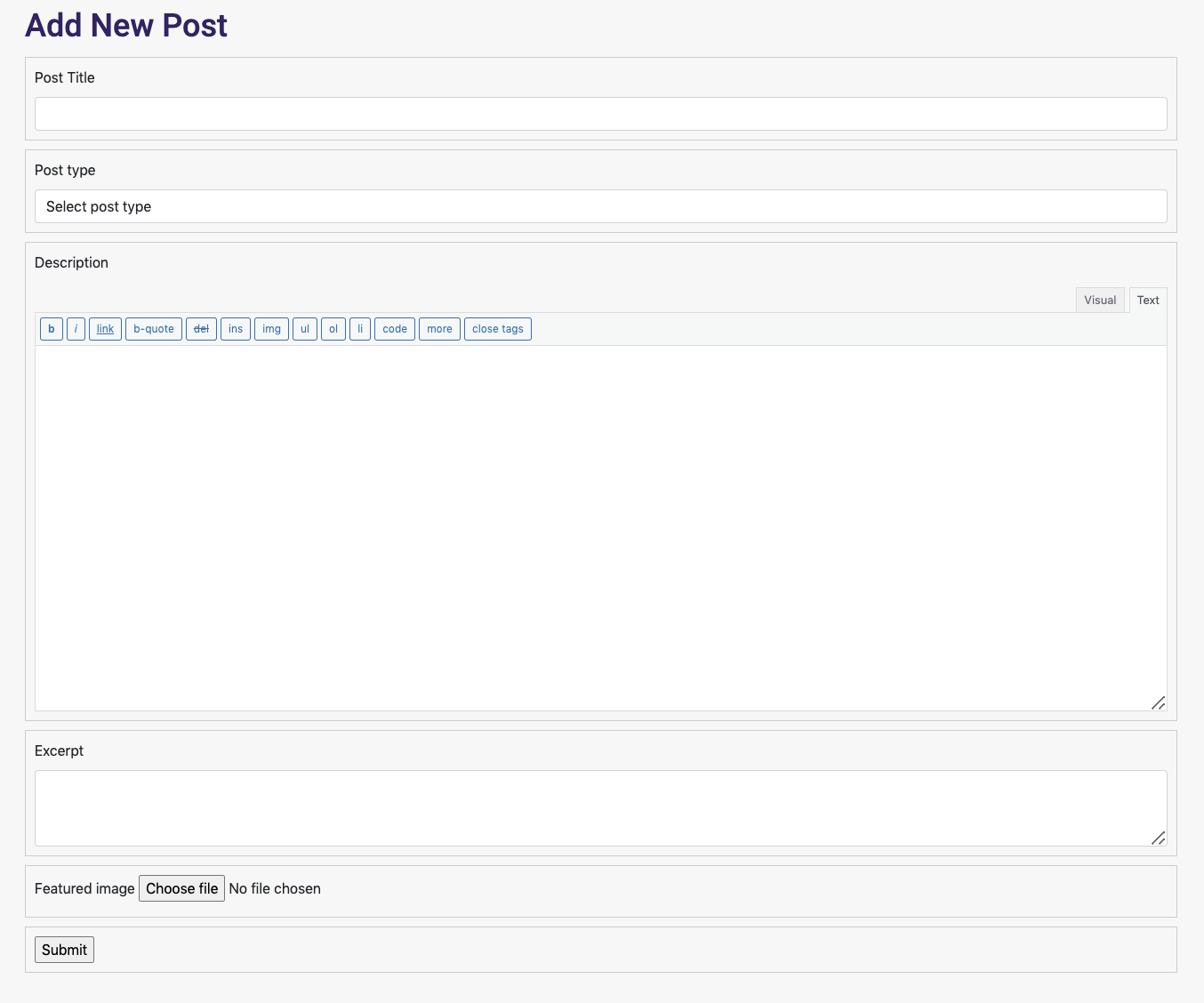
This exercise is about creating an interface in Front-end site of website, so that guest authors can submit posts from front-side. Using this interface, the guest author should be able to create a post from front side. You will also need to create another page where all the posts created by this author will be listed.
To achieve this, you should create a new user from wpadmin dashboard with Author role, which you can use in this exercise.
Also, you should create a custom post type as “guest posts” and develop a Post creation form UI on frontend through a shortcode or a Gutenberg block. The form should be visible only to logged in authors.
The form must have the following mandatory fields:
- Post Title:
- Dropdown (Fetch existing custom post type)
- Description
- Excerpt
- Featured image
The form must be sent via AJAX and saved as draft mode in the WordPress database. Once the form is sent, admin should receive the email for page/post moderation. Admin can publish that page/post.
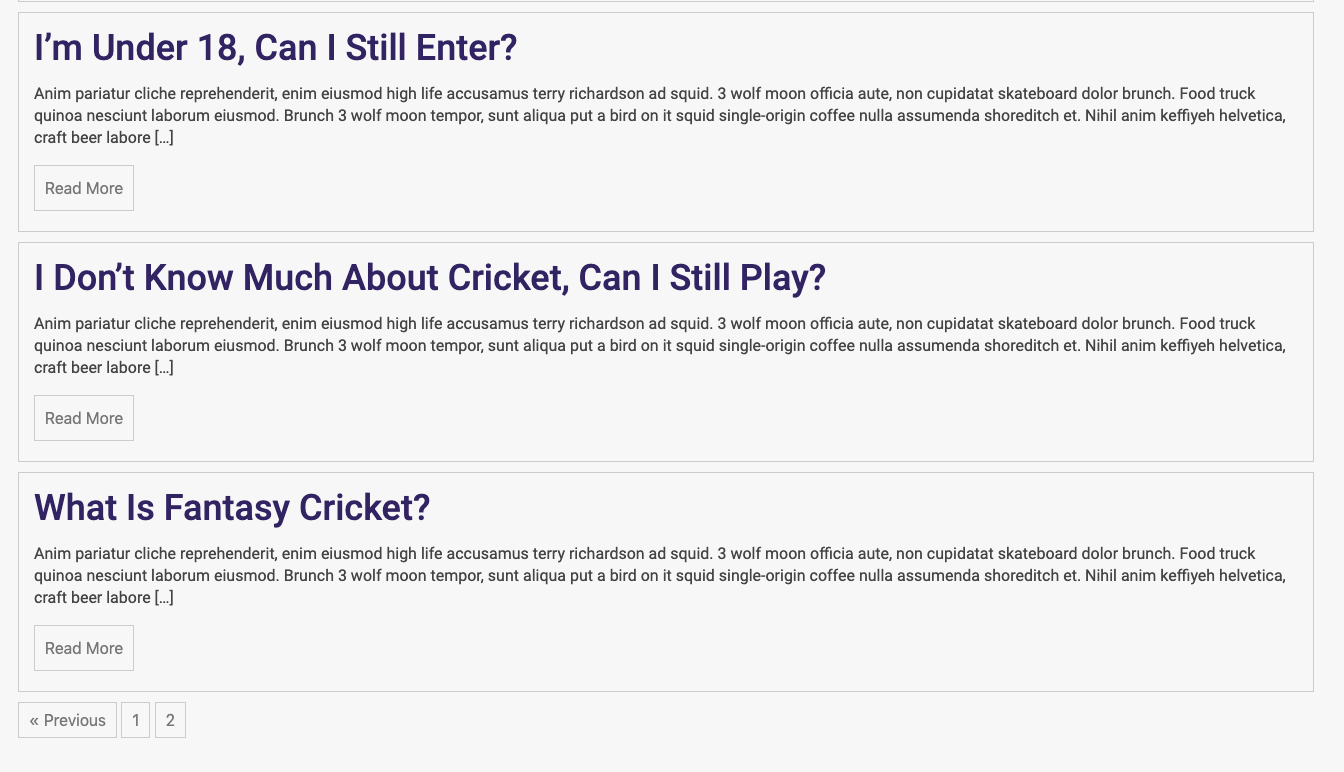
After this, create a second shortcode or Gutenberg block to show the list of posts which are in pending status for admin approval. Please paginate the entries if there are more than ten.
Consider following points :-
- You should write very clean and optimized code.
- You must follow the coding standard (WP Coding standards).
- The code should be well documented.
Requirements
Get Started
- Git Clone to your WordPress plugin folder
git clone https://github.com/wp-strap/wordpress-plugin-boilerplate.git - Install node modules
npm install - Install Ccomposer Packages
composer install - Compile CS, JS files (Webpack)
yarn devScreenshots