Install
Upload it under Plugins → Add New Plugin → Upload Plugin, then activate.
Install straight from GitHub with WP-CLI:
wp plugin install https://github.com/qriouslad/database-admin/releases/download/v1.1.0/database-admin.zipNo built-in updater. New versions won't appear under Dashboard → Updates. Install new releases yourself, or let Git Updater track the repository.

Securely manage your website's database with a clean and user-friendly interface.
Description
Database Admin allows you to manage your website's database securely with the full-featured Adminer, an alternative to phpMyAdmin that offers faster speed and a more intuitive user interface.
Give Back
- A nice review would be great!
- Give feedback and help improve future versions.
- Github repo to contribute code.
- Donate and support my work.
Screenshots
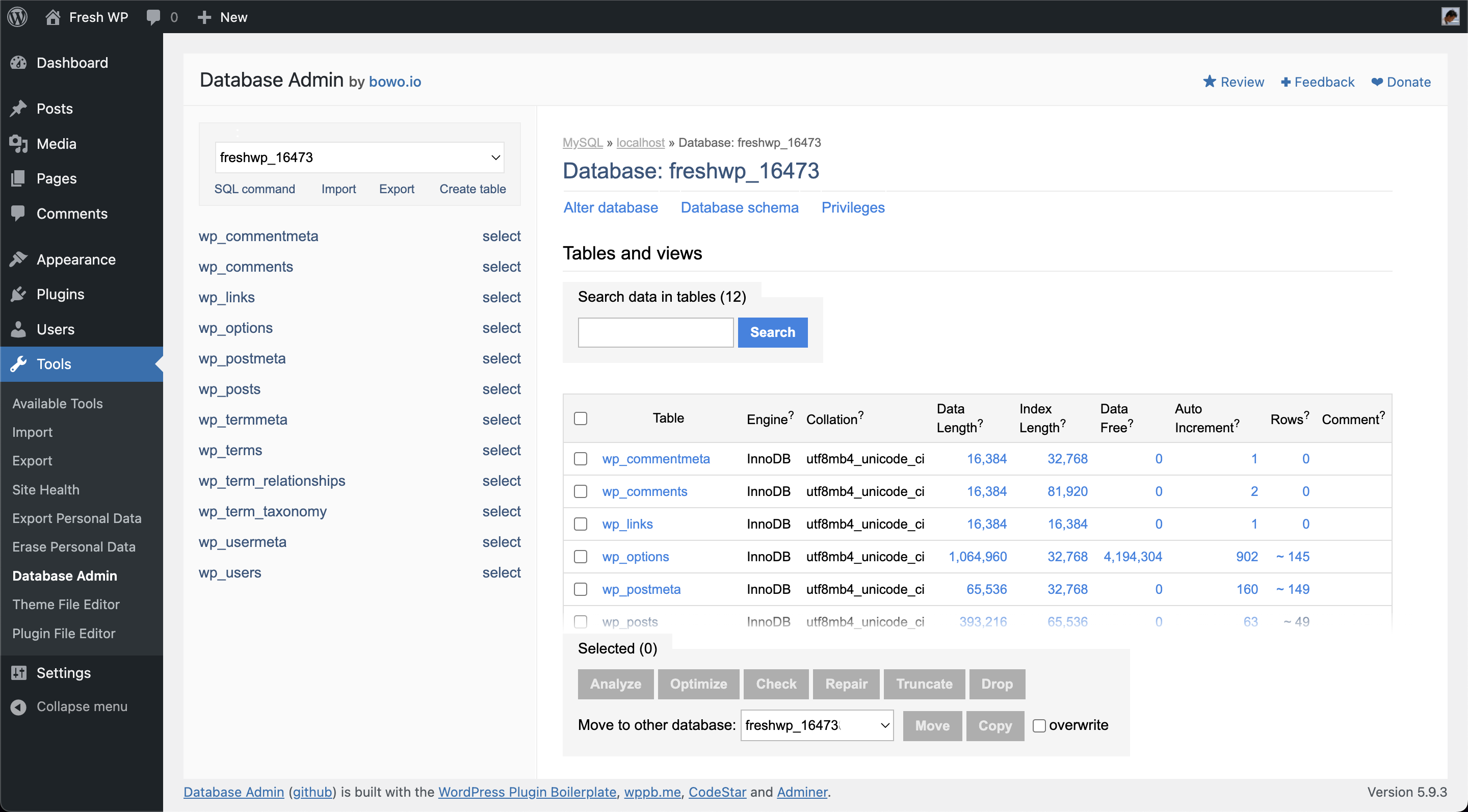
- The main Database Admin page
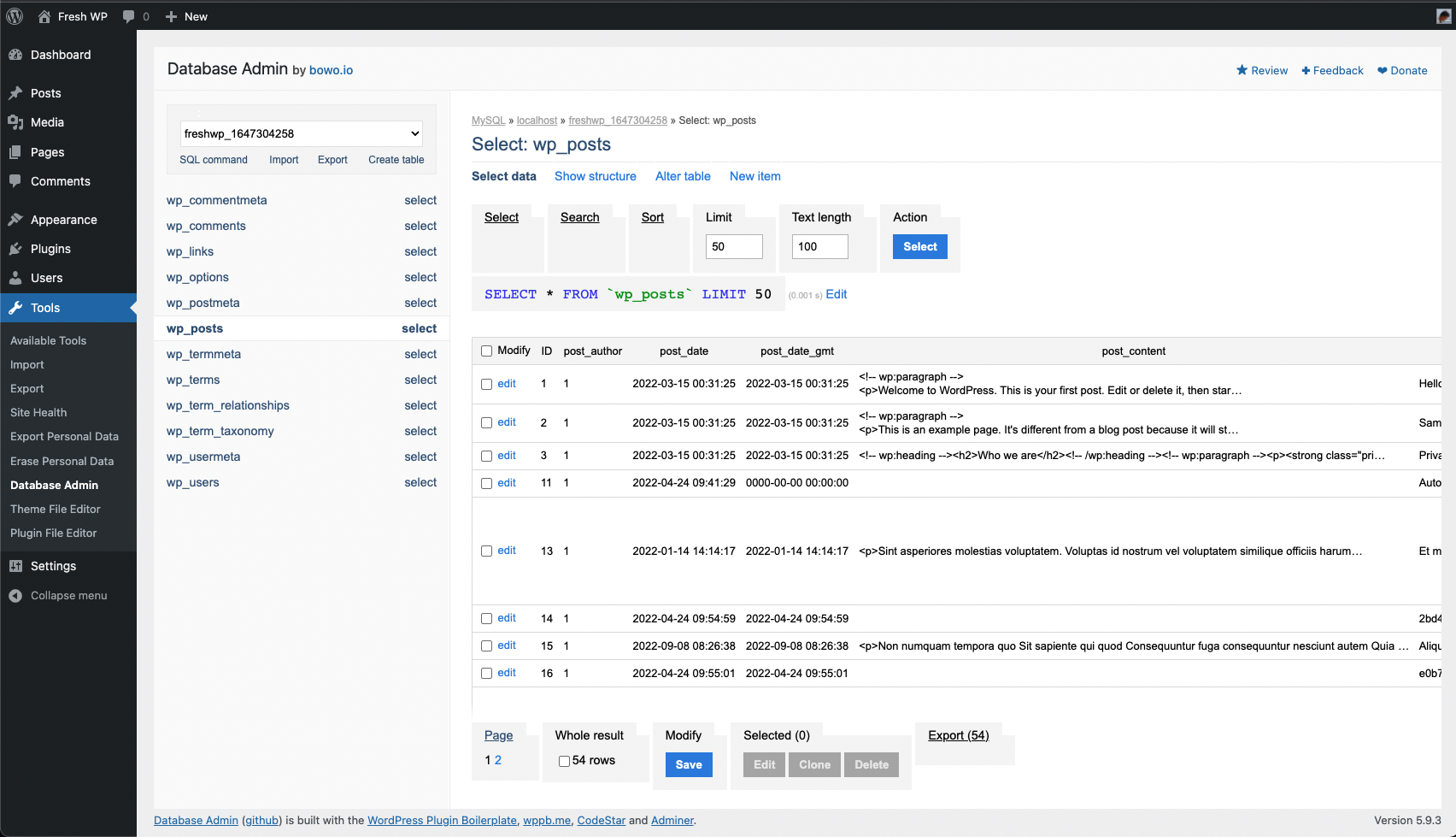
- Viewing the wp_posts table
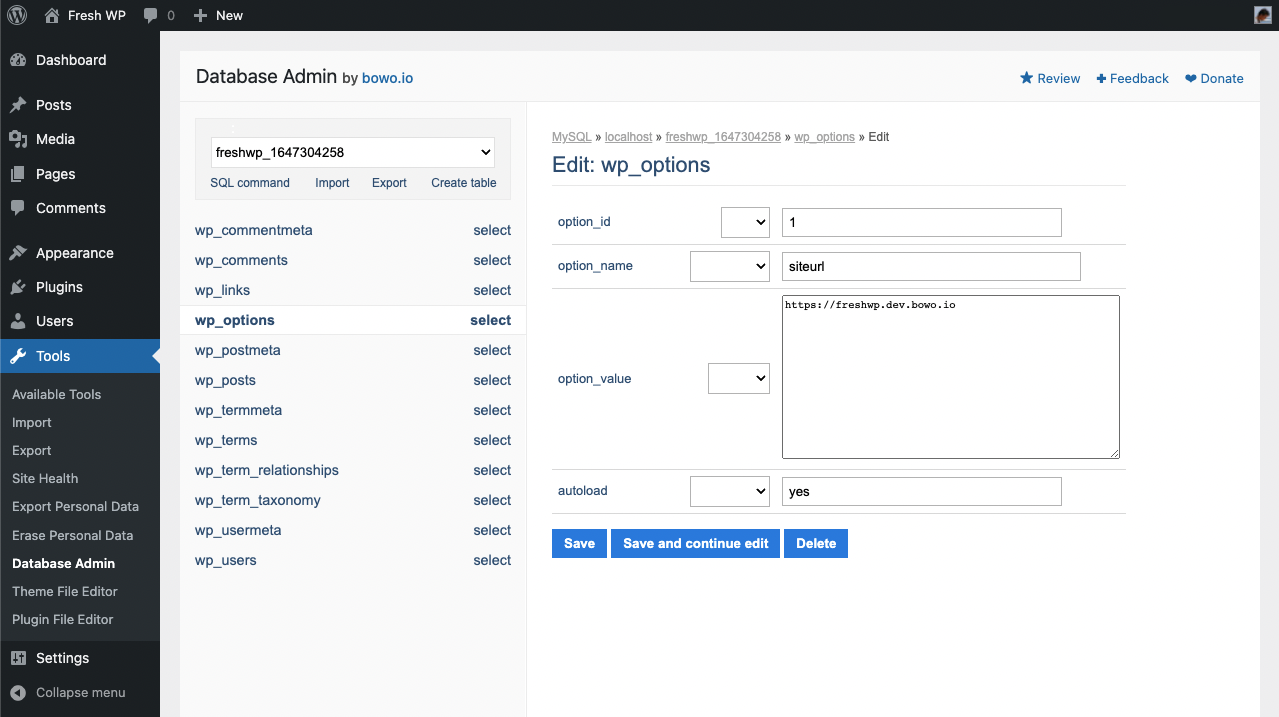
- Editing a record in the wp_options table
Frequently Asked Questions
How was this plugin built?
System Dashboard was built with: WordPress Plugin Boilerplate | wppb.me | CodeStar framework | Adminer
Changelog
1.1.1 (2022.06.11)
- Unqueue empty (public-facing) css and js files
1.1.0 (2022.05.31)
- Fix text overflow issue in DB structure panel
- Enable plugin updates via Git Updater
1.0.1 (2022.04.30)
- Fix: deprecated sanitize_url() function
- Fix: can not redeclare is_ajax() function
- Improvement: enable Adminer permanent login by default
- Improvement: several CSS styling changes for better consistency
1.0.0 (2022.04.24)
- Initial stable release
Upgrade Notice
None required yet.
Releases
1 release. Each count is every asset in that release; expand a row for the breakdown.
Tag
Published
Assets
Downloads