Install
This is the repository archive. It installs, but the folder name will carry the branch suffix and updates will not flow.
Install straight from GitHub with WP-CLI:
wp plugin install https://github.com/prangishviliabe/postrelation-elementor/archive/refs/heads/main.zip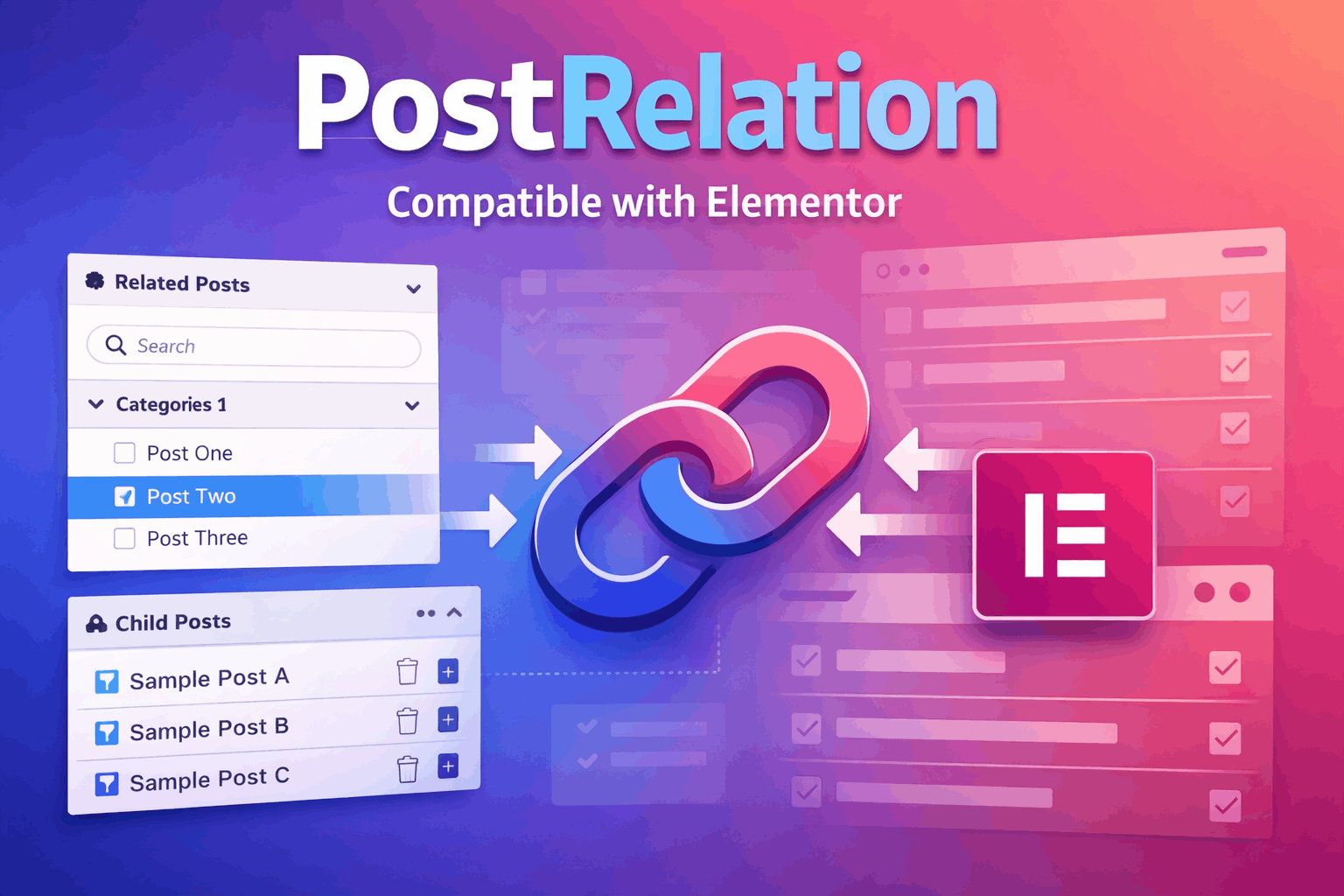
A comprehensive solution for managing post relationships in WordPress with Elementor support. Determine bidirectional or unidirectional relationships between any custom post types.
Features
Forward Relationships Box
- Organized by Categories: Relationships are grouped by post categories for better organization.
- Collapsible Groups: Expand/collapse category groups for easier navigation.
- Search Functionality: Quick search to find related posts.
- Pagination: Browse through multiple pages of related posts.
- Highlight Inactive: Visual highlighting of currently selected relationships.
- Active Links: Click to navigate directly to related posts.
- Delete Option: Remove relationships with a single click.
Reverse Relationships Box
- Smart Title Logic:
- In unidirectional mode: Title changes based on relationship direction ("Children" if current → others, otherwise "Parents").
- In bidirectional mode: Always displays "Relationships".
- Active Links: Navigate directly to related posts.
- Delete Functionality: Easily remove reverse relationships.
Additional Features
- Elementor Integration: Full compatibility with Elementor page builder.
- Custom Elementor Queries: Use post relationships in Elementor dynamic queries:
related_posts: Show posts related to the current post.referenced_by: Show posts that reference the current post.
- Admin Column: Display related posts count directly in the WordPress admin posts list.
- Post Type Selection: Choose exactly which post types the plugin should be active on.
- Flexible Settings: Customize behavior (Show Pages, Highlight Color, Link Mode) through the options page.
Installation
- Download the plugin or clone the repository.
- Upload to your WordPress
/wp-content/plugins/directory. - Extract the folder and activate the plugin through WordPress admin panel.
- Navigate to Settings → Post Relationships to configure options.
Settings
General Configuration
- Show Pages: Include pages in the relationship system.
- Highlight Color: Customize the color used to highlight selected relationships (default: #A61832).
- Link Mode: Choose between:
- Bidirectional: All relationships work both ways (A linked to B means B is linked to A).
- Unidirectional: One-way relationships only (A parent of B).
- Post Types: Select which post types to enable the relationship meta boxes on.
Elementor Usage
You can use the plugin with Elementor's Posts, Loop Grid, or Portfolio widgets.
Using with Loop Grid (Recommended)
- Drag a Loop Grid widget into your Single Post template.
- In the Query section, set Source to Current Query (if available) or Posts.
- If using Posts as source, scroll down to Query ID.
- Enter one of the following IDs:
pr_related_posts: To show posts related to the current post (Children).pr_referenced_by: To show posts that reference the current post (Parents).
Note: The legacy IDs related_posts and referenced_by are still supported for backward compatibility.
Ordering
The plugin respects the "Order By" and "Order" settings in the Elementor widget. You can sort related posts by Date, Title, Menu Order, etc.
Changelog
Version 3.1.0
- Fix (data integrity): Reverse lookups no longer return false positives. The previous serialized-array
LIKEquery matched array indexes (i:N;) as well as values, so any post with 6+ relationships could be wrongly reported as connected to ID 5, etc. Lookups now resolve exact integer membership. - Performance: The "Connected By" admin column previously ran one full
WP_Queryper row (O(n²) on large lists). A request-cached reverse map is now built with a single query. - Fix: Meta boxes are now restricted to the configured post types instead of appearing on every editor screen.
- Security: Reciprocal links in bidirectional mode (and bulk/single removals) now require
edit_postcapability on the other post before mutating its meta. - Fix: In unidirectional mode a post that is both a parent and a child now shows all connections; the connection count reflects what is actually rendered.
- Housekeeping: CSS loads only on relevant admin screens, the text domain loads on
init, the shared excluded-post-types list was de-duplicated, and a newuninstall.phpcleans up options and relationship meta on deletion.
Version 3.0.0
- Major Refactor: Codebase reorganized into a clean, class-based structure.
- Internationalization: All text is now translatable (Text Domain:
pr-rel). - Feature: Added "Post Types" setting to select active post types.
- Fixes: Improved variable sanitization and logic separation.
Version 2.42
- Initial release with bidirectional and unidirectional support.
- Elementor integration.
- Admin interface with settings page.
Author
Abe Prangishvili
License
GPL-2.0 or later
Support
For issues and feature requests, please visit the GitHub repository.