Install
This is the repository archive. It installs, but the folder name will carry the branch suffix and updates will not flow.
Install straight from GitHub with WP-CLI:
wp plugin install https://github.com/prangishviliabe/adminforge/archive/refs/heads/main.zipCreated by Abe Prangishvili.
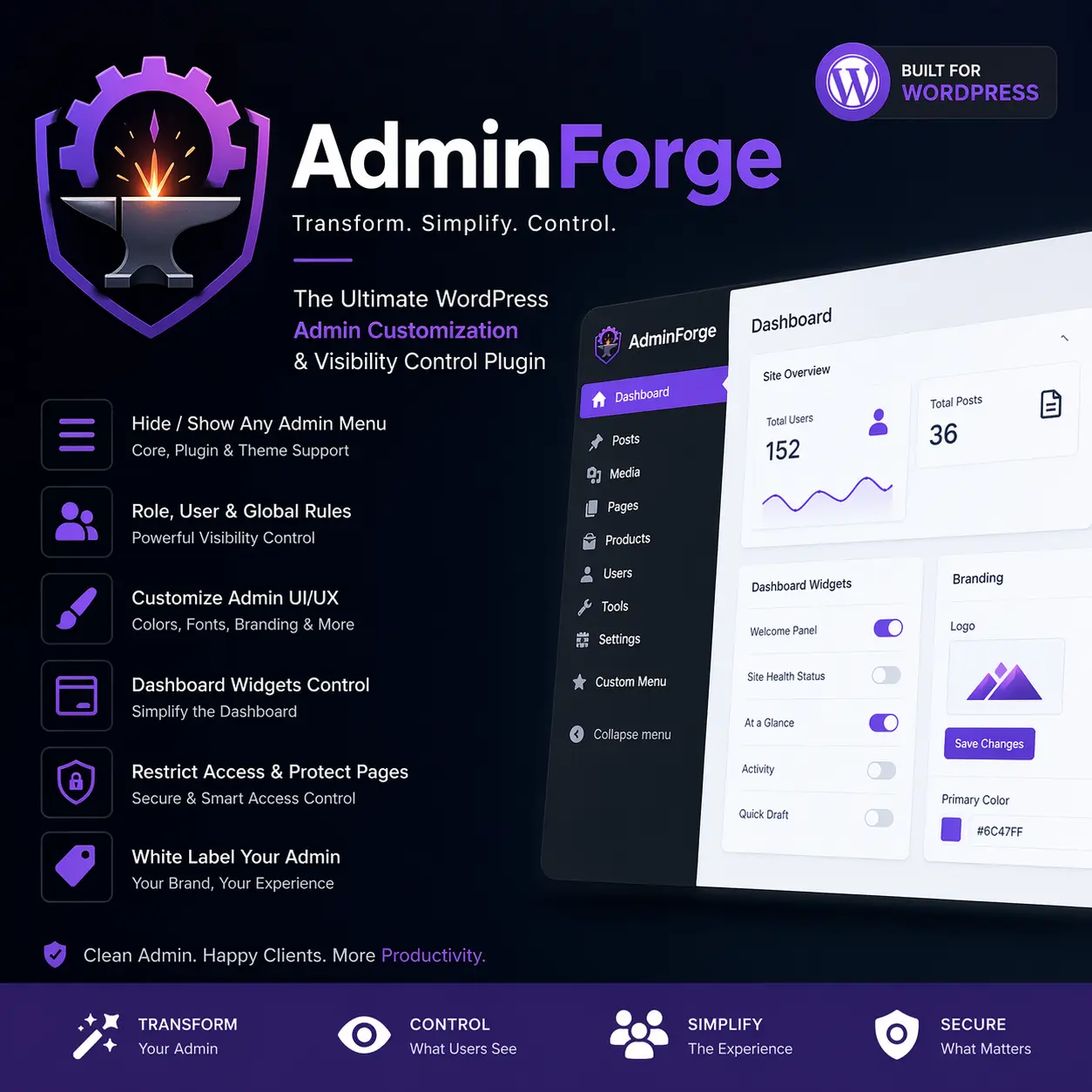
AdminForge is a professional WordPress admin transformation plugin for simplifying, white-labeling, and controlling the backend experience by role, user, or globally.
Overview
AdminForge helps you turn WordPress into a cleaner, client-ready admin experience without hacking core files.
It is designed for:
- agencies
- client portals
- white-label dashboards
- role-based admin simplification
- plugin menu visibility control
Core Features
- Dynamic scanning of registered admin menu and submenu items
- Menu visibility rules for:
- WordPress core
- themes
- plugins such as Elementor, JetEngine, and JetSmartFilters
- Scope targeting for:
- all users
- selected roles
- selected users
- Role priority and user priority logic
- Dashboard widget visibility control
- Direct URL access restriction for hidden admin pages
- Admin UI customization foundation
- White-label branding controls
- Custom admin CSS and JS support
- AJAX helpers for menu rescanning and user search
Plugin Metadata
- Plugin Name: AdminForge
- Plugin Slug: adminforge
- Text Domain: adminforge
- Author: Abe Prangishvili
- Version: 1.0.6
Folder Structure
adminforge.php
admin/
includes/
modules/
assets/
languages/
Installation
- Upload the
adminforgeplugin folder to/wp-content/plugins/. - Activate the plugin in WordPress.
- Go to
AdminForgein the WordPress admin menu. - Rescan menus and configure visibility rules, branding, and UI options.
How It Works
AdminForge scans the current admin menu tree and stores a structured inventory of top-level items, submenu items, and dashboard widgets.
Rules can be applied at three levels:
- Global defaults
- Role-based targeting
- User-based targeting
User-specific rules take priority over role rules, and role rules take priority over global defaults.
Usage Notes
- Use
Hide selected menu itemsto remove clutter from the admin sidebar. - Use
Show only selected menu itemsto create a minimal backend surface. - Enable direct-access restrictions to prevent hidden pages from being opened manually by URL.
- Use the branding controls to create a more client-friendly admin experience.
Security
AdminForge uses:
- capability checks
- nonce verification
- sanitization and escaping
- safe redirects
- defensive access blocking
Roadmap
Planned premium-ready expansions include:
- import/export
- presets
- multisite support
- per-screen customization
- drag-and-drop admin layouts
- analytics
- custom dashboard widgets
- onboarding panels
Changelog
1.0.6 - 2026-04-28
- Fixed DOM-safe rendering for AJAX user selector results to prevent admin-page XSS from user display names.
- Restricted menu and dashboard inventory writes to users with AdminForge management capability.
- Made the AJAX helper setting enforceable at hook and endpoint level.
- Hardened redirect target validation for direct-access restriction responses.
- Tightened CSS value validation and limited raw custom CSS/JS saving to users with
unfiltered_html. - Escaped login logo URLs at output time.
License
GPL-2.0-or-later