Install
This is the repository archive. It installs, but the folder name will carry the branch suffix and updates will not flow.
Install straight from GitHub with WP-CLI:
wp plugin install https://github.com/prabha-coder/pform/archive/refs/heads/master.zipPForm Wordpress Plugin
This Plugin is to help us to collect contact form details from a WordPress site to Google sheet and send a notification to the telegram.
Plugin Features :
- Adaptable Layout with WordPress Theme
Tested on Astra Theme 1
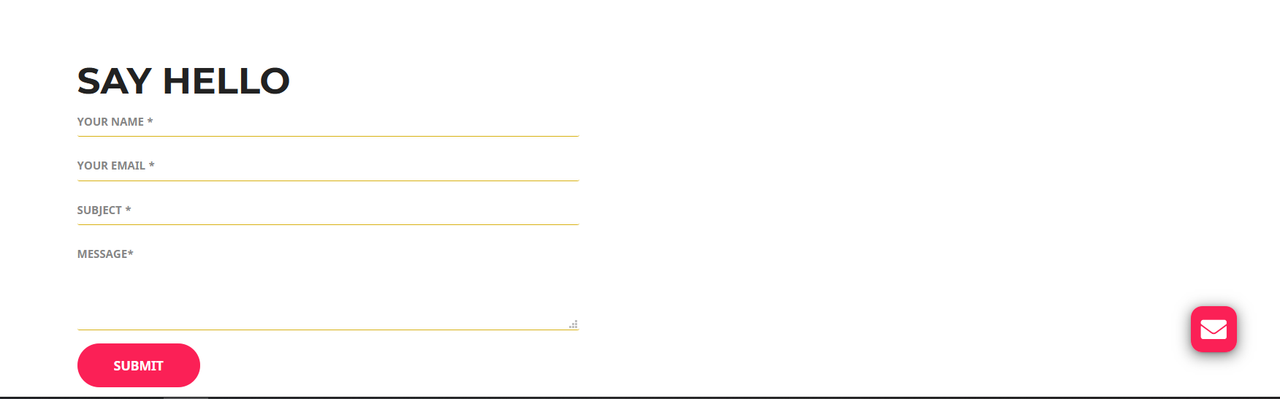
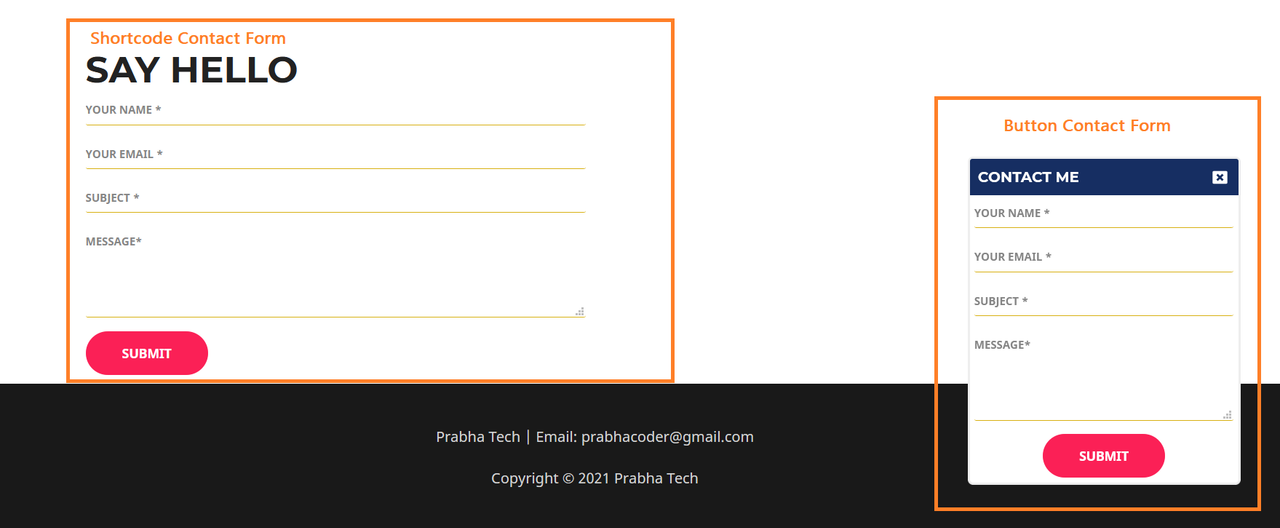
Tested on Astra Theme 2
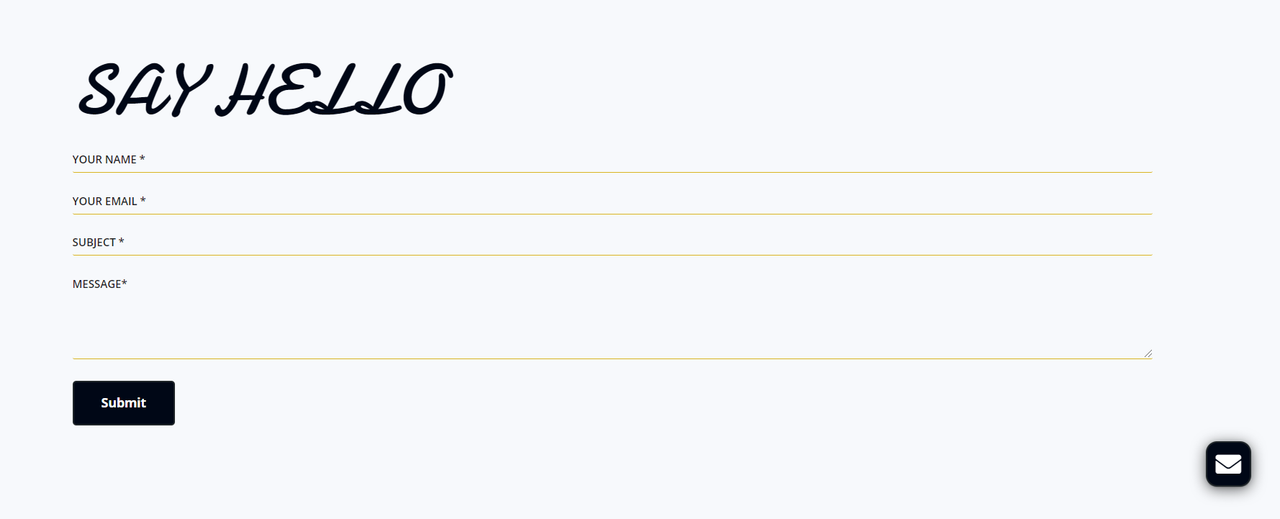
-
Changeable Contact Form Titles
-
Can Enable/Disable Button Form
-
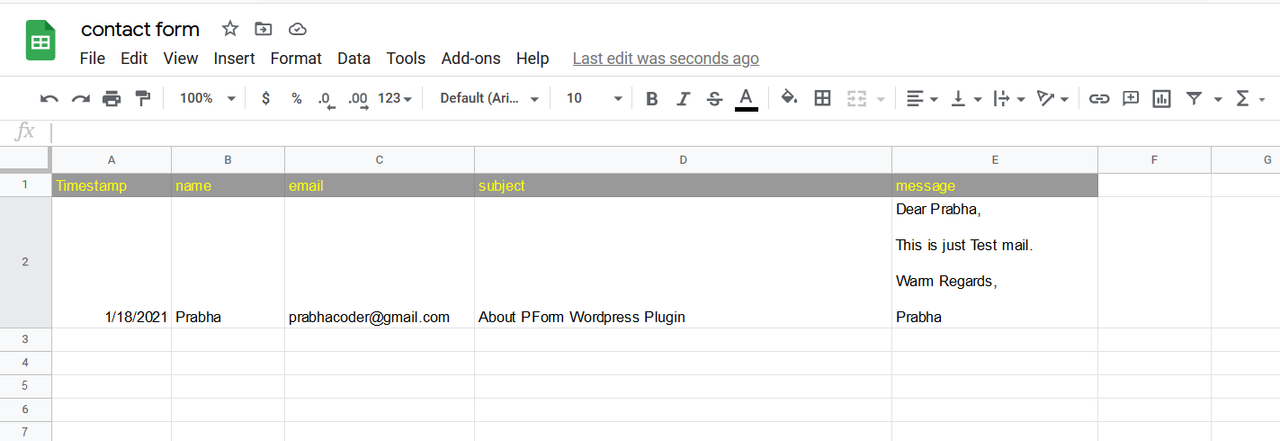
Google Sheet Storage
-
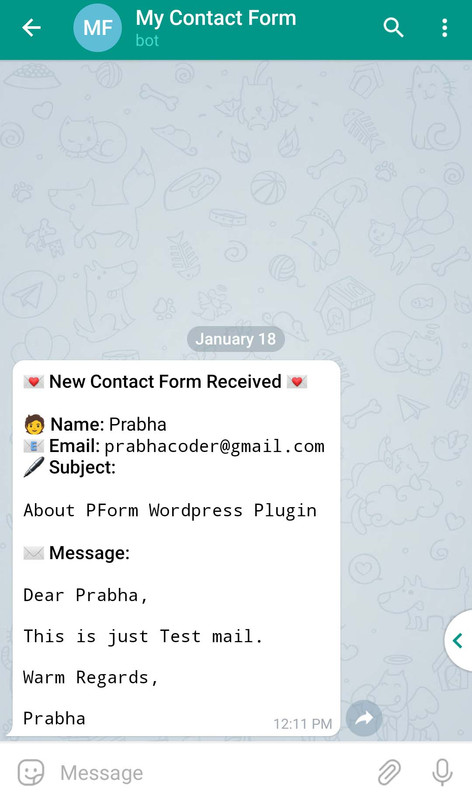
Get Notification on Telegram
How to Use :
-
Download PForm Plugin and Install it on Your WordPress Site.
-
After activate the plugin and select
PForm Settingfrom Menu sidebar. -
Fill the details for your titles and Google Web App URL.
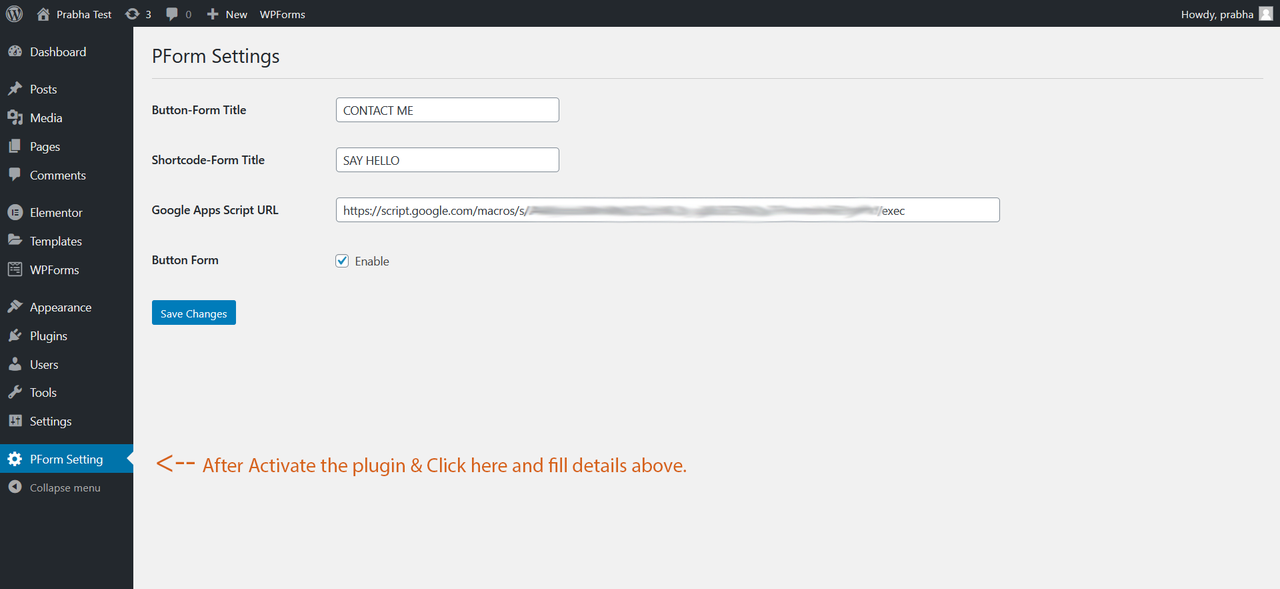
👇 How to get Google Web App URL 👇
-
Goto your Google drive and Click
NewButton from Left Top -> ClickGoogle Sheetsand Give the file name. -
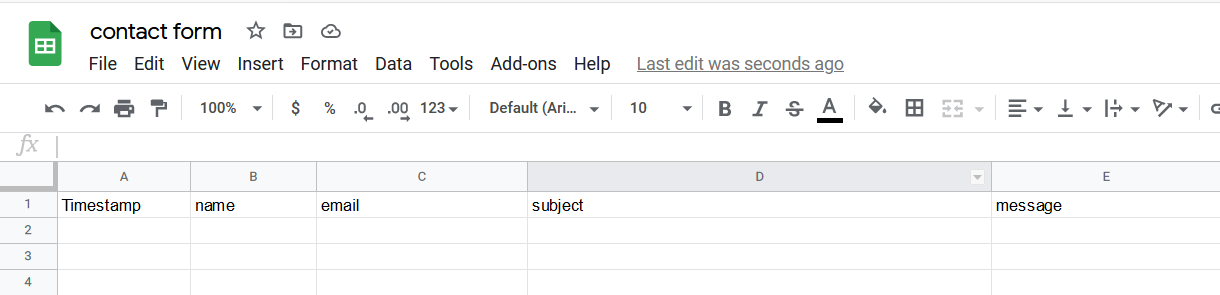
Type tag names on the first row of the sheet. Refer to this image 👇
-
Click
Toolsfrom menu bar and SelectScript editor. -
Create a Telegram Bot from @Botfather & Copy the Token.
-
Goto your created Bot and send
/startor Click Start button. -
Now GoTo @userinfobot Send it any message it will give your Telegram ID (9 Digit) and copy the ID.
-
Copy the code from
Code.gs. -
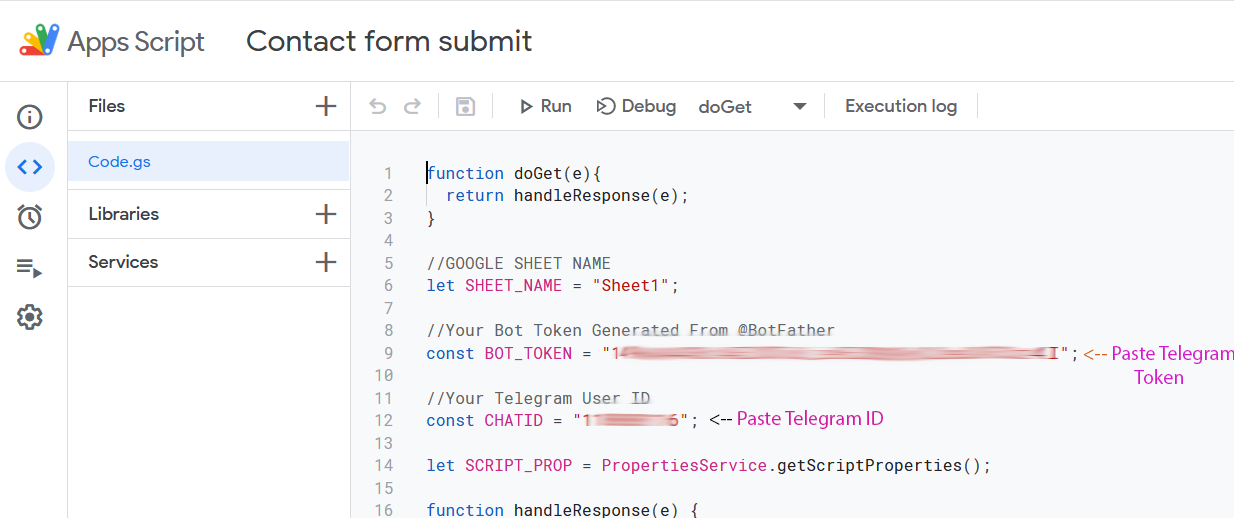
Paste it on Script Editor and Replace Telegram Token and ID. Refer to this image 👇
-
Save it and if it asks authorization, Give it. Click the Deploy button and Select New Deployment.
-
In Prompt Window, Select who has access to
Anyone. Finally, ClickDeployButton and Copy the Web App URL. -
Paste it on PForm setting -> Google App Script URL field and click Save Changes. That's it.
👇 How to place contact form in WordPress page/post 👇
-
Paste this shortcode
[pform_contact]on anywhere wordpress page/post. -
For Button Contact Form, You can enable/disable it from PForm Setting.
👇 Google Sheet Storage 👇
👇 Telegram Notification 👇
Releases
1 release.
These releases are tags only. The author does not attach a packaged zip, so there are no download counts to report.