PBrocks WP App
Sample code written with ESNext standard and JSX support.
by The WordPress Contributors & pbrocks · github.com/pbrocks/pbrocks-wp-app
Install
No release zip yet. The repository archive installs, but the folder name will carry the branch suffix and updates will not flow:
wp plugin install https://github.com/pbrocks/pbrocks-wp-app/archive/refs/heads/main.zipwp-env
Getting Started
Prerequisites: Docker
For more info: block-editor/reference-guides
Install wp-env locally
Install as a global npm package on your local machine.
npm -g i @wordpress/envStartup config .wp-env-json
This plugin comes with a preconfigured in the root directory. Alter as needed. If left unchanged, this plugin will create an environment that runs on port 4266, as in: http://localhost:4266.
To set up environment
After ensuring Docker is running and the @wordpress/env is installed, type:
wp-env startThis will configure a local WordPress environment using Docker and when set up, return the URLs to access both the development and testing environments.
To end your session, type:
wp-env stopSplash Screen
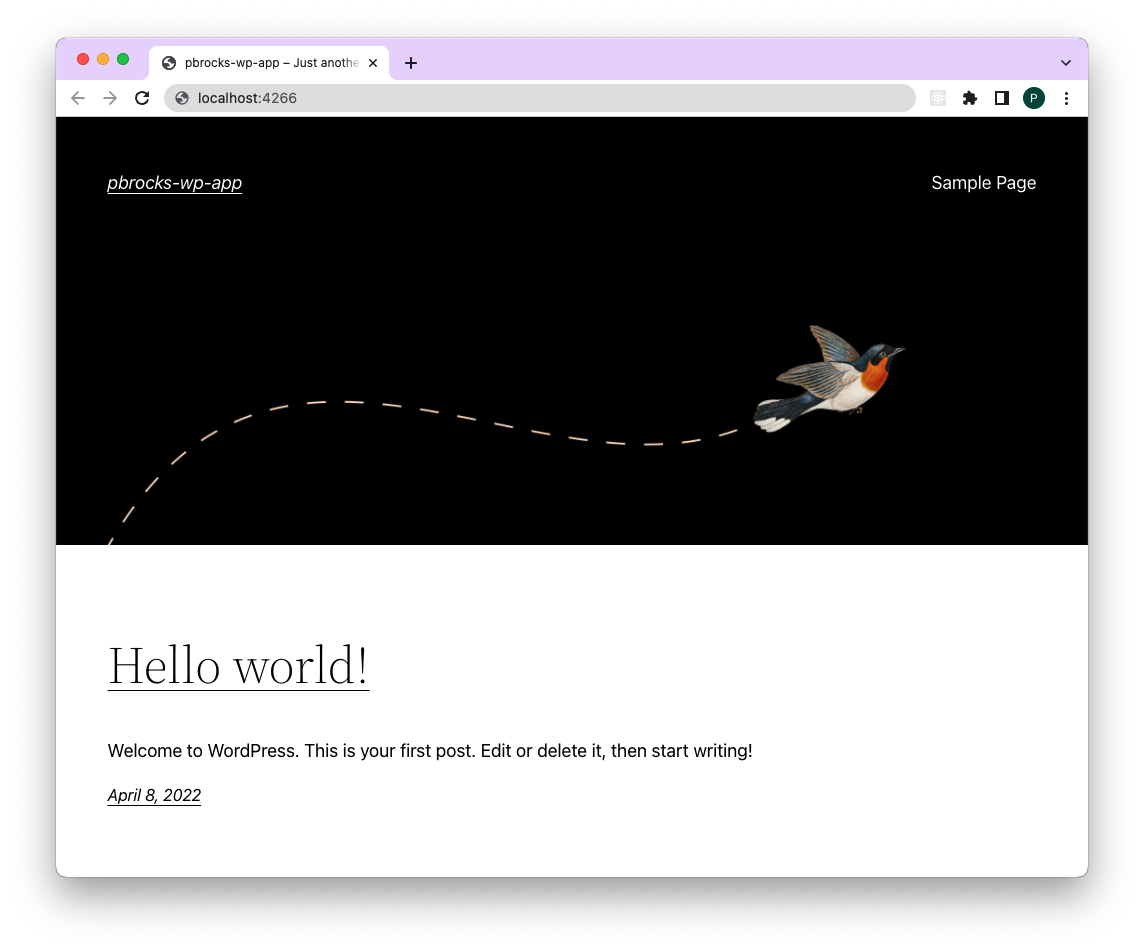
Assuming things went according to plan, you should see:
Login Screen
Logging in is no different than any other fresh WordPress installation:
http://localhost:4266/wp-login.php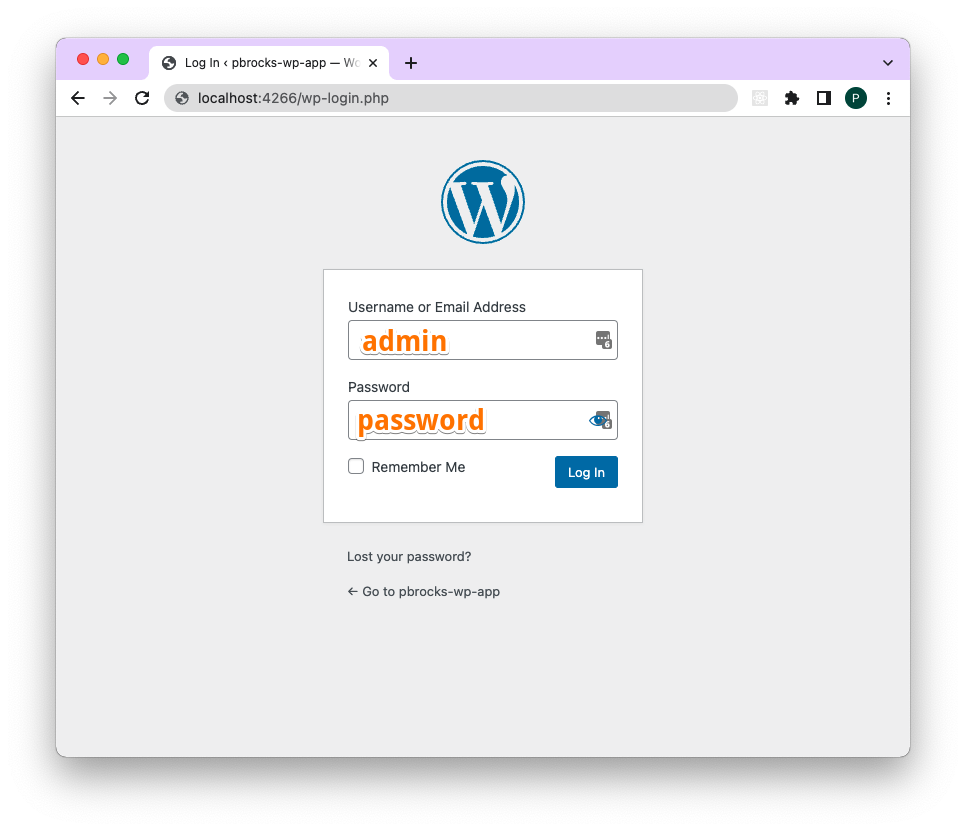
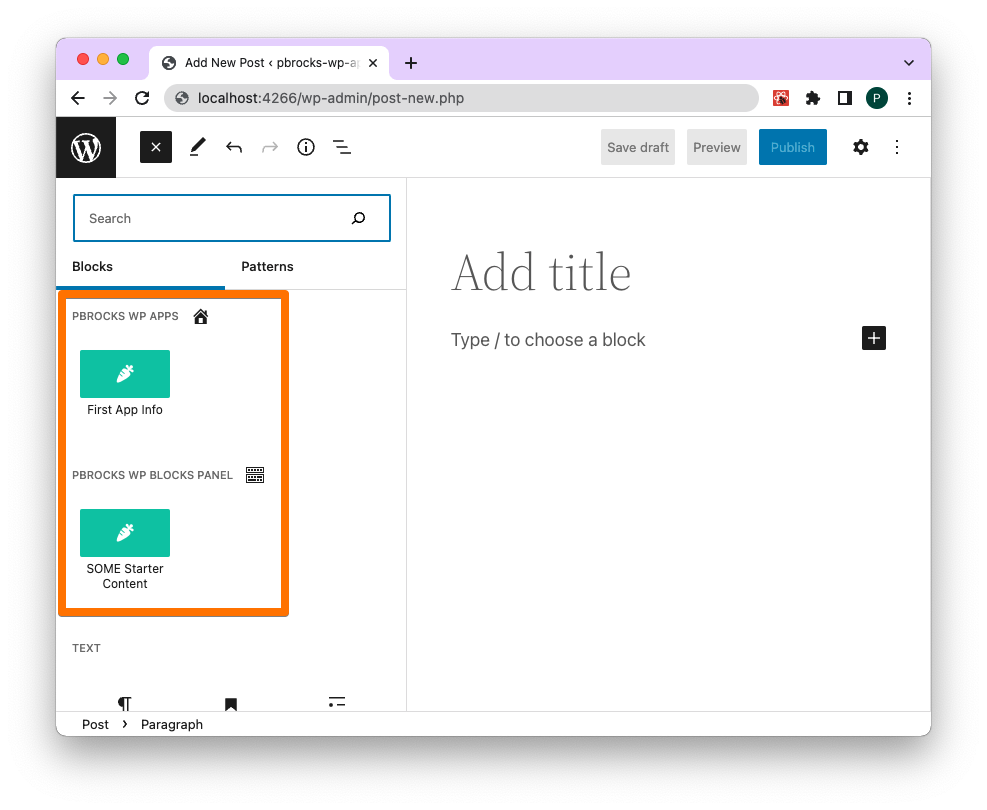
New Post > Add Block
Start a new post or page and click the blue button of the block inserter and you will see two starter blocks:
More Info
For more complete reference, consult: the Block Editor Handbook page