Install
This is the repository archive. It installs, but the folder name will carry the branch suffix and updates will not flow.
Install straight from GitHub with WP-CLI:
wp plugin install https://github.com/pbrocks/pbrocks-sample-blocks/archive/refs/heads/initial.zipNo built-in updater. New versions won't appear under Dashboard → Updates. Install new releases yourself, or let Git Updater track the repository.
Some blocks developed by pbrocks.
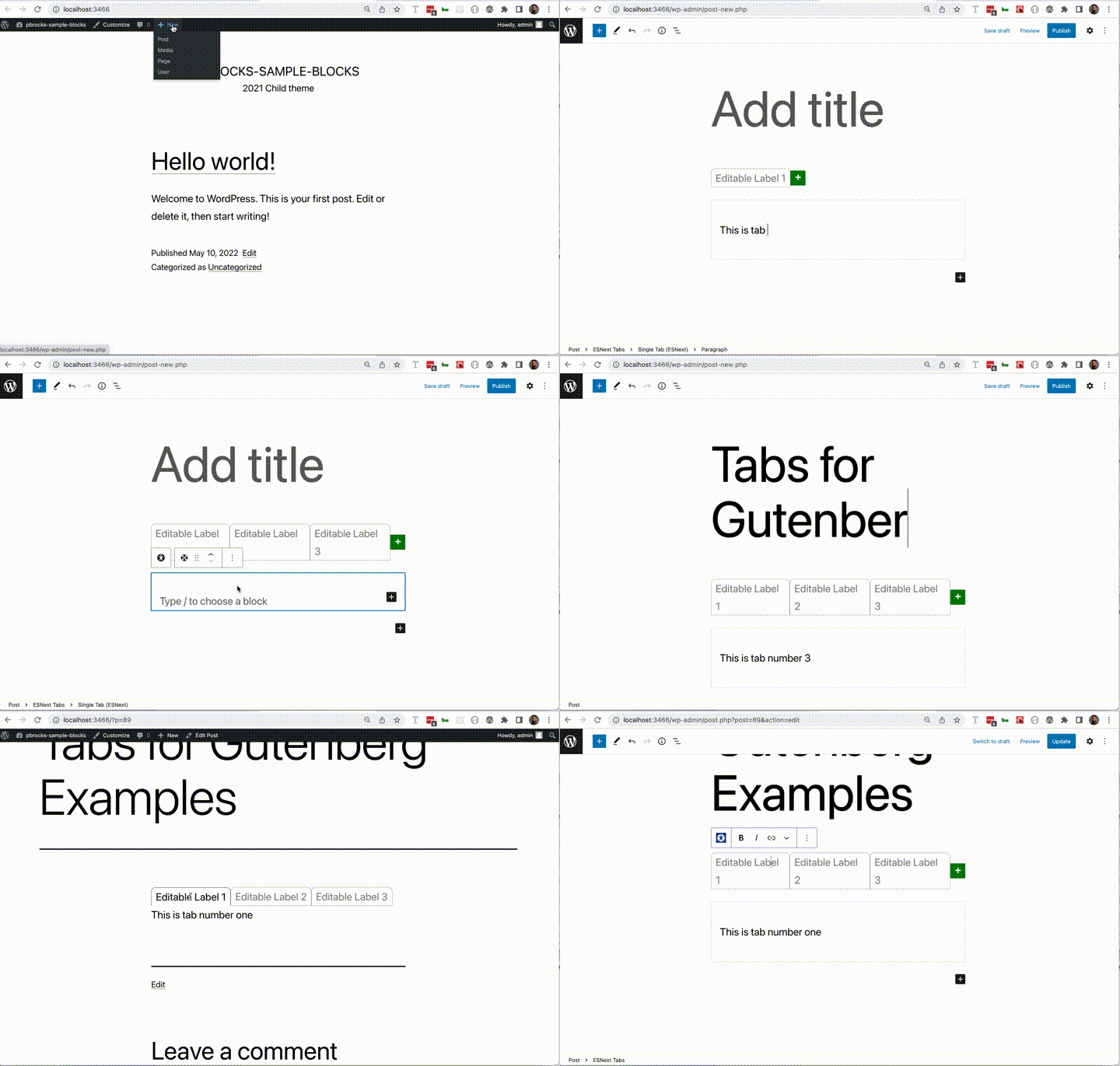
- Tabs Block - originally done for Gutenberg Examples plugin
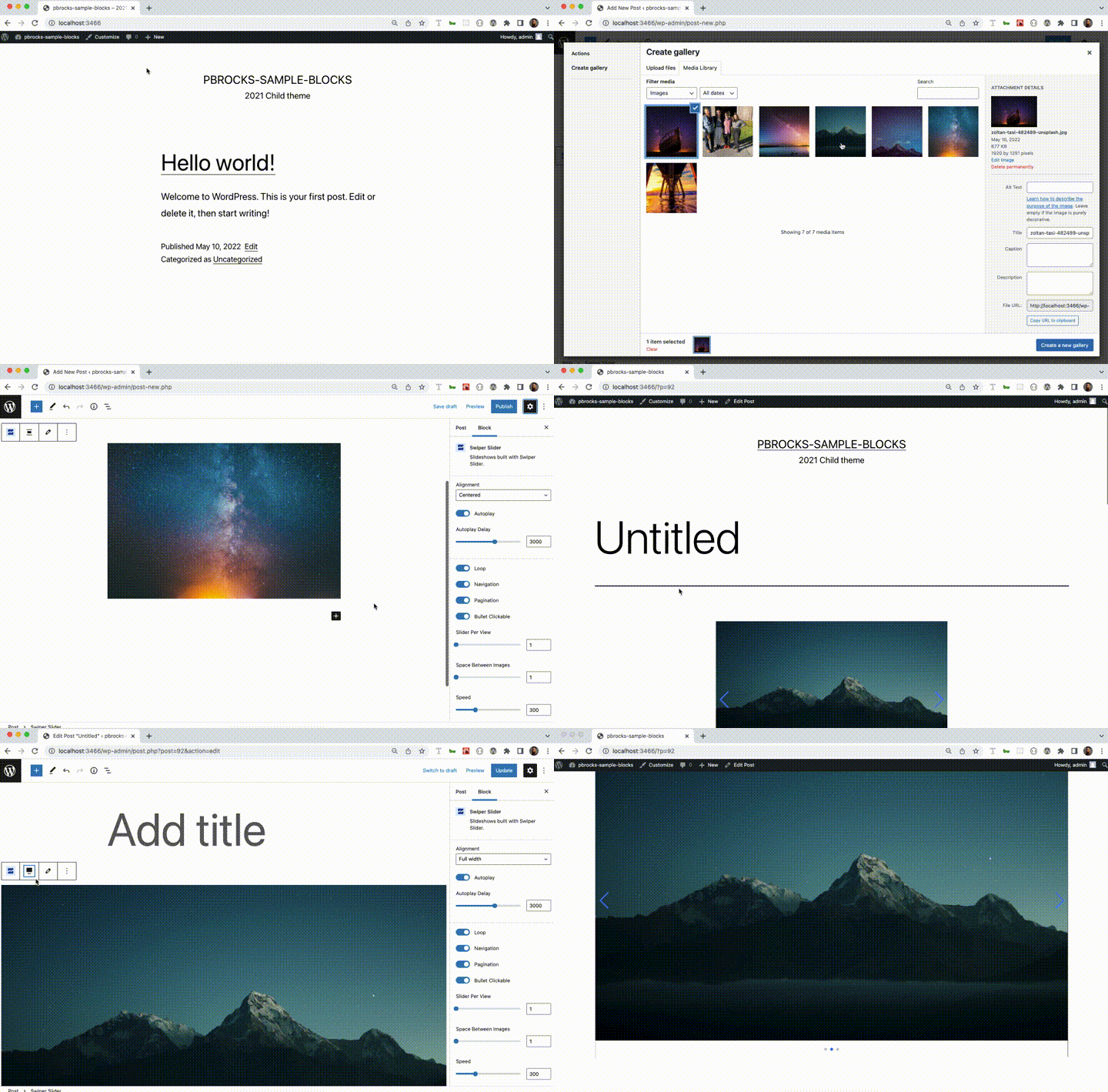
- Image Carousel - proof of concept treatment of Swiper JS
.wp-env
If you have Docker installed, you could use wp-env package to load a WordPress development environment with this plugin automatically activated.
To setup this repo
Install wp-env globally
In a terminal window, run:
npm i -g @wordpress/envClone this repository
In a terminal window, run:
git clone git@github.com:pbrocks/pbrocks-sample-blocks.gitif you have your SSH keys set up. If not, run:
git clone https://github.com/pbrocks/pbrocks-sample-blocks.gitChange directory and run wp-env
In your terminal window, run:
cd pbrocks-sample-blocks
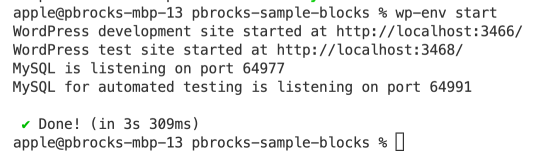
wp-env start
You should then see that a development site has been configured for you on localhost port 3466
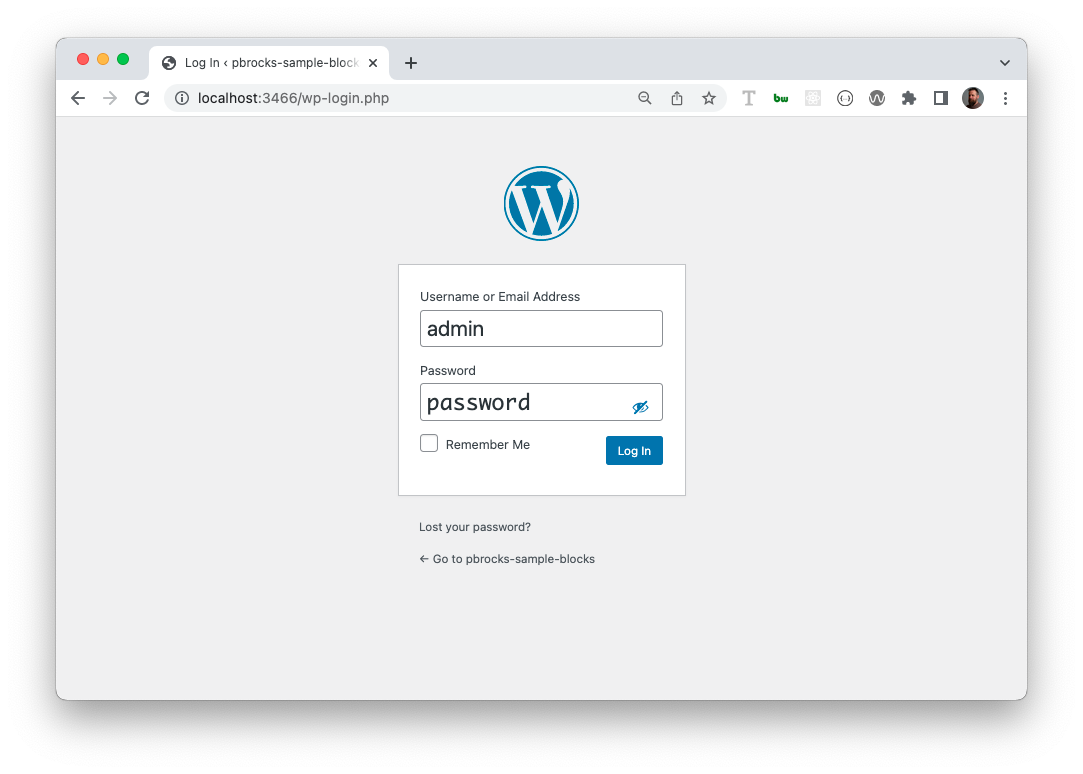
Log in to Site / Log into Site
Tabs Block
SwiperJS Block