DashWoo
DashWoo 1.6.0 — a local-first UI platform for WooCommerce × Elementor: design tokens, local fonts and icons, a composable My Account area (16 Elementor widgets and shortcodes, a layout per endpoint), zero DashWoo CSS by default, no CDN calls. Persian/RTL ready.
Install
This is the repository archive. It installs, but the folder name will carry the branch suffix and updates will not flow.
Install straight from GitHub with WP-CLI:
wp plugin install https://github.com/obsifox/dashwoo/archive/refs/heads/main.zip
Dwoo — the DashWoo UI Platform for WooCommerce × Elementor
DashWoo turns every visual decision of a WooCommerce shop into locally served assets and design tokens. Fonts, icons, images, SVG and custom code are managed inside WordPress — with zero dependency on any external CDN.
Dwoo is the visual identity of DashWoo: the mark in the header, the logo on the product card and the icon set in Elementor. The plugin, its settings and its technical name stay DashWoo. The platform is written in English with a complete Persian catalogue (
fa_IR, PHP and JavaScript) and a right-to-left layout.
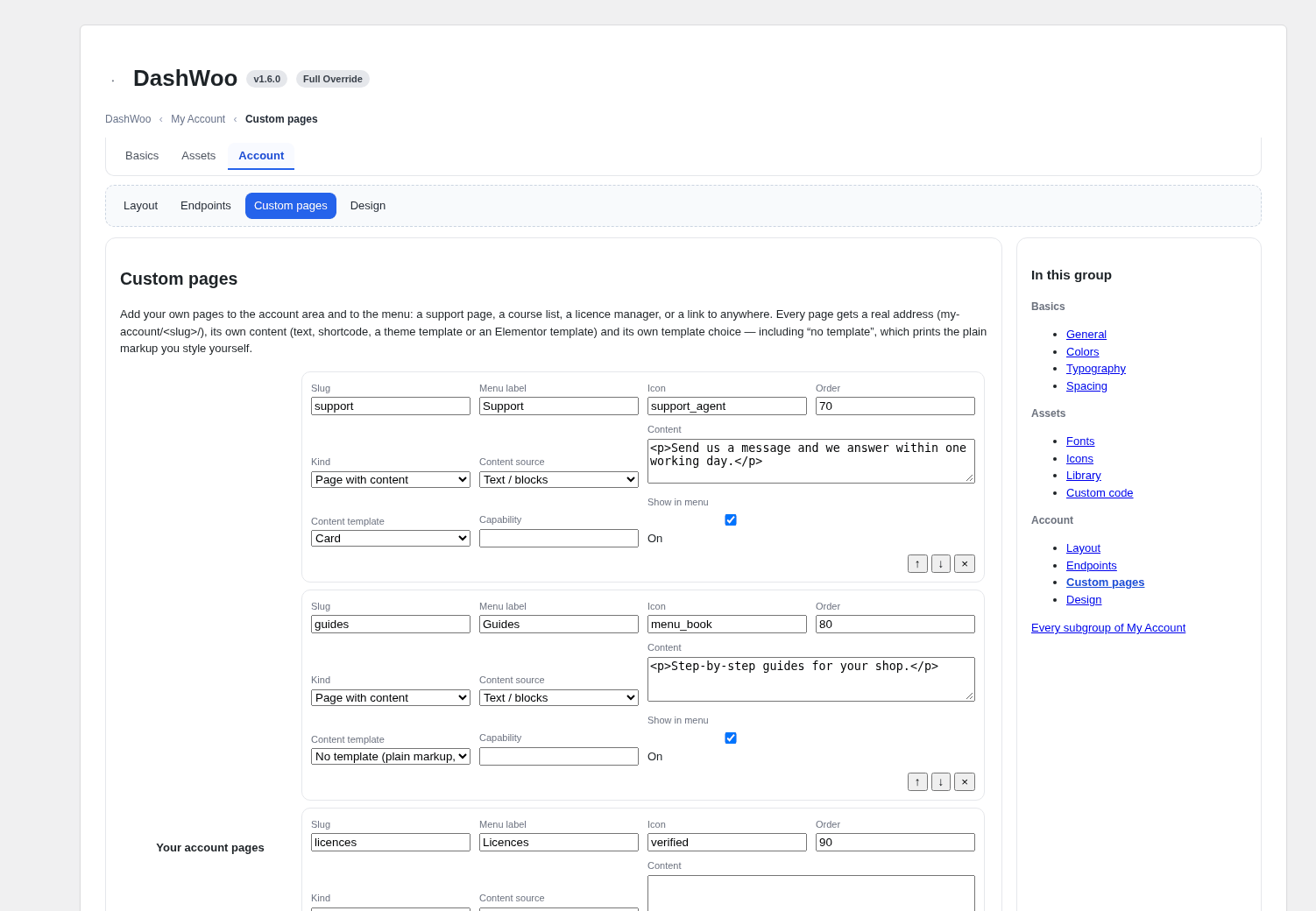
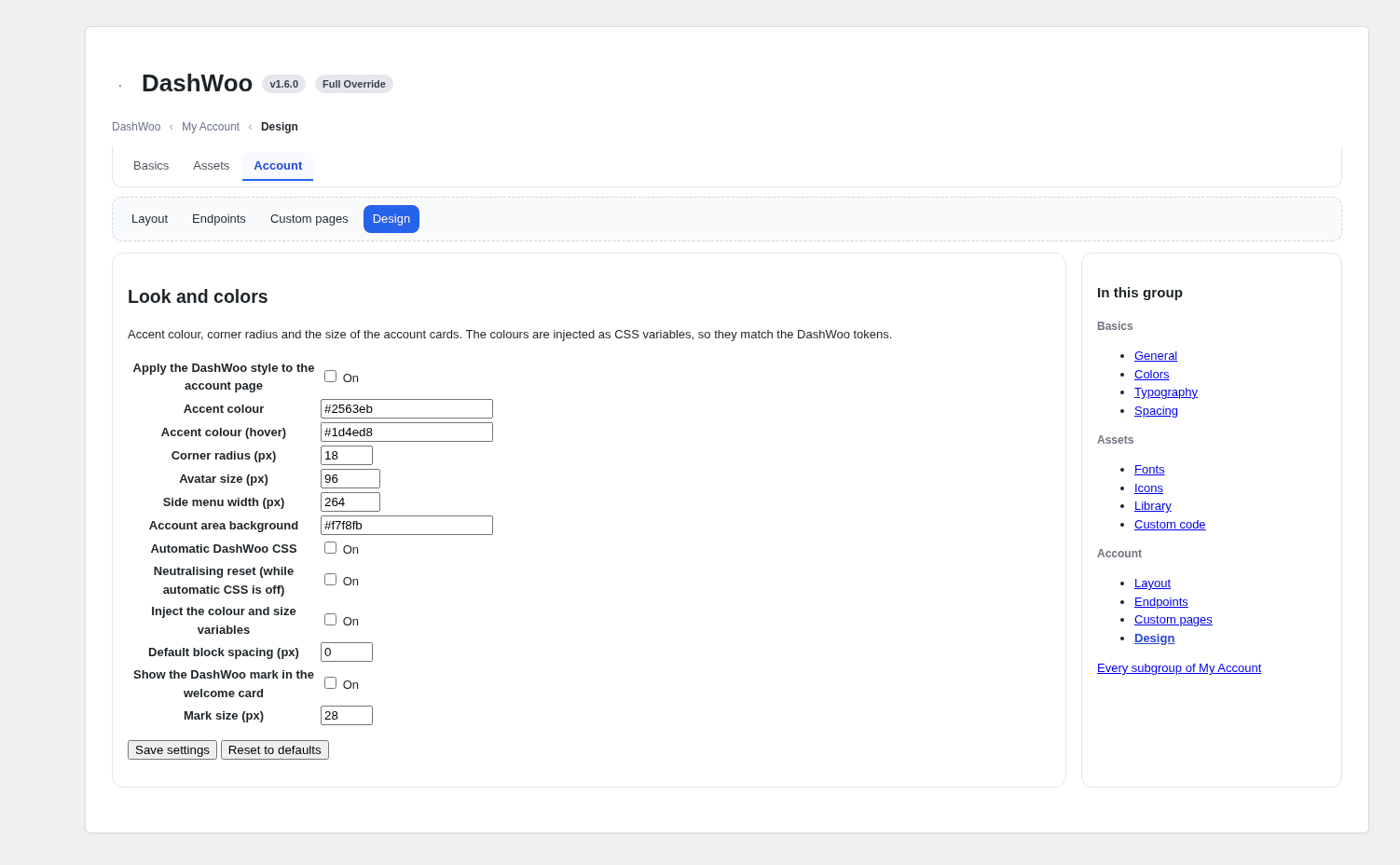
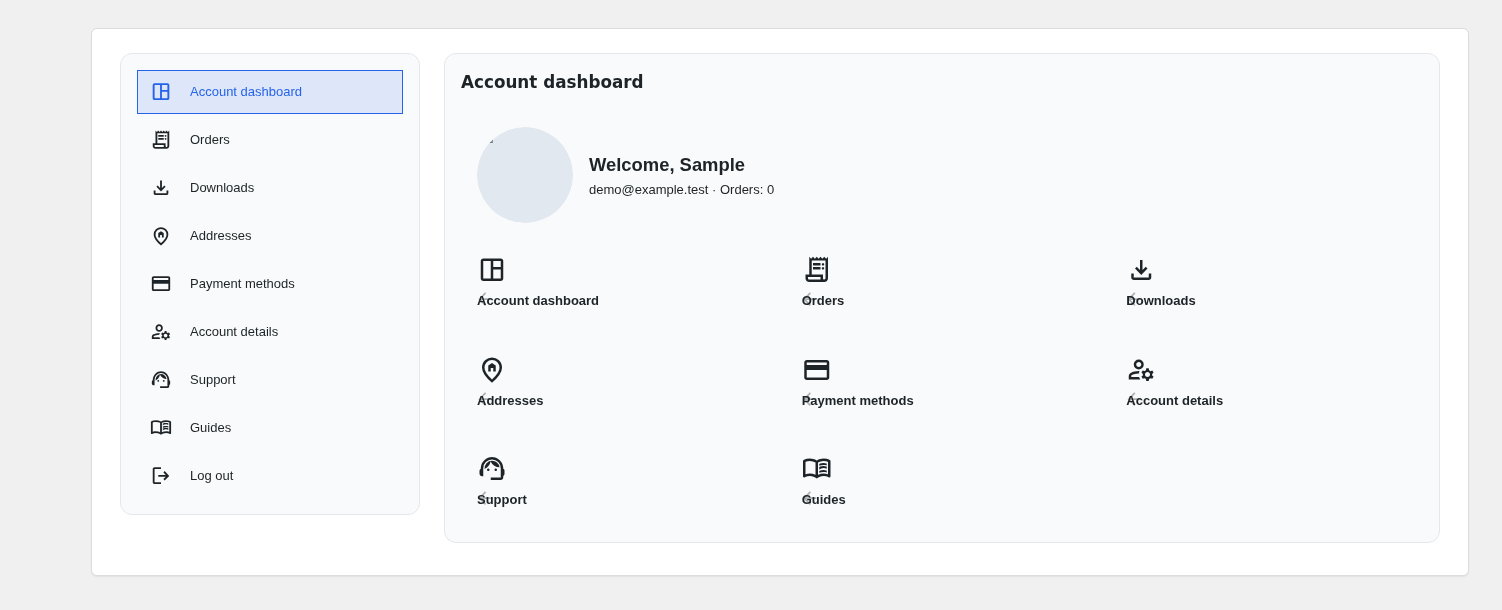
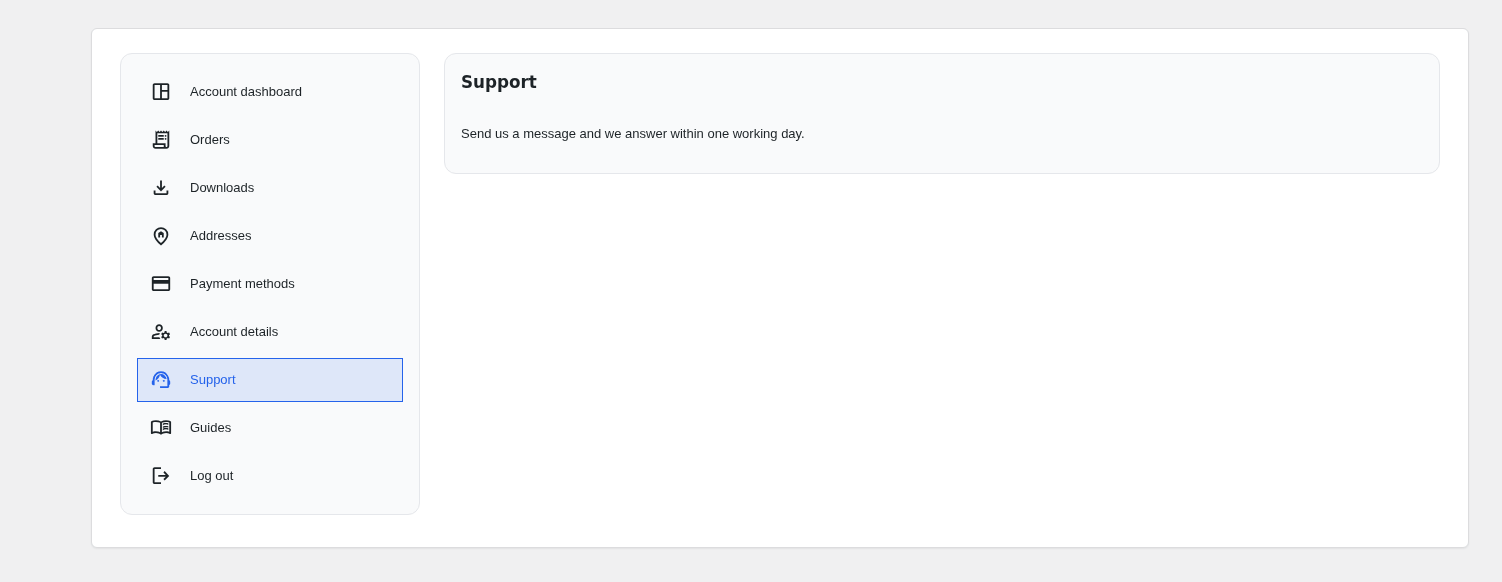
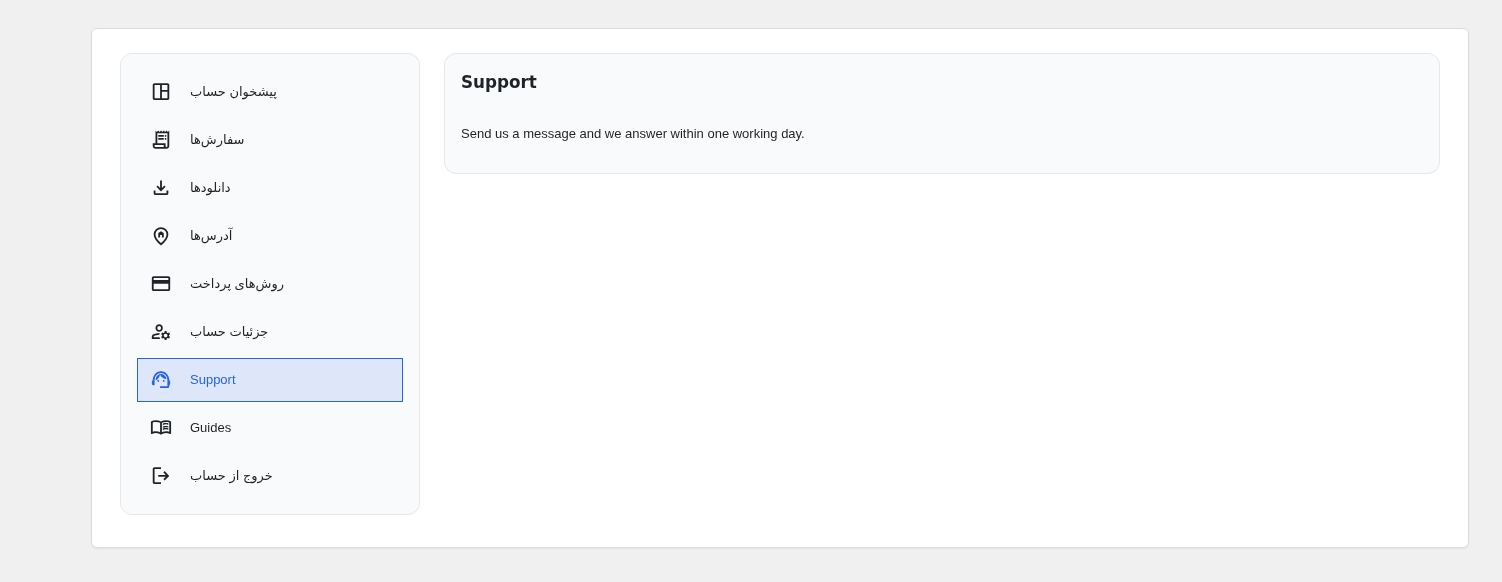
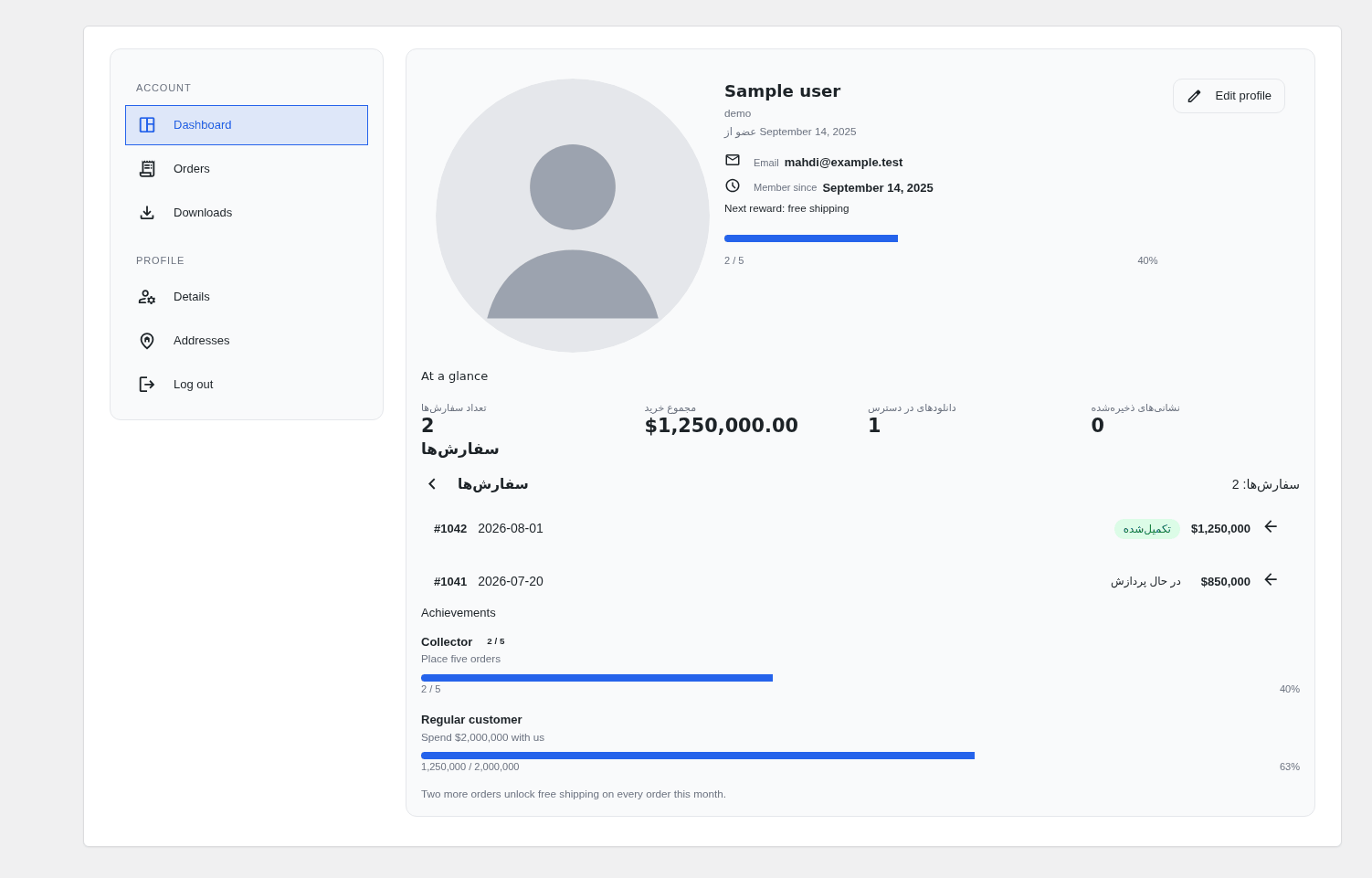
Preview — real screenshots of the plugin, in English and in Persian. They ship in
screenshots/ and are produced by tools/preview/ from the shipped views
and the shipped stylesheets, so they cannot drift away from the product.
| Settings | My Account → Design |
|---|---|
 |
 |
| Account panel (menu card + content card) | A custom page with its own content box |
|---|---|
 |
 |
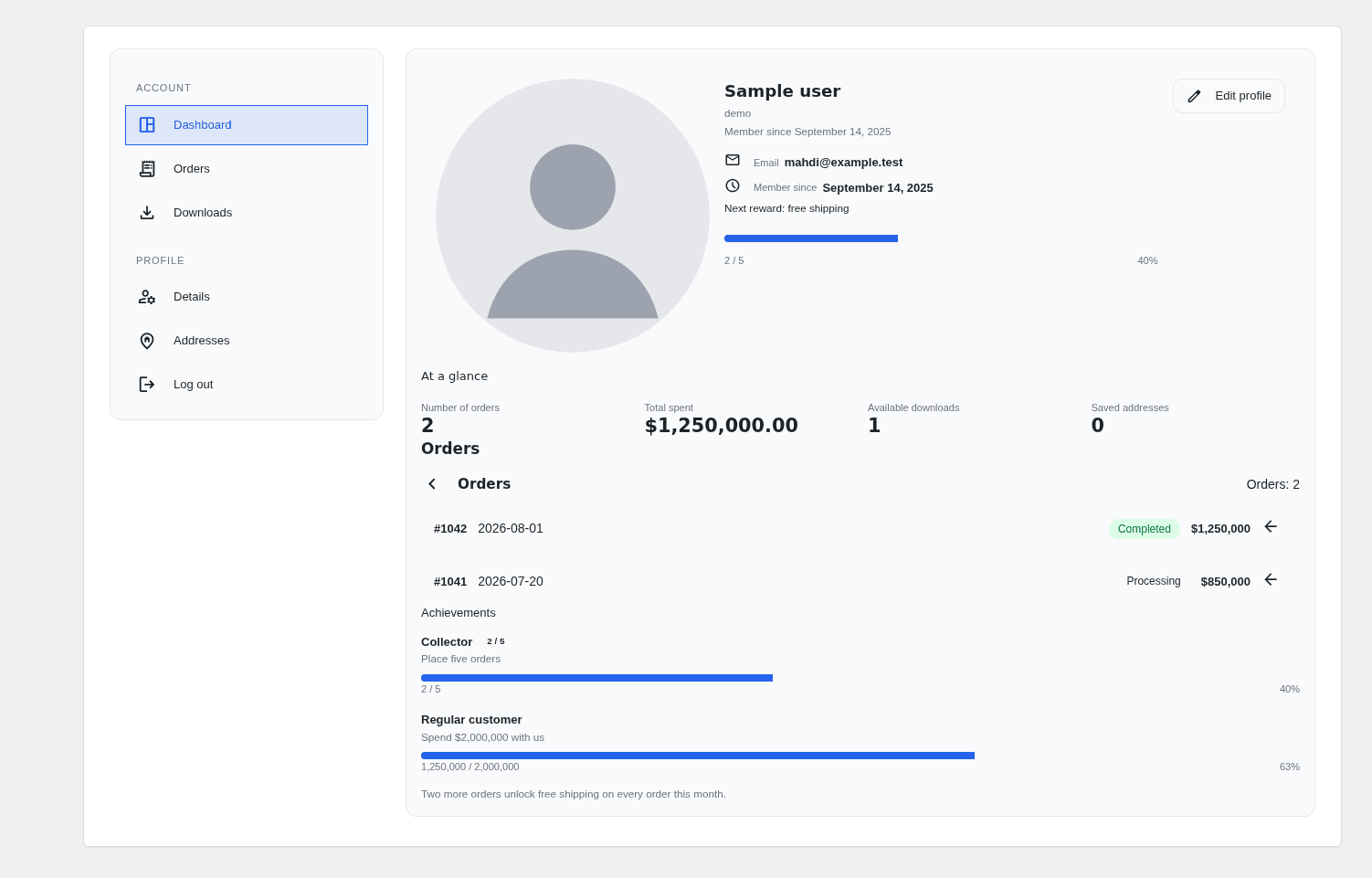
| Blocks a shop stacks itself (profile card, stat tiles, orders, goals) | DashWoo → Assets |
|---|---|
 |
|
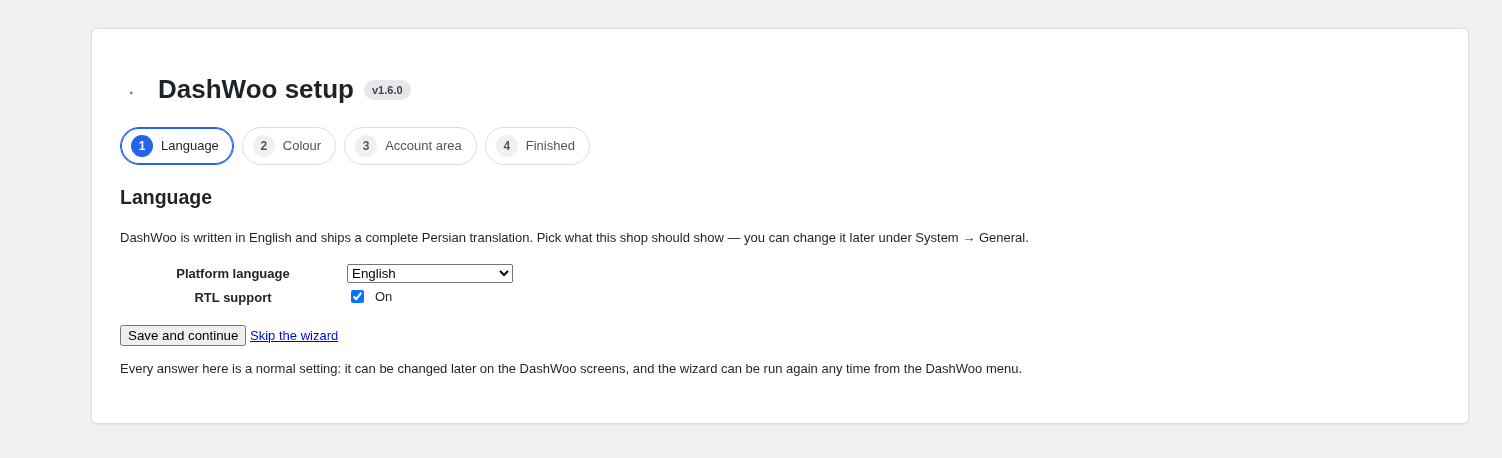
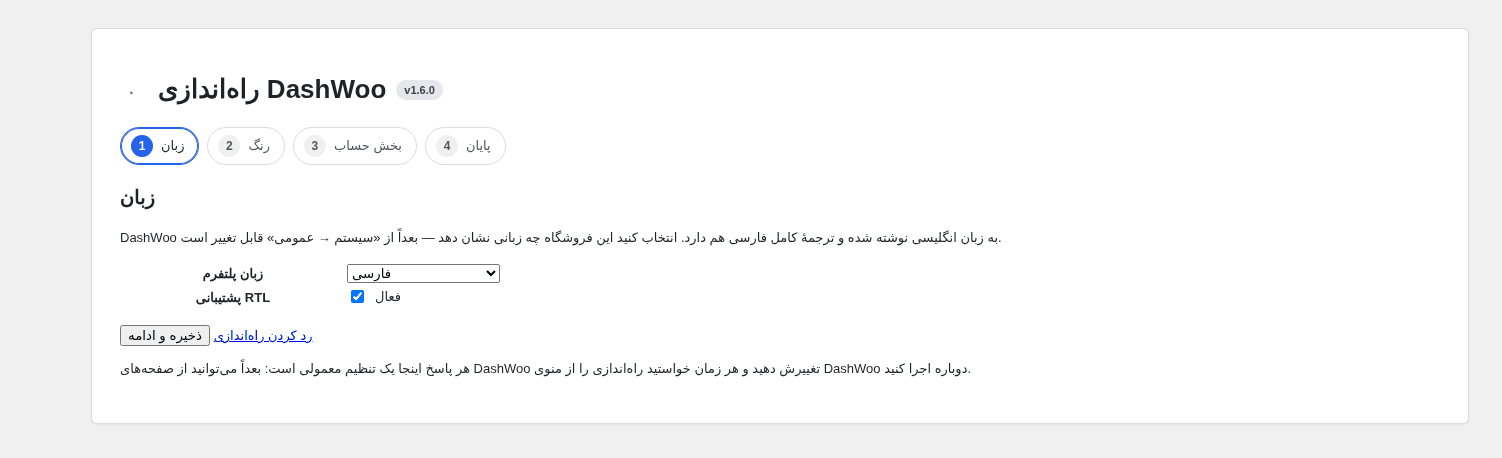
| Setup wizard | Setup wizard — فارسی |
|---|---|
 |
 |
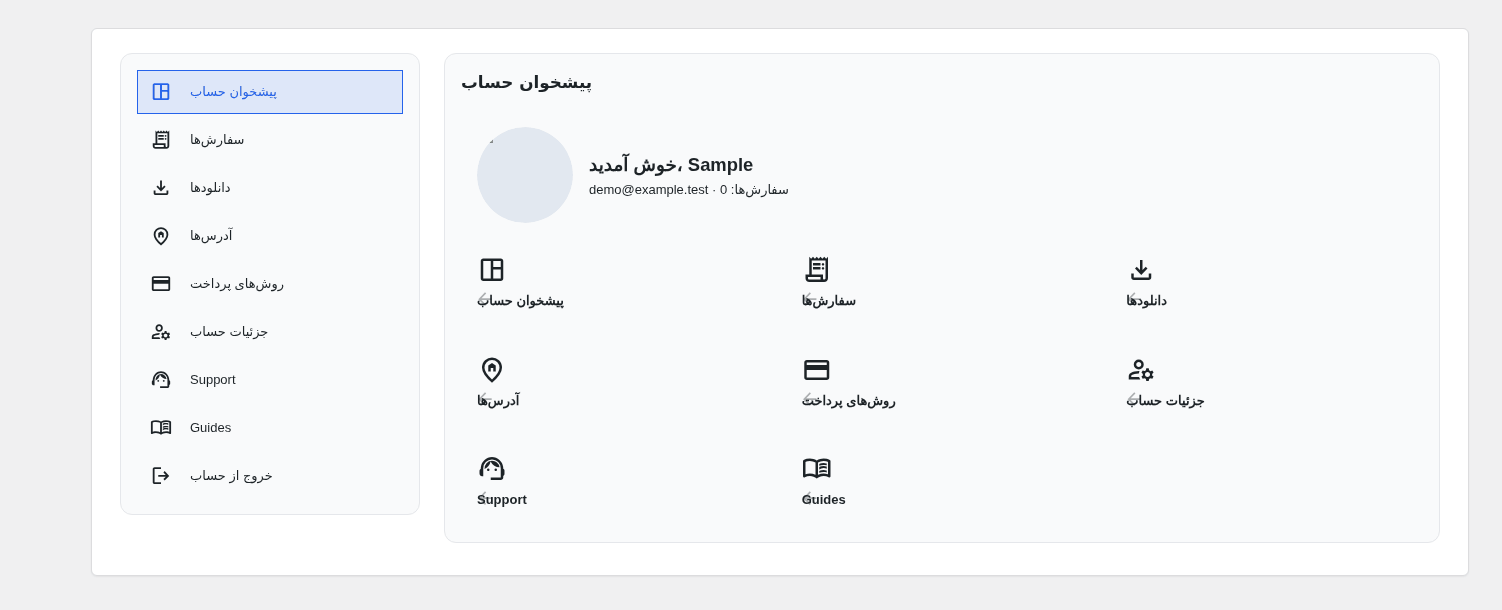
| پنل حساب — فارسی | صفحهٔ سفارشی — فارسی |
|---|---|
 |
 |
| بلوکهای حساب — فارسی |
|---|
 |
The short project page — what DashWoo is, the system requirements and the same preview —
is PROJECT.md, in English with a Persian section (فارسی).
Setup
Activating DashWoo offers a four-step setup wizard (language → colour → account area → done). It writes through the normal settings API, can be skipped at any step, and stays reachable from the DashWoo menu. An install that updates from a version before 1.5 is asked once whether it wants the guided pass; the wizard arrived with 1.6.
Contributors: obsifox.
Features
- Everything is local. Google Fonts, Material Symbols, images and SVG are downloaded
into
wp-content/uploads/dashwoo/and served from your server — no CDN, ever. The asset library, the fonts and the icons are managed from the dashboard. - A design system, not a design. Design tokens compile to
--dw-*CSS variables and reach Elementor's global tokens; the front end loads no DashWoo stylesheet unless you switch one on, so your theme or Elementor has the last word. - The account area, composable. Sixteen Elementor widgets and a shortcode for each: a menu card beside a content card, blocks you stack yourself (profile hero, stat tiles, progress bars) that read the customer's real orders, spend and downloads, templates per section and per endpoint — hand any endpoint to an Elementor template of its own — and a general content box answering whichever endpoint the visitor is on, WooCommerce's or another plugin's, next to a menu you place anywhere.
- Settings Center. Every choice — 39 sections in 7 groups — is schema-driven, with a four-step setup wizard on first activation and JSON export/import.
- Nothing is a hard dependency. WooCommerce, Elementor and WordPress internals go through a version compatibility layer; missing host capabilities switch a feature off with an explanation and switch it back on the moment the host gains them.
- REST API
dashwoo/v1for settings, fonts, icons, assets, tokens and the account panel, plus/system/diagnosticsfor support tickets.
Installation
- Download
dashwoo-1.6.0.zipfrom the Releases page. - WordPress → Plugins → Add New → Upload Plugin → choose the zip → Install.
- Activate, then open DashWoo in the admin menu.
Requires PHP 8.0+, WordPress 6.4+. WooCommerce 8.5+ and Elementor 3.24+ are optional: without them DashWoo keeps working and simply reports a warning.
Where files live
wp-content/uploads/dashwoo/
├── fonts/    icons/    images/    svg/    custom/
└── cache/    compiled design-token + icon stylesheets
Nothing is ever written inside the plugin folder, so updating the plugin never deletes your fonts, icons or images. Uninstalling keeps them too, unless you tick “remove data on uninstall” in the settings.
License
GPL-2.0-or-later — see LICENSE. The bundled Google Fonts catalogue data is provided for convenience; the fonts themselves are served under their own licenses (mostly SIL OFL 1.1) by Google Fonts.