Umami Stats Display WP Registry grade A. No security issues foundWP RegistryNo security issues foundOpen the reportA
Display Umami analytics stats on your WordPress site.
★ 1stars
17release downloads
≈10active sites
updatelatest · 2 years ago
Install
Upload it under Plugins → Add New Plugin → Upload Plugin, then activate.
Install straight from GitHub with WP-CLI:
wp plugin install https://github.com/obaby/wordpress-umami-plugin/releases/download/update/wp-umami1.9.zipNo built-in updater. New versions won't appear under Dashboard → Updates. Install new releases yourself, or let Git Updater track the repository.
Wordpress Umami Status Plugin
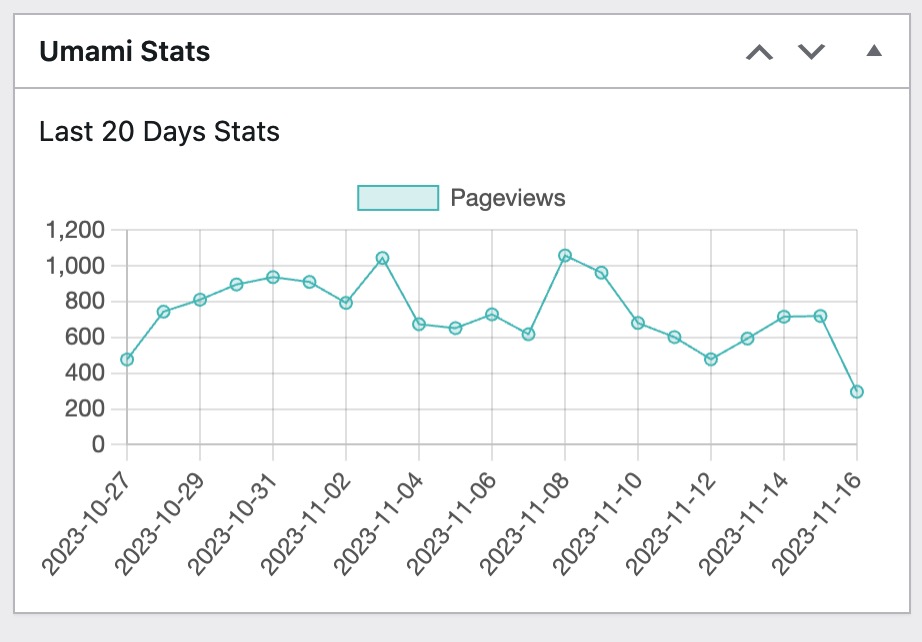
链接自建 umami 站点,展示最近 20 天 pv 数据。
Description
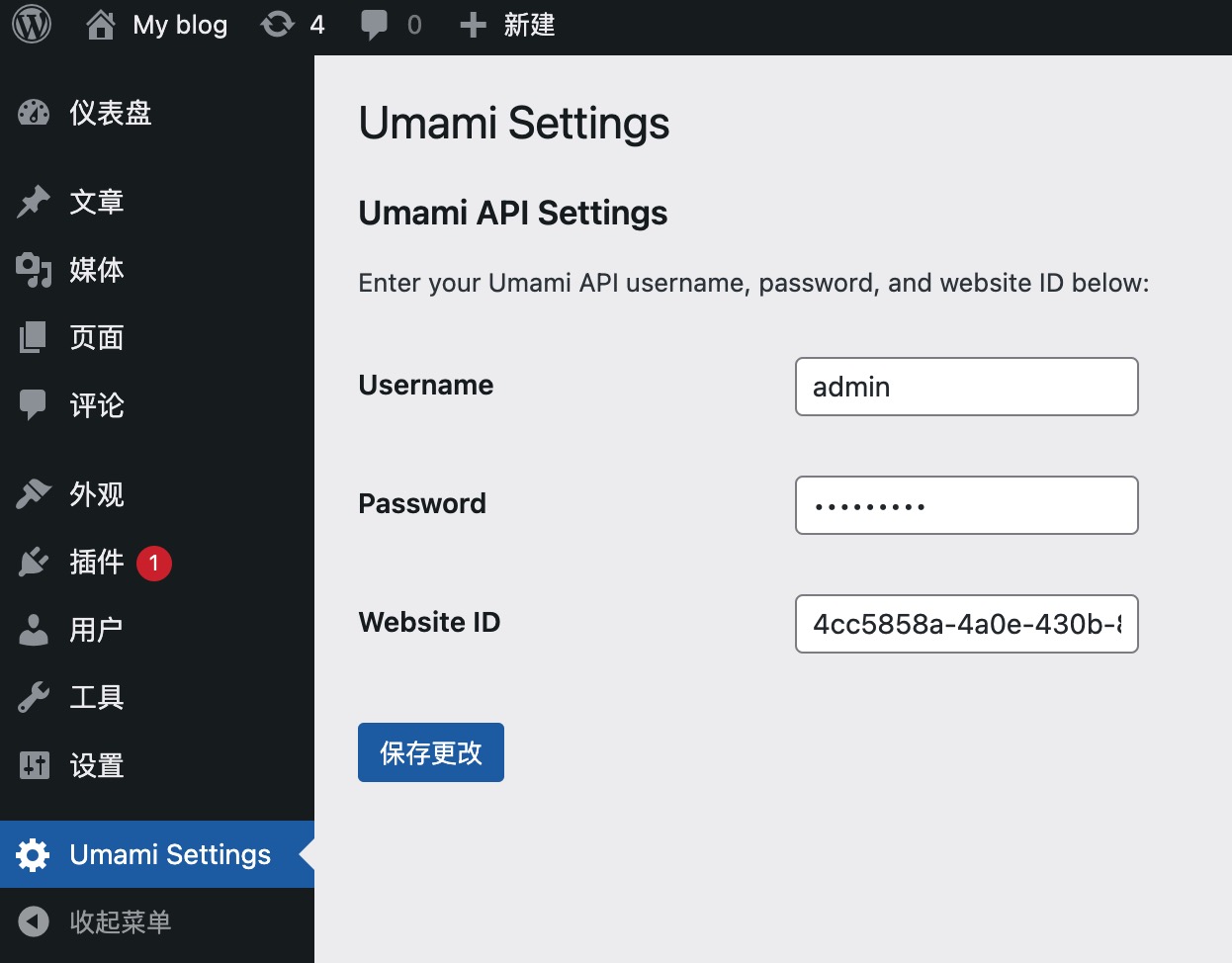
链接 umami 站点在后台展示相关统计数据,启用插件之后进入设置页面设置用户名,密码等信息。然后进入 dashboard 即可看到统计数据。
Installation
Install Wordpress umami status plugin either via the WordPress.org plugin directory or by uploading the files to your server.
Frequently Asked Questions
- 启用之后仪表盘的 WP Mail Smtp 统计失效?
由于引用了最新的 chart.js 导致 WP Mail Smtp 数据格式出错,可以尝试禁用相关插件
Screenshots
- 设置界面:
- 统计界面:
Changelog
1.8
增加服务器地址配置
Upgrade Notice
Releases
2 releases. Each count is every asset in that release; expand a row for the breakdown.
Tag
Published
Assets
Downloads
Active-site estimate ≈10 comes from the median of recent superseded releases. Method.