Install
This is the repository archive. It installs, but the folder name will carry the branch suffix and updates will not flow.
Install straight from GitHub with WP-CLI:
wp plugin install https://github.com/northtexaswebdesign/pixel-lite/archive/refs/heads/main.zip
Pixel-Lite for WordPress
Compress, resize and convert photos to WebP the moment you upload them, and strip GPS and camera data. On your own server: no account, no API key, no quota.
Pixel-Lite is the WordPress version of the free Pixel-Lite web app, made by North Texas Web Design (Richard Taveira).
What happens when you upload a photo
- Turned the right way up. The EXIF orientation is applied to the pixels.
- Resized. Longest side scaled down to 1440 px (or 1920, 2048, 2560 px, or not at all). Never enlarged, never cropped.
- Compressed. Saved again as JPEG or WebP at quality 82.
- Cleaned. GPS, camera make/model/serials, dates, XMP, IPTC, comments and embedded previews are removed. Wide-gamut colour profiles are kept.
- Never bigger. If the result isn't smaller, the original image data is kept and only the metadata is removed, losslessly.
It hooks into wp_handle_upload, so it works for the Media Library, the block editor and REST uploads, before WordPress makes its smaller sizes.
| A 2000 × 1331, 433 KB photo | Size | Saved |
|---|---|---|
| JPEG (default) | 1440 × 958, 260 KB | 40% |
| WebP | 1440 × 958, 190 KB | 56% |
Screenshots
| Settings | Attachment details |
|---|---|
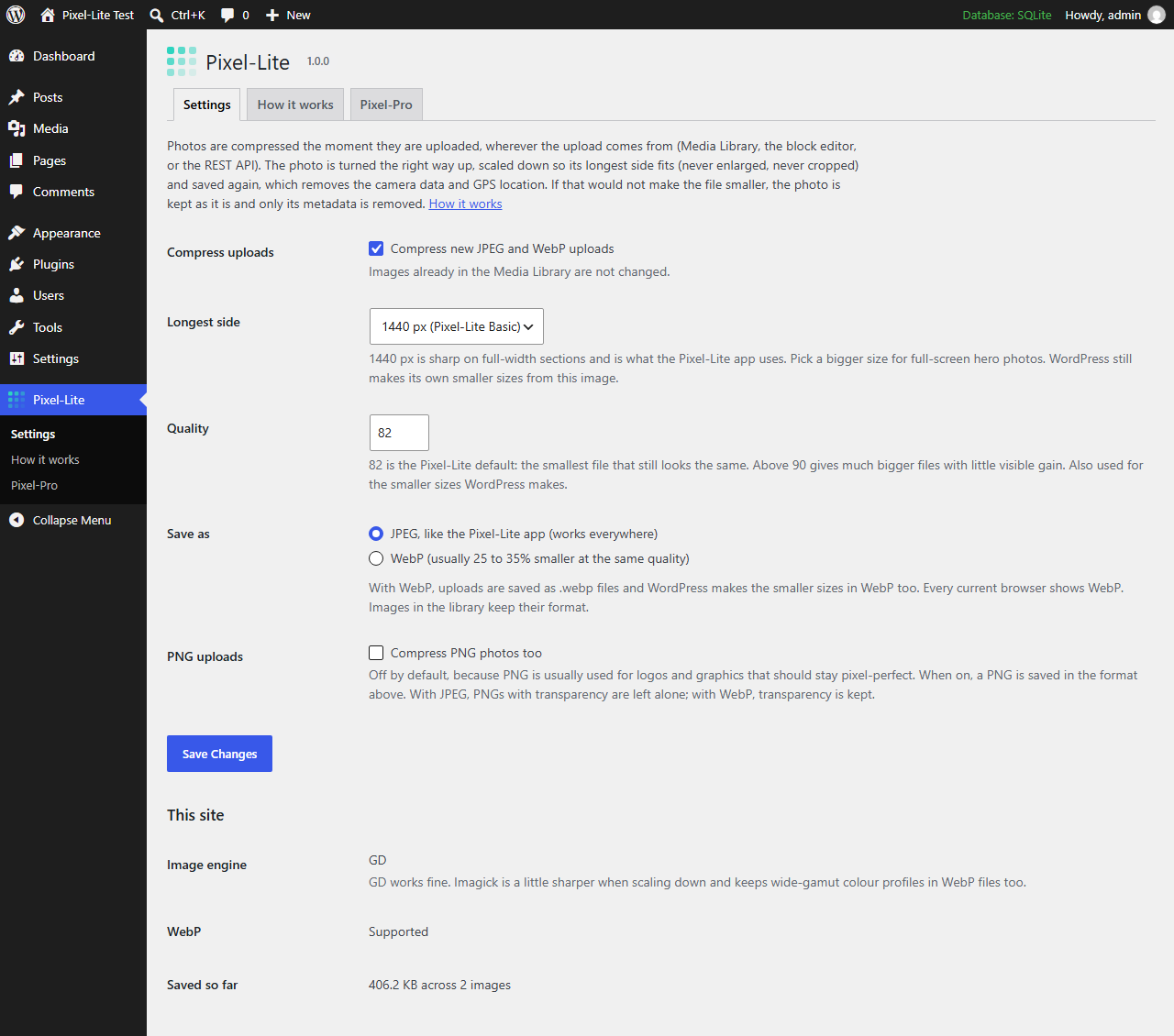 |
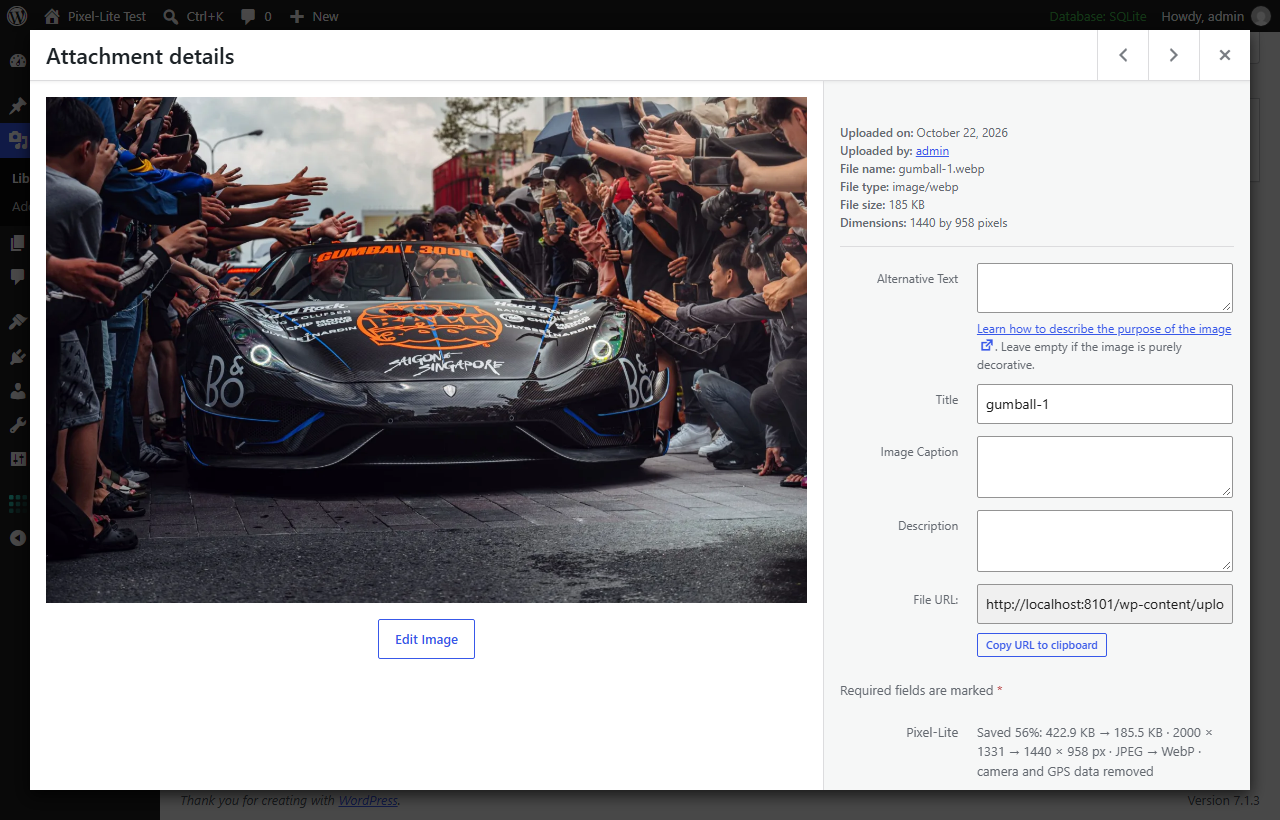 |
| How it works | Pixel-Pro (coming soon) |
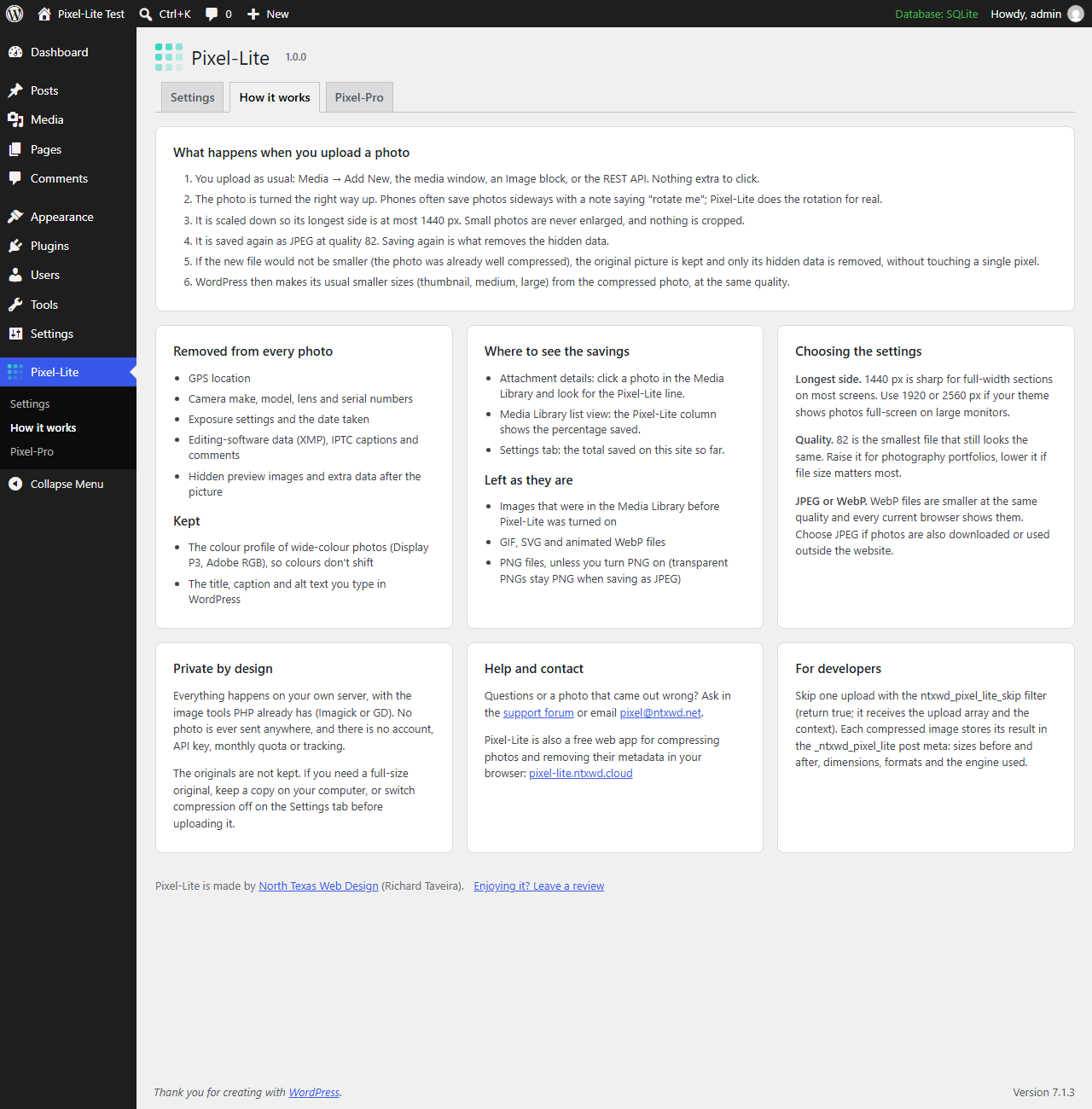 |
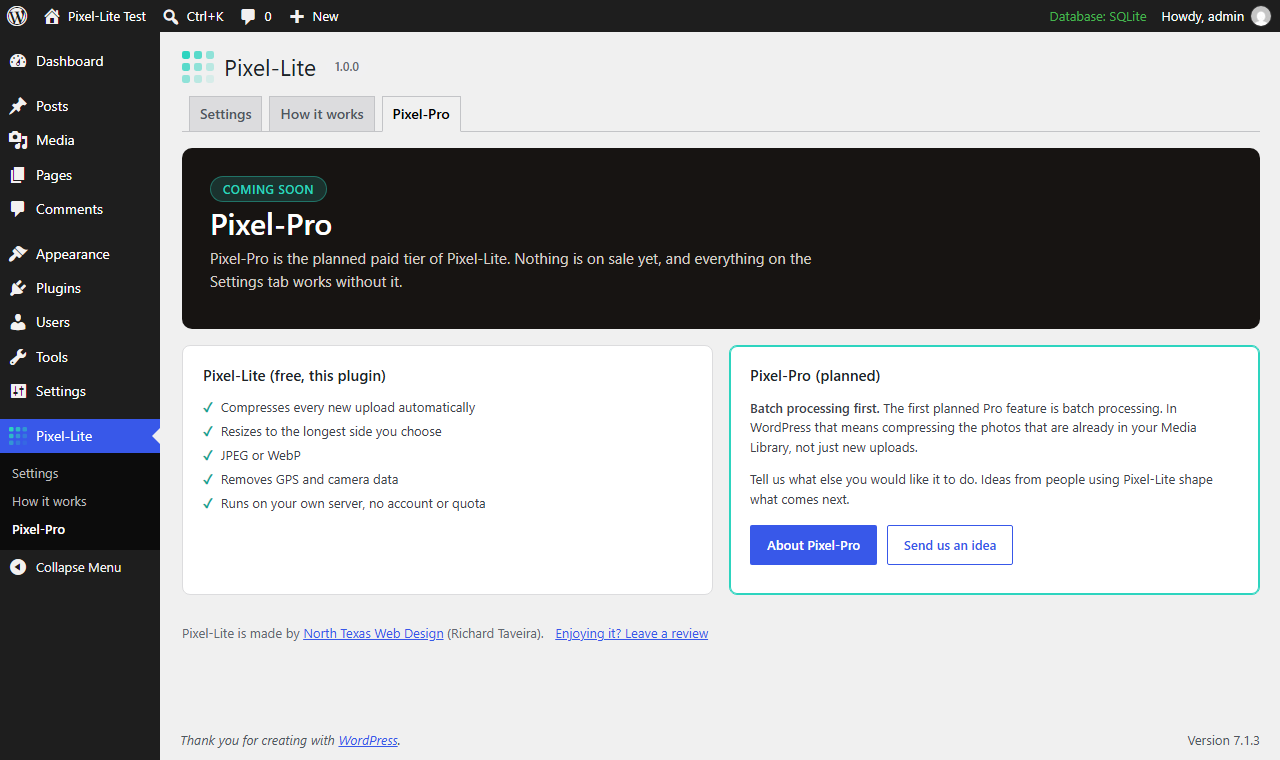 |
Install
- From WordPress.org: Plugins → Add New, search for Pixel-Lite.
- From GitHub: download the zip from Releases, then Plugins → Add New → Upload Plugin.
Requires WordPress 5.8+ and PHP 7.4+, with Imagick or GD.
Files
| Path | What it does |
|---|---|
pixel-lite.php |
Plugin header, constants, loads inc/ |
inc/engine.php |
The compressor: Imagick or GD, orientation, resize, encode, and the lossless JPEG metadata stripper. No WordPress calls, so it can be tested on its own |
inc/upload.php |
The wp_handle_upload hook, per-image records (_ntxwd_pixel_lite post meta), Media column, attachment details, uploader note |
inc/settings.php |
Option ntxwd_pixel_lite, admin menu, Settings tab |
inc/pages.php |
How it works and Pixel-Pro tabs |
assets/ |
Admin CSS and the icon |
.wordpress-org/ |
Banner, icons and screenshots for the WordPress.org listing (not part of the plugin zip) |
Developers: return true from the ntxwd_pixel_lite_skip filter to leave one upload alone.
License
GPLv2 or later. See LICENSE.
Made by North Texas Web Design · Richard Taveira · pixel@ntxwd.net