Nivon
Free WordPress plugin for AI chatbot and AI agent built specifically for customer support, lead generation, and seamless ticket handoff. Connect your knowledge base, website, docs, and other content to let your AI agent answer customer questions, capture leads, and hand off complex conversations.
Install
This is the repository archive. It installs, but the folder name will carry the branch suffix and updates will not flow.
Install straight from GitHub with WP-CLI:
wp plugin install https://github.com/nivonai/nivon-wp/archive/refs/heads/main.zipNivon AI Chatbot and Agent for WordPress
Free WordPress plugin for an AI chatbot and AI agent built for customer support, lead generation, and smooth ticket handoff. Connect your knowledge base, website, docs, and other content so your AI agent can answer customer questions, capture leads, and hand off complex conversations when needed.
Add a Nivon AI support agent to your WordPress website without editing theme files. Train it on your website, documentation and files, FAQs, and past conversations. It answers customer questions in your team's voice, captures leads, and hands off conversations that need a human.
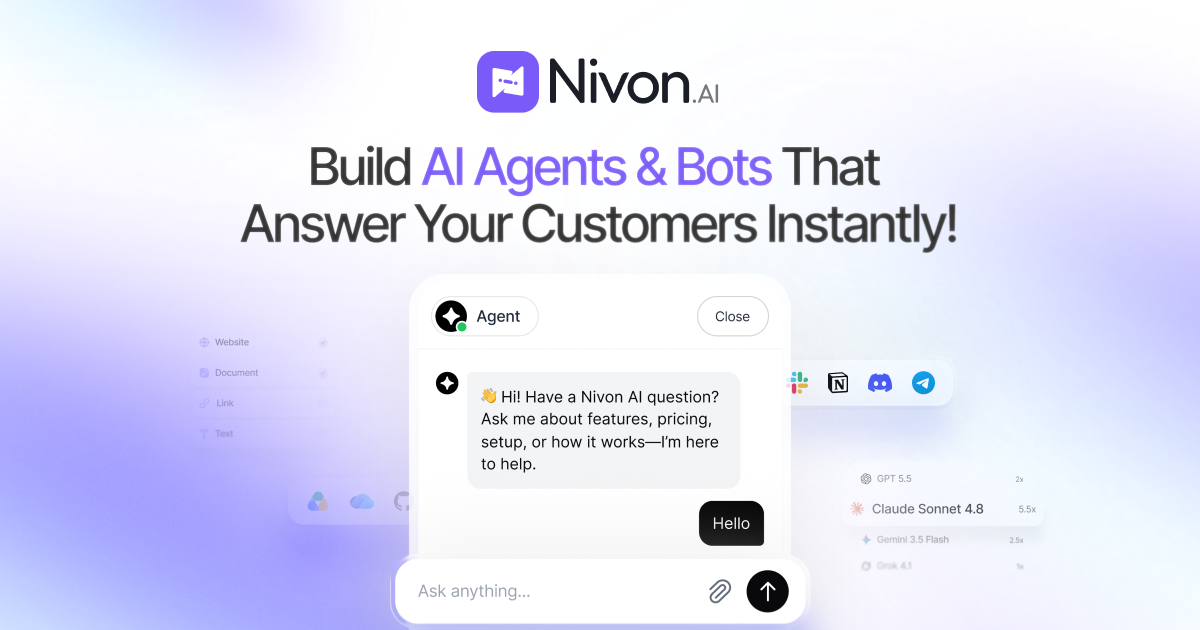
This lightweight plugin connects your Nivon agent to WordPress with a Publish Key and Chatbot ID. It is built for businesses that need an AI customer support agent, WordPress AI chatbot, or website support assistant.
Visit Nivon | Quick start guide | Start for free
Why use Nivon on WordPress?
- Answer common FAQ, order, billing, account, and product questions instantly
- Reduce repetitive support requests and route complex conversations to your team
- Capture qualified leads from website conversations
- Support customers in 95+ languages
- Keep answers current by re-crawling connected website content
WordPress plugin features
- No-code WordPress AI chatbot installation
- Requires only your Nivon Publish Key and Chatbot ID
- Adds the Nivon widget to the footer with standard WordPress APIs
- Survives theme updates and theme switches without custom code
- Provides a simple settings page under Settings > Nivon Options
- Loads nothing until both integration values are configured
Set up your Nivon agent
- Create your first AI agent.
- Build its knowledge base with your website, files, FAQs, or support tickets.
- Test and improve its responses.
- Return here to add the agent to your WordPress website.
How the plugin works
The plugin adds a Settings > Nivon Options page with two fields:
- Publish key
- Chatbot ID
Once both values are saved, the plugin adds the Nivon widget script to the front end of your site. The integration remains separate from your theme, so it continues working after theme updates or switches.
<script src="https://assets.nivon.ai/agent/widget.min.js"
  data-publish-key="pk_live_..."
  data-chatbot-id="..."
  defer></script>
The plugin uses the same widget snippet provided in the Nivon dashboard, without requiring a manual edit to functions.php.
Requirements
- WordPress 4.7 or higher
- PHP 7.0 or higher
- A Nivon account and active chatbot
Install and connect
Option 1: Upload via WordPress admin
- Go to Plugins > Add New > Upload Plugin.
- Upload the plugin ZIP file.
- Activate the plugin.
- Go to Settings > Nivon Options.
- Enter your Nivon publish key and chatbot ID.
- Click Save Changes.
Option 2: Manual install
- Upload the
nivonfolder towp-content/plugins/via FTP or SFTP. - Activate the plugin in the WordPress admin.
- Enter your integration keys in Settings > Nivon Options.
Get your integration keys
In the Nivon dashboard:
- Open the agent you want to publish.
- Go to Integrations.
- Copy the publish key and chatbot ID from the script snippet.
- Add your WordPress domain to the allowed domains list.
If the domain is not allowed, the widget will not load even when the keys are correct.
See the installation guides for deployment help, agent configuration for response settings, and troubleshooting if the widget does not load.
How it works
The plugin registers the Nivon widget script with WordPress and prints it in the site footer. It adds the data-publish-key, data-chatbot-id, and defer attributes through the script loader filter. The widget only loads after both values are configured.
Data and privacy
The plugin stores a single option row named nivon_options containing:
- publish key
- chatbot ID
These values are sanitized before saving. Deleting the plugin removes the stored option row.
The plugin does not collect analytics, send data to a separate backend, or add anything beyond the values required for the Nivon integration. For information about the Nivon platform, review Nivon's data security practices and privacy policy.
Files
| File | Purpose |
|---|---|
nivon.php |
Main plugin logic, settings page, and widget embedding |
uninstall.php |
Removes saved plugin settings on uninstall |
readme.txt |
WordPress.org plugin directory readme |
Support
Questions, bug reports, and integration support: support@nivon.ai
For product information, onboarding, and setup guidance, visit Nivon, the documentation, or the support center.
License
GPL-2.0-or-later. See https://www.gnu.org/licenses/gpl-2.0.html