Baton WP Registry grade A. No security issues foundWP RegistryNo security issues foundOpen the reportA
A workflow orchestration plugin for the WordPress Abilities API
Install
Upload it under Plugins → Add New Plugin → Upload Plugin, then activate.
Install straight from GitHub with WP-CLI:
wp plugin install https://github.com/nikmclaughlin/baton/releases/download/0.5.1-alpha/baton-0.5.1-alpha.zip
Baton
A conductor’s wand, properly called a baton, is a thin, lightweight stick used by music directors to amplify and guide physical gestures.
Baton is a WordPress plugin that adds a thin, lightweight layer used by admins to orchestrate site workflows based on the WP Abilities API. It provides field-level input mapping to control data passing between registered Abilities, and each workflow is also exposed as it's own Ability (baton/workflow-{id}) for nesting or use in external tooling.
Requirements
- WordPress 6.9+
- PHP 7.4+
Try it on Playground
Opens a disposable WordPress 6.9 site with Baton installed and lands on Tools → Baton.
Installation
- Clone this repository into
wp-content/plugins/baton. - Activate Baton in the WordPress Plugins screen.
Prebuilt editor assets are included in build/ — you do not need Node or npm to use the plugin.
Usage
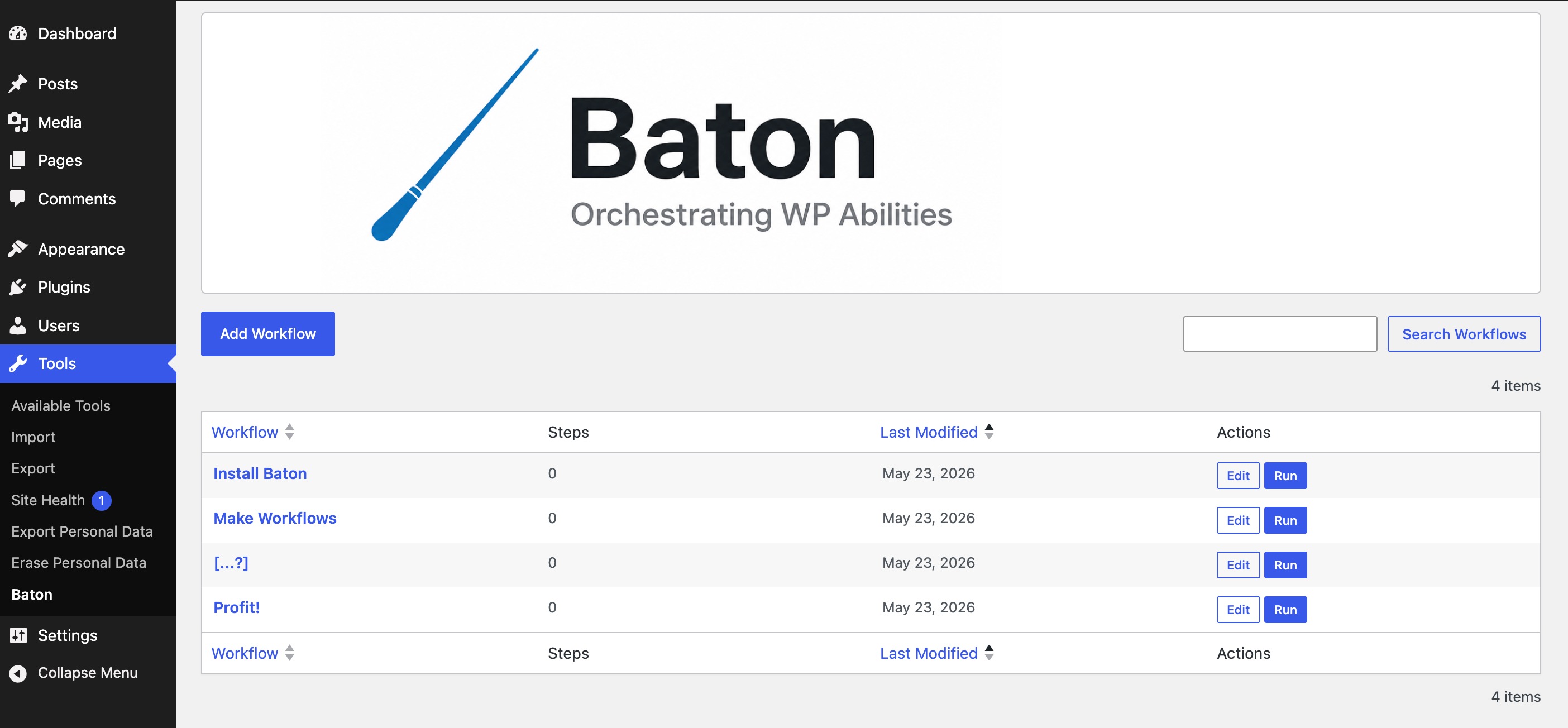
Tools → Baton — create workflows in the visual editor (vertical step cards, data filters on connectors), run them from the admin, and reference saved workflows as baton/workflow-{post_id} in other workflows.
Roadmap / Known Gaps
- Workflow-level initial input → step 1 data filter in the editor (runtime supports
initial_input; UI exposure is limited). - CLI & Command Palette integrations for "external" workflow execution.
- ActionScheduler integration for scheduling step/workflow execution.
- Database/transient integration for persisting workflow output.
- Advanced drag-and-drop workflow building UI.
- Code snippet nodes for fully custom data processing.
- Mapping auto-suggest from schema paths.
- Replace list table with DataViews when appropriate in core.
- User-facing copy pass on mapper warning strings.
Development
See CONTRIBUTING.md for pull request prerequisites and command reference.
Building the editor UI
Only needed when changing files under src/. The workflow editor is a React bundle built with @wordpress/scripts:
cd wp-content/plugins/baton   # or your clone path
npm install
npm run build
After making any changes within src/, run npm run build (or npm start while developing). The built files land in build/ and are enqueued on the workflow edit screen.
Before you push
Matches the php-lint and js CI jobs — usually a few seconds, no Docker:
composer install
npm install
npm run check
That runs PHP syntax (php -l), PHPCS, PHPStan, and ESLint on src/. Run integration tests separately when you change PHP behavior:
npm run test:phpWordPress.org directory assets
Files under .wordpress-org/ are not included in the plugin zip. They are stored in Git for convenience and copied to the WordPress.org SVN assets/ directory (top level, alongside trunk/) when publishing.
Trunk exclusions for releases live in .distignore (same file the 10up deploy action will use later).
Build release tree (until SVN deploy is wired up)
npm run release:org              # release/baton/ (SVN layout) + release/baton-{version}.zip
npm run release:org -- --check # run static checks first| Build output | SVN destination |
|---|---|
release/baton/assets/ |
assets/ |
release/baton/trunk/ |
trunk/ |
release/baton/tags/{version}/ |
tags/{version}/ |
The script uses .distignore for trunk (aligned with 10up) and rsyncs .wordpress-org/ → assets/. It also checks that baton.php Version matches readme.txt Stable tag.
License
GPL-2.0-or-later — see LICENSE.
Releases
2 releases. Each count is every asset in that release; expand a row for the breakdown.