Contabai
Contabai Plugin
by Contabai · github.com/newmediacrew/contabai-plugin · website
Install
No release zip yet. The repository archive installs, but the folder name will carry the branch suffix and updates will not flow:
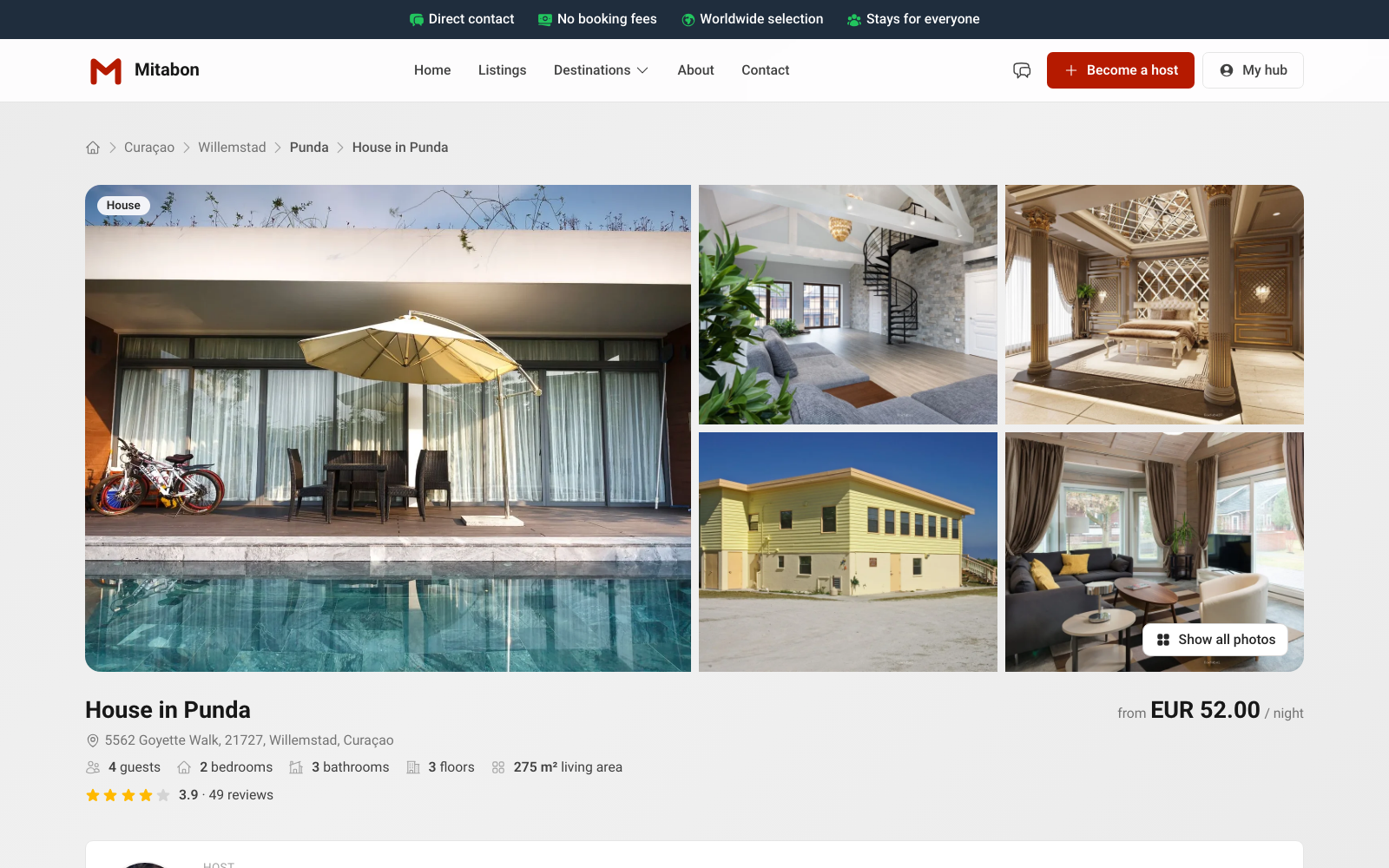
wp plugin install https://github.com/newmediacrew/contabai-plugin/archive/refs/heads/main.zipProperty listings platform frontend for WordPress. The plugin connects a WordPress site to the Contabai platform and adds listings, search, booking, guest accounts, chat and reviews.
Requirements
- WordPress 7.1 or newer
- PHP 8.3 or newer
- A Contabai host account (for your Host ID)
Installation
- Download
contabai.zipfrom the latest release. - In wp-admin: Plugins → Add New → Upload Plugin, choose the zip, install and activate.
- Go to Contabai plugin → Basic and fill in your Host ID.
On activation the plugin creates its pages (listings, listing, login, register, forgot password, verify email, account, profile, bookings, chat, book). All of them start with contabai-, so existing pages are never touched.
Settings
| Tab | What |
|---|---|
| Basic | Host ID and the page slugs |
| Updates | Installed version, latest release, Check now |
| Advanced | API base URL, Verify SSL Certificate, Development mode, AI & SEO tools |
Shortcodes
[contabai_search] [contabai_listings] [contabai_random_listings] [contabai_listing] [contabai_book] [contabai_login_form] [contabai_register_form] [contabai_forgot_password_form] [contabai_verify_email] [contabai_account] [contabai_profile] [contabai_bookings] [contabai_chat]
The full reference with attributes is in wp-admin under Contabai plugin → Shortcodes.
Updates
New versions appear in Dashboard → Updates like any other plugin. Development mode (Advanced tab) switches this off for a development copy.
Languages
English, Dutch, German, Spanish, French and Portuguese.
Theme
Built to pair with the Contabai Theme.
Licence
GPLv2 or later, see LICENSE.