Install
This is the repository archive. It installs, but the folder name will carry the branch suffix and updates will not flow.
Install straight from GitHub with WP-CLI:
wp plugin install https://github.com/nett-webs/agency-manager/archive/refs/heads/main.zipTalent, casting, and location management for agency websites — Talent/Location profiles, public application forms, CSV import, and Elementor widgets, from one WordPress admin screen.
Version: 1.6.4 Requires: WordPress 6.0+, PHP 7.4+ (tested on 8.2) License: GPLv2 or later
Overview
Agency Manager turns "Talent" and "Location" into first-class content types for a talent, casting, or location agency running on WordPress — with a full admin application, public application forms with a review workflow, bulk CSV import, and Elementor/shortcode display — instead of a raw custom post type with a bare admin screen bolted on.
It's built to be theme-neutral and standalone: on activation it checks whether a talent/location post type or taxonomy already exists (for example, one a theme already registers) and automatically defers to it rather than creating a conflicting duplicate, so it can also slot into a site that already has its own Talent/Location system.
Features
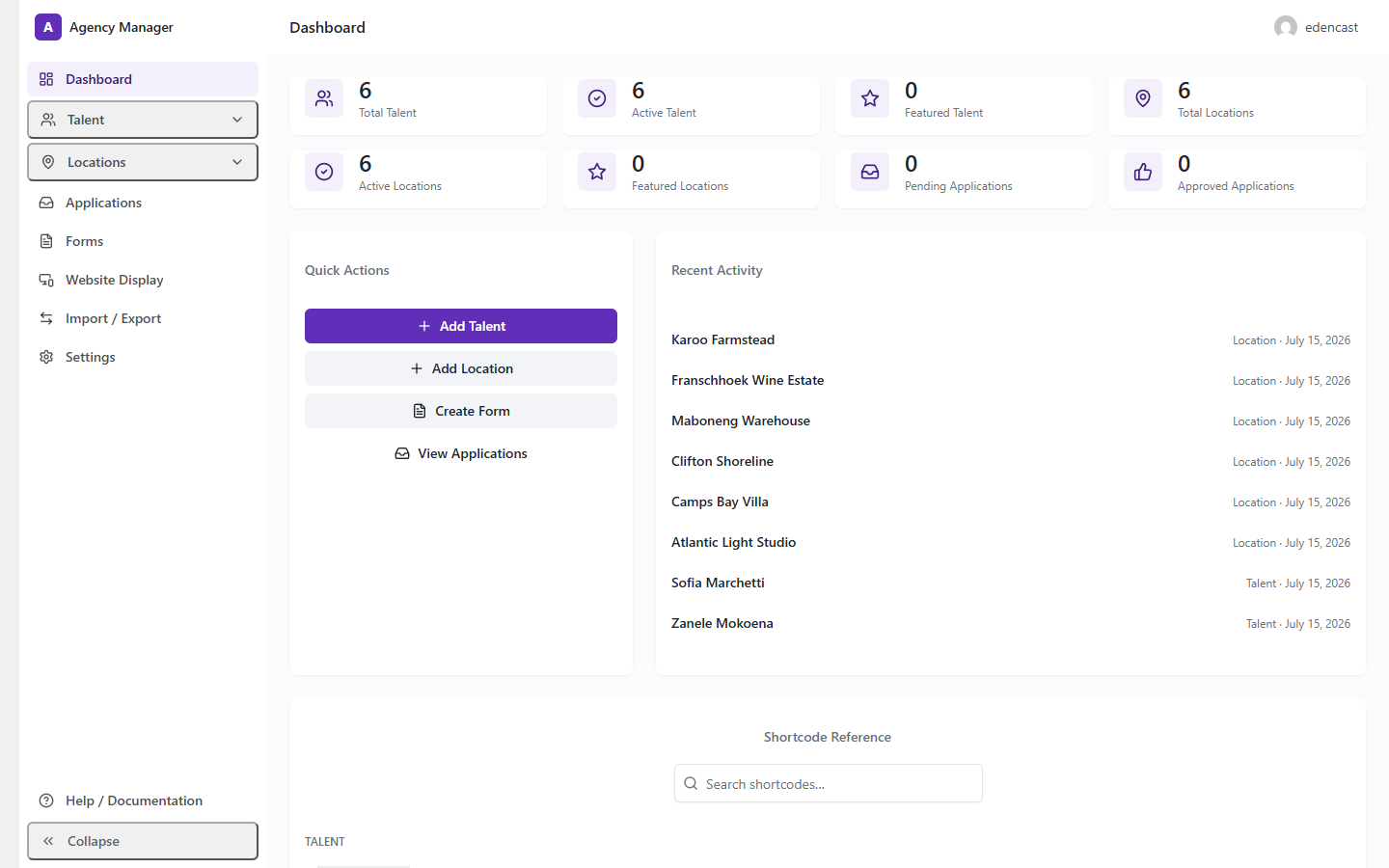
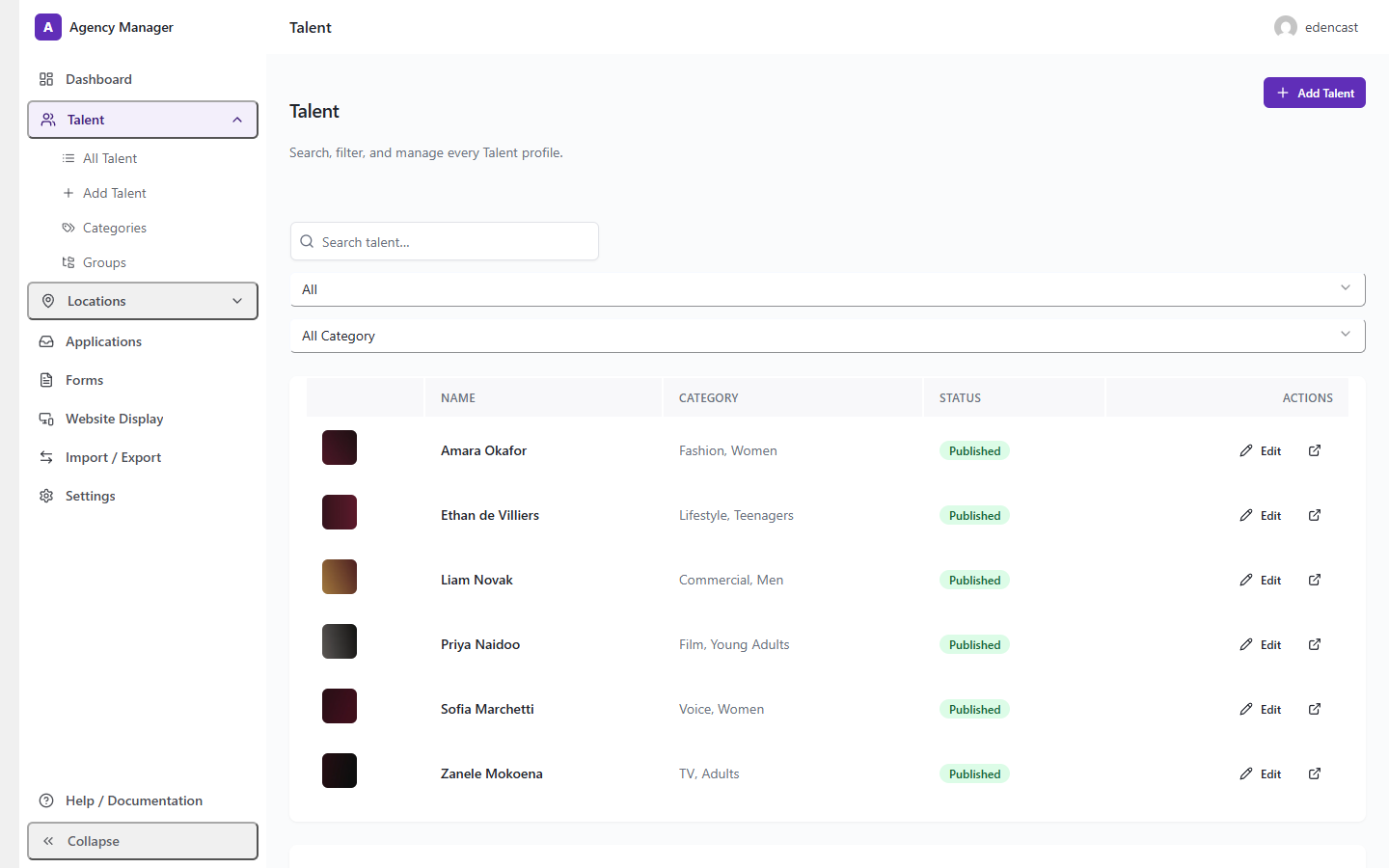
- Admin application — Dashboard, Talent, Locations, Applications, Forms, Website Display, Import/Export, and Settings as one React/Tailwind interface, built on top of standard WordPress custom post types, taxonomies, and post meta (no custom database tables).
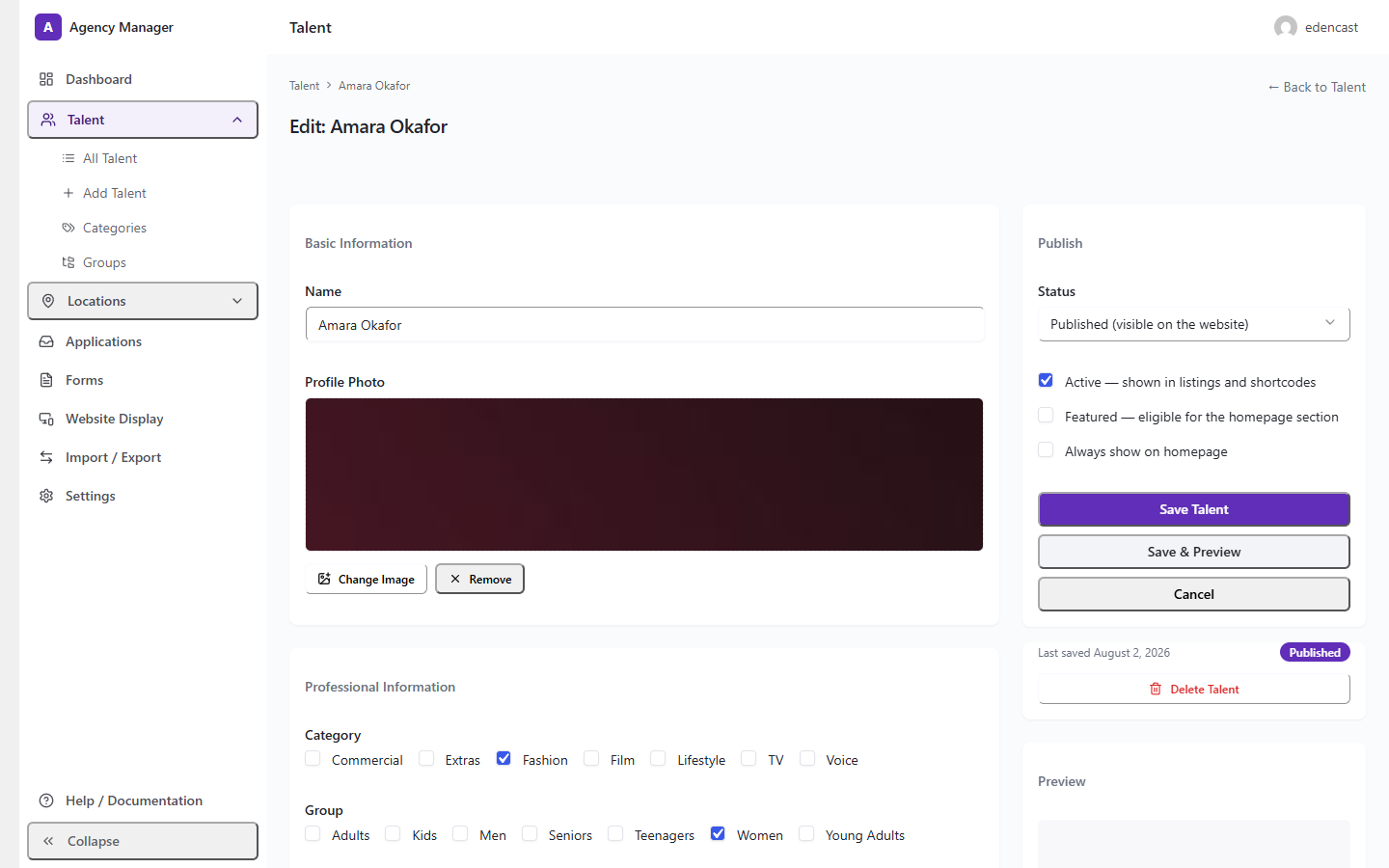
- Talent & Location management — add/edit screens (Basic Info, Professional Info, Media/Gallery, Social Links, Availability, Visibility) with a live preview using the actual public card template.
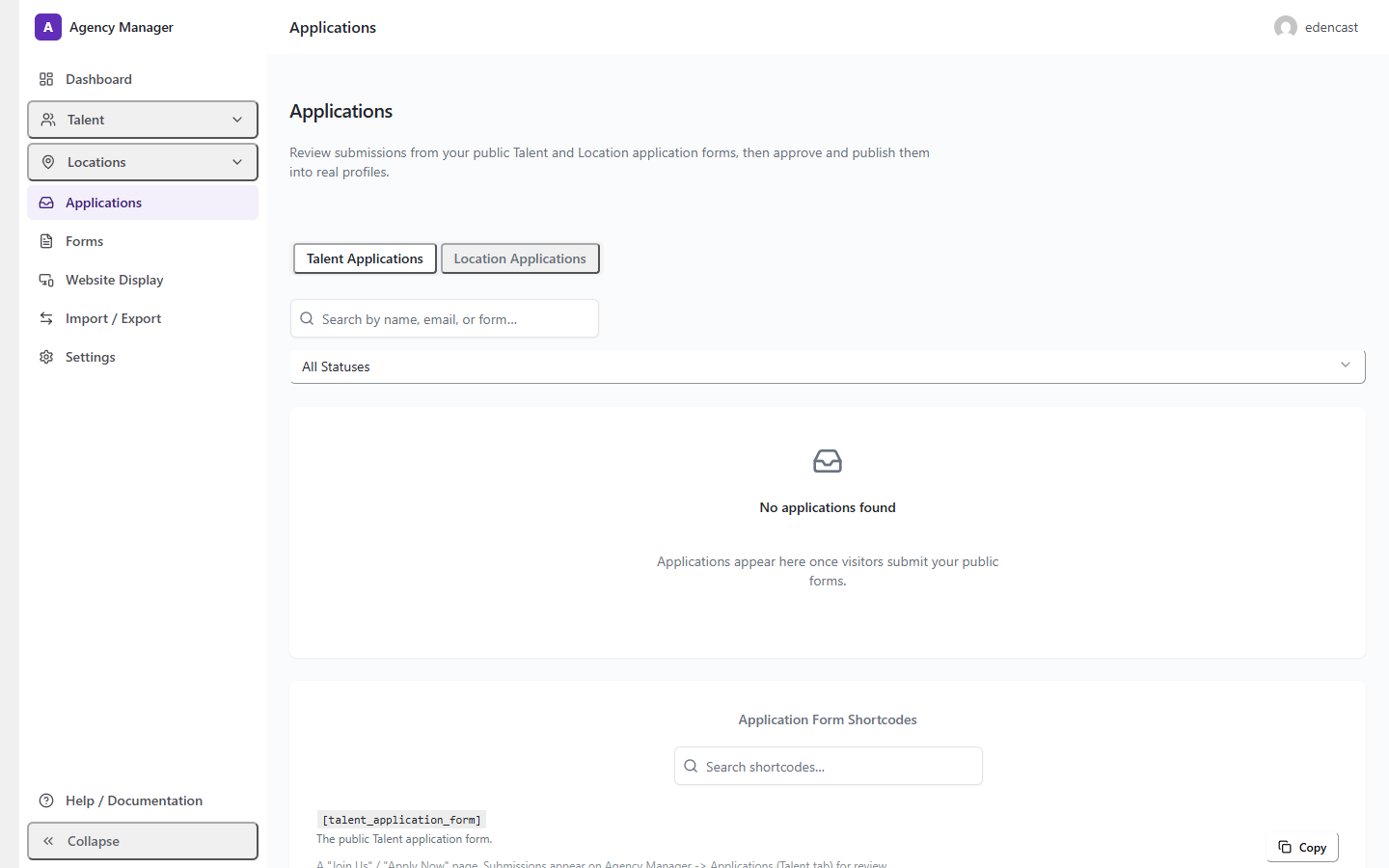
- Applications — review public form submissions through a Submitted → Review → Approved → Published workflow.
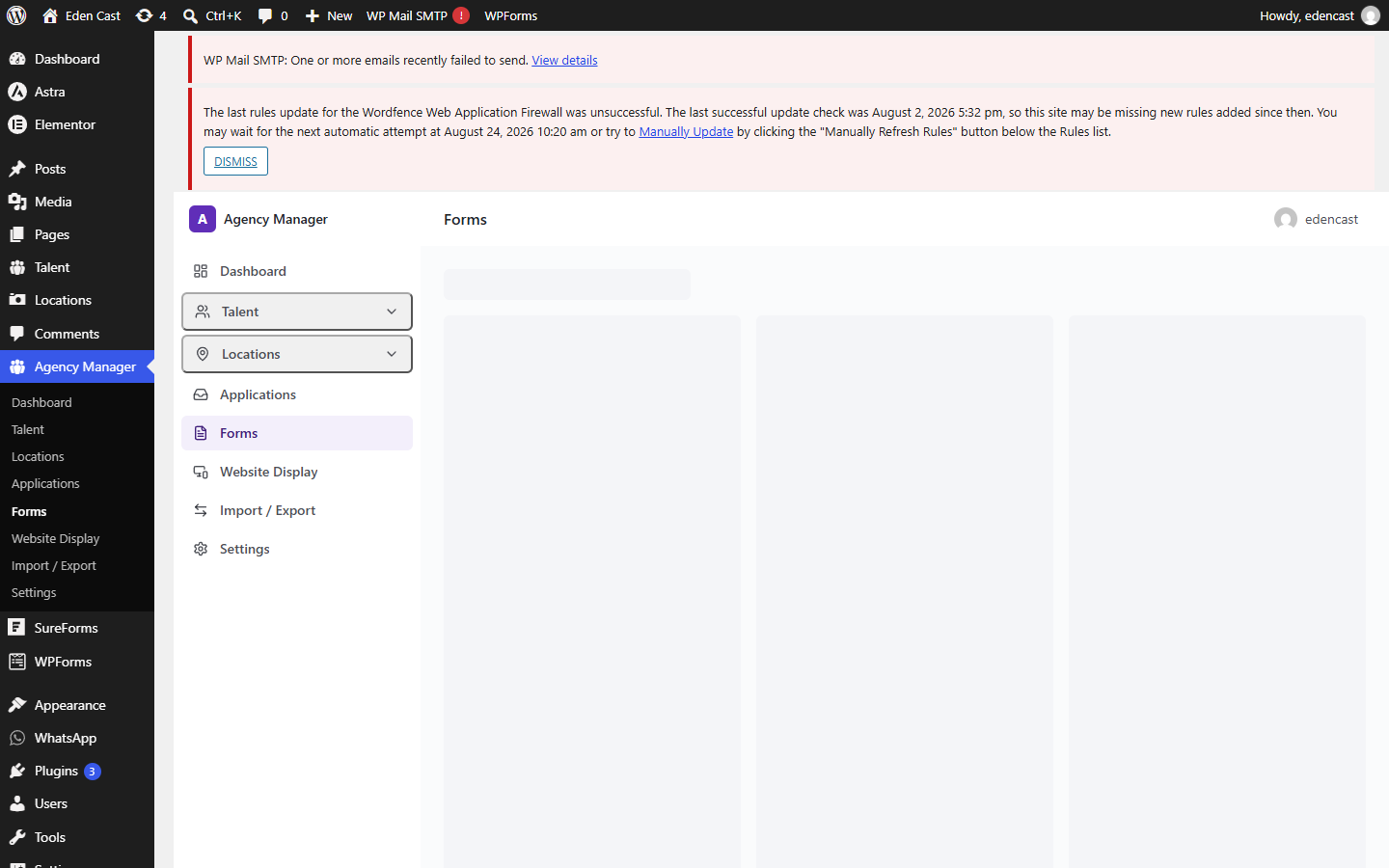
- Form Builder — a drag-and-drop editor (Field Library / Canvas / Field Settings) for the public Talent Application and Location Submission forms, with field-level mapping straight into Talent/Location profile fields.
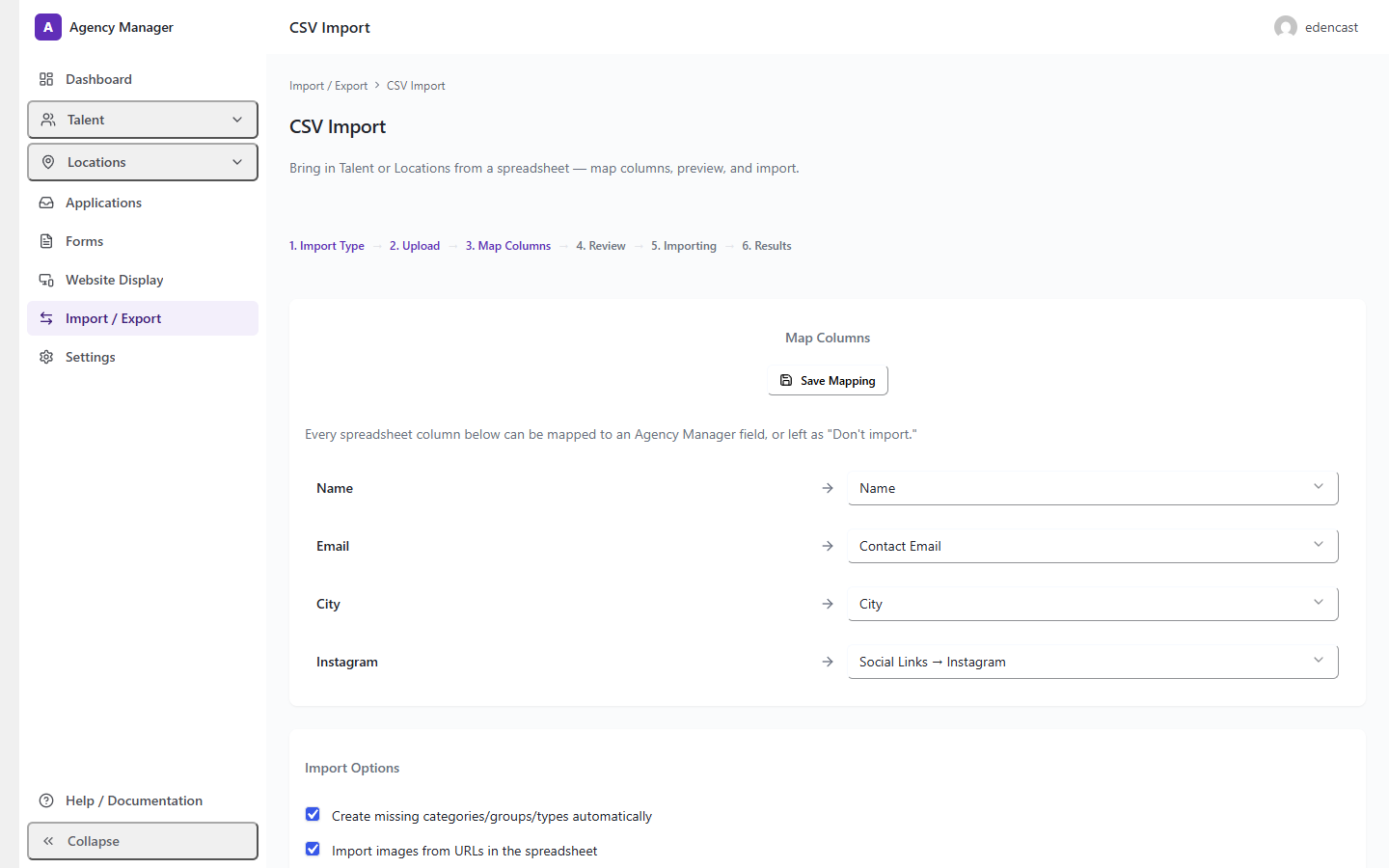
- CSV Import — an upload → column-mapping → preview → import wizard for bulk-importing Talent or Locations from a spreadsheet, with duplicate detection (create/update/skip), optional taxonomy auto-creation, and image download from URLs in the spreadsheet. Where the server's PHP image library supports it, downloaded images also get WebP-optimized derivative sizes, while the original uploaded file is always kept unchanged.
- Website Display — a Display Mode (Hidden / Now Scouting / Live), an editable "Now Scouting" placeholder manager, and homepage featured-content control, per content type.
- Shortcodes —
[talent_grid],[talent_featured],[talent_carousel],[talent_slider], the matching Location shortcodes, and form shortcodes, withcategory,group,type,columns,only_featured,only_active, andorderparameters. - Elementor widgets — Talent/Location Grid, Carousel, Slider, and Featured widgets, plus the Talent Application and Location Submission form widgets. Elementor is entirely optional — every widget also exists as a shortcode.
- Import / Export — a versioned JSON schema for Talent, Locations, taxonomies, Forms, and settings, matched by slug so re-importing the same file updates existing records instead of duplicating them.
Screenshots
Dashboard
Talent Management
Applications
CSV Import
Form Builder
More screenshots — including Locations, Website Display, Import/Export, the Shortcode Reference panel, and the public-facing Talent/Location cards and profiles — are in docs/screenshots/.
Installation
From the production ZIP (recommended for most sites)
- In your WordPress admin, go to Plugins → Add New → Upload Plugin.
- Choose the Agency Manager ZIP file and click Install Now.
- Click Activate.
- You'll be redirected to the Setup Wizard automatically.
From this repository (for development or a manual install)
- Clone or download this repository.
- If you need to rebuild the compiled admin application, run the build step — see Development below. The repository already includes a compiled
build/directory, so this step is only needed if you're changing the React source. - Place the resulting folder in
wp-content/plugins/agency-manager/on your WordPress site. - Activate Agency Manager from the Plugins screen in wp-admin.
This repository does not provide WordPress.org's own update mechanism — a site running a copy installed this way won't receive automatic updates through wp-admin the way a WordPress.org-hosted install does.
Development
Prerequisites
- WordPress 6.0+
- PHP 7.4+
- Node.js and npm (for the React admin application build)
Setup
npm installBuild commands
These are the actual scripts defined in package.json:
npm run build   # wp-scripts build — production build of the admin application into build/
npm start        # wp-scripts start — development build with file watching
src/ → build/
The React/Tailwind admin application's source lives in src/admin-app/. Running npm run build (via @wordpress/scripts, which wraps webpack) compiles it into build/index.js, build/index.asset.php (the WordPress script-dependency manifest), and build/style-index.css. The PHP side (includes/admin/class-admin-app-page.php) enqueues those compiled files directly — it never reads from src/ at runtime. The compiled build/ output is committed to this repository alongside its source so the plugin is directly usable without a build step, while still giving reviewers and contributors the actual source it was built from.
No CDN dependency is introduced anywhere — React, ReactDOM, and @wordpress/api-fetch are externalized to WordPress's own bundled copies of those libraries at build time, not fetched from a CDN at runtime.
See docs/DEVELOPMENT.md for more detail, and docs/ARCHITECTURE.md for how the pieces fit together.
WordPress.org
This repository is the public source repository for Agency Manager. The WordPress.org plugin-directory listing (once published) uses readme.txt, not this file — readme.txt follows WordPress.org's own readme format (plugin metadata, description, installation, FAQ, Privacy, External Services, Changelog) and is the version that renders on the plugin's WordPress.org page. README.md (this file) is for developers and contributors browsing the repository on GitHub.
WordPress.org's own marketing assets for the plugin listing (banner, icon, and the plugin-directory screenshots) are maintained separately, in the WordPress.org SVN repository's assets/ directory — that is not the same as this repository's docs/screenshots/ folder, which exists for this README and for developers browsing the repository.
License
Agency Manager is licensed under the GPLv2 or later.
Support
For support, please use the GitHub Issues page to report bugs, request improvements, or ask questions about the plugin.
Contributing
Contributions are welcome. Please open an issue first to discuss significant changes before submitting a pull request.