Nethricky Trigger for Telegram
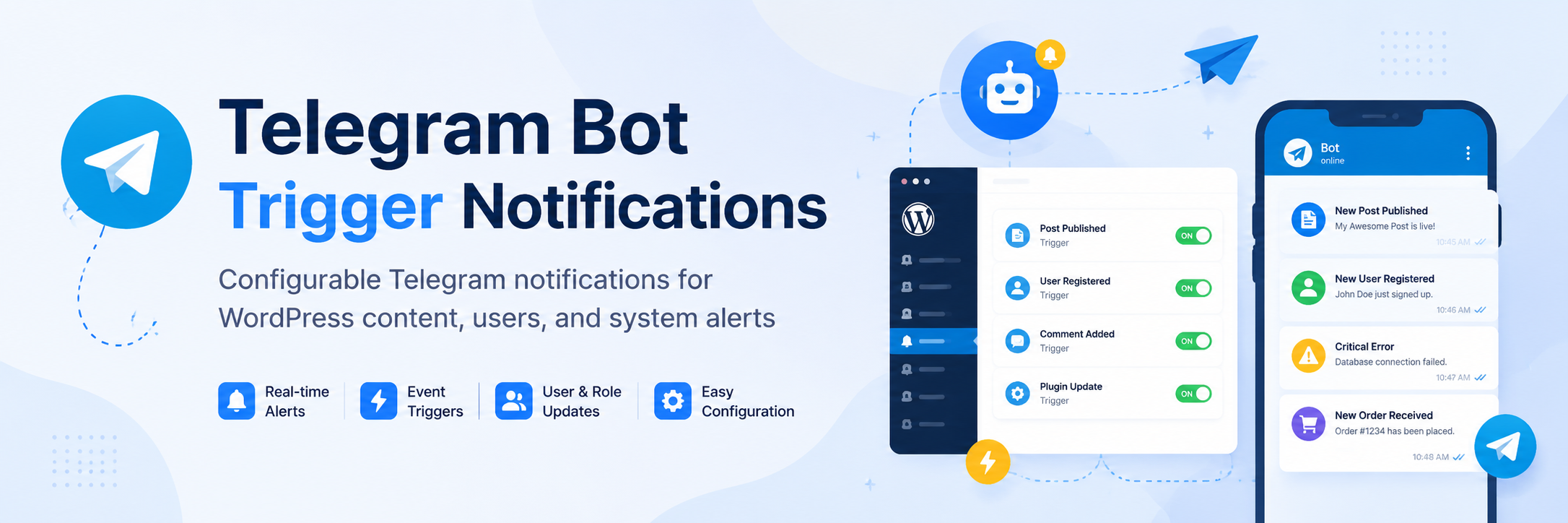
Telegram Bot Trigger Notifications is an open-source WordPress plugin for sending Telegram alerts from WordPress events.
Install
Upload it under Plugins → Add New Plugin → Upload Plugin, then activate.
Install straight from GitHub with WP-CLI:
wp plugin install https://github.com/neth-ai/nethricky-trigger-for-telegram/releases/download/v1.0.0/nethricky-trigger-for-telegram-v1.0.0.zipAuthor: Neth
Nethricky Trigger for Telegram is a modular WordPress plugin that sends real-time Telegram messages for content activity, user actions, system updates, and optional third-party integrations.
Requirements
- WordPress 6.9 or newer
- PHP 8.2 or newer
Build information: 18 សីហា 2026, 09:10:22 (Asia/Phnom_Penh).
Structure
.
├── nethricky-trigger-for-telegram.php
├── includes/
│   ├── class-plugin.php
│   ├── class-telegram-api.php
│   ├── class-settings.php
│   ├── class-trigger-manager.php
│   ├── class-notification-manager.php
│   ├── class-template-manager.php
│   ├── class-logger.php
│   └── helpers.php
├── admin/
│   ├── class-admin.php
│   └── views/
│       ├── dashboard.php
│       ├── telegram-settings.php
│       ├── triggers.php
│       ├── alerts.php
│       ├── datetime.php
│       ├── templates.php
│       └── logs.php
├── modules/
│   ├── class-news-module.php
│   ├── class-document-module.php
│   ├── class-user-module.php
│   ├── class-plugin-monitor.php
│   └── class-system-monitor.php
├── assets/
├── languages/
├── uninstall.php
├── readme.txt
└── README.md
Admin access
The Trigger for Telegram menu and all subpages require the manage_options capability. By default, this capability is available only to Administrators, so Editors and other lower roles cannot see the plugin dashboard.
Getting started
- Upload this plugin folder to
/wp-content/plugins/. - Activate the plugin.
- Open Trigger for Telegram → Telegram Settings.
- Add your BotFather token and chat ID.
- Return to Dashboard and send a test message.
- Customize notification wording under Message Format if needed.
- Enable the triggers under Triggers and Alerts.
Using the plugin in WordPress
- Dashboard shows connection readiness, setup progress, recipient count, enabled feature groups, and the test-message action.
- Telegram Settings manages the BotFather token, chat IDs, parse mode, link previews, and duplicate suppression.
- Triggers controls notifications for content, media, comments, WooCommerce, and supported form plugins.
- Alerts controls user actions, login/security events, system changes, and scheduled available-update digests.
- Date & Time Format controls DMY, MDY, or YMD order; numeric or named months; 2/4-digit years; separators; 12/24-hour clocks; optional seconds; and the message timezone. Cambodia time (
Asia/Phnom_Penh) is the default, with an option to follow the WordPress site timezone. - Message Format customizes icons, labels, field order, and dynamic placeholders for content, user, system, comment, failed-login, integration, update-digest, and test messages. Optional user roles can be shown or hidden.
- Templates & Developer documents the shortcode, action hook, helper function, and message filter.
- Logs provides recent diagnostic information without logging bot tokens or private authentication data.
Release packages
The source repository is hosted at:
neth-ai/nethricky-trigger-for-telegramFor the initial v1.0.0 release, use the installable release asset named:
nethricky-trigger-for-telegram-v1.0.0.zipThe GitHub Actions workflow builds and attaches this asset automatically when a version tag such as v1.0.0 is pushed. It can also be rerun manually for an existing tag from Actions → Build WordPress release → Run workflow.
The ZIP contains one top-level nethricky-trigger-for-telegram/ folder so the installed directory matches the plugin text domain. On the GitHub release page, download nethricky-trigger-for-telegram-v1.0.0.zip. Do not install the automatically generated Source code (zip) archive: its versioned top-level directory does not match the plugin text domain and includes repository-only files.
Release ZIP files are build artifacts and are ignored by Git. This plugin follows the standard WordPress update system and does not modify WordPress update transients. GitHub builds can be updated manually by installing the newer release asset.
Custom development
Shortcode:
[neth_telegram message="Hello from WordPress"]Action hook:
do_action( 'neth_send', 'Your message here' );Message filter:
add_filter( 'neth_message', function ( $message, $context ) {
    return $message . "\nEvent: " . $context['event'];
}, 10, 2 );
Releases
1 release. Each count is every asset in that release; expand a row for the breakdown.