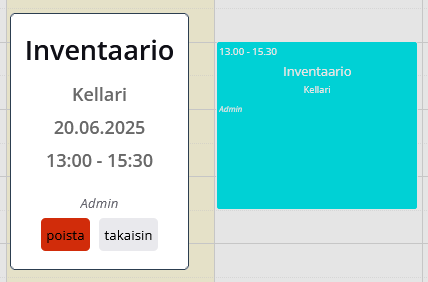
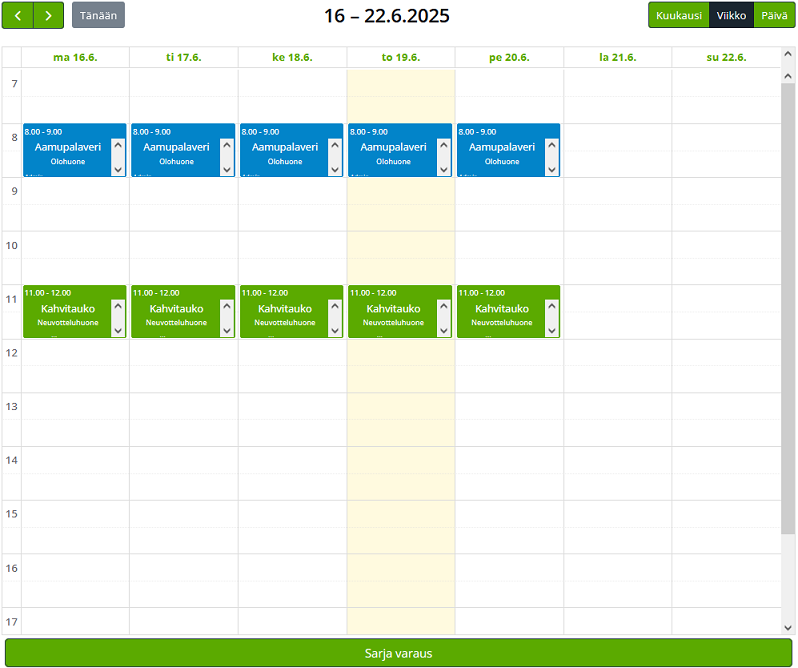
TilaKalenteri
Wordpress plugin for reserving rooms/spaces. Made for wörkkis.
by Aleksei Nesterinen · github.com/nesterinen/huonekalenteri · website
★ 0stars
0forks
Install
No release zip yet. The repository archive installs, but the folder name will carry the branch suffix and updates will not flow:
wp plugin install https://github.com/nesterinen/huonekalenteri/archive/refs/heads/main.zipHuoneKalenteri
Download
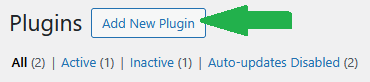
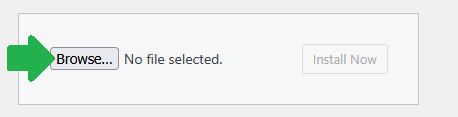
Download(.zip)Then login to your wordpress admin site, and go to the plugins page ~/wp-admin/plugins.php



-Changing which rooms are available-
List of rooms and their respective display colors are hard coded into index.php as a global variable. 🤦
To access and modify index.php in wordpress/wp-admin/plugin-editor.php
-
DISABLE PLUGIN BEFORE EDITING FILES.
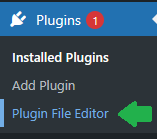
Go to plugin file editor
-
Select TilaKalenteri

-
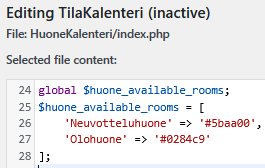
Find "global $huone_available_rooms;" variable
-
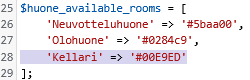
Example: 'Kellari' => '#00E9ED' | 'nameOfRoom' => '#hexColor'
-
Click Update to save changes.

-
ENABLE PLUGIN AGAIN HERE
Calendar now has a new option