Install
Upload it under Plugins → Add New Plugin → Upload Plugin, then activate.
Install straight from GitHub with WP-CLI:
wp plugin install https://github.com/nathabee/bee-dashboard/releases/download/v1.0.0/bee-dashboard-1.0.0.zip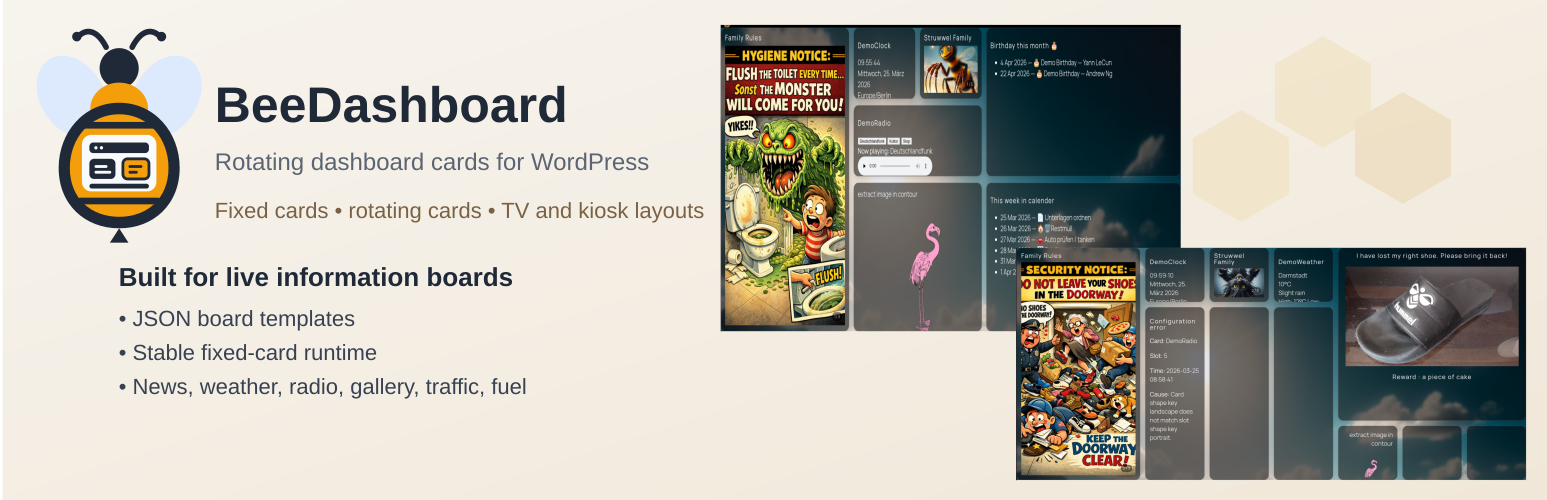
BeeDashboard is a WordPress plugin that turns WordPress pages into live dashboards.
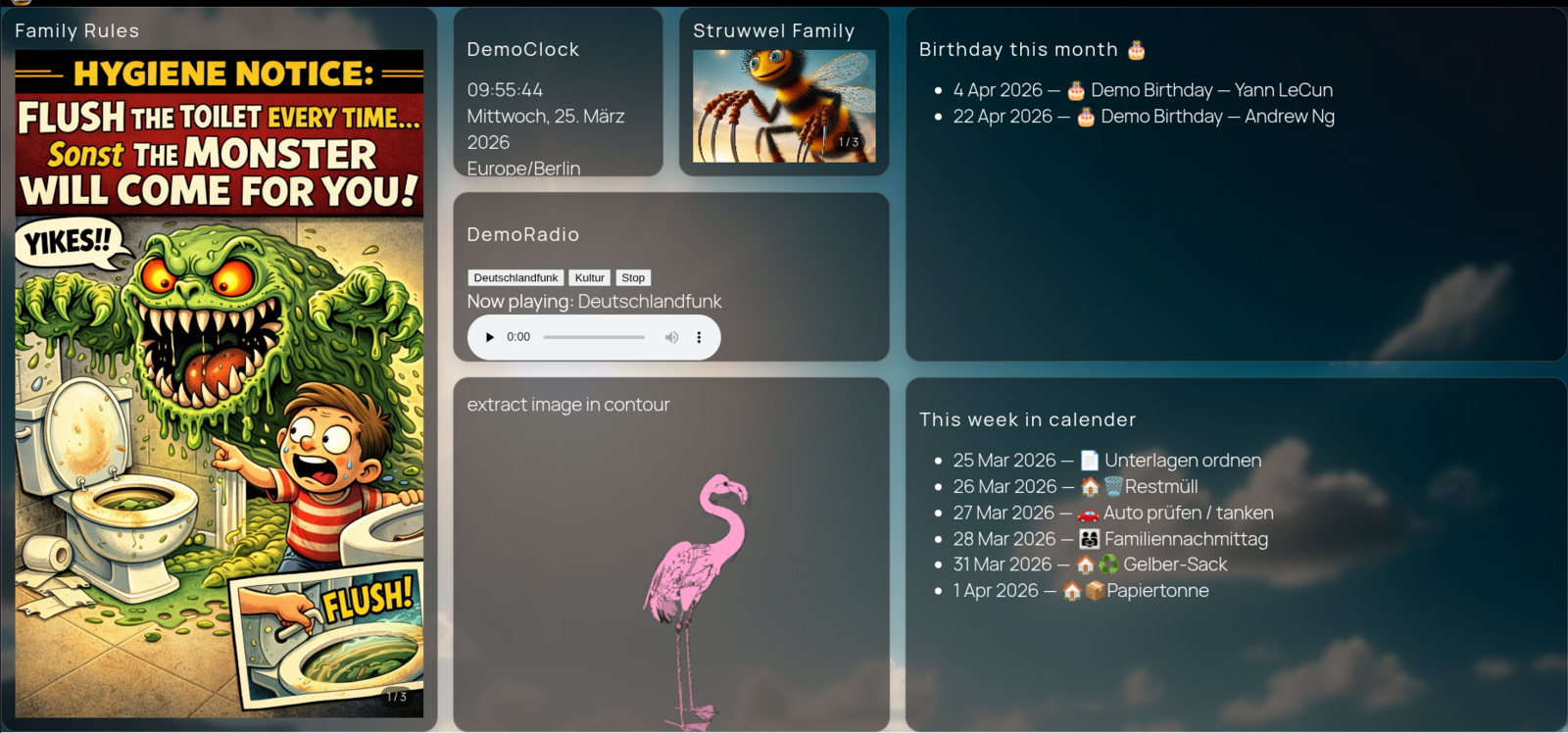
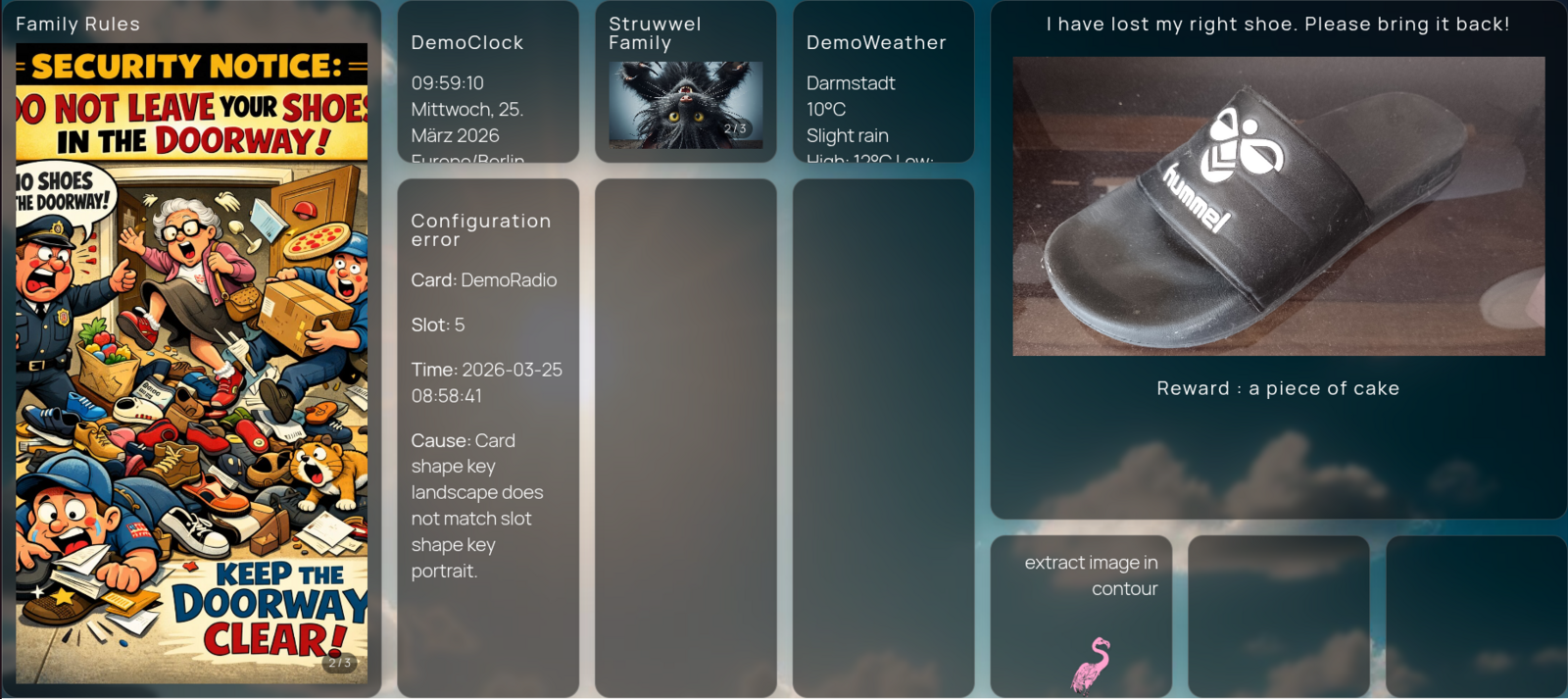
It lets you create dashboard cards in the block editor and display them on a page using a dashboard board block. Cards can be grouped into boards, and each board can be displayed on a dedicated page.
The goal is to easily build dashboards for TV screens, wall displays, and family information boards.
About
Status: in development
Current Features
- Custom post type: Dashboard Cards
- Custom taxonomy: Boards
- Gutenberg block: BeeDashboard Board
- REST API endpoint for dashboard scenes
- Cards created with the normal WordPress block editor
- Cards can belong to one or multiple boards
- Multiple dashboard pages can display different boards
Example Use Cases
- Family information board on a TV
- Kitchen dashboard
- Smart-home information screen
- Office wall display
Cards can contain any block editor content such as:
- text
- images
- links
- embedded content
- custom blocks
How It Works
- Create Dashboard Cards in WordPress.
- Assign cards to a Board.
- Add the BeeDashboard Board block to a page.
- Set the board slug in the block settings.
The page will display all cards belonging to that board.
Example REST endpoint used by the frontend:
/wp-json/bee-dashboard/v1/board/family-tv/sceneDevelopment Status
Early development version.
Currently implemented:
- card management
- board grouping
- block rendering
- REST scene endpoint
Planned features:
- automatic scene rotation
- configurable refresh intervals
- card types (weather, calendar, feeds)
- optimized layouts for TV dashboards
- better styling options
Development
Install dependencies:
npm installBuild assets:
npm run buildPackage plugin:
bash build-zip.shLicense
This project is licensed under the GNU General Public License v2.0 or later (GPL-2.0-or-later).
See the LICENSE file for details.

Releases
1 release. Each count is every asset in that release; expand a row for the breakdown.