SoulTether WP Registry grade A. No security issues foundWP RegistryNo security issues foundOpen the reportA
SoulTether — OpenSim Partner System WordPress Plugin
Install
Upload it under Plugins → Add New Plugin → Upload Plugin, then activate.
Install straight from GitHub with WP-CLI:
wp plugin install https://github.com/mteedev/soultether/releases/download/v1.0.2/soultether.zip💕 SoulTether — OpenSim Partner System for WordPress
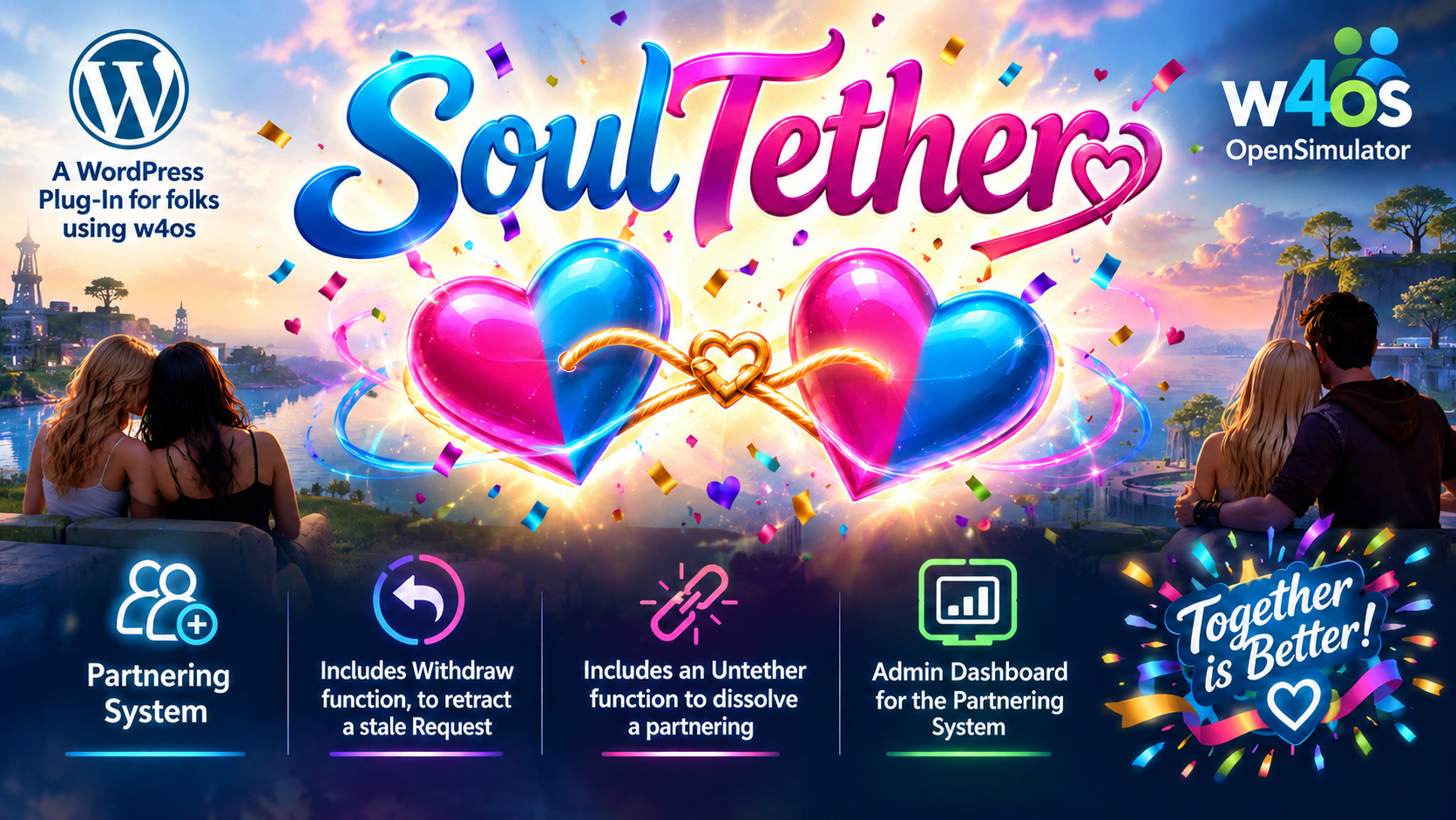
SoulTether is a WordPress plugin that brings a fully-featured avatar partnership system to OpenSimulator grids. Residents can send, accept, decline, withdraw, and untether partnerships directly from your WordPress site — with changes syncing live to the OpenSim Robust database and appearing on in-world profiles.
✨ Features
- 💌 Send tether requests — with optional personal message
- ✅ Accept or Decline incoming requests
- ↩️ Withdraw outgoing pending requests
- 💔 Untether active partnerships
- ❤️ Live sync to OpenSim Robust database (
userprofile.profilePartner) - 👥 Friend list pulled live from Robust DB (
Friendstable) - 📬 Email notifications to the request recipient
- 🛡️ Security — self-partner prevention, ownership validation, nonce protection
- 🗂️ Admin panel — view all requests with status filters and pagination
- 📱 Responsive — works on mobile and desktop
⚙️ Requirements
- WordPress 6.0+
- PHP 8.0+
- w4os — WordPress for OpenSimulator plugin
- Direct MySQL access to your OpenSim Robust database
- OpenSimulator grid with standard
userprofile,UserAccounts, andFriendstables
🚀 Installation
- Download the latest release zip from Releases
- In WordPress Admin → Plugins → Add New → Upload Plugin
- Upload the zip and activate
- Configure your Robust DB credentials in
soultether.php(see Configuration below) - Create a WordPress page and add the shortcode
[soultether] - Add the page to your navigation menu
🔧 Configuration
SoulTether is zero-config if you have w4os installed!
SoulTether automatically reads your Robust DB credentials from w4os settings — no manual configuration needed. Just install, activate, add the shortcode, and go.
Optional Overrides
If you need to override the w4os credentials (e.g. a different DB user for SoulTether), define these in wp-config.php:
// Override w4os Robust DB credentials
define( 'SOULTETHER_ROBUST_HOST',   '127.0.0.1' );
define( 'SOULTETHER_ROBUST_PORT',   '3306' );
define( 'SOULTETHER_ROBUST_DB',     'robust' );
define( 'SOULTETHER_ROBUST_USER',   'osadmin' );
define( 'SOULTETHER_ROBUST_PASS',   'your_password' );

// Optional: Unix socket for faster local connections
define( 'SOULTETHER_ROBUST_SOCKET', '/run/mysqld/mysqld.sock' );
📋 Database Schema Compatibility
SoulTether is built against the standard OpenSimulator Robust database schema:
| Table | Columns Used |
|---|---|
UserAccounts |
PrincipalID, FirstName, LastName |
userprofile |
useruuid (PK), profilePartner |
Friends |
PrincipalID, Friend |
If your grid uses different column names, adjust the queries in includes/class-robust-db.php.
🎯 Shortcode
Place this shortcode on any WordPress page:
[soultether]📁 File Structure
soultether/
├── soultether.php              ← Main plugin file
├── includes/
│   ├── class-robust-db.php     ← Robust DB connection & queries
│   ├── class-partner-db.php    ← WordPress request tracking table
│   ├── class-partner-core.php  ← Business logic
│   └── helpers.php             ← Template utilities
├── templates/
│   ├── dashboard.php           ← Main shortcode view
│   ├── admin-panel.php         ← WP Admin panel
│   ├── not-logged-in.php       ← Guest view
│   └── no-avatar.php           ← No avatar linked view
└── assets/
    ├── soultether.css          ← Frontend styles
    └── soultether.js           ← AJAX interactions
🔄 Changelog
See CHANGELOG.md
👤 Author
Gundahar Bravin nerdypappy.com GitHub: @mteedev
📜 License
GPL-2.0 — see LICENSE for details.
This plugin was built for Neverworld Grid and released to the OpenSim community.
Releases
2 releases. Each count is every asset in that release; expand a row for the breakdown.